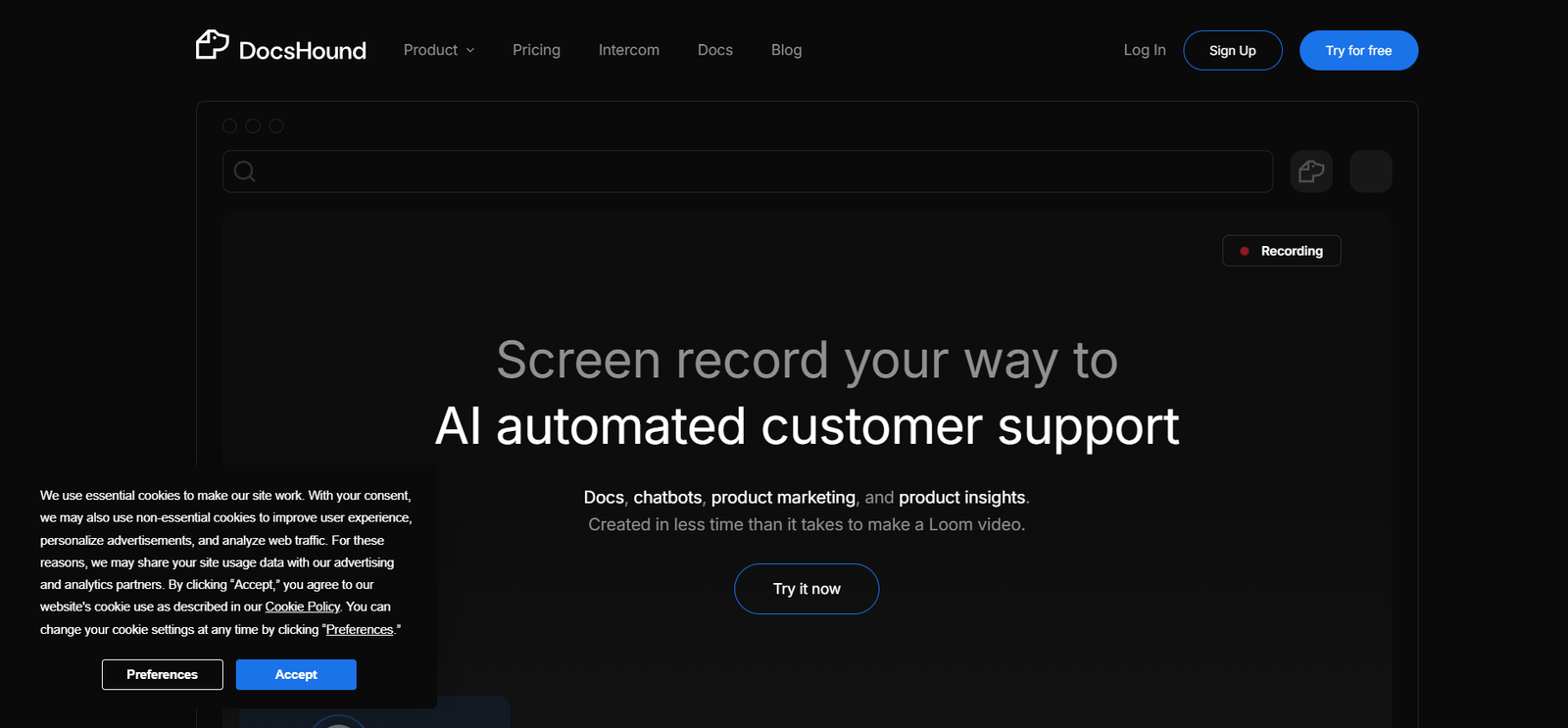
DocsHound is an AI-powered document assistant that allows users to upload, search, and chat with various file types including PDFs, Word documents, Excel spreadsheets, and presentations. It simplifies how professionals interact with large or complex documents by transforming them into conversational interfaces.
Designed for lawyers, researchers, consultants, students, and corporate teams, DocsHound eliminates the need to scroll endlessly or use CTRL+F. Instead, users can simply ask questions and get instant, relevant answers pulled directly from the content—making research, review, and analysis significantly faster and easier.
Features
DocsHound combines document processing with natural language understanding to provide a fast, user-friendly document experience.
Multi-File Upload Support
Upload PDFs, DOCX, XLSX, PPTX, TXT, and other common file formats for AI-powered querying.
AI-Powered Chat Interface
Ask questions in plain English and get answers grounded in your documents. The AI provides citations and page references for context.
Semantic Search
Go beyond keyword matching—DocsHound understands context, intent, and meaning to deliver more accurate answers.
Multi-Document Analysis
Upload and query multiple documents at once. Perfect for comparing policies, contracts, or research studies.
Contextual References
All AI-generated answers are backed with document snippets and location references, ideal for audits and verification.
Instant Summaries
Generate document summaries in seconds—useful for reports, legal memos, or executive briefings.
Secure & Private
Docs are processed in a secure environment. Files are encrypted and can be permanently deleted after use.
How It Works
DocsHound is simple to use and requires no setup or technical expertise:
Upload Your Documents
Drag and drop your files or import from cloud storage.Ask a Question
Type a natural-language question, such as “What is the cancellation policy in this contract?” or “Summarize chapter 3.”Receive an Answer
The AI responds with a concise answer, including page numbers or direct excerpts from the source file.Explore More
Ask follow-up questions, compare content across documents, or request a summary.Download or Share
Save summaries or extract information for your workflow.
Use Cases
DocsHound is designed to benefit professionals who regularly deal with complex documents:
Legal Professionals
Analyze contracts, find clauses, and prepare case briefs without manual reading.
Researchers and Academics
Summarize research papers, compare articles, and extract data for reports.
Finance Teams
Review terms in financial reports, audit statements, or insurance documents with speed and precision.
Consultants and Analysts
Extract critical insights from client documentation, RFPs, or internal reports.
Students
Study smarter by turning textbooks, lecture notes, and PDFs into conversational learning tools.
Human Resources
Review employee handbooks, benefits documents, and policies faster.
Pricing
As of May 2025, DocsHound offers both free and premium pricing tiers to accommodate different user needs.
Free Plan
Upload up to 3 documents
Maximum file size: 10 MB per file
Basic chat and summary features
Limited daily queries
Watermarked exports
Pro Plan – $12/month
Upload up to 100 documents
Increased file size limit
Unlimited AI queries
Priority processing
Download and export results without watermark
Team Plan – $39/month
Up to 5 users
Team workspace and shared document chat
Advanced analytics
Admin dashboard
Premium support
Enterprise Plan – Custom Pricing
SSO and compliance (HIPAA, GDPR)
API access for internal tools
On-premise or VPC deployment
Dedicated customer success manager
For updated details, visit the DocsHound Pricing Page.
Strengths
Fast and intuitive document interaction using chat
Supports a wide range of file formats (PDF, Word, Excel, PPT, etc.)
Multi-document analysis is perfect for legal and research-heavy work
Summarization and reference features improve productivity
Secure and private with encrypted file handling
Affordable pricing for individuals and teams
Drawbacks
Free tier has file size and usage limitations
No mobile app yet—currently browser-based only
Limited integrations with third-party platforms (e.g., Notion, Slack) as of now
No OCR support for scanned or image-based PDFs
Comparison with Other Tools
DocsHound vs. ChatPDF
ChatPDF is a popular free tool for PDF chat but lacks multi-file support and robust team features. DocsHound supports more formats and offers better scalability.
DocsHound vs. Humata.ai
Humata focuses on research PDFs and scientific analysis, while DocsHound is more flexible across business, legal, and academic use cases.
DocsHound vs. AskYourPDF
AskYourPDF provides similar chat features but lacks the customization, privacy controls, and team collaboration tools available in DocsHound’s paid tiers.
Customer Reviews and Testimonials
While DocsHound is relatively new, early users across industries have shared positive feedback.
Highlights:
“I used it to analyze a 60-page service agreement—it gave me answers in seconds.”
“DocsHound saved me hours on reviewing funding proposals for a client.”
“As a law student, this tool helps me digest course materials more efficiently.”
Suggestions:
“Would love a native integration with Google Drive.”
“OCR support would make it perfect for scanned legal docs.”
DocsHound has gained traction with legal professionals, students, and content analysts for its speed and accuracy in document handling.
Conclusion
DocsHound is a powerful AI tool for anyone who deals with complex or lengthy documents. With its intuitive chat interface, multi-document analysis, and accurate contextual answers, it transforms the way users extract value from written content. Whether you’re a legal expert, researcher, student, or consultant, DocsHound helps you work smarter—not harder.
Its flexible pricing, growing features, and focus on productivity make it a top choice for AI-powered document understanding.