
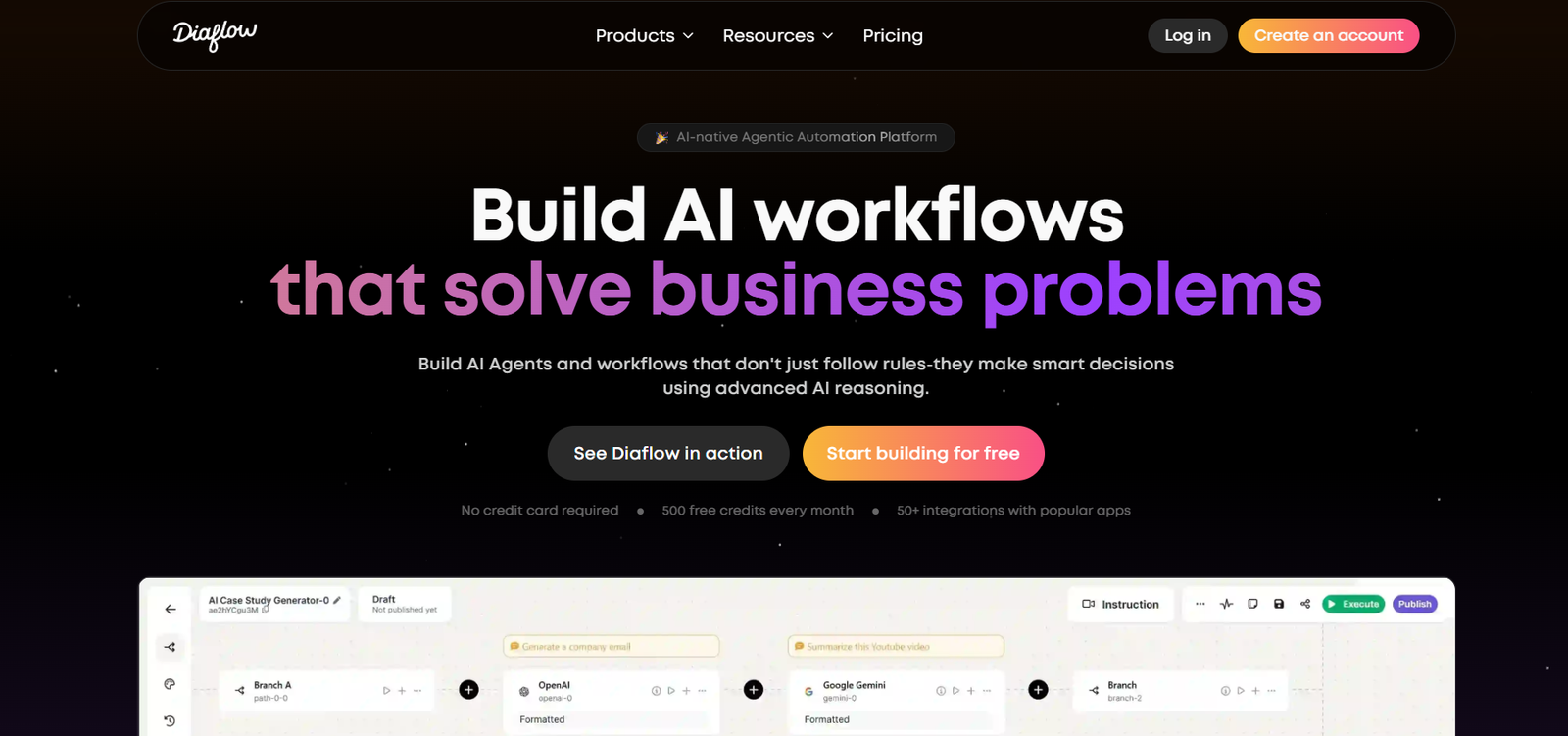
Diaflow is a no-code AI agent-building platform designed to help users create intelligent, multi-step AI workflows using a simple visual editor. With Diaflow, anyone—from solopreneurs to enterprises—can design and deploy powerful AI agents that interact with users, connect to tools, fetch data, and automate tasks.
Unlike platforms that require extensive programming or custom development, Diaflow offers an intuitive drag-and-drop interface that allows users to define agent logic, embed functions, and integrate third-party APIs. This enables fast prototyping and deployment of AI use cases like chatbots, virtual assistants, customer support agents, and process automation bots.
Diaflow supports popular models such as GPT-4, Claude, and Mistral, giving users flexibility in choosing the intelligence behind their agents.
Features
Diaflow provides a robust set of features to help users build, customize, and launch AI agents effectively.
Visual Flow Builder
Create complex workflows with a drag-and-drop builder that visually maps out your agent’s logic, prompts, API calls, and actions.
Multi-Model Support
Choose from AI models like OpenAI’s GPT-4, Anthropic’s Claude, or Mistral depending on your needs and preferences.
Function Calling
Add function calling to your agent workflows, allowing them to trigger actions, make calculations, or execute tasks using external services.
Custom API Integration
Connect your agents to third-party APIs to pull or push data in real-time as part of their conversation or workflow.
Memory and Context
Enable memory to allow agents to retain information across sessions or long conversations, improving personalization and context-awareness.
Multi-Agent Collaboration
Design workflows where multiple agents with different roles interact and work together to complete complex tasks.
Debug Mode
Use live debugging tools to test your flows, identify issues, and monitor how agents process information at every step.
Templates and Components
Leverage pre-built templates to speed up development or reuse components across different agents and projects.
Embeddable Agents
Deploy your AI agents on websites or platforms with embeddable widgets or API access.
Authentication and Permissions
Secure your workflows with access controls and user authentication for enterprise-grade deployment.
How It Works
Diaflow makes it easy to build and deploy AI agents without writing code.
Create a Project
Start by creating a new project in the Diaflow dashboard. Each project houses one or more AI agents.Design the Workflow
Use the visual builder to define the logic of your AI agent. Add nodes for user inputs, model prompts, API calls, condition checks, and memory storage.Choose a Model
Select an AI model such as GPT-4, Claude, or Mistral for your agent. You can assign different models to different nodes depending on the use case.Add Function Calls and APIs
Define external functions or connect APIs so your agent can retrieve data, make computations, or trigger actions dynamically.Test and Debug
Use Diaflow’s built-in debugger to simulate interactions and test how the agent behaves in different scenarios.Deploy Your Agent
Publish your agent via embed code, API, or direct integration into your application or website.
This process eliminates the need for backend development or AI-specific engineering knowledge.
Use Cases
Diaflow supports a wide range of AI applications across industries and functions.
Customer Support Automation
Create virtual agents that answer FAQs, route issues, and fetch support data using internal APIs.
AI Sales Assistants
Build agents that engage website visitors, qualify leads, and sync conversations to your CRM.
Internal Team Tools
Design agents that assist with HR queries, generate reports, or provide internal documentation lookup.
AI Content Generators
Set up workflows that generate marketing copy, product descriptions, or blog drafts using AI prompts and logic.
Form Automation
Build intelligent form-filling bots that guide users, validate inputs, and submit data to external systems.
Education and Tutoring Bots
Create AI tutors that provide lessons, quizzes, and feedback in interactive ways across various subjects.
Research Assistants
Design agents that search the web or internal databases and return summarized findings to users.
Multi-Agent Business Processes
Set up workflows where different agents handle different stages of a business process—such as triage, execution, and reporting.
Pricing
As of the latest update on the official Diaflow website, pricing plans are structured as follows:
Free Plan
Build and deploy simple AI agents
Access to the visual builder
Limited usage of AI models and memory
Ideal for individual experimentation
Pro Plan
Advanced memory and multi-agent support
API integrations and function calling
Higher usage limits
Suitable for startups and small teams
Pricing: Available upon request or sign-in
Enterprise Plan
Custom usage limits and SLA support
Priority support and onboarding
Custom integrations and authentication
Pricing: Contact sales for a quote
Users can sign up for free to try out the platform, with options to upgrade as their project grows.
Strengths
Diaflow brings several unique advantages to AI builders and businesses.
Intuitive no-code interface
Fast setup with pre-built templates
Support for multiple top-tier AI models
Visual debugging and live testing
Scalable from individual projects to enterprise-grade applications
Embeddable and API-ready agents
Function and API integration without coding
Real-time collaboration via multi-agent flows
Drawbacks
Although powerful, Diaflow has a few limitations to consider.
Still evolving; some advanced features may be in beta
Usage limits on the free plan can restrict heavy workflows
Requires understanding of flow logic to build advanced use cases
API access and premium models may require paid plans
Limited public reviews or testimonials at this early stage
Comparison with Other Tools
Diaflow can be compared to other no-code AI agent builders like Flowise, Langflow, and Zapier AI.
Vs Flowise
Flowise is open-source and suited for developers; Diaflow offers a more polished, hosted, and beginner-friendly interface with broader model support.
Vs Langflow
Langflow emphasizes modular AI chain construction; Diaflow focuses more on usability, multi-agent flows, and integrated debugging tools.
Vs Zapier AI
Zapier’s AI features focus on automation and integrations. Diaflow is more tailored to conversation design and agent behavior control.
In short, Diaflow stands out for its visual UX, real-time testing, and multi-agent architecture, making it ideal for complex conversational applications.
Customer Reviews and Testimonials
As a newer platform, Diaflow does not yet list customer testimonials publicly. However, based on user discussions and its growing adoption in the AI builder community, early feedback has been positive.
Users appreciate:
The ease of building AI workflows
Visual clarity of logic and node connections
Support for multiple language models
Flexibility in deploying agents to real-world applications
The platform is quickly gaining interest among AI startups, automation professionals, and indie makers building custom agents for niche use cases.
Conclusion
Diaflow is a modern no-code platform that empowers users to build, test, and deploy intelligent AI agents through a powerful visual interface. With support for top AI models, customizable workflows, and integrations, it removes technical complexity and opens AI development to a broader audience.
Whether you’re a solo founder looking to automate workflows, a team building internal tools, or an enterprise scaling customer support with AI, Diaflow offers the flexibility and functionality needed to bring your ideas to life.
For anyone seeking to build conversational agents, AI assistants, or workflow automation tools—without writing code—Diaflow is an excellent platform to explore.











