
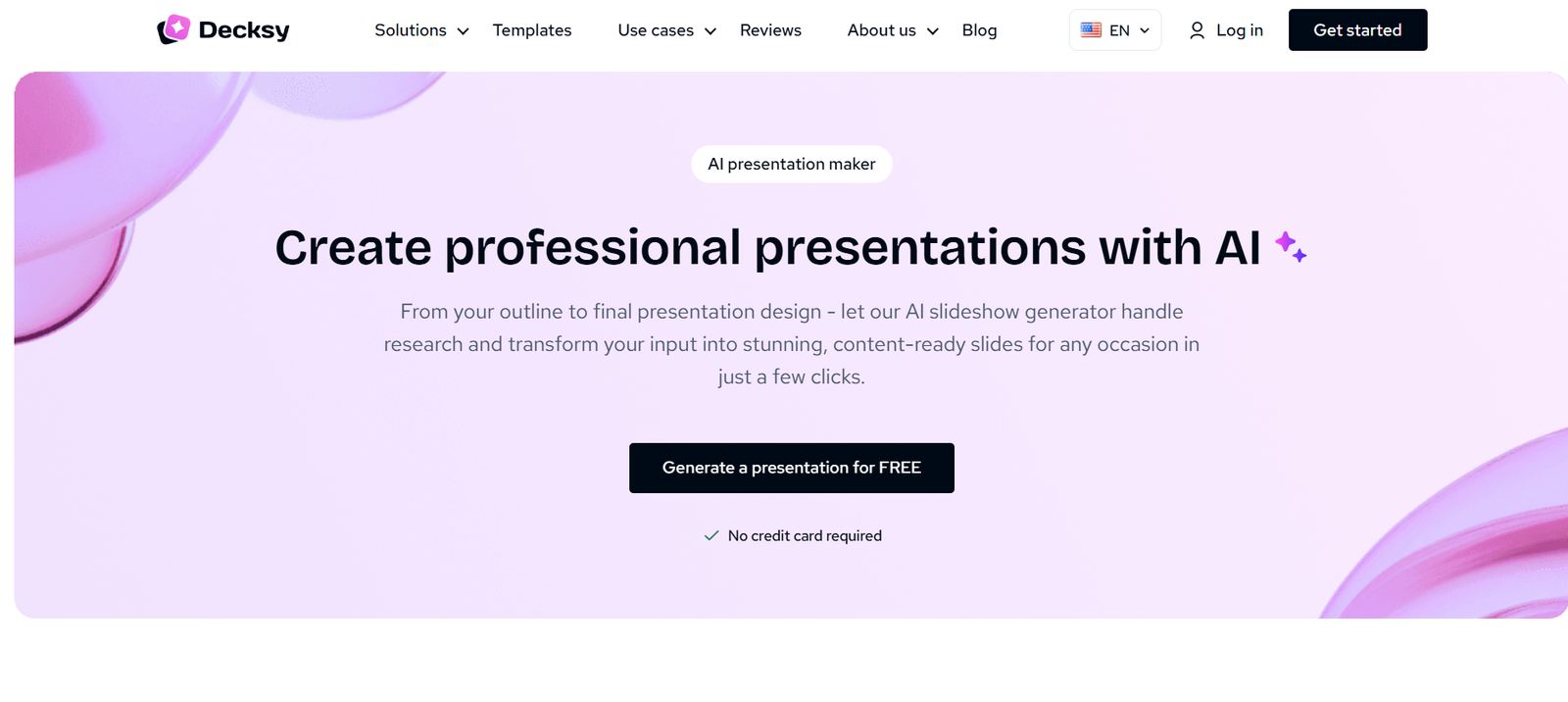
Decksy AI is an AI-powered presentation maker designed to turn ideas, written content, and existing documents into professionally structured slide decks.
Users can begin with a simple topic, paste text, or upload a document. Decksy analyzes the material, organizes the information into a logical presentation structure, and applies layouts and visual styling automatically. This can reduce the time normally spent writing slides, arranging content, and formatting a presentation manually.
The platform supports several presentation workflows, including text to PowerPoint, PDF to PowerPoint, Word to PowerPoint, Markdown to PowerPoint, Excel to PowerPoint, and AI-generated pitch decks.
Decksy also offers Deep Research, a feature designed to research a topic, cross-check information, gather additional sources, and add citations before the presentation is designed. This can be useful for presentations that require more factual depth than a basic AI-generated outline.
The resulting presentations remain editable. Users can modify text, shapes, charts, icons, layouts, and other elements before presenting or sharing their work.
Decksy is designed for business professionals, marketers, startups, educators, students, healthcare teams, researchers, HR professionals, and anyone who regularly needs to create presentations without spending hours on slide design.
Features
AI Presentation Generator
Users can provide a topic or short prompt and let Decksy create a complete presentation. The AI helps organize the subject into slides while handling structure, layout, and visual presentation.
Deep Research
Deep Research goes beyond creating slides from a basic AI response. It can analyze uploaded files and a selected topic, gather additional information, cross-check facts, and add citations before designing the deck.
This feature may be particularly useful for reports, research presentations, business analysis, and other fact-heavy presentations.
Text to PowerPoint
Users can paste written content into Decksy and convert it into a structured presentation. The AI identifies important ideas and distributes them across suitable slides.
PDF to PowerPoint
Existing PDF documents can be converted into presentation slides. This can save time when information already exists in report form but needs to be presented visually.
Word to PowerPoint
Users can upload Word documents and turn their content into editable presentation slides without manually copying sections into PowerPoint.
Markdown to PowerPoint
Decksy can process Markdown files and convert headings, lists, code blocks, and other structured content into presentation slides.
This can be particularly useful for developers and technical professionals who already prepare documentation in Markdown.
Excel to PowerPoint
The platform provides tools for turning spreadsheet information into presentations, helping users move data from Excel into a more presentation-friendly format.
AI Pitch Deck Generator
Startups and entrepreneurs can use Decksy to create pitch decks. AI can assist with organizing the story and presenting information in a format suitable for investors and stakeholders.
Presentation Outlines
Users do not need to arrive with a completed presentation structure. Decksy can generate an outline based on the subject and then develop that outline into slides.
Professional Templates
Decksy provides a large collection of presentation templates covering areas such as business, consulting, education, healthcare, finance, marketing, technology, research, real estate, pharmaceuticals, and pitch decks.
Editable Presentations
Generated presentations are not limited to static images. Text, shapes, charts, icons, and other elements can be edited after generation.
PowerPoint Export
Presentations can be downloaded as editable PowerPoint files, allowing users to continue working on them in Microsoft PowerPoint.
Google Slides Compatibility
Exported presentations can also be modified using Google Slides, providing flexibility for users who prefer cloud-based presentation editing.
PDF Export
Decksy supports presentation output in PDF format for users who need a fixed version for distribution or sharing.
Animations and Transitions
Users can apply presentation transitions and animations within Decksy, and the official FAQ states that these can carry over when presentations are exported.
AI-Assisted Visual Design
Decksy automatically handles elements such as slide hierarchy, spacing, typography, layouts, and content placement, reducing the amount of manual design work required.
Data Visualization
The platform can organize information into charts and other visual formats, making it useful for reports, financial presentations, and data-heavy business decks.
File-Based Presentation Creation
Users can upload existing material rather than recreating it manually. This makes Decksy useful when a report, proposal, research document, or other source file already contains most of the required information.
How It Works
- Create a Decksy AI account.
- Start a new presentation.
- Enter a topic, paste existing text, or upload a supported document.
- Specify presentation preferences such as the number of slides and other relevant requirements.
- Use Deep Research when additional research, fact checking, sources, and citations are needed.
- Allow Decksy AI to analyze and organize the information into a presentation structure.
- Choose a suitable presentation template or visual style.
- Let the AI generate the complete slide deck.
- Review the slides and adjust text, images, charts, layouts, and other elements where necessary.
- Add animations or transitions if required.
- Export the finished presentation to PowerPoint, PDF, or another supported format.
- Make any final adjustments in Microsoft PowerPoint or Google Slides if desired.
Use Cases
For Business Professionals
Professionals can create strategy presentations, company profiles, project updates, board presentations, financial reports, and internal business decks.
For Startups
Founders can develop investor pitch decks, company presentations, product overviews, and fundraising materials.
For Marketers
Marketing teams can create campaign presentations, strategy decks, performance reports, market research presentations, and client proposals.
For Sales Teams
Sales professionals can prepare product presentations, client pitches, proposals, case studies, and account review decks.
For Teachers
Teachers can convert lesson plans and educational topics into classroom presentations without manually designing every slide.
For Students
Students can create presentations for assignments, research projects, dissertation defenses, and academic topics.
For Researchers
Researchers can turn reports, findings, documents, and supporting information into structured presentations. Deep Research can also assist when additional sources and citations are required.
For HR Teams
Human resources teams can create presentations for recruitment results, workforce planning, onboarding, training, employee surveys, policy updates, and performance reviews.
For Healthcare Professionals
Healthcare users can create educational, reporting, and internal presentations while working with existing documents and research material.
For Life Sciences
Pharmaceutical, biotech, and life sciences teams can use Decksy for research presentations, executive reporting, internal communication, and data-heavy decks.
For Developers
Developers can convert Markdown documentation and technical information into presentations suitable for non-technical colleagues or stakeholders.
Pricing
Decksy provides a free generation option that allows users to test the presentation maker without initially providing payment details.
The official website also currently advertises a 7-day plan for $2, allowing users to explore additional functionality for a short period.
For ongoing use, Decksy advertises an annual subscription equivalent to $10 per month.
Some official product pages describe this annual option as providing unlimited presentation use.
Because Decksy’s promotional offers and subscription conditions may change, users should carefully review the current checkout terms, billing frequency, renewal conditions, and included features before subscribing.
Strengths
Decksy can create an entire presentation from a simple topic or prompt.
Users can also start from existing text, PDFs, Word documents, Markdown, and other supported files.
Deep Research adds a research-oriented workflow for presentations requiring current information, fact checking, sources, and citations.
Generated presentations remain editable rather than being delivered only as static images.
PowerPoint export allows users to continue working in familiar presentation software.
Google Slides compatibility provides another option for editing and collaboration.
A large template library covers many professional and academic presentation requirements.
Users do not need advanced graphic design skills to create an initial presentation.
The platform can automatically handle presentation structure, visual hierarchy, layout, and formatting.
It supports specialized workflows for business, education, healthcare, HR, research, life sciences, and other fields.
The official website states that uploaded documents and proprietary data are not used to train its AI models.
Drawbacks
AI-generated presentations should still be carefully reviewed for factual accuracy, particularly when dealing with research, finance, healthcare, or other sensitive subjects.
Automatic presentation design may not always match detailed corporate brand requirements without manual adjustment.
Users requiring highly customized visual design may still prefer to make final changes in PowerPoint or another professional presentation application.
The quality of a generated deck can depend significantly on the clarity and quality of the original prompt or uploaded material.
The pricing information is presented differently across some pages of the official website, so users should verify the exact subscription and renewal conditions during checkout.
Deep Research can improve factual grounding, but users should still verify important claims and citations before presenting them publicly.
Professionals requiring very detailed animation, advanced multimedia editing, or specialized PowerPoint functionality may still need traditional presentation software for final production.
Comparison with Other Platforms
Decksy competes with AI presentation platforms and traditional presentation tools such as Gamma, Canva, PowerPoint, and other AI slide generators.
Compared with traditional PowerPoint creation, Decksy automates much of the early work involved in creating a presentation. It can generate the structure, content organization, and visual layout from a prompt or source document.
Compared with general design platforms, Decksy is more specifically focused on presentations and transforming information into complete slide decks.
One notable feature is Deep Research, which adds research, source gathering, fact checking, and citations to the presentation-generation process. This may make Decksy more useful for users creating fact-heavy reports and research-oriented presentations.
Its support for PDF, Word, Markdown, text, and spreadsheet-based workflows also makes it useful for users who already have information in another format and want to transform it into slides.
The best choice will depend on whether users prioritize AI-generated content, advanced manual design, collaboration, research capabilities, brand control, or integration with their existing presentation workflow.
Customer Reviews and Testimonials
The official Decksy website includes customer testimonials from different types of users.
Anna W., identified as a marketing consultant, describes Decksy as making it easier to turn ideas into presentation-ready slides.
Marcus R., identified as a university student, highlights the simplicity of creating PowerPoint presentations with the platform.
A testimonial from a financial-services CFO describes saving time when creating presentations.
Ellen M., identified as a CEO, describes Decksy as a regular tool for creating PowerPoint presentations and improving the company’s workflow.
The website also includes testimonials from founders and business professionals who describe using Decksy for investor pitches and internal presentations.
At the time of review, Decksy’s official website displayed ratings of 4.3 on SmartCustomer/Sitejabber-related review presentation and 4.8 on Reviews.io.
These testimonials and displayed ratings appear on Decksy’s own website and should therefore be considered company-published information rather than a substitute for independently checking external customer reviews.
Conclusion
Decksy AI is a practical presentation-generation platform for people who want to spend less time turning information into slides.
Its biggest advantage is the number of ways users can begin. A presentation can start from a simple idea, existing text, a PDF, Word document, Markdown file, spreadsheet, or other source material. Decksy then helps organize that information into a structured and visually consistent presentation.
Deep Research adds another useful layer by gathering information, cross-checking facts, and adding citations before slide design begins.
Decksy may be particularly useful for business professionals, founders, marketers, educators, students, researchers, HR teams, healthcare professionals, and anyone who frequently needs to turn existing information into polished presentations.
For users who want AI to handle the first major stage of presentation creation while retaining the ability to edit and export the final slides to PowerPoint, Decksy AI offers a convenient and accessible option.


