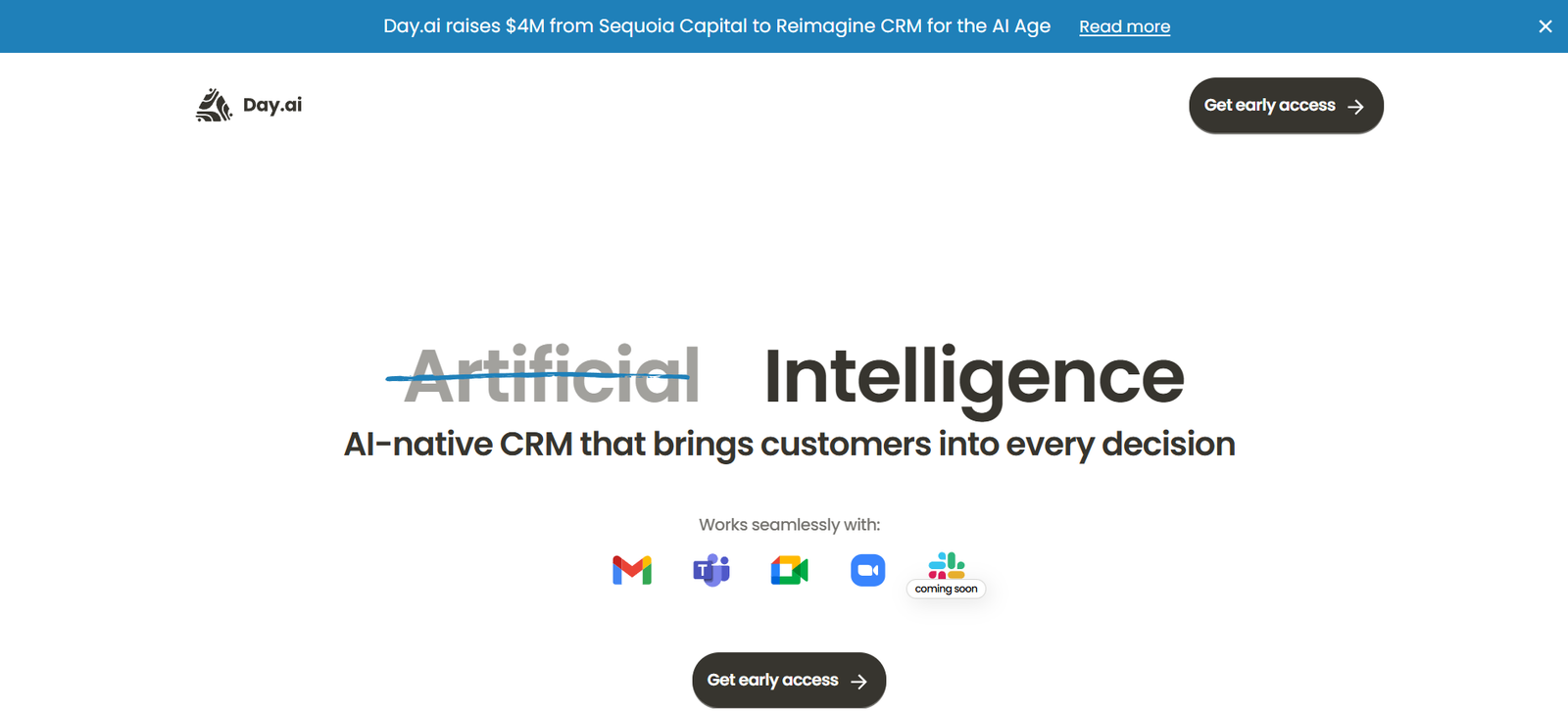
Day AI is a collaborative, AI-powered workspace that helps individuals and teams automate repetitive tasks, generate content, and manage workflows seamlessly. Acting as a smart copilot, Day AI combines the intelligence of large language models with an intuitive user interface, enabling users to perform complex tasks like writing, research, summarization, and task management from one centralized dashboard.
Unlike single-purpose tools that only write content or automate tasks, Day AI brings it all together—offering a unified workspace where teams can collaborate, ask questions, automate workflows, and get things done faster with the help of AI.
Features
1. AI-Powered Commands
Use pre-built or custom commands like “write an email,” “summarize this article,” or “generate a project plan” to complete tasks instantly using AI.
2. Shared Workspaces
Collaborate with teammates inside shared folders, assign tasks, or co-create content with transparency and structure.
3. Natural Language Prompts
Interact with the AI using plain language to handle everything from document drafting to product descriptions.
4. Context-Aware Conversations
Day AI remembers the thread of your workspace activity, allowing for follow-up prompts and improved accuracy in responses.
5. Templates and Workflows
Choose from ready-made templates for product management, customer support, writing, brainstorming, and research.
6. Document + Chat Hybrid
Work in a flexible environment that combines real-time chat with long-form content creation—ideal for async teams and creative workflows.
7. Secure and Team-Friendly
Role-based access, content privacy settings, and workspace controls make it suitable for startups, agencies, and remote teams.
How It Works
Day AI is designed to get users up and running in just a few steps:
Visit https://day.ai and create an account.
Create a Workspace
Set up a personal or team workspace where you can store documents, chats, and tasks.Use Commands or Ask AI
Start typing a command (e.g., “summarize this PDF” or “write a cold email for a SaaS tool”) or select a pre-built function.Collaborate in Real-Time
Invite teammates to edit, comment, or run prompts together inside the same workspace.Automate and Save Time
Save common workflows as templates or automate repetitive tasks using smart command structures.
Use Cases
1. Team Collaboration and Documentation
Draft meeting notes, knowledge base articles, and content collaboratively in a chat-document hybrid interface.
2. Content Marketing and Copywriting
Generate blog posts, social captions, product descriptions, and SEO content quickly using custom prompts.
3. Research and Analysis
Summarize long articles, gather competitive insights, or explore market trends in less time.
4. Project Planning and Management
Create structured plans, to-do lists, and execution roadmaps with help from AI.
5. Customer Support and Outreach
Write canned responses, help docs, or personalized messages with AI-powered speed and accuracy.
Pricing
As of May 2025, Day AI offers the following pricing structure:
Free Plan
Up to 3 workspaces
Limited AI commands per day
Access to standard templates
Individual use only
Pro Plan – $15/month
Unlimited workspaces
Higher AI usage quota
Priority response speeds
Team sharing and access control
Advanced templates and custom command creation
Team Plan – $49/month per team (up to 5 users)
Unlimited collaboration
Shared workspaces and role management
Version history
Dedicated workspace support
Early access to new tools and features
Visit https://day.ai/pricing for current plan details and feature updates.
Strengths
Unified Workspace: Combines content creation, collaboration, and automation in one tool.
User-Friendly Interface: Natural language interface reduces the learning curve.
Team Collaboration: Shared workspaces and real-time editing make it ideal for distributed teams.
Flexible Commands: Broad command set allows users to write, summarize, plan, and automate with ease.
Affordable for Teams: Competitive pricing for the functionality it provides.
Drawbacks
Still Expanding Features: Some advanced integrations (e.g., with third-party apps) are not yet live.
Limited Offline Functionality: As a cloud-based platform, it requires an internet connection for all features.
No Native Mobile App Yet: While mobile-friendly, it currently lacks a dedicated app for iOS or Android.
Learning Curve for Custom Commands: Creating optimized command templates requires some experimentation.
Comparison with Other Tools
vs. Notion AI
Day AI offers more real-time command execution and conversational AI, whereas Notion focuses on embedded AI within structured documents.
vs. ChatGPT
ChatGPT offers advanced AI conversations but lacks shared workspaces and content management features. Day AI is purpose-built for workflow collaboration.
vs. Slack GPT or Microsoft Copilot
These tools are deeply integrated into enterprise suites. Day AI is independent and lightweight, ideal for startups, creators, and agile teams.
vs. Jasper AI or Writesonic
Those tools specialize in marketing content generation. Day AI is broader—covering project planning, collaboration, and automation in addition to writing.
Customer Reviews and Testimonials
Early users of Day AI, especially founders, marketers, and remote teams, have shared strong feedback:
“It’s like having an AI project manager and content writer in one place.”
“We use Day AI daily to keep team docs aligned and write faster without switching tools.”
“A great copilot for solopreneurs—saves me at least 2 hours a day.”
Expect to see continued growth in communities like Product Hunt, Indie Hackers, and AI startup forums as the platform matures.
Conclusion
Day AI is a powerful, intuitive platform that reimagines how teams work with AI. Whether you’re writing content, planning your next sprint, or answering support tickets, it gives you a versatile AI copilot that saves time and boosts clarity across every aspect of your workflow.
If you’re looking for an all-in-one AI assistant that goes beyond writing—and truly supports team productivity—Day AI is an excellent choice to explore.