
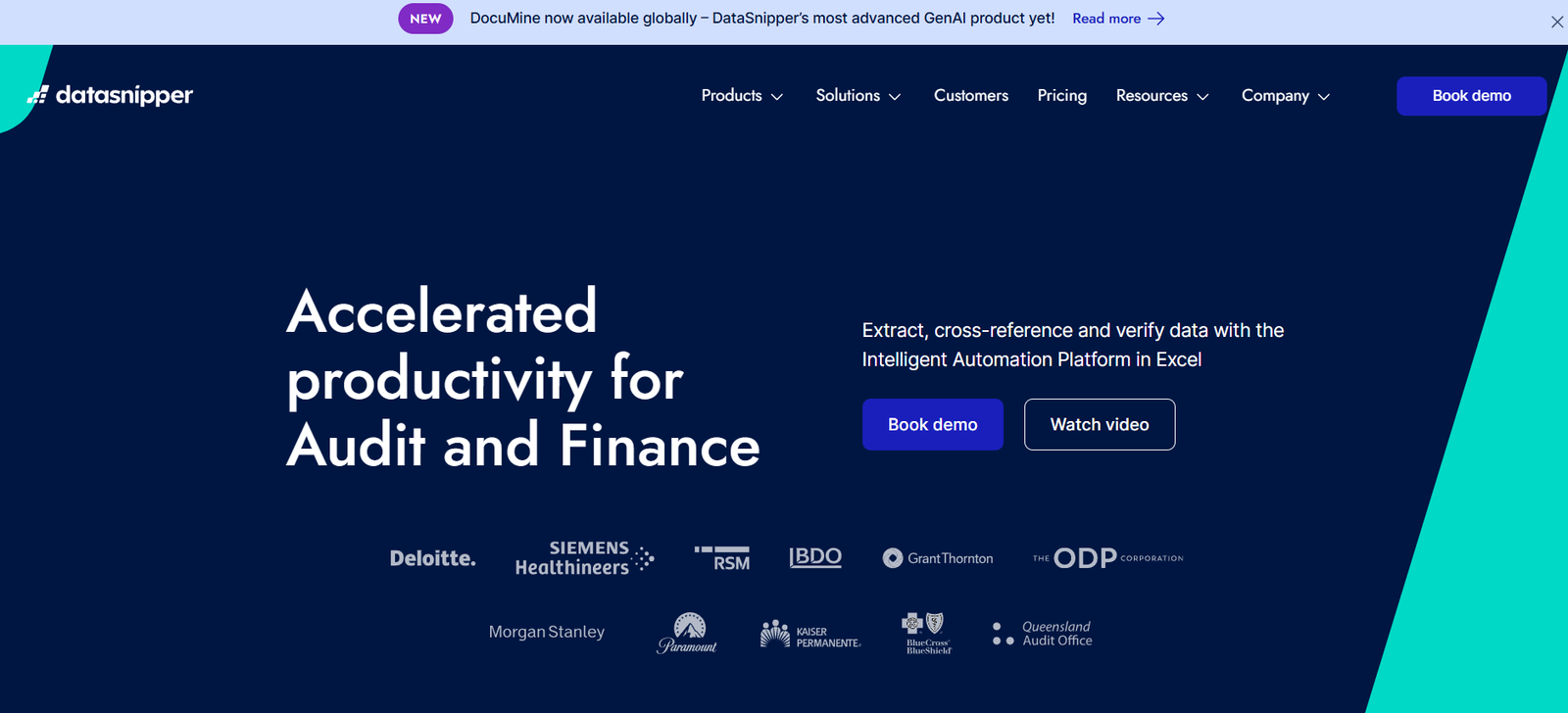
DataSnipper is an AI-powered productivity platform designed to automate audit and financial workflows directly within Microsoft Excel. Specifically built for audit, tax, and finance professionals, DataSnipper accelerates time-consuming tasks such as data extraction, cross-referencing, testing, and documentation—while maintaining full audit traceability.
What sets DataSnipper apart is its seamless integration with Excel, the default working environment for most financial professionals. By operating inside Excel, it eliminates the need to switch between tools and allows teams to apply automation directly to the datasets, files, and processes they’re already using.
From external audit and internal controls testing to regulatory compliance and financial statement reviews, DataSnipper is helping over 500,000 professionals worldwide enhance accuracy, speed, and standardization in their work.
Features
AI-Powered Snippets
Capture and link evidence from PDFs and source documents directly into Excel cells, creating clear, audit-proof documentation.
Document Matching
Automatically matches large sets of invoices, contracts, or financial statements with corresponding values in Excel spreadsheets.
Sum Snipping
Identifies and validates mathematical accuracy of financial documents—such as total amounts or subtotals—using AI and pattern recognition.
Text Recognition and OCR
Extracts relevant information from scanned or unstructured documents (PDFs, images, etc.) for quick reference and validation.
Intelligent Matching
Compare transactions, journal entries, or bank statements against supporting documentation for large-scale testing.
Workflow Templates
Standardize audit and testing workflows across teams with reusable templates tailored to specific audit procedures.
Audit Trail and Reviewability
Creates a complete traceable log of snipped data, source files, and user actions to ensure transparency and compliance.
Multi-File Analysis
Analyze hundreds of documents simultaneously—ideal for large-volume testing like trade confirmations or KYC documents.
Compliance & Security
Supports data privacy and compliance frameworks including GDPR, with localized processing and enterprise-grade access controls.
Scalable Licensing
Available for individual auditors as well as large firms with centralized user management and integration support.
How It Works
DataSnipper installs as an Excel add-in and requires no new platform or system training. Here’s how it works in practice:
Install the Excel Add-In
After installation, a DataSnipper tab appears in Excel. Users access all features directly from the familiar Excel interface.Import and Snip Documents
Users import supporting documents (PDFs, images, or spreadsheets) and “snip” key information to connect source data with Excel cells.Automate Tasks
Run Document Matching or Sum Snipping to instantly validate large volumes of transactions, totals, or financial line items.Generate Audit Evidence
The tool links every piece of evidence with a clickable reference to its source, producing a clear, reviewable audit trail.Collaborate and Review
Audit teams can review, comment, and finalize procedures using built-in traceability and workflow controls.
This approach reduces manual work while ensuring accuracy and compliance—without ever leaving Excel.
Use Cases
External Audit
Automate testing of financial statements, match source documents to ledger entries, and generate audit evidence faster.
Internal Audit
Support control testing, SOX compliance, and operational audits with clear traceability and consistent documentation.
Financial Reporting
Review and reconcile supporting documents for annual and quarterly reports with real-time verification.
Tax Advisory
Validate transactional data, cross-check invoices and tax filings, and improve audit readiness for tax clients.
Compliance and Risk
Enhance anti-money laundering (AML), know-your-customer (KYC), and regulatory compliance with bulk document testing.
Shared Services and Finance Teams
Standardize financial document checks, reconciliations, and vendor invoice validation.
Pricing
As of the latest available information from https://www.datasnipper.com, DataSnipper offers customized pricing based on firm size and user requirements. While public pricing is not listed, general licensing tiers include:
Individual License – Ideal for independent auditors or freelancers
Team License – For small to medium-sized firms with centralized management
Enterprise License – For large firms with hundreds of users and advanced integration or support needs
To receive a quote or start a trial, prospective users can book a demo at https://www.datasnipper.com/request-a-demo.
Strengths
Excel-Native Platform
Works within Excel, which auditors and finance teams already rely on, reducing the learning curve.
Highly Scalable
Used by Big Four firms and mid-market auditors alike, with licensing models for every size of practice.
Increases Audit Quality
Reduces human error, ensures consistent documentation, and provides transparent audit trails.
Time-Saving Automation
Automates what used to take hours or days—such as invoice matching or document validation—into seconds.
Compliance Ready
Supports compliance with global regulations and provides full traceability for external reviews or audits.
Minimal IT Overhead
As an Excel plugin, it requires minimal deployment effort and integrates seamlessly into existing environments.
Drawbacks
Excel Dependency
DataSnipper is designed exclusively for Excel. Users working in alternative platforms like Google Sheets won’t benefit.
No Public API Access
Currently, there is no publicly available API for integrating DataSnipper with external automation or audit systems.
Primarily Audit-Focused
While valuable for adjacent functions, its features are primarily optimized for audit workflows.
Limited Offline Support
Some advanced features, such as document matching with OCR, may require internet access and cannot be used fully offline.
Comparison with Other Tools
DataSnipper vs. Alteryx
Alteryx offers broader data analytics capabilities but lacks the Excel-native audit-specific automation that DataSnipper provides.
DataSnipper vs. IDEA (CaseWare)
IDEA is a full-fledged audit analytics tool, but requires separate training and data exports. DataSnipper is faster and simpler for Excel users.
DataSnipper vs. Power Query
Power Query is excellent for data transformation but lacks document matching, AI-powered extraction, and audit traceability features.
DataSnipper vs. MindBridge AI
MindBridge focuses on anomaly detection. DataSnipper automates documentation and testing—complementing rather than replacing analytics tools.
Customer Reviews and Testimonials
DataSnipper has received strong endorsements from audit professionals and global firms:
“It’s a game-changer for external audits. We’re saving at least 30% of our time on routine procedures.”
— Audit Manager, Big Four Firm
“Our team went from manually testing hundreds of invoices to automating the process in under an hour.”
— Finance Director, Mid-Sized Consulting Firm
“Clients are impressed by how fast and consistent our work is now. The review trail is flawless.”
— Partner, Regional CPA Firm
The platform is currently used by over 500,000 professionals in more than 125 countries, across firms of all sizes.
Conclusion
DataSnipper is transforming how audit and finance professionals work by embedding intelligent automation directly into Excel. It eliminates manual errors, accelerates workflows, and strengthens compliance—all while maintaining full transparency and traceability.
For audit firms, compliance teams, and financial controllers seeking to modernize their workflows without leaving Excel, DataSnipper offers a fast, secure, and scalable solution.
To explore how DataSnipper can streamline your team’s operations, visit https://www.datasnipper.com and book a personalized demo.













