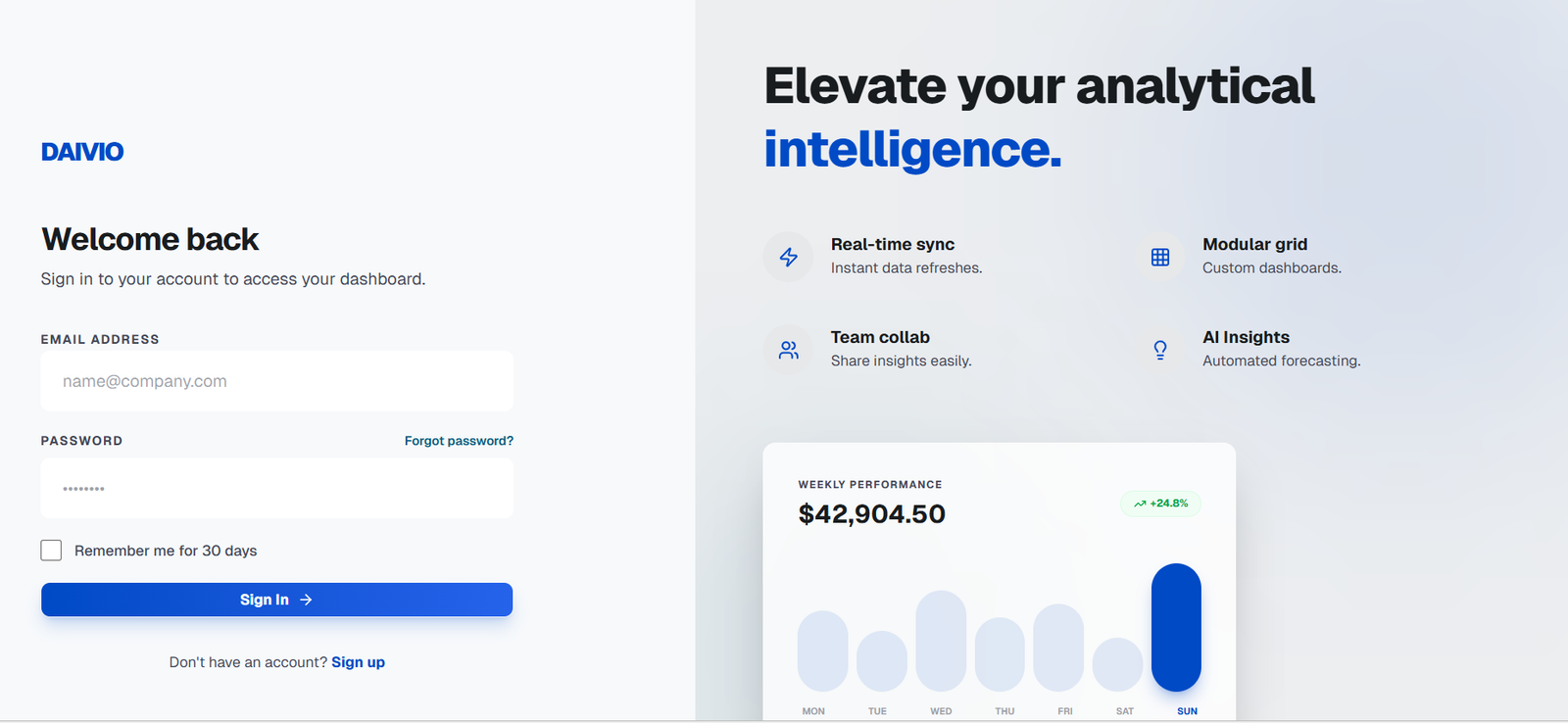
Daivio is an AI-powered data analysis platform designed to help individuals and teams understand, clean, transform and analyze datasets without requiring advanced technical skills.
Users can upload CSV or Excel files and allow Daivio to automatically examine the information. The platform identifies data quality issues, generates appropriate visualizations and helps users discover patterns and useful insights.
One of Daivio’s main capabilities is natural-language data interaction. Instead of writing SQL queries or complicated formulas, users can ask questions about their datasets in plain English. Daivio interprets the request, analyzes the relevant information and presents an answer based on the uploaded data.
The platform also helps users clean and transform datasets. AI-generated recommendations can identify issues such as missing information, duplicates or formatting problems and help users prepare cleaner data for further analysis.
Daivio is suitable for data analysts, business intelligence professionals, developers, researchers, marketers and business teams that regularly work with spreadsheet-based information.
Features
AI Data Analysis
Daivio uses AI to examine uploaded datasets and identify useful patterns and insights.
Instead of manually exploring every column and creating multiple formulas, users can allow the platform to analyze the structure of their information automatically.
Natural Language Data Chat
Users can communicate with their datasets using ordinary language.
They can ask questions, request transformations, filter rows and continue with follow-up questions without needing to write SQL.
Automatic Data Visualization
Daivio automatically selects visualizations based on the type of data being analyzed.
Available visual approaches include correlation matrices, word clouds, donut charts and other charts suited to different variables and datasets.
Data Cleaning
The platform helps identify and correct data quality problems.
AI-generated recommendations can assist users in cleaning information before it is used for business intelligence, reporting or further analysis.
Data Transformation
Users can ask Daivio to transform columns, filter information and reshape datasets through natural-language instructions.
This can reduce repetitive spreadsheet work when preparing information for analysis.
CSV Support
Users can upload CSV datasets directly into Daivio for analysis.
The free plan currently supports uploads of up to 10 MB.
Excel Support
Daivio also supports Excel files, including .xlsx and .xls formats.
Paid plans support files of up to 100 MB, while larger requirements can be discussed through the Enterprise offering.
Smart Visualizations
The platform analyzes data types before selecting suitable visualizations.
This helps users who may understand the business question but are unsure which chart or statistical representation is most appropriate.
Full Audit Trail
Daivio keeps a history of changes performed on datasets.
Users can review previous actions, revert changes and export audit information. This can be useful when organizations need greater transparency around data transformations.
Export Options
Cleaned data and analytical results can be exported for use elsewhere.
Supported formats include CSV, Excel and JSON.
Enterprise Integrations
The standard platform currently focuses on file uploads, while enterprise customers can access integrations such as AWS and Snowflake.
Additional custom integrations are available through the Enterprise plan.
Enterprise Security
Daivio states that information is encrypted both at rest and during transmission.
The company also describes the platform as SOC 2 compliant and GDPR ready.
On-Premise Deployment
Enterprise customers can request on-premise deployment.
This can be relevant for organizations that have stricter requirements regarding where their information is stored and processed.
How It Works
Step 1: Create an Account
Users can begin with Daivio’s free option. The website states that no credit card is required to get started.
Step 2: Upload the Dataset
Upload a CSV or Excel file containing the information to be analyzed.
Step 3: Let Daivio Analyze the Data
The platform examines the dataset and identifies its structure, variables and potential data quality issues.
Step 4: Review Automatic Visualizations
Daivio generates visual representations suited to the available information.
Step 5: Clean the Dataset
Use AI recommendations to address issues and improve data readiness.
Step 6: Ask Questions
Enter questions about the dataset in plain English.
Step 7: Continue the Conversation
Users can ask follow-up questions, transform columns or filter rows as the analysis develops.
Step 8: Review Insights
Examine the generated explanations, patterns and visualizations.
Step 9: Track Changes
Use the action history to understand which transformations have been performed and revert changes when necessary.
Step 10: Export the Results
Export cleaned information and analysis in supported formats such as CSV, Excel or JSON.
Use Cases
Data Analysis
Data analysts can explore datasets, identify patterns and generate visualizations without manually performing every analytical step.
Business Intelligence
Business intelligence teams can use Daivio to prepare and investigate datasets before creating reports or making business decisions.
Spreadsheet Analysis
Professionals working with large CSV and Excel files can use AI to understand their information without relying entirely on complicated spreadsheet formulas.
Data Cleaning
Teams can identify missing values, duplicates and other quality issues before using datasets in downstream applications.
Sales Analysis
Businesses can upload sales information and investigate products, customers, geographical performance and other commercial patterns.
Marketing Analytics
Marketing teams can examine campaign data and investigate performance trends using natural-language questions.
Operational Reporting
Operations teams can analyze exports from business systems to identify bottlenecks, outliers and performance problems.
Research
Researchers can upload structured datasets, explore relationships and generate visual summaries of their information.
Developers
Developers can use Daivio to quickly inspect and understand datasets during application or data-pipeline development.
Non-Technical Business Users
Employees who understand their business information but do not know SQL can ask questions directly and receive data-based answers.
Pricing
Daivio currently offers three pricing levels.
Starter: Free
The Starter plan is designed for individuals beginning with data analysis.
It includes:
Up to 10 MB file uploads
Basic visualizations
100 AI queries per month
Email support
One active dataset
The free plan does not require a credit card.
Pro: $0.0167 per Minute
Daivio takes an unusual usage-based approach with its Pro offering rather than charging a conventional fixed subscription fee.
The Pro plan costs $0.0167 per minute of usage.
It includes:
Up to 100 MB file uploads
All visualization types
Unlimited AI queries
Priority support
Unlimited datasets
Full action history
CSV, Excel and JSON exports
Enterprise: Custom Pricing
The Enterprise plan is intended for organizations with more advanced security, infrastructure and integration requirements.
It includes capabilities such as:
Unlimited file sizes
Custom integrations
SSO and SAML
Dedicated support
SLA guarantees
Custom AI models
On-premise deployment
Organizations need to contact Daivio for Enterprise pricing.
Strengths
Daivio’s natural-language interface makes data analysis more accessible to users who do not know SQL.
Its combination of data analysis, cleaning, transformation and visualization means users can perform several stages of the analytical process within the same platform.
Automatic visualization can save time by selecting charts according to the characteristics of the dataset.
The full action history is useful for tracking transformations and understanding how data has changed during analysis.
Support for CSV and Excel makes the platform accessible to businesses that still rely heavily on spreadsheets and exported business data.
The free plan provides a practical way to test Daivio before paying for higher-volume usage.
Daivio’s pay-per-minute Pro pricing may also appeal to users who prefer paying according to actual usage rather than maintaining another fixed monthly software subscription.
Drawbacks
The free plan limits file uploads to 10 MB, which may be restrictive for larger analytical projects.
Standard paid usage supports files up to 100 MB. Organizations working with significantly larger datasets may require an Enterprise arrangement.
Cloud integrations such as AWS and Snowflake are associated with enterprise requirements rather than the basic file-based workflow.
Usage-based pricing can be economical for occasional users but may be less predictable for teams performing continuous analysis.
AI-generated findings should still be reviewed by someone who understands the underlying data, particularly when the analysis influences important financial, scientific or business decisions.
Organizations should also check data quality before relying on any automated analysis, because incorrect or incomplete source information can affect the conclusions produced by AI.
Comparison with Other Platforms
Daivio competes broadly with AI spreadsheet analysis tools, conversational analytics platforms and traditional business intelligence software.
Traditional BI platforms often require users to create dashboards, configure reports or understand the underlying data structure before answering new questions. Daivio focuses more heavily on conversational analysis, allowing users to upload data and ask questions directly.
Compared with basic AI chat tools, Daivio provides a more structured environment for working with datasets. It combines data profiling, cleaning, transformations, visualization and an audit trail rather than simply accepting a spreadsheet as a chat attachment.
Another distinguishing feature is its pricing approach. The Pro offering uses pay-per-minute pricing rather than a conventional monthly subscription.
Daivio may be particularly useful for teams that frequently work with CSV and Excel exports and want faster exploratory analysis. Organizations requiring extensive enterprise dashboards or complex data infrastructure may still need traditional BI and data engineering platforms alongside it.
Customer Reviews and Testimonials
Daivio presents several customer testimonials on its official website and reports a 4.9 average rating and 91% customer satisfaction.
Testimonials published on the website describe positive experiences with AI chat, automatic visualizations, data-cleaning recommendations and action history.
Independent public reviews are also available. Trustpilot currently shows Daivio with a rating above 4 out of 5 based on a relatively small number of reviews. Reviewers commonly mention ease of use, spreadsheet analysis, automatic data profiling and faster reporting.
Because the number of independent reviews remains relatively limited, prospective users should consider these ratings alongside their own testing of the free version.
Conclusion
Daivio is a practical AI-powered analytics platform for people who want to move from raw spreadsheet data to useful insights without spending significant time writing queries or manually building visualizations.
Its combination of CSV and Excel uploads, automatic data profiling, AI-assisted cleaning, smart visualizations and natural-language chat makes it useful for analysts as well as less technical business users.
The platform is particularly suitable for data analysts, business intelligence teams, marketers, operations professionals, developers and organizations that regularly receive business data through spreadsheet exports.
Its free Starter plan makes the platform easy to evaluate, while the pay-per-minute Pro model provides an interesting alternative to fixed software subscriptions. For teams looking to reduce manual spreadsheet analysis while maintaining an audit trail of data changes, Daivio is worth exploring.