
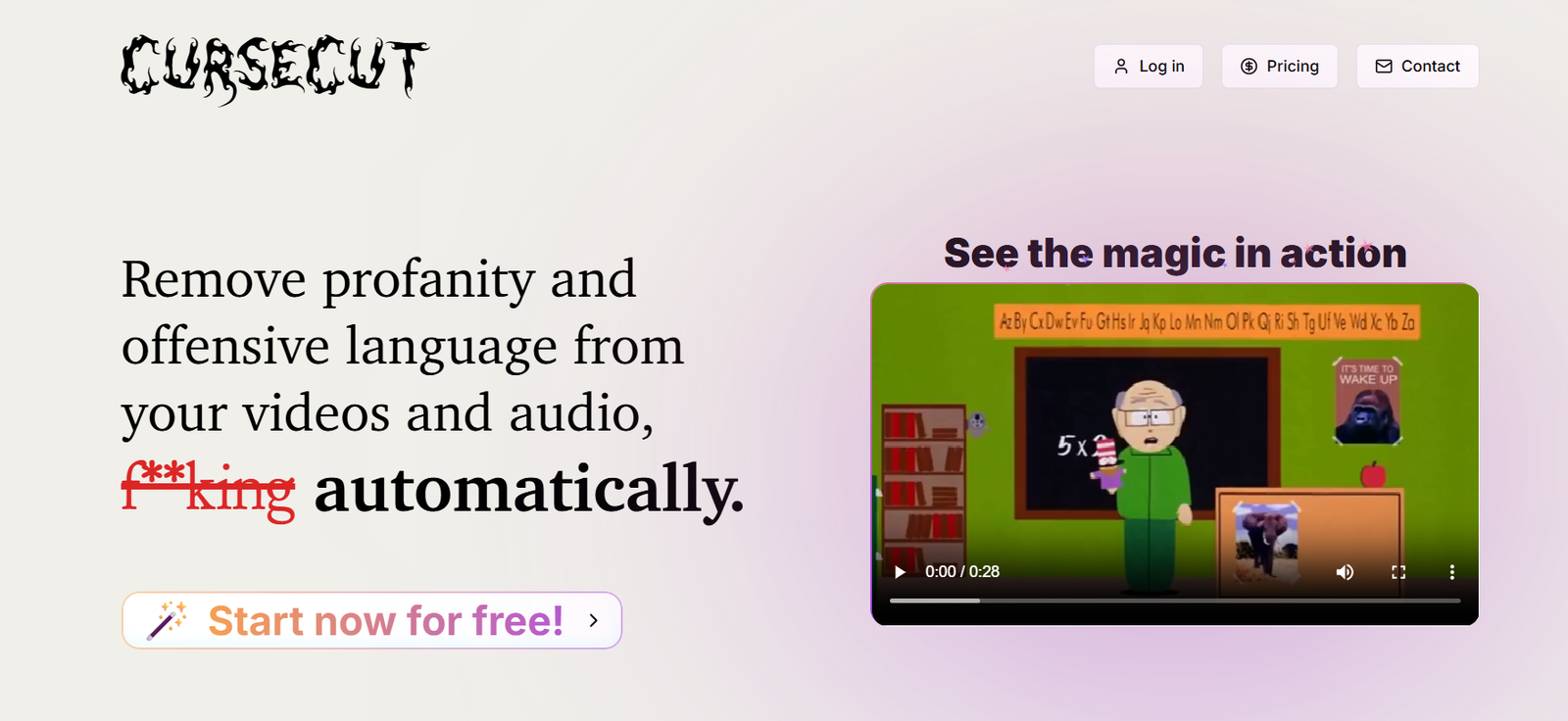
CurseCut is an AI-powered profanity removal tool designed to automatically detect and censor unwanted words in audio and video content. It helps creators produce cleaner and more audience-friendly media without manually searching through long recordings for offensive language.
Users can decide exactly which words or phrases they want to censor. CurseCut then analyzes the spoken content, identifies matching words and automatically modifies the relevant parts of the audio.
The platform provides several ways to handle detected language. Users can replace unwanted words with a traditional beep, silence them, use custom sound effects or apply audio reversal. They can also control how much of a detected word is censored.
CurseCut supports a wide variety of audio and video formats and can handle files up to 2GB. Batch processing is also available, making it possible to clean multiple files together.
One of its notable features is local media processing. According to the official website, censorship is performed directly on the user’s computer, so the original audio and video files are not stored on CurseCut’s servers.
The tool is suitable for YouTubers, podcasters, video editors, educators, broadcasters and businesses that regularly need to remove profanity from recorded content.
Features
Automatic AI Profanity Detection
CurseCut uses AI and transcription technology to identify unwanted words in spoken audio. This can save considerable time compared with manually reviewing an entire recording.
Custom Word Filtering
Users are not restricted to a fixed profanity list. They can define specific words or phrases that should be detected and censored according to their own audience and content requirements.
Exact and Approximate Matching
CurseCut provides different matching approaches for identifying unwanted language. Approximate matching can help detect variations of words rather than relying entirely on exact matches.
Multiple Censorship Methods
Users can choose how detected words should be handled. Available approaches include beep tones, silence, custom sounds and audio reversal.
This flexibility allows creators to choose a censorship style that fits their content.
Precision Censorship Controls
Users can adjust how much of a detected word is affected. This provides more control over the final audio instead of automatically removing an unnecessarily large section of the conversation.
Multilingual Profanity Detection
CurseCut supports profanity detection across more than 30 languages. The system can automatically detect the language or users can select it manually.
The broader language list presented by CurseCut includes English, Hindi, Spanish, French, German, Chinese, Japanese, Korean, Portuguese, Arabic, Italian, Dutch, Swedish, Tamil, Telugu, Urdu and many others.
Audio and Video Support
The platform works with popular media formats. Supported formats include MP3, WAV, AAC, FLAC and OGG for audio, along with formats such as MP4, MOV, WMV and FLV for video.
The main website also indicates broader support for common formats including AVI.
Large File Support
CurseCut can process files up to 2GB, making it useful for longer or higher-quality recordings.
Batch Processing
Users can process multiple files together instead of cleaning them individually. This can save time when working with a podcast series, video collection or other large content library.
Local Media Processing
CurseCut uses local processing for the censorship stage. The official website states that media files remain on the user’s computer rather than being stored on CurseCut servers.
The platform uses FFmpeg during local processing to modify the audio or video.
Unlimited Reprocessing
Users can reprocess their media without paying again for every adjustment. This is helpful when they forget to include a word, want to change the censorship method or need to refine their settings.
Automatic Transcription
Transcription technology is used to understand the spoken audio and locate the words that need to be censored.
How It Works
First, users open CurseCut and select the audio or video file they want to clean.
They then create or customize a list of words and phrases that should be censored.
Users can choose the preferred censorship method, such as a beep, silence, custom sound or audio reversal.
CurseCut uses transcription technology to analyze the spoken content and identify occurrences of the selected words.
The system then modifies the relevant sections of the audio using the chosen censorship settings.
Media processing takes place locally on the user’s computer.
Once processing is complete, users review the cleaned version.
If changes are required, they can modify the word list or censorship settings and reprocess the content.
The finished clean audio or video can then be saved for publishing or further editing.
Use Cases
YouTube Creators
YouTubers can automatically remove profanity from videos before publishing them, reducing the amount of manual editing required.
Podcasters
Podcast producers can clean interviews and conversations containing occasional offensive language while preserving the rest of the discussion.
Video Editors
Professional and independent editors can use CurseCut as a specialized profanity-removal step within a larger editing workflow.
Family-Friendly Content
Creators can produce cleaner versions of recorded content for audiences where explicit language is inappropriate.
Educators
Teachers and educational organizations can clean recorded material before using it in classrooms, online courses or training environments.
Businesses
Companies can remove inappropriate language from workplace videos, presentations, interviews and training materials.
Broadcasters
Media teams can prepare recorded material for audiences or distribution channels with stricter language requirements.
Livestream Archives
Creators can clean recorded livestreams before republishing them as edited videos, highlights or archived content.
Multilingual Creators
Creators publishing in several languages can use CurseCut’s multilingual detection capabilities instead of relying entirely on English-language profanity filters.
Media Libraries
Organizations managing large collections of audio or video can use batch processing to clean multiple files more efficiently.
Pricing
CurseCut allows new users to start with free credits so they can test its censorship capabilities before making a larger commitment.
However, detailed current pricing plans and exact credit costs are not clearly presented on the publicly accessible official website.
Therefore, pricing details are not clearly mentioned on the official website.
Users should check the live CurseCut application for the latest credit packages or payment options before processing large quantities of content.
Strengths
CurseCut solves a very specific and time-consuming editing problem: finding and removing profanity from recorded media.
Its customizable word lists give users greater control than a system based only on a predefined collection of offensive words.
Multiple censorship options, including beeps, silence, custom sounds and audio reversal, provide flexibility for different types of content.
Multilingual support makes the platform useful for creators working with audiences outside the English-speaking market.
Batch processing is valuable for professionals handling many files.
Support for files up to 2GB makes the tool practical for longer and higher-quality recordings.
Local processing is another important advantage because the original media does not need to be stored on CurseCut’s servers during the censorship process.
Unlimited reprocessing also allows creators to refine their results without repeatedly paying for the same file.
Drawbacks
AI-based profanity detection may not identify every unwanted word correctly, particularly when audio contains strong background noise, overlapping voices, unusual accents or unclear speech.
The quality of the original recording can therefore influence the final result.
Users still need to review important content before publication because automatic censorship should not be assumed to be completely error-free.
Highly contextual words may also create challenges because the same word can be acceptable in one conversation and inappropriate in another.
Although local processing provides privacy benefits for media files, CurseCut’s privacy policy explains that some AI-related functionality uses third-party AI service providers. Users handling sensitive material should therefore review the current privacy policy carefully.
Detailed public pricing information is limited, making it difficult to estimate the cost of high-volume usage without accessing the service.
CurseCut is also a specialized tool. Users looking for complete video editing, transcription, subtitling and production capabilities may still require additional software.
Comparison with Other Platforms
Most general video editors allow users to manually mute, cut or replace unwanted speech, but finding every occurrence of profanity in a long recording can take considerable time.
CurseCut specializes in automating this particular task. Its AI identifies unwanted words and applies censorship according to settings chosen by the user.
Compared with basic profanity filters, CurseCut provides more control through custom word lists, different matching methods and several censorship styles.
Its batch processing and multilingual support can also make it useful for creators handling large or international content libraries.
However, CurseCut should not be viewed as a replacement for a full video or audio editor. Traditional editing platforms provide much broader production capabilities, while CurseCut concentrates specifically on automated language censorship.
This specialization makes it most useful as part of an existing content production workflow.
Customer Reviews and Testimonials
Customer testimonials are available on the official CurseCut website.
Published feedback comes from users describing themselves as documentary creators, vloggers, technology reviewers, podcast producers, YouTubers and livestream creators.
Users highlight areas such as batch processing, multilingual profanity detection, handling of long recordings, audio quality and the ability to clean authentic conversations without manually editing every unwanted word.
The website includes feedback from creators working with languages including English, German, Swedish and French.
These testimonials are displayed directly by CurseCut and should therefore be considered company-published customer feedback rather than independent reviews.
Conclusion
CurseCut is a focused AI tool for creators and professionals who need a faster way to remove profanity and unwanted language from audio and video.
Its combination of AI detection, customizable word lists, multilingual support, batch processing, multiple censorship methods and local media processing makes it particularly useful for YouTubers, podcasters, broadcasters, educators and video editors.
The ability to choose exactly what should be censored gives creators more control over how clean or restrictive their final content becomes.
CurseCut is especially worth considering for users who regularly spend time manually locating and editing offensive words. It does not replace a complete media editor, but it can automate one of the more repetitive parts of audio and video post-production.


