
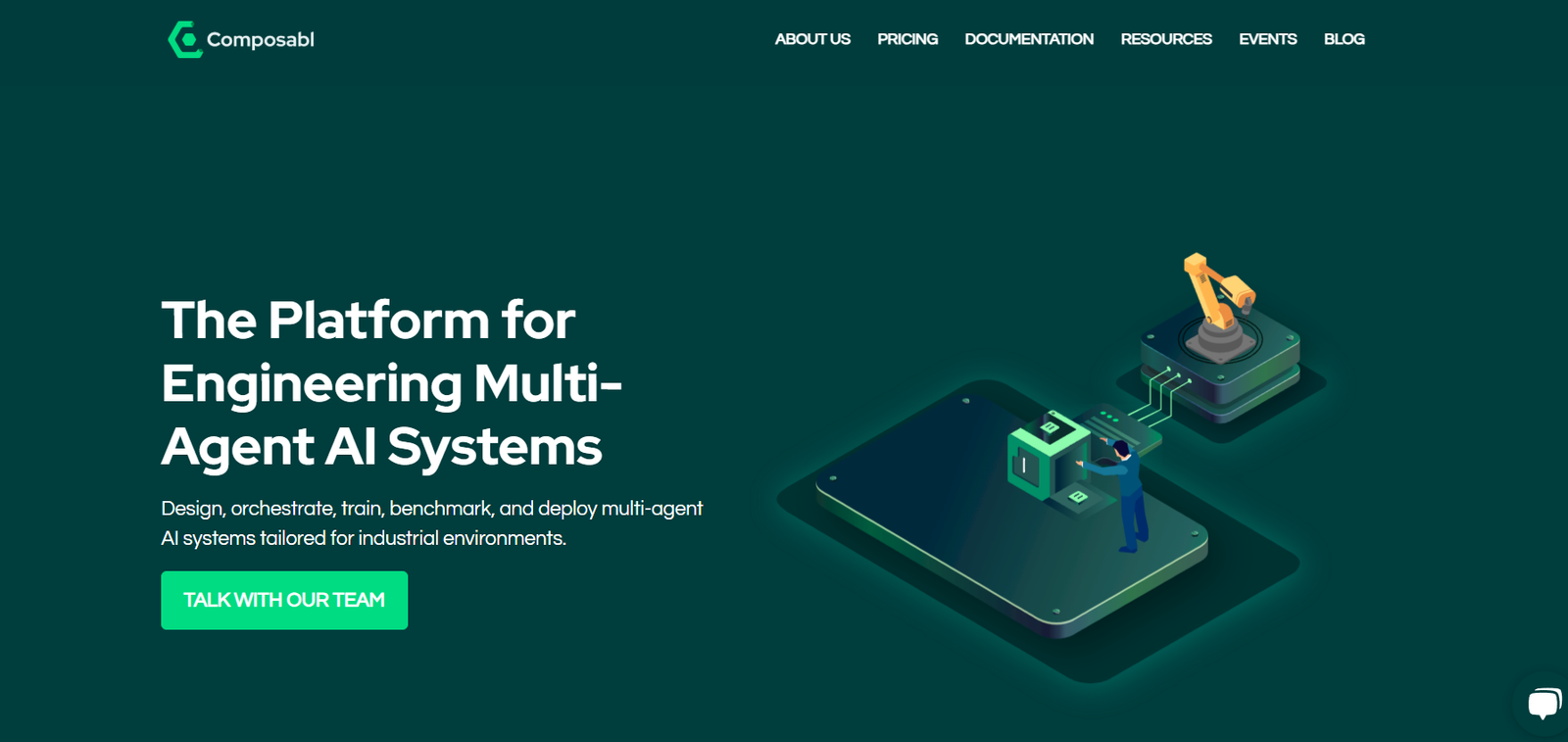
Composabl is a modern no-code platform that empowers teams to build, deploy, and manage AI agents capable of automating business workflows. With support for large language models (LLMs), custom logic, and seamless app integrations, Composabl makes it possible to turn your everyday work into intelligent automations without writing code.
The platform offers a new approach to workplace productivity, blending traditional task automation with generative AI and human-in-the-loop features. Whether you’re in sales, operations, marketing, or customer success, Composabl allows you to compose intelligent workflows that operate around the clock—accelerating decision-making and improving operational efficiency.
Features of Composabl
Agent Builder
Composabl’s intuitive interface lets users design AI agents that perform tasks by combining prompts, triggers, logic, and tools. Agents can respond to messages, process data, and connect with various applications.
No-Code Interface
Non-technical users can use the drag-and-drop builder to define workflows, decision branches, data flows, and human approval checkpoints. It’s designed for both citizen developers and business users.
Multi-Agent Architecture
Build modular agents that work together in sequence or in parallel, allowing you to break down complex processes into manageable, collaborative AI tasks.
LLM Integration
Composabl supports popular LLMs (Large Language Models) such as OpenAI’s GPT models. You can build agents that reason, summarize, write, extract, and generate data using natural language.
Native Integrations
Connect agents to your favorite tools including Google Sheets, Slack, Notion, Salesforce, Airtable, and more. Automate multi-app workflows with native and API-based integrations.
Human-in-the-Loop (HITL)
Introduce human decision points into the automation chain. You can require manual approvals, feedback, or reviews before the agent proceeds with its next action.
Triggers and Events
Agents can be triggered by time-based schedules, incoming data (webhooks or forms), or user actions (like a Slack command). This makes them event-driven and context-aware.
Versioning and Logs
Track every run of your agent, inspect outcomes, and debug issues with detailed logs and version control. Maintain oversight and iterate safely.
Security and Role Management
Enterprise-grade security features such as access controls, data encryption, and team roles ensure secure deployment of agents across departments.
How Composabl Works
Create an Agent
Start by defining what your agent should do—e.g., process support tickets, summarize sales calls, or draft weekly reports.Design the Workflow
Use the visual builder to connect prompt blocks, tools (like LLMs or APIs), and logic components. Add conditional flows or loops as needed.Integrate with Apps
Connect data sources or destinations such as spreadsheets, CRMs, messaging platforms, or webhooks for real-time automation.Add Triggers and Human Input
Choose when the agent should run—scheduled, triggered by a webhook, or activated via Slack. You can also add HITL steps to review outputs.Test and Launch
Preview the agent, simulate runs, and make refinements. Once ready, activate the agent to start automating tasks in the background.Monitor and Optimize
View logs, analyze performance, and adjust prompt tuning or data inputs to improve the agent’s results over time.
Use Cases for Composabl
Sales Outreach Automation
Create an agent that drafts personalized emails for sales leads based on CRM data and previous interactions. Automatically send or schedule follow-ups.
Customer Support Ticket Summarization
Use AI to summarize incoming customer issues, classify them, and route to the appropriate team with context-rich details.
Meeting Summary and Action Items
Process meeting transcripts or notes into concise summaries and task lists. Send these automatically to Slack or project management tools.
Marketing Content Generation
Draft product updates, blog summaries, or social media posts from internal documentation or feature release notes.
Internal Knowledge Management
Convert raw notes or reports into structured insights and publish them to Notion, Confluence, or a team wiki with minimal manual editing.
Recruitment Automation
Analyze candidate resumes, summarize qualifications, and generate outreach emails or rejection messages—keeping the tone consistent and professional.
Pricing of Composabl
As of June 2025, Composabl uses a tiered pricing model tailored to different user needs, from individuals to large organizations. While official pricing is not listed publicly, here’s an indicative breakdown:
Free Plan (Beta/Early Access)
Limited agent runs per month
Access to core features and builder
Community support
Ideal for testing and prototyping
Pro Plan – Starts at approx. $29/month (estimated)
Increased usage limits
More integrations and advanced agent logic
Priority rendering speeds and email support
Suitable for individual creators and small teams
Team Plan – Custom Pricing
Multi-user collaboration
Shared agent libraries
Audit logs and version control
Ideal for mid-sized companies
Enterprise Plan – Custom Pricing
SLA-backed uptime
Dedicated support and onboarding
Custom integrations and security features
Role-based access control and SSO
Strengths of Composabl
Combines task automation with LLM reasoning
Extremely user-friendly with no-code workflow builder
Ideal for cross-functional teams (sales, ops, marketing)
Secure, scalable, and team-ready
Supports human involvement in AI pipelines
Works well with both structured and unstructured data
Modular approach supports reuse and versioning
Forward-thinking and well-suited for the future of work
Drawbacks of Composabl
Pricing and usage limits are not clearly published
Still evolving—feature parity with older automation platforms may vary
Requires prompt engineering understanding for best LLM output
Community support and resources still growing
Limited offline or mobile-native functionality
Comparison with Other Tools
Composabl vs. Zapier
Zapier automates repetitive app tasks through triggers and actions. Composabl goes further by adding LLM logic and decision-making, making it ideal for nuanced workflows.
Composabl vs. Make (Integromat)
Make offers complex automation but lacks AI-native components. Composabl excels in generative workflows like text summarization, classification, and content creation.
Composabl vs. LangChain
LangChain is designed for developers building LLM apps. Composabl provides similar power but through a no-code interface, opening access to broader teams.
Composabl vs. Retool
Retool is for internal tool development, while Composabl focuses on agent-driven task automation using AI and integrations—fewer UI elements, more logic automation.
Customer Reviews and Testimonials
While still in its early-access phase, Composabl has attracted attention from forward-thinking startups and automation enthusiasts:
“We built a Slack agent that recaps our sales pipeline every morning. It saves us time and improves team alignment.”
– Head of Revenue Operations
“Composabl helped us automate our entire onboarding process—from email generation to document distribution.”
– Operations Manager, Fintech Startup
“The interface is intuitive, and we got our first AI agent up and running within an hour. It’s already replacing repetitive admin work.”
– Growth Lead, SaaS Company
Expect more reviews as the platform expands access and reaches general availability.
Conclusion
Composabl represents the future of intelligent workflow automation, offering teams the ability to build smart agents that not only execute tasks but also reason through them. By combining no-code tools, LLMs, and native app integrations, Composabl enables anyone—not just developers—to automate their work and enhance productivity.
If your team is looking to go beyond simple task triggers and bring AI-powered decision-making into your operations, Composabl provides a flexible, scalable, and accessible platform to do just that.













