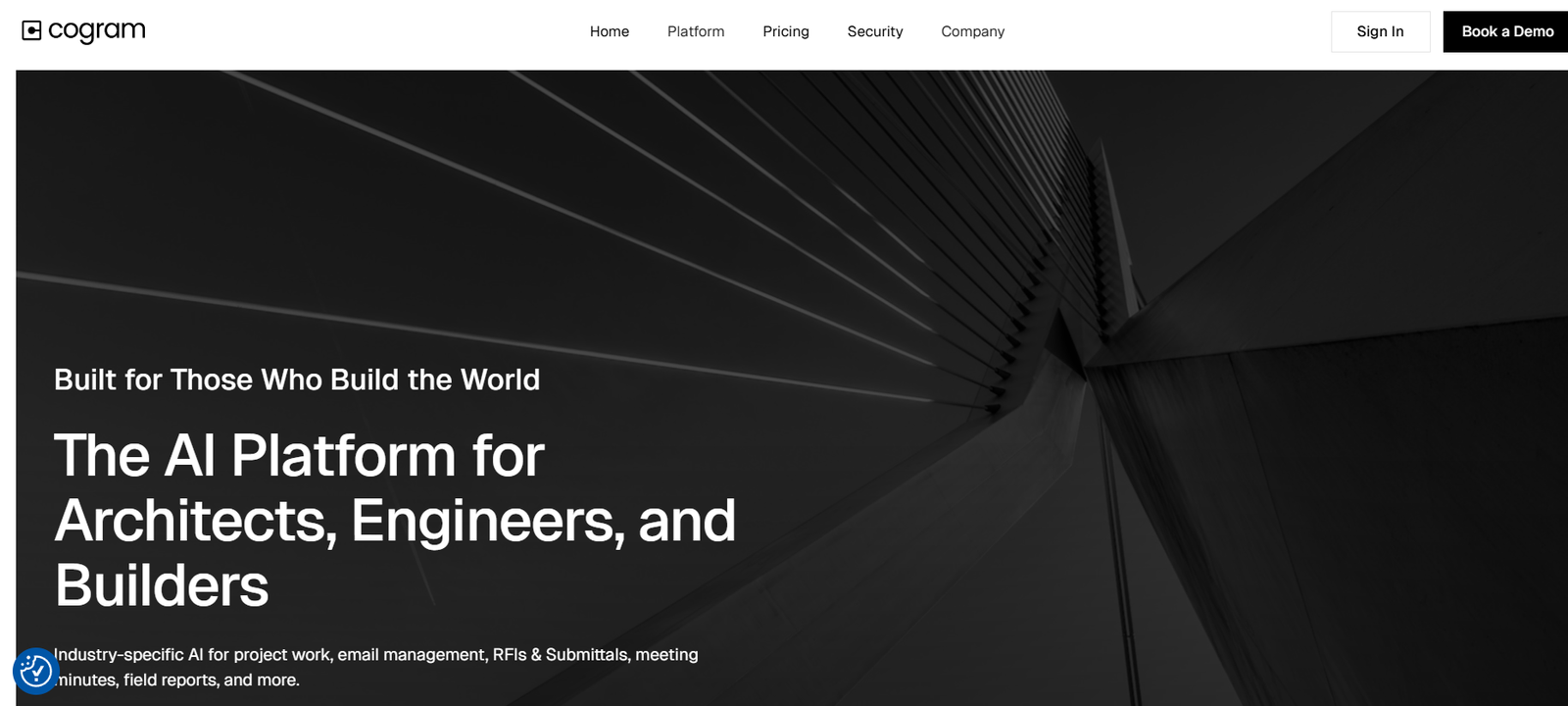
Cogram is an AI-powered meeting assistant designed to automate note-taking, action item tracking, and real-time insights during business meetings. It integrates seamlessly with popular video conferencing platforms and business tools, allowing teams to focus on discussions without worrying about manual documentation. Developed to serve enterprises and professionals alike, Cogram ensures every conversation is captured, organized, and transformed into actionable outcomes. With growing remote and hybrid work environments, Cogram plays a pivotal role in enhancing collaboration, reducing administrative overhead, and improving overall meeting efficiency.
Features
Cogram offers a robust suite of features tailored for modern teams and enterprises. One of its standout capabilities is real-time meeting transcription across platforms like Zoom, Microsoft Teams, and Google Meet. The AI automatically identifies speakers, summarizes discussions, and highlights key decisions and action items. Cogram also integrates with productivity tools such as Slack, Notion, HubSpot, and Salesforce, enabling easy access to meeting summaries within existing workflows.
Another powerful feature is its multilingual support. Cogram can handle meetings in multiple languages, making it ideal for global teams. It also emphasizes enterprise-grade security with SOC 2 compliance and secure data storage to meet privacy standards.
Customizable templates, role-based access controls, and integrations with CRM and project management tools make Cogram flexible enough to cater to sales teams, product managers, customer success teams, and legal professionals.
How It Works
Cogram functions by joining scheduled video meetings as a silent participant or integrating with calendar tools to monitor upcoming calls. Once a meeting starts, it records and transcribes the conversation in real time using AI-powered speech recognition and natural language processing.
After the meeting ends, Cogram automatically generates a structured summary that includes a transcript, key takeaways, action points, and assigned responsibilities. These outputs are sent directly to email or synced with platforms like Slack, Notion, or CRMs.
Users can customize the type and structure of summaries to match their internal documentation standards. Whether it’s sales call recaps or internal planning sessions, the AI intelligently adapts its output based on context and user preferences.
Use Cases
Cogram is particularly valuable across several business scenarios:
Sales Teams: Cogram captures customer conversations, identifies buyer intent, and updates CRMs like Salesforce automatically. This allows sales reps to focus on relationship-building rather than data entry.
Customer Success: For customer support and success teams, Cogram ensures that all client meetings are well-documented, with follow-up tasks clearly outlined and tracked.
Product Management: Teams can use Cogram to document sprint planning, feature discussions, and retrospectives, ensuring that every stakeholder has access to the same information.
Legal and Compliance: Legal professionals benefit from accurate records of client conversations and contract negotiations, maintaining transparency and compliance.
Remote and Hybrid Teams: In distributed work environments, Cogram ensures that no critical decision or action item is missed due to time zone differences or connectivity issues.
Pricing
Cogram offers tailored pricing based on the needs of teams and organizations. While exact pricing details are not publicly listed on the website, the tool is available in multiple plans, including options for startups, mid-sized companies, and large enterprises.
Interested businesses are encouraged to book a demo through the official Cogram website to receive customized pricing information. Cogram also offers a free trial, allowing potential users to explore its core features before committing to a subscription.
Strengths
Cogram stands out due to its accuracy in transcription and contextual understanding of meetings. Its ability to generate real-time summaries and action items ensures no important detail is lost. The integrations with popular CRMs and team communication tools make it a natural extension of a company’s workflow.
Its enterprise-grade security and compliance also make it suitable for sensitive industries, including legal and finance. Cogram supports multiple languages, which is a major advantage for international teams. The user interface is clean, intuitive, and requires minimal setup.
Drawbacks
Despite its many strengths, Cogram has a few limitations. First, its pricing is not transparent, which may deter smaller teams or individual users looking for clear budget planning. Additionally, as with any AI transcription tool, there may occasionally be inaccuracies in transcription, especially in noisy environments or with heavy accents.
Another potential downside is the limited information about integrations beyond what is mentioned on the website. While the tool supports major platforms, users looking for niche or less-common integrations may need to check compatibility manually.
Comparison with Other Tools
Compared to other AI meeting assistants like Otter.ai, Fireflies.ai, and Sembly, Cogram focuses heavily on enterprise-level solutions and seamless integration with business software. While Otter.ai and Fireflies are popular for individual users and small teams, Cogram targets larger organizations that require data security, scalability, and tailored workflows.
For example, Otter offers a more self-service model with lower pricing tiers, but lacks the depth of integration with enterprise tools like Salesforce. Fireflies.ai also supports note automation, but Cogram’s emphasis on role-based summaries and compliance may give it an edge for regulated industries.
Sembly AI is another competitor that offers smart summaries, but Cogram appears to provide more customization in output formats and collaboration features.
Customer Reviews and Testimonials
While Cogram does not feature individual customer reviews on its main website, its client base includes respected companies in various industries. Testimonials highlight how Cogram reduces manual documentation and helps teams stay aligned on key decisions and follow-ups.
According to customer feedback shared on platforms like Product Hunt, users appreciate Cogram’s ease of use and its ability to deliver high-quality, actionable summaries that save time and improve productivity. Several users have noted that Cogram helped them eliminate the need for manual note-taking during important client calls and internal meetings.
Conclusion
Cogram is a powerful AI meeting assistant built for modern businesses seeking to automate note-taking, extract actionable insights, and improve collaboration across teams. With its real-time transcription, AI-powered summaries, and robust integrations, it significantly reduces the time spent on administrative tasks after meetings.
Whether you are in sales, customer success, product development, or legal services, Cogram provides the tools necessary to stay focused during meetings while ensuring nothing gets missed. Its emphasis on security, multilingual support, and enterprise customization makes it a compelling choice for organizations that demand both efficiency and compliance.