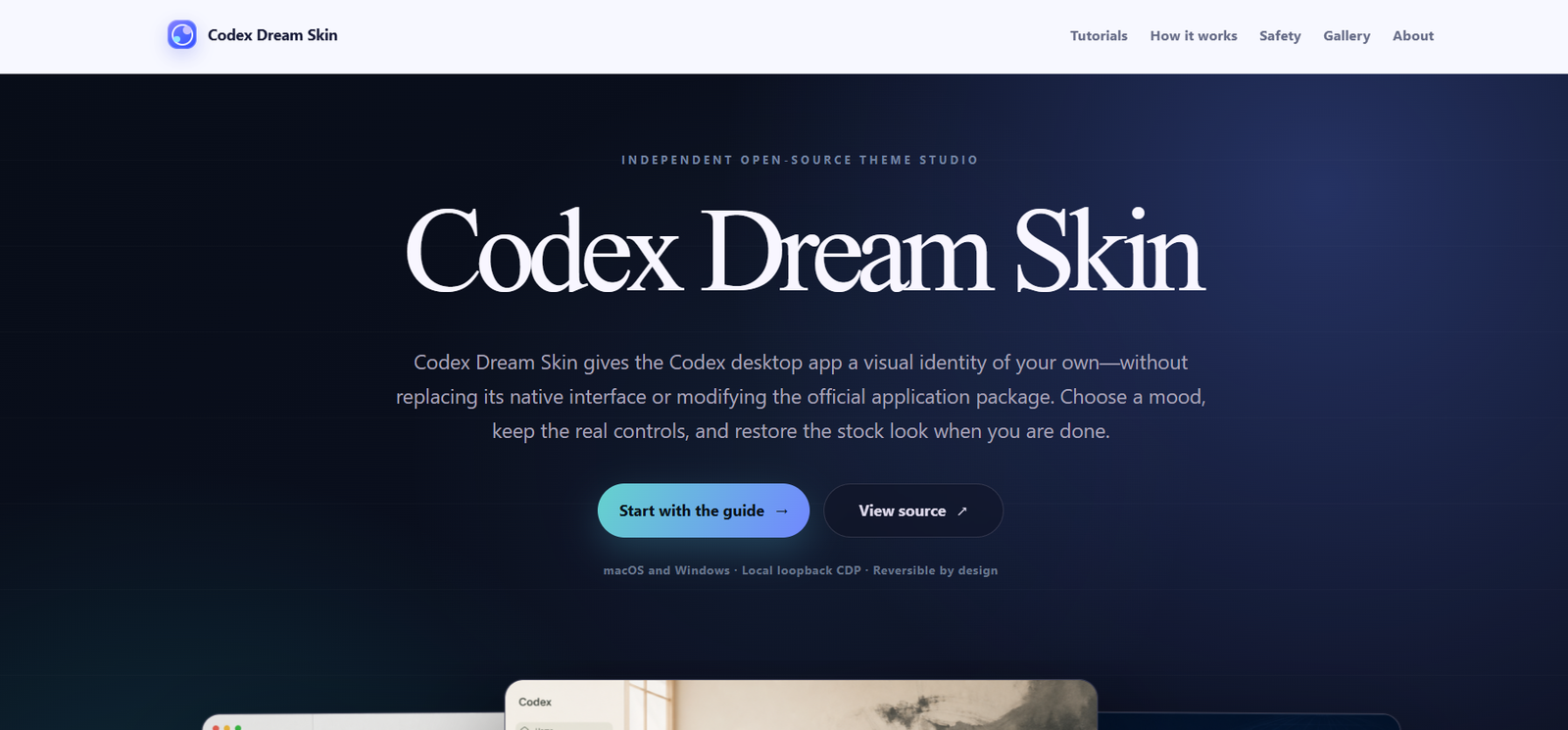
Codex Dream Skin is an open-source desktop customization project that allows users to personalize the appearance of the official Codex desktop application without modifying its core functionality. Rather than replacing or rebuilding the application, it applies a reversible visual layer over the existing interface, enabling users to create customized workspaces while preserving the native controls and user experience.
The project is designed for developers and Codex users who spend long hours coding and want a more personalized desktop environment. Users can choose from a variety of themes or create their own visual styles while maintaining compatibility with the official Codex desktop application on both Windows and macOS. Since the customization is reversible, users can easily return to the default appearance whenever they wish.
Features
Reversible Theme System
Apply custom themes without permanently changing the official Codex application. Users can restore the original interface at any time.
Native Interface Preservation
The project keeps the genuine Codex interface intact. Menus, project navigation, task panels, and other controls remain fully functional.
Multiple Theme Collections
Choose from a wide range of visual themes, including minimalist, cinematic, professional, gaming, editorial, sci-fi, and creative workspace designs.
Runtime Theme Injection
Themes are applied during runtime through a local Chromium DevTools Protocol (CDP) connection rather than modifying the application files.
Cross-Platform Support
Supports both Windows and macOS versions of the Codex desktop application.
Custom Backgrounds
Users can personalize their workspace with custom wallpapers, accent colors, transparency effects, and visual overlays.
Open Source
The project is openly available, allowing developers to inspect the source code, customize themes, and contribute improvements.
Safety and Restore Workflow
Includes documented verification and restoration procedures so users can safely remove themes and return to the default Codex appearance.
How It Works
Install the official Codex desktop application.
Download the Codex Dream Skin project from its public repository.
Follow the installation guide for your operating system.
Launch Codex using the provided theme workflow.
Choose or customize a preferred visual theme.
Use the application normally while enjoying the customized interface.
Restore the original appearance whenever desired using the provided restore process.
Use Cases
Developers can personalize their coding workspace.
Software engineers can reduce visual fatigue with custom themes.
Open-source contributors can create and share new theme designs.
Power users can build branded development environments.
Teams can customize internal developer workspaces.
Design enthusiasts can experiment with different desktop appearances.
Pricing
Codex Dream Skin is an open-source project. The official website does not list any paid plans or subscription pricing.
Strengths
- Does not modify the official Codex application.
- Fully reversible customization.
- Preserves the native user interface.
- Supports Windows and macOS.
- Wide variety of visual themes.
- Open-source and community-friendly.
- Easy restoration process.
- Ideal for long coding sessions.
Drawbacks
- Requires the official Codex desktop application.
- Intended primarily for Codex users.
- Installation involves following technical setup instructions.
- Focuses on visual customization rather than adding new coding features.
Comparison with Other Platforms
Unlike traditional desktop themes that replace or patch application files, Codex Dream Skin applies a reversible visual layer while keeping the official Codex application unchanged. Its runtime approach preserves native functionality and allows users to safely switch between custom themes and the default interface without modifying the application’s installation.
Customer Reviews and Testimonials
Customer reviews and testimonials are not clearly available on the official website.
Conclusion
Codex Dream Skin is an excellent customization project for developers who want a more personalized coding environment without compromising the stability of the official Codex desktop application. Its reversible design, native interface preservation, cross-platform compatibility, and open-source nature make it an attractive option for users seeking a customized yet reliable development workspace.