
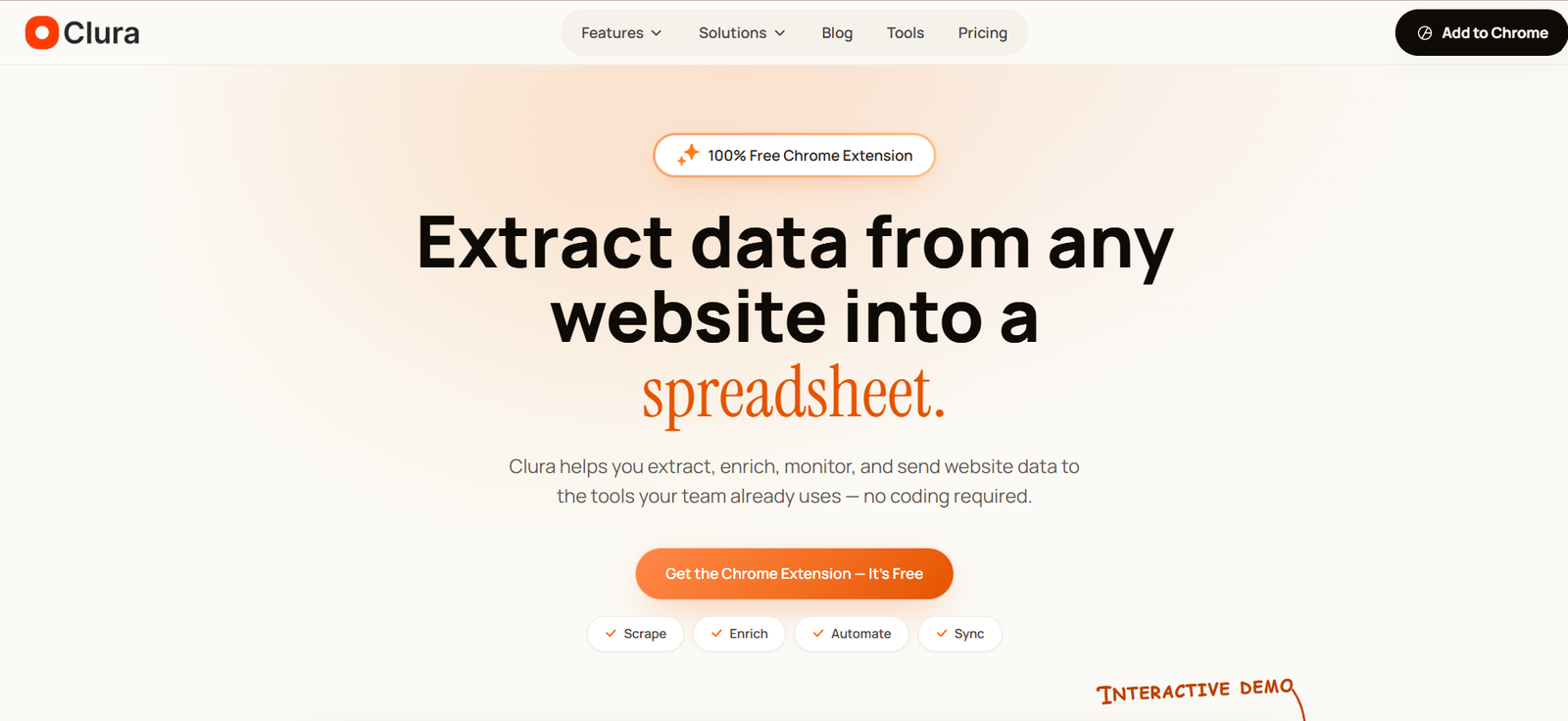
Clura is an AI-powered web scraping Chrome extension designed to help users extract structured information from websites without writing code. It works directly inside the browser and automatically detects repeating records, fields and pagination on webpages.
Instead of configuring CSS selectors, XPath expressions or scraping scripts, users can open a webpage and run Clura’s Quick Scrape feature. The tool identifies relevant rows and columns and presents the extracted information in a structured table.
Clura goes beyond basic data extraction. Users can enrich collected records with information such as emails, phone numbers and LinkedIn profiles, visit individual detail pages to collect additional fields, schedule recurring scraping jobs and send results to other business applications.
The platform can handle dynamic JavaScript websites, pagination, infinite scrolling and “load more” pages. This makes it useful for extracting information from business directories, ecommerce websites, job boards, real estate listings and other sites containing repeated structured records.
Clura is designed primarily for founders, sales professionals, recruiters, marketers, ecommerce teams and analysts who need web data but do not want to build their own scraping infrastructure.
Features
AI-Powered Quick Scrape
Quick Scrape automatically analyzes a webpage and detects repeating records and relevant data fields.
Users can review a preview before proceeding with larger extractions, helping them confirm that Clura has identified the correct information.
No-Code Data Extraction
Clura does not require users to create CSS selectors, XPath rules or custom scripts.
This makes web scraping more accessible to marketers, recruiters, sales professionals and researchers without programming experience.
Automatic Pagination
The platform can identify and navigate common pagination methods automatically.
It supports conventional next-page buttons, infinite scrolling, load-more interfaces and single-page extraction.
Dynamic Website Support
Clura works inside the browser, allowing it to handle many JavaScript-heavy websites where content is generated dynamically.
This makes it useful for modern web applications and listing websites that traditional basic scraping methods may struggle to process.
Data Enrichment
After collecting records, users can enrich them with additional contact information.
The paid workflow supports enrichment for emails, phone numbers and LinkedIn information, which can be useful when building legitimate business prospect lists.
Sub Page Scrape
Sub Page Scrape allows Clura to visit the detail page associated with each collected record.
Users can retrieve additional information that is not visible on the original listing page and append those fields to the main dataset.
Scheduled Agents
Clura provides Agents for recurring web data collection.
Users can configure scraping jobs to run daily, weekly or monthly, allowing them to collect fresh records or monitor website changes without repeating the entire process manually.
Website Change Monitoring
Scheduled Agents can monitor target pages for changes.
This can be useful for tracking competitor pricing, new job listings, product availability and other information that changes regularly.
CSV Export
Extracted information can be downloaded as a CSV file for use in spreadsheets, databases and other applications.
Excel Export
Clura also supports XLSX export, making the results easy to open directly in Microsoft Excel.
HubSpot Connector
Collected and enriched records can be sent to HubSpot, helping sales teams move web research into their CRM workflows.
Airtable Connector
Clura can send extracted records into Airtable for further organization, collaboration and automation.
Notion Connector
Users can sync web data with Notion, which can be useful for research databases and team knowledge workflows.
Webhooks
Webhook support allows developers and automation teams to send Clura data into custom applications and automated workflows.
Chrome Extension
Clura operates as a Chrome extension rather than requiring users to configure separate scraping servers.
Users can open the target website in their browser, launch Clura and start extracting information from the page they are viewing.
How It Works
Step 1: Install the Chrome Extension
Add the Clura extension to Google Chrome. The free version can be installed without a complicated technical setup.
Step 2: Open the Target Website
Navigate to the webpage containing the information you want to collect.
This could be a business directory, ecommerce page, job board, real estate website or another site containing repeated records.
Step 3: Run Quick Scrape
Open Clura and activate Quick Scrape.
The tool automatically examines the webpage and identifies likely rows and columns.
Step 4: Review the Preview
Check the detected information before continuing with the full extraction.
Step 5: Configure the Number of Records
Choose how many records you want to collect.
Step 6: Confirm Pagination
Clura identifies whether the website uses next-page navigation, infinite scrolling, load-more buttons or a single page.
Step 7: Extract the Data
Run the scraping process and allow Clura to collect the records into a structured dataset.
Step 8: Enrich the Records
Paid users can add information such as emails, phone numbers and LinkedIn details where available.
Step 9: Collect Detail-Page Information
Use Sub Page Scrape when additional fields are available on individual record pages.
Step 10: Export or Automate
Download the results as CSV or Excel, send them to supported connectors or convert the workflow into a scheduled Agent.
Use Cases
Sales Lead Generation
Sales teams can extract company and prospect information from directories, company websites and other publicly accessible sources before enriching relevant records.
Recruitment
Recruiters can collect job listings, company information and publicly available professional information to support sourcing and market research.
Market Intelligence
Analysts can collect structured information about companies, products, prices and market activity for further analysis.
Ecommerce Monitoring
Online retailers can monitor competitor products, prices, stock information and other publicly available marketplace data.
Competitor Research
Businesses can periodically collect competitor information and use scheduled Agents to monitor changes.
Google Maps Research
Users can extract business information from Google Maps search results, including fields such as business names, ratings, addresses, websites and available contact information.
Job Market Research
Companies and recruiters can collect job titles, employers, locations, salaries and other available information from job listing pages.
Real Estate Research
Property professionals and analysts can turn real estate listings into structured datasets for comparison and analysis.
Social Monitoring
Marketing teams can collect publicly available information from supported social and content platforms for research and monitoring purposes.
Research and Analytics
Researchers can convert repeated information from webpages into structured datasets instead of manually copying records into spreadsheets.
Pricing
Clura currently offers a particularly simple pricing structure.
Free: $0
The Free plan includes:
500 records per scrape
20 scrapes per day
CSV and XLSX export
Quick Scrape for basic data extraction
No cloud storage
The free plan is useful for testing the platform and handling smaller scraping requirements.
Lifetime: $29.99 One-Time
Clura currently offers a Lifetime plan for a one-time payment of $29.99.
It includes all Free plan capabilities plus:
Unlimited rows per scrape
Unlimited scrapes per day
Email, phone and LinkedIn enrichment
Scheduled scraping and monitoring Agents
Sub Page Scrape
Notion, HubSpot and Airtable connectors
Webhook support
14-day cloud storage
Priority support
The Lifetime option is currently promoted as a one-time purchase rather than a recurring monthly subscription.
Users should verify current pricing before purchasing because lifetime offers and included features can change.
Strengths
One of Clura’s biggest advantages is simplicity. Users can extract structured website information without learning web scraping code.
Its browser-native approach makes it suitable for dynamic and JavaScript-heavy websites.
Automatic detection of rows, fields and pagination reduces the amount of manual configuration required for new scraping projects.
Clura also provides more than basic extraction. Enrichment, detail-page scraping, scheduled Agents and connectors allow users to build a more complete web-data workflow.
CSV and Excel exports make the extracted information easy to use with familiar spreadsheet applications.
The free plan is generous enough for users to evaluate basic scraping before paying.
The current $29.99 one-time Lifetime plan is also relatively inexpensive compared with many web scraping platforms that use recurring monthly subscriptions.
Drawbacks
Clura is primarily a Chrome extension, so users who need a completely server-side scraping infrastructure may require a different approach.
Advanced features such as enrichment, scheduled Agents, detail-page scraping and connectors require the paid plan.
The free plan is limited to 500 records per scrape and 20 scrapes per day.
Although Clura can automatically detect data structures, unusual or highly complex websites may still require additional review.
Like other scraping tools, reliability can be affected when websites significantly change their design, access controls or technical structure.
Users are responsible for ensuring that their data collection activities comply with applicable laws, privacy requirements and the terms of the websites they access.
Comparison with Other Platforms
Clura competes with no-code web scrapers, browser scraping extensions and AI-powered data extraction platforms.
Traditional scraping tools often require users to identify webpage elements manually using CSS selectors or XPath rules. Clura reduces this technical work by automatically detecting repeated records and fields.
Compared with developer-oriented scraping APIs, Clura is easier for non-technical users because most of the workflow takes place directly inside Chrome.
It also goes beyond basic browser scraping extensions by providing contact enrichment, detail-page scraping, recurring Agents and connectors for platforms such as HubSpot, Airtable and Notion.
More advanced enterprise scraping services may provide larger-scale proxy infrastructure and specialized APIs. Clura is more focused on making everyday web data extraction simple for business users.
Customer Reviews and Testimonials
Clura publishes several customer testimonials on its official website.
Marketing professionals describe using the platform to reduce time spent manually copying website information. Business development users mention building lead lists and enriching them with contact information.
Recruiters also describe using scheduled Agents to monitor job boards and company career pages, while founders and independent developers highlight its usefulness for collecting marketplace and project data.
The company states that Clura is actively used by thousands of teams worldwide. These testimonials provide examples of user experiences, although results will depend on the websites being scraped and the specific workflow.
Conclusion
Clura is a practical AI-powered web scraping tool for users who want to convert website information into structured data without learning programming or maintaining scraping infrastructure.
Its combination of Quick Scrape, automatic pagination, dynamic website support, data enrichment, Sub Page Scrape and scheduled Agents makes it useful for more than occasional data extraction.
The platform is particularly suitable for sales teams, recruiters, marketers, ecommerce businesses, founders and analysts who regularly collect information from websites and move that data into spreadsheets, CRMs or research workflows.
The free plan provides an easy entry point, while the current one-time Lifetime option unlocks unlimited scraping and the platform’s more advanced automation features. For users looking for a simple browser-based alternative to technical web scraping tools, Clura is worth considering.


