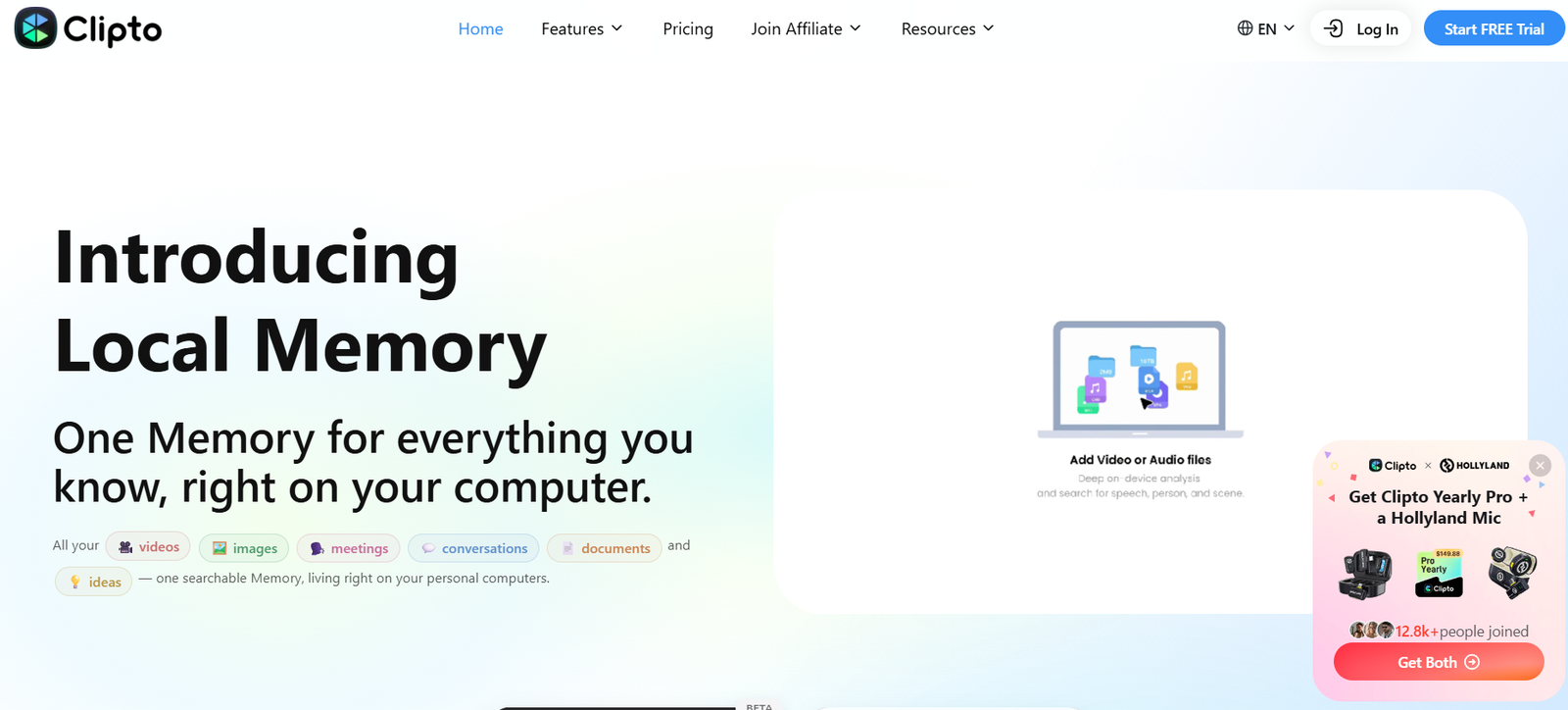
Clipto is an AI powered transcription and media intelligence platform designed to convert audio and video into searchable, editable text. It is useful for creators, journalists, researchers, students, marketers, filmmakers and businesses that regularly work with recorded content.
Users can upload audio or video files from their device, paste links to supported online media, or record content directly within Clipto. The platform then generates a transcript with timestamps and speaker identification.
Clipto supports more than 99 languages and combines transcription with translation, AI summaries and AI chat. This allows users not only to convert recordings into text but also to understand and search long videos more efficiently.
Another important part of Clipto is media search. The platform can automatically analyze and tag video and audio content, helping users locate particular people, scenes or moments without manually reviewing large collections of footage.
Features
AI Audio and Video Transcription
Clipto automatically converts spoken audio and video into written text. It can process podcasts, interviews, meetings, lectures, voice recordings and other types of recorded media.
The company promotes transcription accuracy of up to 99 percent, although actual accuracy can vary depending on recording quality, language, accents, background noise and other factors.
99+ Languages
Clipto supports transcription and translation across more than 99 languages. This makes it suitable for multilingual creators, researchers and international teams.
Speaker Identification
The platform automatically detects different speakers within recordings. Speaker labels make interviews, podcasts and meetings easier to read and review.
Users can also build a voice library for recurring speakers, helping organize future transcription projects.
Automatic People Tagging
Clipto can automatically identify and tag people appearing in media. This feature is particularly useful for filmmakers, video editors and organizations maintaining large media collections.
Video and Audio Search
Clipto turns media collections into searchable content. Instead of manually browsing folders or scrubbing through long videos, users can search for relevant content and locate matching moments.
Multiple Import Options
Users have several ways to bring content into Clipto. They can upload files from a local device, paste supported media URLs or record directly within the platform.
Online sources shown by Clipto include YouTube, Facebook, TikTok, Instagram, Vimeo, Loom, Google Drive, Dropbox and X.
Direct Recording
Clipto allows users to record and transcribe content directly. The transcription application currently indicates recording support of up to six hours.
Real Time Transcription
The platform also provides real time transcription for capturing speech from meetings, lectures, interviews, presentations and other live situations.
AI Summaries
Clipto can generate summaries from transcripts. This allows users to understand the main ideas of lengthy videos or audio recordings without reading the entire transcript.
AI Chat
Users can interact with video content through AI chat. They can ask questions about a recording and retrieve information based on its transcript, which can be helpful when working with long videos.
Translation
Clipto combines transcription with translation. Users can transcribe spoken material and convert it into another supported language within the same workflow.
Timestamps
Generated transcripts contain timestamps that help users connect written passages with corresponding sections of the original recording.
Long Video Processing
Clipto’s current Pro offering supports analysis of videos up to six hours long. This makes it suitable for longer interviews, podcasts, lectures and recorded events.
Flexible Export Options
Transcripts can be downloaded in commonly used formats such as TXT, DOCX, PDF, SRT and VTT.
The platform also provides export options intended for professional editing workflows, including Final Cut and Premiere Pro related formats.
How It Works
Step 1: Start a transcription
Open Clipto and choose the AI transcription feature.
Step 2: Add your content
Upload an audio or video file from your device, paste a supported online media link, or record content directly through Clipto.
Step 3: Select the language
Choose the spoken language or use automatic language detection where available.
Step 4: Generate the transcript
Clipto processes the recording and converts the speech into searchable text.
Step 5: Review speakers and timestamps
The resulting transcript can include timestamps and automatically identified speakers, helping users navigate conversations more easily.
Step 6: Use AI tools
Generate a summary, translate the transcript or use AI chat to ask questions about the recorded content.
Step 7: Search your media
For larger media collections, users can take advantage of automatic tagging and search capabilities to locate relevant footage or moments.
Step 8: Export the results
Download the completed transcript in an available format such as TXT, DOCX, PDF, SRT or VTT.
Use Cases
Content Creators
Creators can transcribe videos, podcasts and social media content. The resulting text can be used for captions, articles, show notes, summaries and content repurposing.
YouTube Creators
Users can paste supported YouTube links and generate searchable transcripts without first manually transcribing the video. Summaries can also help creators quickly review long content.
Podcasters
Podcasters can generate transcripts with speaker labels and timestamps. These transcripts can become the basis for show notes, articles and searchable podcast archives.
Filmmakers and Video Editors
One of Clipto’s interesting use cases is organizing large collections of footage. Automatic people tagging and media search can help editors locate specific clips or moments more quickly.
Journalists
Journalists can convert recorded interviews into searchable transcripts, identify different speakers and return to particular statements through timestamps.
Researchers
Researchers can use Clipto for recorded interviews, discussions and other qualitative material. Searchable transcripts can make large amounts of recorded information easier to review.
Students
Students can convert lectures and educational recordings into text, create summaries and search transcripts for specific concepts.
Businesses and Teams
Businesses can transcribe meetings, presentations, interviews and recorded discussions. Search and summary features can help teams retrieve information from long recordings.
Marketers
Marketing professionals can search existing campaign footage and turn spoken video or audio into reusable written material for content production.
Video Agencies
Agencies managing large amounts of client footage can use automatic tagging and media search to organize and locate clips without manually reviewing every file.
Pricing
Clipto currently offers a 7 day free trial for its Pro features.
Monthly Plan
The regular monthly price displayed on the official pricing page is $24.99 per month.
At the time reviewed, Clipto was offering a new customer promotion of $9.99 for the first month after the 7 day free trial, followed by the regular $24.99 monthly price.
Yearly Plan
The yearly subscription is currently displayed at $12.49 per month when billed annually, resulting in a total annual charge of $149.88.
The website presents this as a 50 percent saving compared with its standard monthly pricing.
Clipto Pro includes features such as unlimited video and audio search, automatic speech transcription, automatic people tagging, support for more than 99 languages, analysis of videos up to six hours long and access to advanced models.
Pricing and introductory discounts can change, so users should confirm the latest subscription terms before starting a paid plan.
Strengths
Clipto combines transcription and intelligent media search rather than focusing solely on speech to text conversion.
Support for more than 99 languages makes it useful for international and multilingual projects.
Users can import media in several ways, including local uploads, online links and direct recording.
Speaker identification and timestamps make lengthy interviews, podcasts and meetings easier to navigate.
AI summaries and AI chat help users understand long recordings without repeatedly watching or listening to the complete material.
Automatic people tagging and searchable media libraries can be especially valuable for filmmakers, editors, photographers and agencies managing large amounts of footage.
Flexible exports, including subtitle and professional editing formats, also make Clipto useful within content production workflows.
Drawbacks
Clipto primarily operates as a subscription service after the free trial, so users who need only occasional transcription may prefer a service with a permanent free allowance or pay as you go pricing.
The monthly subscription can become relatively expensive for users with limited transcription needs after introductory pricing ends.
The platform advertises high transcription accuracy, but AI transcription results will still depend on audio quality, accents, background noise, overlapping speakers and specialized terminology.
Some of Clipto’s advanced media search and tagging capabilities may be unnecessary for users who simply need to convert a short audio file into text.
Users working with confidential recordings should also review Clipto’s privacy and security policies before uploading sensitive business, legal or personal content.
Comparison with Other Platforms
Clipto competes with AI transcription platforms such as Otter, Notta, Descript, TurboScribe and similar speech to text services.
Its main difference is that it combines transcription with broader video and audio search capabilities. Rather than treating the transcript as the final result, Clipto can help users organize, search and retrieve information from their media.
This approach can be particularly useful for filmmakers, editors, agencies and creators with large collections of footage.
Compared with meeting focused transcription assistants, Clipto places greater emphasis on uploaded media, online videos, media libraries and content production workflows.
Compared with basic audio to text converters, it provides additional capabilities such as speaker identification, automatic people tagging, AI summaries, translation, AI chat and professional export options.
The best choice will therefore depend on whether a user needs simple transcription, automated meeting notes, professional media organization or a broader AI based content workflow.
Customer Reviews and Testimonials
Clipto displays customer testimonials on its official website and also references Trustpilot in its customer feedback section.
Published testimonials come from users such as photographers, filmmakers, video editors, marketers and video agency professionals.
The feedback displayed by Clipto particularly highlights its ability to organize large collections of footage, automatically tag media and help users find particular clips or moments without manually searching through folders and videos.
Since testimonials displayed on a company’s own website are selected by the company, prospective customers may also want to review independent feedback before purchasing a subscription.
Conclusion
Clipto is a versatile AI platform for users who work regularly with audio and video. It combines multilingual transcription with speaker identification, timestamps, translation, summaries, AI chat and intelligent media search.
Its strongest appeal may be for content creators, filmmakers, video editors, journalists, podcasters, marketers and agencies that manage significant amounts of recorded material. Instead of simply producing a transcript, Clipto can help make an entire media collection easier to search and understand.
Students, researchers and business professionals can also benefit from its ability to turn lectures, interviews and meetings into searchable written information.
For users who only need occasional basic transcription, the subscription price may be more than necessary. For professionals who regularly need to transcribe, organize, search and reuse audio and video, Clipto offers a broader set of capabilities within one platform.