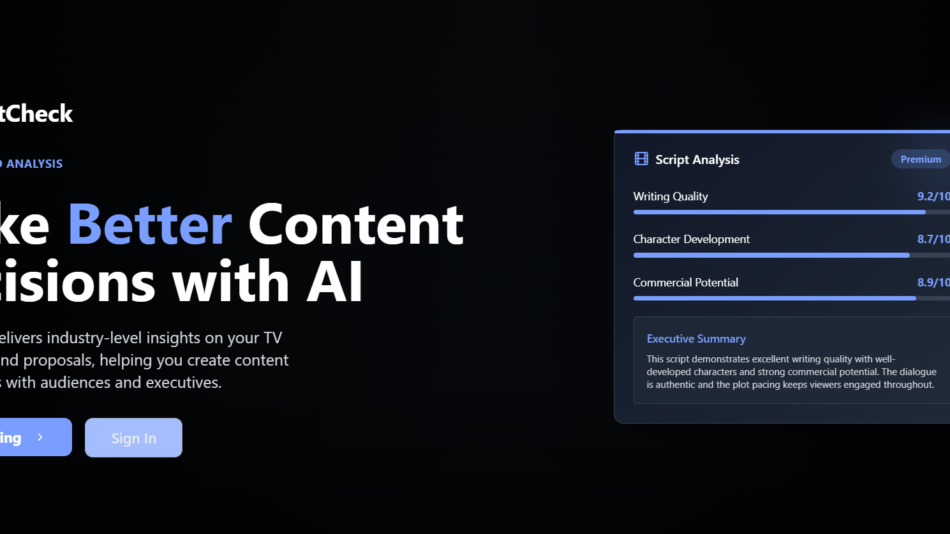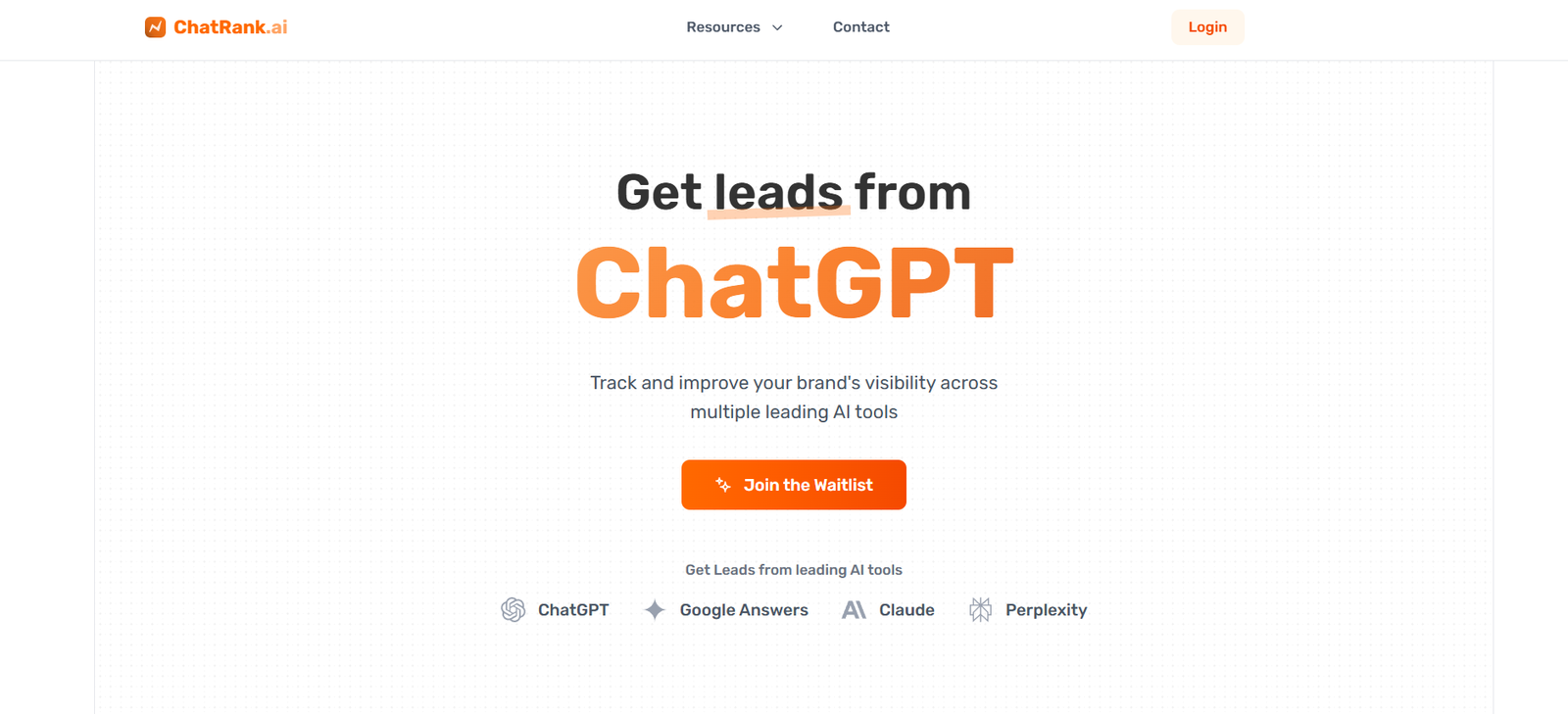
ChatRank AI is an AI-powered tool that helps users analyze, score, and optimize their LinkedIn comments for better performance and engagement. Designed for creators, professionals, and marketers aiming to grow their influence on LinkedIn, ChatRank evaluates the quality of your comments and provides real-time feedback on how to improve them.
Unlike traditional engagement tools that focus on posting or scheduling, ChatRank zeroes in on what many overlook: the impact of comments. On LinkedIn, insightful and timely comments can drive profile views, post reach, and audience growth. ChatRank helps you write smarter comments, track how engaging they are, and learn what gets the most traction.
Whether you’re building a personal brand, working in B2B marketing, or just trying to contribute more effectively on LinkedIn, ChatRank AI gives you a measurable way to improve your engagement strategy.
Features
1. AI Comment Scoring
Paste your comment into ChatRank, and it gives you a score from 0 to 100 based on clarity, value, engagement potential, and tone.
2. Real-Time Feedback and Suggestions
After scoring, ChatRank provides actionable tips to improve your comment—such as making it more thought-provoking, concise, or positive.
3. Comment History Tracking
Users can track and revisit previously scored comments to analyze improvement over time.
4. Tone and Style Matching
Ensures your comment aligns with the tone of the original post while still standing out.
5. Shareable Results
Download or copy the scorecard and feedback—ideal for teams or social media managers reviewing performance.
6. No Login Required (for Basic Use)
Quickly test and score a comment without signing up.
How It Works
Using ChatRank AI is simple and takes just a few steps:
Visit https://chatrank.ai
Paste Your LinkedIn Comment
Enter the comment you’re planning to post—or one you already posted—into the input box.Click “Get My Score”
ChatRank’s AI evaluates the comment and provides a numeric score and written feedback.Review and Edit
Use the suggestions to revise your comment for greater clarity, originality, or engagement.Post or Save
Copy the improved comment to post on LinkedIn or save the score for your records.
Use Cases
ChatRank AI is perfect for professionals and content creators looking to elevate their LinkedIn strategy:
1. LinkedIn Creators and Influencers
Improve the visibility and quality of comments to boost profile reach and content interactions.
2. B2B Marketers
Train teams to write more impactful comments on client or partner posts.
3. Job Seekers and Career Coaches
Craft thoughtful replies that attract attention from hiring managers or recruiters.
4. Community Managers
Ensure high comment quality on brand accounts when responding to followers or industry leaders.
5. Sales and Business Development Reps
Use engaging comments to start conversations and build rapport with prospects.
Pricing
As of May 2025, ChatRank AI offers the following pricing model:
Free Plan
Score up to 3 comments per day
Basic feedback and tone suggestions
No account required
Pro Plan – $10/month
Unlimited comment scoring
Advanced writing suggestions
Comment analytics dashboard
Save and track comment history
Priority access to new features
Team Plan – Custom Pricing
Built for agencies, marketing teams, and sales orgs
Multi-user access
Team-wide comment reporting and performance insights
API integration (coming soon)
Visit https://chatrank.ai for updated pricing and feature rollout.
Strengths
Unique Focus: It’s one of the only tools that evaluates and improves LinkedIn comments.
Instant Feedback: Scores and tips are delivered in seconds, making real-time optimization easy.
Free to Start: No login or payment needed to try the basic functionality.
Clear Guidance: Suggests edits that are specific and actionable.
Great for Social Selling: Helps sales pros craft comments that lead to conversations.
Drawbacks
LinkedIn-Only: ChatRank is currently optimized just for LinkedIn and doesn’t support other platforms.
Scoring Can Be Subjective: While helpful, AI scoring isn’t always perfect for context-heavy or sarcastic comments.
No Direct Publishing: ChatRank doesn’t integrate directly with LinkedIn to post comments—you must copy and paste.
Limited History in Free Plan: Only Pro users can save and track comments over time.
Comparison with Other Tools
vs. Taplio
Taplio offers LinkedIn content scheduling and analytics. ChatRank complements Taplio by focusing on comment quality, not post creation.
vs. ChatGPT
ChatGPT can help rewrite comments but doesn’t offer scoring, structure, or feedback. ChatRank is purpose-built for engagement improvement.
vs. Koast AI
Koast helps schedule AI-generated comments. ChatRank helps you analyze and improve your manually written comments—ideal for creators who write their own content.
vs. Grammarly
Grammarly improves grammar and clarity. ChatRank improves engagement and tone for professional social interactions.
Customer Reviews and Testimonials
ChatRank AI is gaining traction among LinkedIn creators, marketers, and startup professionals. Early user feedback includes:
“I didn’t realize how much a good comment could increase profile views—ChatRank helped me get seen.”
“I use it to refine my replies before I post. Great for staying sharp during busy content weeks.”
“Our entire marketing team uses it to make sure we’re adding value in every interaction.”
With more users joining daily, ChatRank AI is expected to gain visibility on platforms like Product Hunt, G2, and in LinkedIn creator communities.
Conclusion
ChatRank AI is a smart, focused engagement tool for professionals who want to improve how they show up on LinkedIn. By analyzing and optimizing comments, it turns casual interaction into strategic engagement—boosting your profile’s visibility and credibility with every post you reply to.
Whether you’re a solo creator, sales rep, or part of a marketing team, ChatRank AI helps you comment with clarity, confidence, and measurable impact.
If you’re looking to level up your presence and influence on LinkedIn through better interactions, ChatRank is a simple, affordable, and effective tool worth adding to your stack.