Canva is a widely-used online graphic design platform that enables users to create professional-quality visuals without needing advanced design skills. With an intuitive drag-and-drop interface and thousands of pre-made templates, Canva simplifies the creation of graphics for social media, marketing, presentations, videos, documents, and more.
Founded in 2013, Canva has grown into a powerhouse used by over 150 million people globally. It’s designed for individuals, teams, educators, marketers, and businesses who want to produce stunning visuals quickly and efficiently. From infographics and brochures to videos and websites, Canva offers a comprehensive suite of tools—including an increasingly powerful suite of AI-driven design features.
Features
Drag-and-Drop Editor
Easily create designs using a visual editor—no coding or advanced software required.
Thousands of Templates
Access ready-made templates for social media posts, resumes, flyers, presentations, and more.
AI-Powered Tools (Magic Studio)
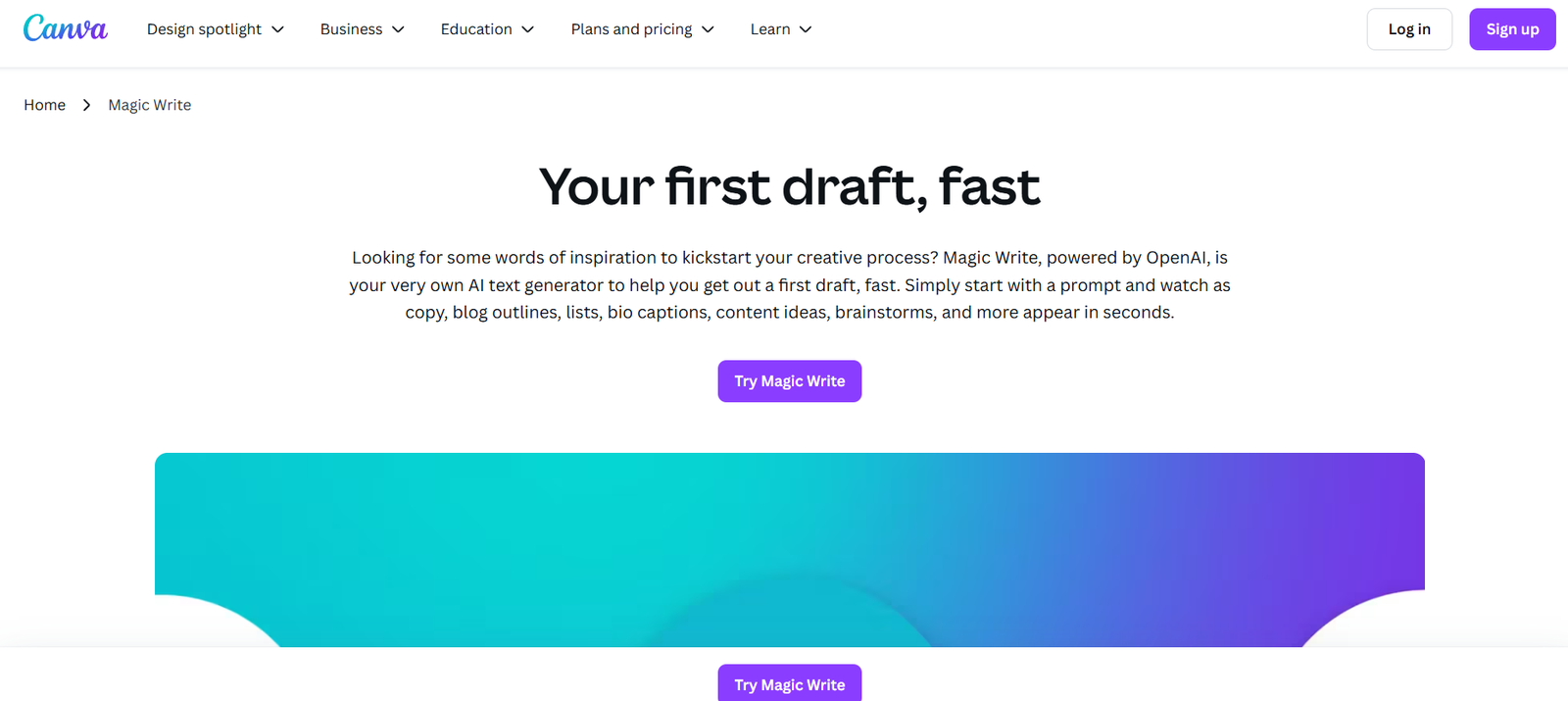
Canva’s Magic Studio includes tools like Magic Write (AI copy generator), Magic Design (layout generation), Magic Edit (AI image editing), and Magic Animate (video motion effects).
Brand Kit
Upload brand assets like logos, fonts, and colors for consistent design across your team.
Collaborative Design
Invite team members to edit, comment, and collaborate in real time within shared workspaces.
Video Editor
Create and edit videos using pre-set templates, stock footage, animations, and music.
Presentation Builder
Design engaging slide decks with speaker notes, transitions, and presentation modes.
Content Planner
Schedule and post social media content directly from Canva to platforms like Instagram, Facebook, and LinkedIn.
AI Text to Image
Generate images from prompts using Canva’s AI-powered text-to-image feature.
Design for Print
Order prints of your designs (flyers, business cards, banners, etc.) and have them shipped directly to your door.
Cloud Storage
Keep your files organized and accessible with built-in cloud storage.
How It Works
Create a Free Account
Visit https://www.canva.com and sign up using email, Google, or Facebook.Choose a Template or Start from Scratch
Select from thousands of templates or create a custom canvas in any dimension.Design with AI Tools or Manually
Use Canva’s design tools (or AI features like Magic Design or Magic Write) to generate content and layouts.Customize Your Content
Add photos, videos, animations, icons, or text. Use the editor to adjust colors, fonts, and layouts.Collaborate and Share
Invite team members to co-edit, or download/export designs in various formats (PDF, PNG, MP4, etc.).Publish or Print
Use Canva’s content planner to publish directly to social platforms, or order physical prints through Canva Print.
Use Cases
Marketing Teams
Create branded content for ads, email campaigns, product launches, and social media.
Small Businesses
Design logos, menus, signage, and digital content without hiring a designer.
Educators and Students
Build lesson plans, infographics, reports, and classroom visuals.
Social Media Managers
Produce consistent, engaging content across Instagram, TikTok, Facebook, and X (formerly Twitter).
Event Planners
Design invitations, programs, posters, and signage for weddings, conferences, or community events.
Freelancers and Creators
Use Canva to design portfolios, YouTube thumbnails, client proposals, and more.
Pricing
As of August 2025, Canva offers several pricing tiers for individuals and teams:
Canva Free
Access to 250,000+ templates
Limited AI tools (basic Magic Write usage)
5GB cloud storage
Free photos and graphics
Canva Pro – $14.99/month (or $119.99/year)
610,000+ premium templates
Full access to Magic Studio AI tools
Brand Kit (multiple)
1TB cloud storage
Background remover, resizing, and premium fonts
Content planner for 8 platforms
Canva for Teams – Starting at $29.99/month for 5 users
Everything in Pro
Team templates and roles
Approval workflows
Shared folders and project management tools
Canva for Education & Nonprofits
Free access for eligible institutions and registered nonprofits
Includes Pro-level features for classroom or cause-driven work
Visit the official Canva pricing page for up-to-date information and special offers.
Strengths
Beginner-Friendly: Intuitive interface requires no prior design experience.
All-in-One Platform: Combines design, video, AI, collaboration, and scheduling in one tool.
Extensive Template Library: Suitable for almost every content type and platform.
Powerful AI Tools: Magic Studio makes content creation faster and smarter.
Affordable for Teams and Individuals: Free plan is generous; paid plans offer strong value.
Cloud-Based: Accessible from any device with an internet connection.
Drawbacks
Limited Advanced Design Control: Not as flexible as professional tools like Adobe Illustrator for custom vector design.
AI Outputs Can Be Generic: Magic Write and Magic Design are helpful, but results often need human refinement.
Internet Required: Full features need a stable connection—no full offline mode.
Freemium Limitations: Some of the most powerful features (e.g., background remover, brand kit) are locked behind Pro.
Comparison with Other Tools
Versus Adobe Express
Canva offers a more robust template library and stronger collaboration features than Adobe Express, especially for team use.
Versus Figma
Figma is great for UI/UX and product design; Canva is better suited for marketing, content, and creative visual work.
Versus Visme or Piktochart
Visme and Piktochart are strong for infographics and presentations. Canva is more versatile across visual content types.
Versus AI Design Tools (e.g., Designs.ai, Looka)
Canva’s integrated Magic Studio offers text-to-image, content writing, and animation in a unified platform—more advanced and user-friendly than most AI-only tools.
Customer Reviews and Testimonials
Canva consistently receives high ratings from users across industries:
“Canva made it possible for my small business to create professional graphics without hiring a designer.”
“The AI tools are amazing! I love Magic Write for quick captions and blog intros.”
“We manage all our marketing visuals through Canva—it saves us hours every week.”
“As a teacher, Canva for Education has changed how I create lesson materials.”
“The brand kit and content planner help keep our startup’s social media consistent and organized.”
Canva is rated 4.7+ stars on platforms like G2, Trustpilot, and Capterra, with millions of satisfied users globally.
Conclusion
Canva is a top-tier visual design platform that blends ease of use with powerful features, including AI-assisted tools for content generation, design, and publishing. Whether you’re an entrepreneur, educator, marketer, or creative professional, Canva provides everything you need to create compelling visuals—quickly and affordably.
With the addition of Magic Studio, Canva has positioned itself as a forward-thinking tool for the AI-powered creative generation. From solo creators to enterprise teams, it offers unmatched flexibility and accessibility.