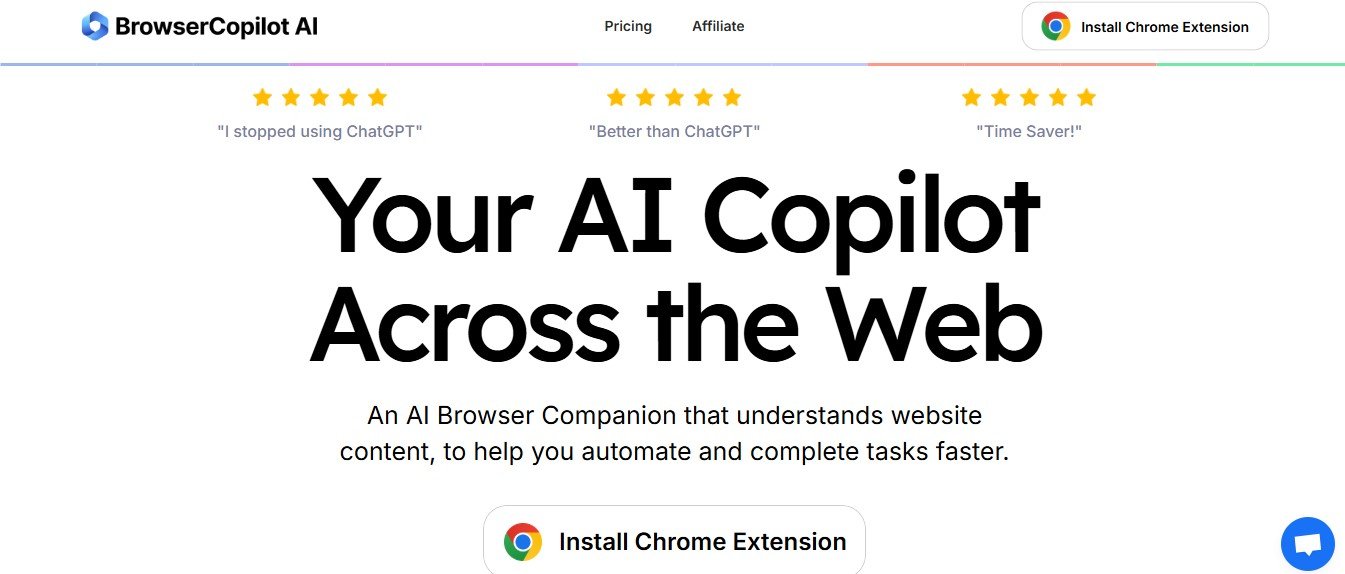
BrowserCopilot.ai is an innovative AI-powered browser automation tool designed to streamline web browsing, data extraction, form filling, and repetitive online tasks. Whether you are a researcher, marketer, business professional, or developer, this tool enhances productivity by automating complex workflows directly in your browser.
With AI-driven automation, smart web scraping, and task scheduling, BrowserCopilot.ai eliminates manual effort, allowing users to save time, reduce errors, and improve efficiency. Instead of switching between multiple tabs or copying and pasting data manually, users can rely on the AI to handle tedious online activities.
Features
AI-Powered Browser Automation
- Automate repetitive tasks such as form filling, web scraping, and data entry.
Web Scraping and Data Extraction
- Extract structured data from websites, tables, and online reportswithout coding.
Task Scheduling and Auto-Execution
- Set automation sequences to run at specific times or intervals.
Smart Form Filling
- Automatically complete forms, registrations, and logins with saved data.
Multi-Tab and Multi-Page Automation
- Navigate through multiple web pages and extract information seamlessly.
AI-Powered Search and Research
- Automate data collection, competitor analysis, and market research.
No-Code Workflow Builder
- Easily create custom automation flowswithout programming knowledge.
Cloud-Based and Secure
- Runs in the cloud with encrypted connectionsto protect user data.
Integration with Popular Tools
- Connect with platforms like Google Sheets, Notion, Zapier, and more.
Custom API and Webhooks
- Developers can integrate AI-powered automation into existing workflows.
How It Works
Step 1: Define Your Task
- Select what you want to automate, such as web scraping, form filling, or data entry.
Step 2: Customize Your Workflow
- Use the no-code builderto set up actions, triggers, and schedules.
Step 3: Let the AI Execute
- ai automates browsing and completes tasks on your behalf.
Step 4: Review and Export Data
- View extracted information and export it to spreadsheets, databases, or APIs.
Step 5: Optimize and Scale
- Refine automation flows to increase efficiency and handle larger datasets.
Use Cases
For Researchers and Analysts
- Automate data collection from news sites, reports, and online databases.
For Marketers and SEO Professionals
- Scrape competitor data, track keyword trends, and automate outreach.
For E-commerce and Sales Teams
- Monitor product prices, gather customer insights, and automate lead generation.
For Business Professionals
- Schedule automated form submissions, login sequences, and data transfers.
For Developers and IT Teams
- Integrate custom web automationinto applications using APIs.
Pricing
Free Plan
- Basic automation features with limited task executions.
Pro Plan Twenty-Nine Dollars Per Month
- Unlocks advanced AI automation, multi-step workflows, and cloud storage.
Business Plan Seventy-Nine Dollars Per Month
- Designed for teams, with bulk automation and API access.
Enterprise Plan Custom Pricing
- Tailored solutions for large-scale browser automation needs.
Visit the BrowserCopilot.ai Pricing Page for more details.
Strengths
- AI-Powered Browser Automation to handle repetitive online tasks
- No-Code Workflow Builder for easy customization
- Smart Web Scraping to extract and structure online data
- Task Scheduling and Auto-Execution to improve efficiency
- Cloud-Based and Secure for seamless access from any device
Drawbacks
- Subscription-Based Model required for full-feature access
- Learning Curve for advanced automation setups
- Internet Dependency since it runs on cloud-based automation
Comparison with Other Tools
BrowserCopilot.ai vs Zapier
- Zapier focuses on app integrations, while ai automates browser-based tasks.
BrowserCopilot.ai vs UiPath
- UiPath is an enterprise RPA tool, whereas ai is more lightweight and user-friendly.
BrowserCopilot.ai vs PhantomBuster
- PhantomBuster specializes in social media automation, while ai offers broader browser task automation.
Customer Reviews and Testimonials
- “This tool saves me hours every week by automating research and data collection!”– Daniel S., Market Analyst
- “BrowserCopilot.ai makes it easy to extract information from multiple websites without any coding.”– Lisa M., SEO Specialist
- “The AI-powered automation is great, but I would love more integrations with third-party apps.”– Kevin R., Business Consultant
Conclusion
BrowserCopilot.ai is an AI-powered browser automation tool designed to simplify web-based tasks, from data extraction to workflow automation. Whether you are a marketer, researcher, developer, or business owner, this tool enhances productivity by automating repetitive browsing activities.
Ready to streamline your workflow?
Visit BrowserCopilot.ai and start automating your tasks today.