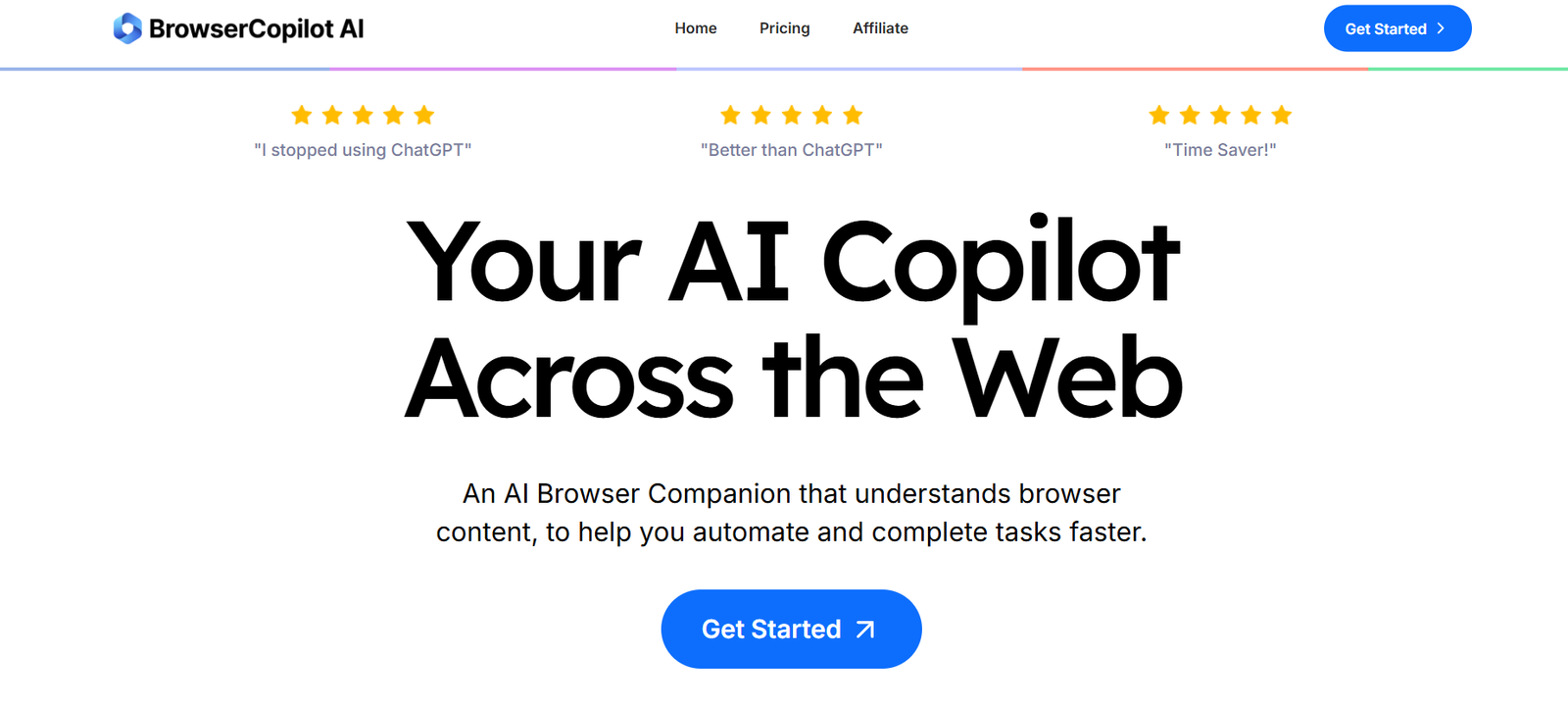
Browser Copilot is a browser-based AI tool that allows users to interact with websites using plain English commands. Instead of manually clicking through pages or writing scripts, you simply tell Browser Copilot what to do—like “Fill out this form,” or “Extract all the headlines from this page”—and it executes the task for you.
Built on powerful language models and real-time browser context awareness, it serves as a universal AI assistant for the web, eliminating the need for plugins, APIs, or custom scripts.
Try it live at https://browsercopilot.ai.
Features
Browser Copilot offers a focused set of features that simplify how users interact with websites:
1. Natural Language Web Control
Use commands like “Click the login button” or “Scroll down and extract all prices” to perform actions instantly.
2. AI-Powered Page Understanding
The tool understands page structure and content using AI, enabling accurate and context-aware responses.
3. Data Extraction
Extract structured data (e.g., tables, text, prices, headlines) from any website without writing code.
4. Form Filling Automation
Fill out forms, submit applications, or automate survey responses with a single command.
5. No Extensions Required
Runs in your browser without requiring any installation—completely extension-free.
6. Secure and Privacy-Respecting
All interactions occur in your browser session without storing private data.
7. Use on Any Website
Works universally across sites, from eCommerce to SaaS dashboards and content platforms.
How It Works
Browser Copilot operates directly in your browser and follows a simple three-step process:
Go to the Website You Want to Interact With
Open any website you want to automate or extract data from.Activate Copilot
Use Browser Copilot’s interface (available from browsercopilot.ai) to input your command.Watch It Work
The AI analyzes the current page, locates the correct elements, and executes your task—whether it’s clicking, typing, scraping, or navigating.
No plugins, developer tools, or browser extensions are needed.
Use Cases
Browser Copilot is versatile and valuable for various industries and user needs:
1. Market Research
Extract product listings, prices, reviews, or specifications from competitor sites
Aggregate data without needing scraper scripts
2. E-commerce
Automate testing or interaction with your storefront
Fill out checkout flows or simulate user behavior
3. Content Writers & Researchers
Summarize content from articles
Copy blog post headlines, quotes, or snippets
4. Customer Support
Autofill support forms
Extract FAQ answers or troubleshooting steps from websites
5. Administrative Tasks
Auto-fill job applications or sign-up forms
Save time on daily repetitive browser interactions
Pricing
As of May 2025, Browser Copilot offers a free early access version with future premium plans under development.
Free Tier (currently available)
Full access to all features
Unlimited browser interactions
No credit card required
No installation needed
Pro and Enterprise Plans (Coming Soon)
Expected features may include:
API integrations
Session memory and command history
Advanced data export
Team collaboration tools
Custom AI model support
Pricing updates will be available at https://browsercopilot.ai.
Strengths
No-Code Automation
Automate tasks across any website without writing code or using browser extensions.Universal Web Compatibility
Works across all websites with intelligent page recognition.Simple and Fast Interface
Designed for ease of use with a clean, command-based input.Privacy First
No downloads, no data storage—everything happens in-browser.Free to Use
Try the full experience at no cost during early access.
Drawbacks
Still in Early Access
Some features may be in development or lack polish.No Offline Mode
Requires an active internet connection to function.May Struggle with Highly Dynamic Content
JavaScript-heavy sites or complex web apps may present occasional issues with command execution.No Mobile Optimization Yet
Currently optimized for desktop browser use only.
Comparison with Other Tools
Browser Copilot vs ChatGPT
ChatGPT can help you write scripts but doesn’t interact directly with live websites.
Browser Copilot performs real-time actions inside your browser.
Browser Copilot vs browser extensions (e.g., iMacros, UI.Vision)
Traditional extensions require scripting and installation.
Browser Copilot offers the same functionality with natural language commands and no installation.
Browser Copilot vs Zapier + Webhooks
Zapier connects apps with triggers but doesn’t automate real-time browser actions.
Browser Copilot can perform live, page-specific tasks on any website.
Customer Reviews and Testimonials
While still in early access, Browser Copilot is receiving enthusiastic responses from early adopters:
“It’s like ChatGPT for websites. I just type what I want, and it does it.”
– SaaS Marketer
“I used it to pull product data from a page I couldn’t scrape easily—worked like magic.”
– E-commerce Analyst
“Perfect for automating annoying web tasks. No scripts. No coding.”
– Virtual Assistant
Feedback from Product Hunt and indie developer communities praises its accessibility, usefulness, and wow factor for non-technical users.
Conclusion
Browser Copilot represents a new wave of browser automation powered by natural language and artificial intelligence. Whether you’re looking to extract data, automate tedious web tasks, or simply make your online work more efficient, Browser Copilot offers a simple, no-code solution that works anywhere on the web.
With its free access, zero-install setup, and AI-powered interface, it’s the easiest way to turn your browser into a smart assistant.
Try it now at https://browsercopilot.ai and experience the future of web automation.