
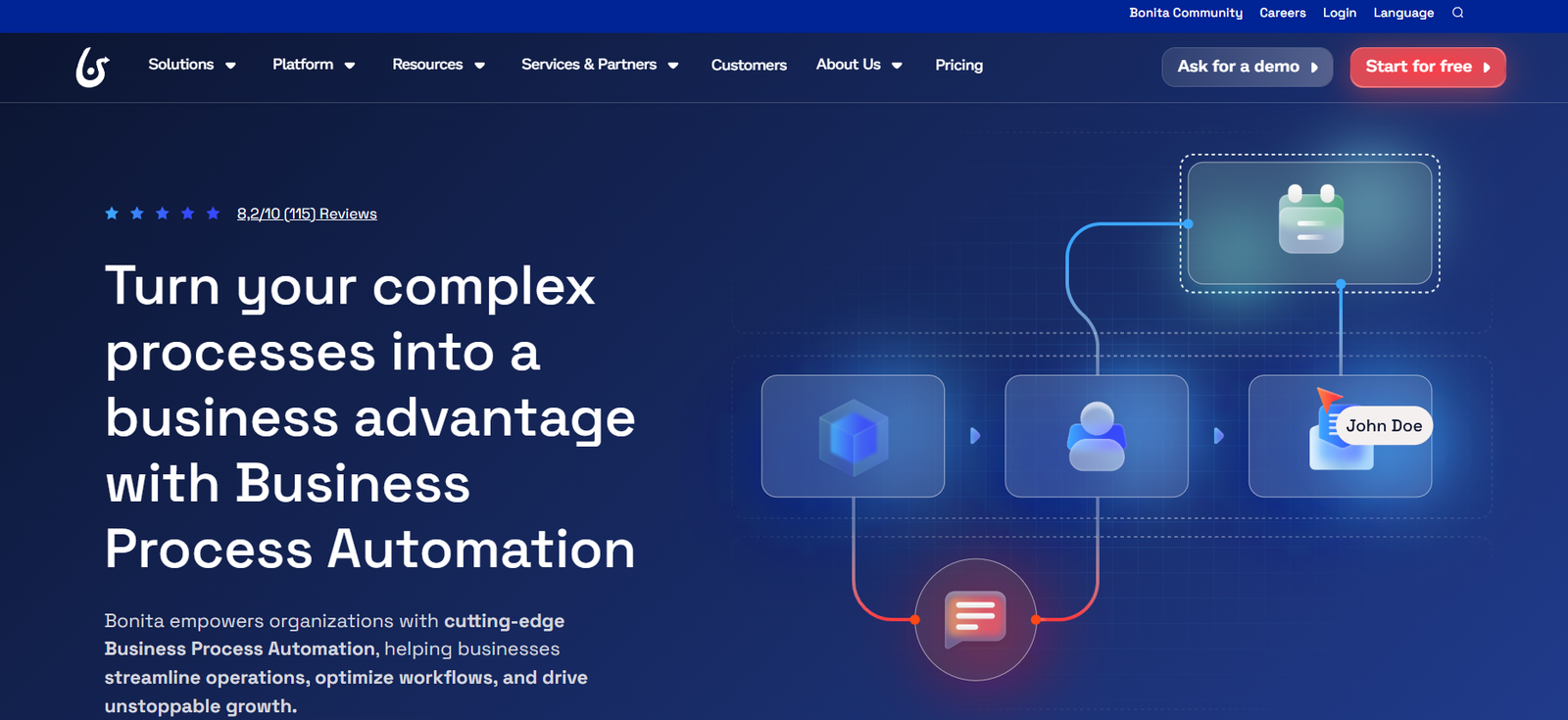
Bonitasoft is a leading open-source Business Process Management (BPM) platform that enables businesses to model, automate, and optimize their operational processes. Designed to help enterprises manage complex workflows and digital transformations, Bonitasoft offers a rich suite of tools for process modeling, application development, system integration, and process monitoring.
The platform supports both technical and business teams, bridging the gap between process logic and user experience. With flexible deployment options (on-premise or cloud) and enterprise-grade scalability, Bonitasoft is widely used across industries such as finance, healthcare, government, and manufacturing.
Features
Process Modeling (BPMN 2.0)
Use Bonita Studio to visually design business processes using BPMN 2.0 standards. Collaborate across teams for alignment on logic and rules.
UI Designer
Build customized user interfaces with drag-and-drop components or custom HTML/CSS/JavaScript for tailored web applications.
Workflow Automation
Automate tasks, approvals, and decision points with event-driven triggers, conditional flows, and human-in-the-loop capabilities.
Business Data Modeling
Define and manage business entities, relationships, and data types independently from process logic.
Integration Connectors
Use prebuilt and custom connectors to integrate with third-party systems (ERP, CRM, REST APIs, databases, etc.).
Advanced User Management and Access Control
Role-based access control, LDAP integration, and SSO support ensure secure and compliant operations.
Monitoring and Analytics
Track process performance in real-time, generate dashboards, and gain insights into bottlenecks and KPIs.
CI/CD and DevOps Support
Bonita supports Docker, Git, Jenkins, and other DevOps tools for continuous deployment and lifecycle management.
How It Works
Model the Process
Use Bonita Studio to define workflows, decisions, actors, and business rules using BPMN 2.0.Design the User Interface
With Bonita UI Designer, build custom pages and forms that interact with processes and business data.Integrate with Business Systems
Connect to internal and external systems through connectors or APIs to automate data exchange and service calls.Deploy and Run
Publish applications on the Bonita Runtime Engine (cloud or on-premise) and enable users to interact with live processes.Monitor and Optimize
Use the Bonita Portal to view ongoing cases, manage tasks, and analyze performance for continuous improvement.
Use Cases
Financial Services
Automate account opening, loan processing, compliance checks, and internal audits.
Healthcare
Streamline patient onboarding, claims processing, and medical supply workflows.
Government and Public Sector
Digitize permit applications, citizen service requests, and internal approvals with audit-ready processes.
Manufacturing
Manage quality assurance, order processing, and supply chain logistics through end-to-end automation.
IT and Shared Services
Coordinate incident management, asset provisioning, and service request workflows.
Pricing
Bonitasoft offers a flexible pricing structure with open-source and commercial enterprise options.
Bonita Community (Free, Open-Source)
Desktop-based Bonita Studio
BPMN-compliant process modeling
Basic UI design tools
REST API support
Community support
Ideal for evaluation, prototyping, or non-critical applications
Bonita Enterprise (Custom Pricing)
All community features plus:
Advanced clustering and scalability
LDAP, SSO, and advanced security
Performance monitoring and analytics
DevOps support (CI/CD pipelines, Docker, Kubernetes)
Dedicated support and SLA
Enterprise connectors and extensibility options
👉 To request a demo or quote, visit: https://www.bonitasoft.com/request-demo
Strengths
Open-Source Flexibility: Transparency and customization options with strong community support.
End-to-End Platform: Covers modeling, automation, UI, integration, and monitoring in one suite.
Enterprise-Grade Capabilities: Scalable and secure, with support for large deployments.
Process and Data Separation: Clean architecture that decouples data logic from process flow.
Developer-Friendly: Strong integration with DevOps tools and modern tech stacks.
Drawbacks
Steep Learning Curve: Full potential requires familiarity with BPMN, data modeling, and process architecture.
Limited Cloud-Native UI in Free Version: Some enterprise-grade features (e.g., monitoring tools) are gated behind the paid version.
UI Designer Complexity: Custom UI development may require HTML/JS knowledge for advanced use cases.
No Built-In AI/ML Tools: Lacks native AI capabilities compared to newer BPM platforms.
Comparison with Other Tools
Bonitasoft vs. Camunda
Camunda focuses on developers and microservices. Bonitasoft offers a more complete out-of-the-box experience for UI and user-facing workflows.
Bonitasoft vs. Appian
Appian is a closed, commercial low-code platform. Bonitasoft provides open-source transparency and flexibility with similar process automation depth.
Bonitasoft vs. Bizagi
Both support BPMN and workflow design, but Bonitasoft’s open-source nature and developer extensibility offer more control.
Customer Reviews and Testimonials
“Bonita helped us modernize outdated legacy workflows and integrate seamlessly with SAP.”
– Digital Transformation Director, Manufacturing Firm
“With Bonitasoft, we built a fully functional claims management system without relying on third-party vendors.”
– CIO, Health Insurance Company
“The open-source model gave our dev team full control, while enterprise support gave us the confidence to scale.”
– IT Manager, Public Sector Agency
Conclusion
Bonitasoft delivers a full-featured, open-source BPM platform for building scalable, integrated, and intelligent process applications. Its combination of modeling tools, UI builders, and automation engines makes it an excellent choice for enterprises seeking control, flexibility, and extensibility in their business process automation strategy.
Whether you’re launching a new workflow or transforming enterprise-wide operations, Bonitasoft offers the right blend of freedom and functionality—especially for teams who value open-source foundations and robust process orchestration.









