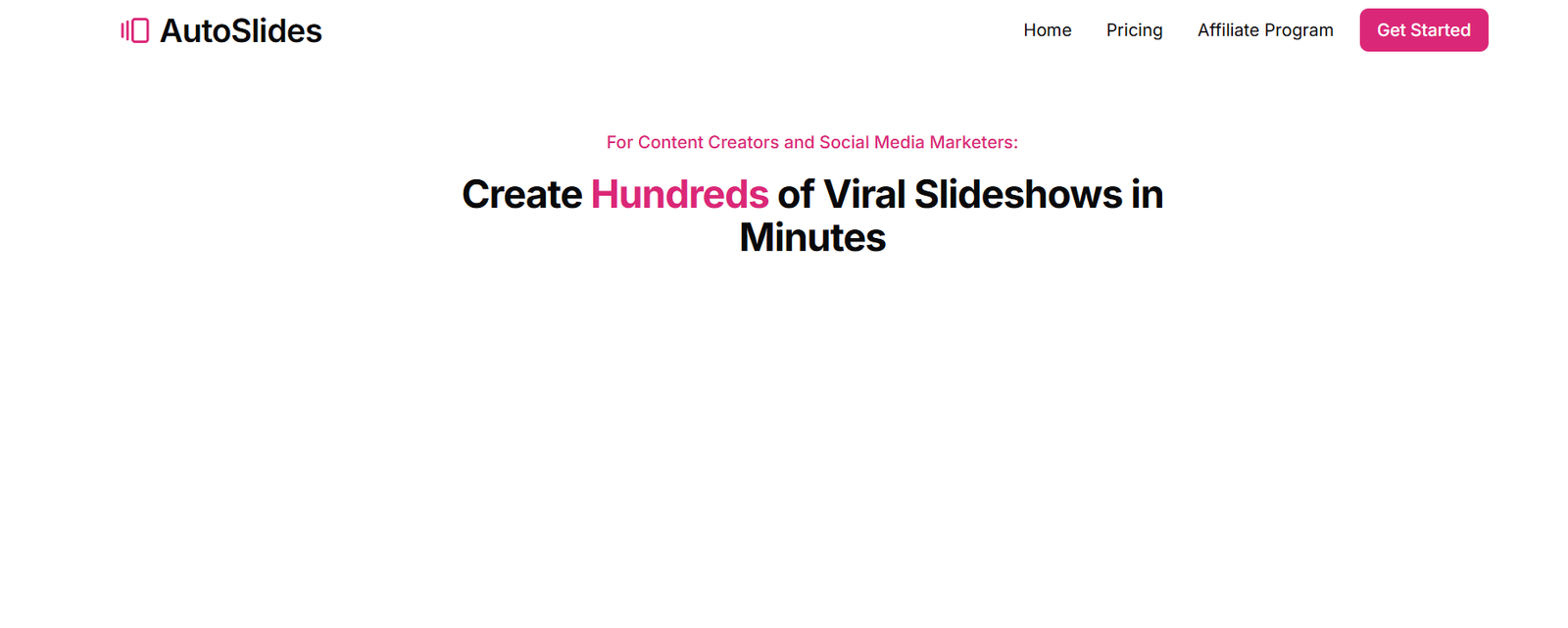
AutoSlides.ai is an AI-powered slide generator that transforms user prompts or uploaded documents into ready-to-use presentation decks. By leveraging advanced natural language processing, the platform can quickly understand input context, structure the content, and apply consistent formatting across slides.
The tool supports multiple languages and offers downloadable files in formats compatible with PowerPoint and Google Slides. Whether you’re preparing for a business pitch, classroom lecture, or team meeting, AutoSlides.ai helps streamline the presentation creation process.
Features
AI-Powered Slide Generation
AutoSlides.ai turns any topic, keyword, or document into a structured slide deck within seconds.
Support for PDF, DOCX, and PPTX
Users can upload documents to convert existing content into presentation slides automatically.
Downloadable Formats
Presentations can be downloaded in .pptx format, making them easy to use in Microsoft PowerPoint or import into Google Slides.
Multi-language Support
The platform supports over 100 languages, enabling global users to create localized content effortlessly.
Editable Output
Generated slides are editable, allowing users to tweak content, design, or layout as needed.
Cloud-Based
No software installation required. Presentations are generated and stored in the cloud for easy access and sharing.
Slide Style Templates (Coming Soon)
AutoSlides.ai is working on introducing customizable themes and templates to provide more control over visual design.
How It Works
Using AutoSlides.ai is a simple, streamlined process:
Sign Up
Users create a free account using an email or Google sign-in.Input Topic or Upload Document
You can either enter a text prompt (e.g., “Benefits of Renewable Energy”) or upload a document in PDF, Word, or PowerPoint format.AI Processing
The platform uses AI to analyze your input, identify key points, and generate a structured slide deck.Review and Edit
You can preview the presentation and make edits before downloading the final file.Download and Present
The slides are available in PowerPoint format, making them ready for immediate use.
Use Cases
Students
Quickly turn class notes or essays into structured slides for assignments or presentations.
Teachers and Professors
Convert lesson plans or research papers into teaching slides in a matter of minutes.
Business Professionals
Create pitch decks, project summaries, or meeting presentations with minimal manual effort.
Content Creators
Use the tool to repurpose articles, blog posts, or reports into visual presentations.
Consultants and Freelancers
Save time preparing client-facing material by auto-generating professional decks.
Pricing
AutoSlides.ai offers a simple and accessible pricing model, as listed on their official website:
Free Plan
Users can generate a limited number of slide decks per month, with basic functionality and file exports.Pro Plan: $10/month
Offers unlimited slide generations, priority processing, editable file downloads, and access to additional upcoming features such as design customization.
There is currently no enterprise plan listed, but AutoSlides.ai may expand its offerings as demand grows.
Strengths
Very easy to use, even for beginners.
Significantly reduces the time needed to create presentations.
Supports multiple file types and formats.
Compatible with PowerPoint and Google Slides.
Multilingual support broadens accessibility.
Affordable pricing, especially for frequent users.
Drawbacks
Limited design customization options at this stage.
Generated slides may need manual polishing for complex or highly visual presentations.
No native integrations with tools like Canva, Notion, or Google Drive (as of now).
Still evolving, with some features such as templates and collaboration yet to be introduced.
Comparison with Other Tools
AutoSlides.ai vs. Beautiful.ai
Beautiful.ai offers strong design customization and team collaboration features. However, it requires more manual input compared to AutoSlides.ai’s rapid generation process.
AutoSlides.ai vs. Tome.app
Tome focuses on storytelling with dynamic visuals and web-based formats. AutoSlides.ai is better suited for traditional slide deck formats like PowerPoint.
AutoSlides.ai vs. Canva
Canva excels in design flexibility and templates, but creating slides from scratch can be time-consuming. AutoSlides.ai is faster for content-first presentations.
AutoSlides.ai vs. Gamma
Gamma provides beautiful, modern decks with AI support but leans heavily into web-based storytelling. AutoSlides.ai offers a more traditional slide format for classroom or boardroom use.
Customer Reviews and Testimonials
As a rising tool in the AI presentation space, AutoSlides.ai has received positive early feedback:
“AutoSlides.ai turned my long research document into a presentable slide deck in less than two minutes. Total time-saver!”
— Student, University of Toronto
“I used AutoSlides for a business pitch, and it gave me a solid framework I could easily refine. Great for fast turnarounds.”
— Startup Founder
“As a teacher, this tool is incredibly useful. I upload my lesson notes, and it gives me slides I can tweak and present the same day.”
— High School Educator
For more reviews and community feedback, check AutoSlides.ai’s upcoming presence on platforms like Product Hunt.
Conclusion
AutoSlides.ai stands out as an efficient, AI-powered presentation tool that simplifies the slide creation process. By allowing users to input a topic or upload documents, it produces ready-to-use presentations that are editable and downloadable in traditional formats.
While it currently focuses more on content generation than design, the tool is perfect for users who prioritize speed, accuracy, and compatibility. With ongoing development and feature expansion, AutoSlides.ai has the potential to become a go-to solution for anyone who creates presentations regularly.
If you’re tired of spending hours designing slides, give AutoSlides.ai a try. Visit www.autoslides.ai to create your first AI-powered presentation today.