
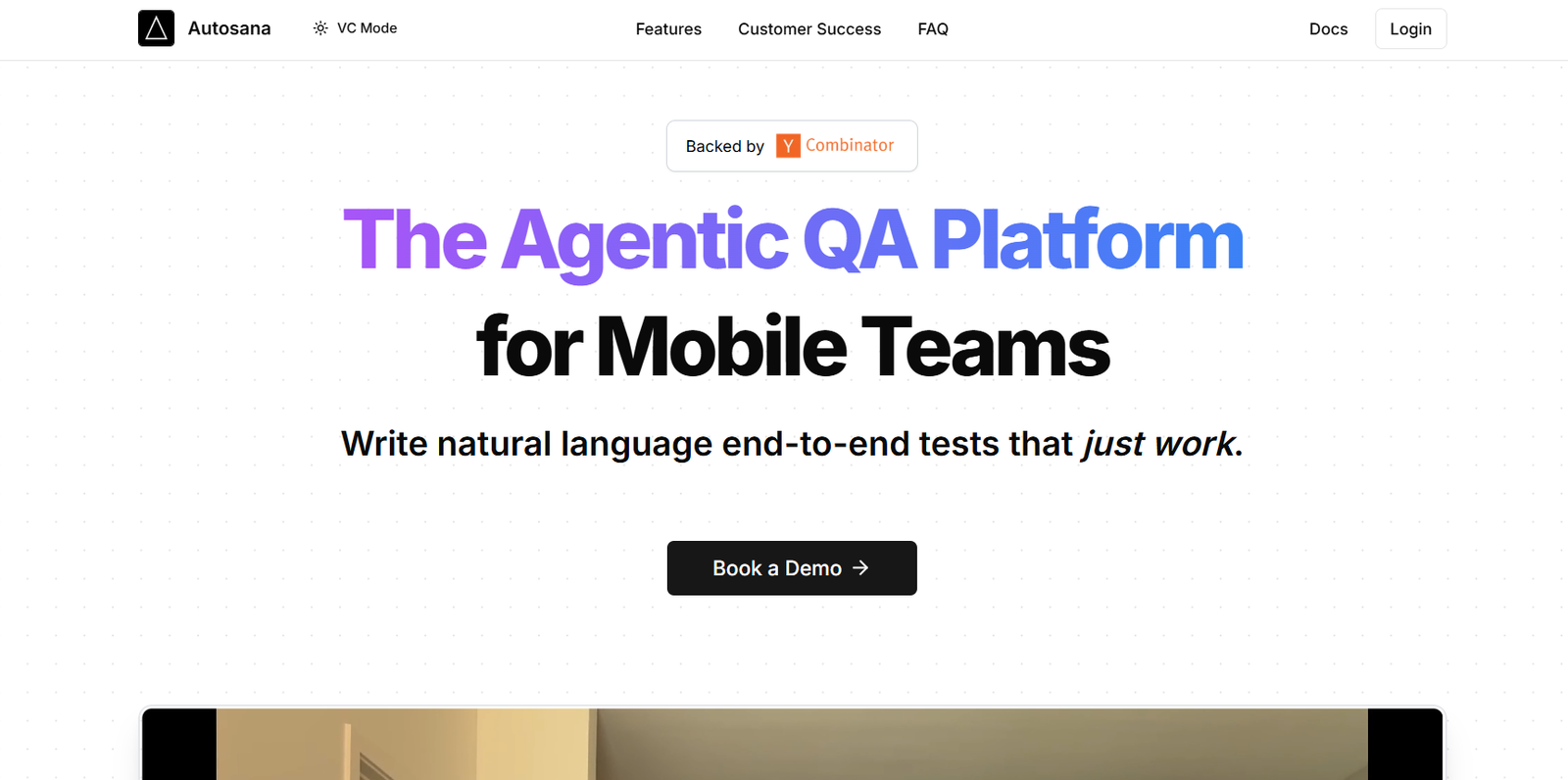
Autosana AI is a productivity-enhancing AI assistant built to automate task creation and management within Asana. It integrates seamlessly with the Asana platform to eliminate manual task entry, simplify project updates, and streamline workflow management.
Built for teams that rely on Asana for their daily operations, Autosana AI brings intelligent automation into the project management space. It works by analyzing your team’s communication and workflow patterns to suggest or create tasks automatically—saving time, improving consistency, and helping teams stay focused on higher-value work.
Autosana AI is especially useful for operations teams, project managers, and busy professionals looking to reduce repetitive task management and improve overall productivity without leaving the Asana environment.
Features
Autosana AI integrates directly with your Asana workspace to help automate the task lifecycle—from task creation to assignment and follow-up. It can intelligently scan your team’s Slack or email communications (if connected) and suggest tasks based on action items discussed in those channels.
One of its key features is automatic task generation from meeting notes, chat conversations, or recurring processes. The AI identifies key information such as due dates, responsible team members, and task dependencies to auto-fill the relevant fields in Asana.
Autosana AI also offers smart task suggestions. As you work in Asana, it recommends tasks based on past activities, templates, or repeated project patterns. This reduces missed action items and helps maintain consistency across projects.
Users can interact with Autosana through a command interface, using plain English prompts like “Assign a task to Jake to finalize the client proposal by Friday.” The assistant then instantly creates the appropriate task with all necessary fields completed.
Additionally, Autosana supports automated workflows. You can set rules or triggers—for example, when a task is marked as complete, create a follow-up task or notify a stakeholder automatically.
Autosana is fully embedded in Asana, so users do not need to switch tools or install extra apps outside their existing workflow.
How It Works
To begin using Autosana AI, users simply install the integration into their Asana workspace. Once enabled, Autosana operates in the background and can be summoned on-demand via task views, custom commands, or contextual menus within Asana.
It uses natural language processing to understand user instructions. When a user enters a plain-language prompt, Autosana parses the input to identify what needs to be done—then fills in task details such as name, assignee, due date, project, and tags.
Autosana can also monitor communication tools like Slack if connected, scanning for phrases like “Let’s follow up on this next week” or “Can someone create a task for the design team?” and offering to generate a corresponding task automatically.
The AI improves over time by learning team behaviors and preferences. For instance, it begins to recognize recurring tasks and can suggest them proactively during similar project cycles.
Task creation can be either manual with AI assistance or completely automated through workflows and triggers. All activity is synced with Asana in real time, and users maintain full control to edit, approve, or dismiss AI-generated content.
Use Cases
Project managers use Autosana AI to automatically generate tasks from meetings or stand-ups, ensuring nothing slips through the cracks. Instead of taking manual notes and turning them into tasks, the AI handles it instantly.
Operations teams benefit by automating recurring workflows, such as onboarding checklists or monthly reporting cycles, using Autosana’s smart templates and triggers.
Agile product teams use Autosana to reduce friction in sprint planning by turning backlog discussions into actionable Asana tasks with minimal manual input.
Customer success teams integrate Autosana with Slack and Asana to ensure all client requests discussed in real-time chats are captured and tracked as tasks automatically.
Freelancers and solo operators who manage multiple clients or projects use Autosana to streamline their task management and reduce time spent on administrative overhead.
Pricing
Autosana AI offers a freemium model with core functionality available for free and advanced automation features under paid plans.
The Free plan includes basic AI task creation features and is suitable for individuals or small teams experimenting with automation in Asana.
The Pro plan, priced at $10 per user per month, includes advanced task triggers, Slack integration, smart suggestions, and the ability to customize automation rules.
Enterprise plans are available for larger teams and include dedicated support, enhanced data security, priority uptime, and custom onboarding. Pricing for enterprise plans is available upon request through the Autosana website.
A free trial of the Pro plan is available to new users who want to explore the full capabilities of the platform before committing to a paid subscription.
Strengths
Autosana AI dramatically reduces the time spent on manual task creation and management. By integrating directly into Asana and using natural language prompts, it simplifies the user experience and removes friction from project workflows.
The platform’s AI-driven approach ensures consistency across task naming, deadlines, and assignments—improving team coordination and accountability.
The integration with communication tools like Slack makes Autosana particularly effective in real-time team environments where action items are often discussed informally and forgotten later.
Its support for custom workflows and smart triggers makes it adaptable to many business processes, from agile development cycles to client management workflows.
With a low barrier to entry and transparent pricing, Autosana is accessible to both individuals and larger organizations looking to boost Asana efficiency without adopting a whole new tool.
Drawbacks
Autosana is limited to teams using Asana, so users on alternative platforms like Trello, Jira, or ClickUp cannot benefit from the tool unless they migrate their workflow.
Since it relies heavily on natural language processing, there may be occasional misunderstandings in task generation if prompts are unclear or too vague.
The automation capabilities are powerful but may require some initial setup to fully align with unique team processes, especially for non-technical users.
As a relatively new product, Autosana may still be evolving in terms of integrations, analytics, or enterprise-level controls.
The free plan is limited in terms of automation rules and integrations, which may restrict small teams from accessing the full value without upgrading.
Comparison with Other Tools
Compared to Zapier or Make, which provide broader automation capabilities across many tools, Autosana is highly specialized for Asana and focuses specifically on task and workflow automation within that ecosystem.
In contrast to Asana’s native automation rules, Autosana adds a layer of intelligence by interpreting natural language and enabling proactive task generation, not just reaction to task status changes.
Tools like Motion or Reclaim use AI to schedule tasks based on calendar availability, while Autosana focuses on the creation and management of tasks based on context and communication.
When compared with Slackbots or manual note-to-task tools, Autosana is more seamless and integrated—bringing AI directly into the project management layer, not just messaging.
Customer Reviews and Testimonials
Users have praised Autosana AI for saving time and keeping their Asana boards clean and up-to-date. Many highlight how the tool captures meeting notes and turns them into tasks with minimal input, reducing the need for manual follow-up.
Project managers report that Autosana helps improve team accountability by ensuring action items are created and assigned automatically. They also value the Slack integration, which brings task management closer to where conversations actually happen.
Small businesses and startups have shared positive feedback about the Pro plan, stating that it has paid for itself in saved time within the first few weeks of use.
Some testimonials mention that the platform helps reduce team burnout by taking over repetitive task entry and minimizing context switching.
Constructive feedback often relates to expanding integrations beyond Slack or improving how Autosana handles highly customized workflows. However, most users agree that the product roadmap is moving in the right direction.
Conclusion
Autosana AI is a focused and intelligent productivity tool that enhances how teams use Asana by automating the task creation and management process. With AI-powered assistance, integration with tools like Slack, and support for custom workflows, it brings clarity, consistency, and efficiency to project management.
Whether you’re a solo professional, a fast-growing startup, or a structured operations team, Autosana offers a practical way to reduce admin overhead and focus on high-impact work. By embedding automation directly into Asana, it allows teams to spend less time managing tasks—and more time completing them.
For anyone who relies on Asana for daily project execution, Autosana AI is a powerful addition that upgrades both speed and structure without the need for major workflow changes.












