
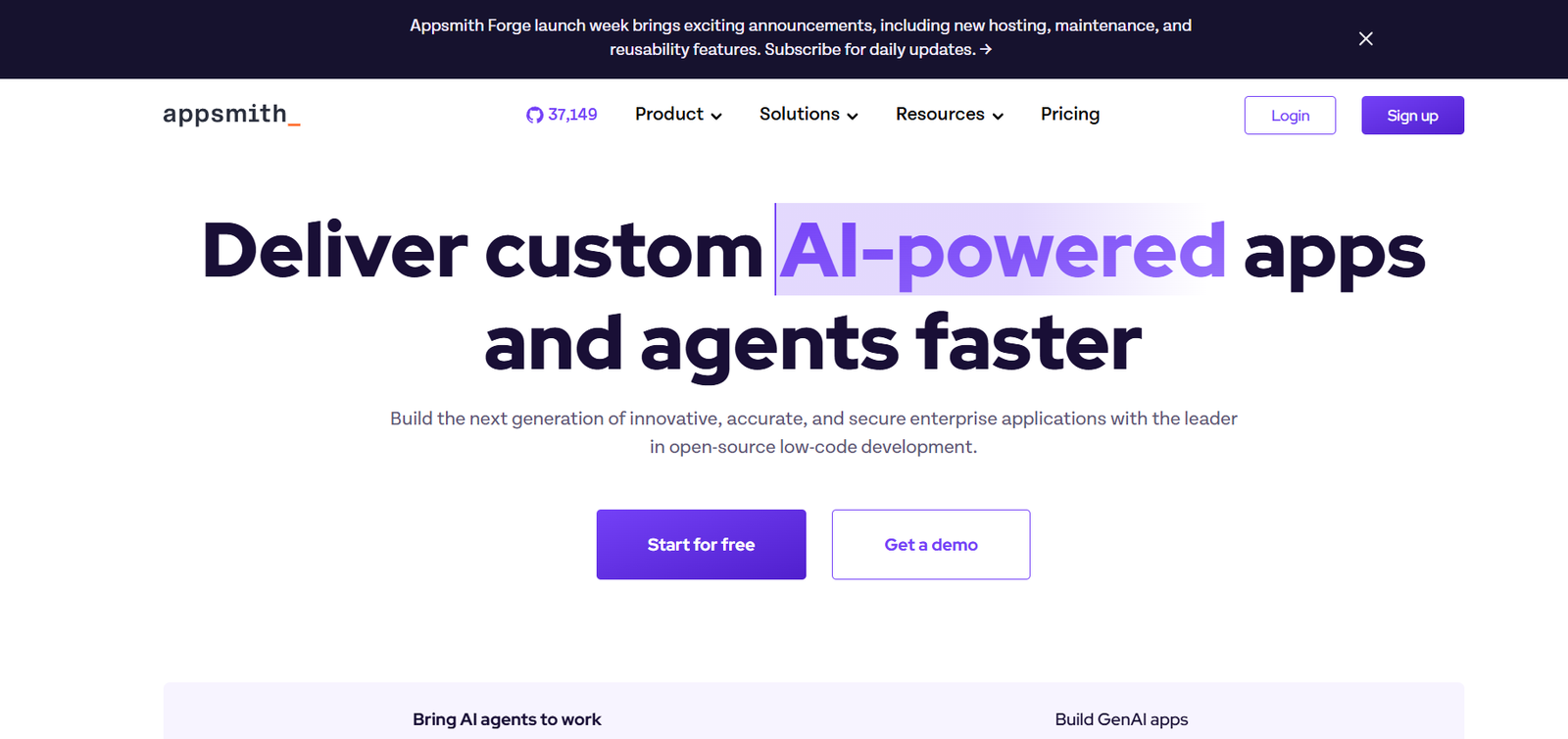
Appsmith is a popular open-source low-code platform that enables developers to build custom internal tools quickly and efficiently. Designed to accelerate backend-heavy development tasks like dashboards, admin panels, CRMs, and workflow apps, Appsmith connects seamlessly to databases and APIs while offering a powerful UI builder and logic engine.
Unlike proprietary platforms, Appsmith is open-source, self-hostable, and free to use—making it a flexible choice for startups, enterprises, and developers who want full control over their internal tool stack without vendor lock-in.
Features
Drag-and-Drop UI Builder
Quickly build interfaces with ready-to-use widgets like tables, charts, forms, and buttons—without writing HTML/CSS.
Database and API Integrations
Connect to PostgreSQL, MySQL, MongoDB, REST, GraphQL, and more. Query directly and bind data to UI elements.
JavaScript Logic Everywhere
Write JS snippets to create dynamic behavior, validations, and conditional logic across the app.
Version Control with Git
Integrate with Git to manage app source code, enable CI/CD pipelines, and collaborate via branches.
User Authentication and Access Control
Manage users with role-based access, Google login, and custom authentication providers.
Audit Logs and App Management
Track user actions, manage environments, and view detailed logs for operational transparency.
Custom Widgets and Theming
Customize widgets, build new ones with React, and apply themes to maintain brand consistency.
Deployment Flexibility
Choose between self-hosting (Docker, Kubernetes) or using Appsmith Cloud for managed services.
How It Works
Connect a Data Source
Start by integrating with your database or API. Appsmith supports major SQL/NoSQL databases and third-party REST/GraphQL endpoints.Design the UI
Use the visual builder to drag and drop components. Bind data to widgets using dynamic JavaScript expressions.Write Business Logic
Use JavaScript inside the platform to trigger queries, format outputs, or apply conditional visibility.Deploy or Share
Publish internally, share with teammates, or integrate with your SSO/auth system for secure access.Collaborate and Manage
Use Git-based versioning, environment variables, and role-based access for safe team collaboration.
Use Cases
Operations Dashboards
Create real-time dashboards for logistics, warehouse, finance, or HR metrics.
Admin Panels
Build admin interfaces to manage users, orders, tickets, or content without relying on dev time.
Support Tools
Equip support teams with tools to view user data, issue refunds, or manage tickets.
CRM and Internal Databases
Track leads, deals, and interactions by integrating with your existing CRM or building a custom one.
SaaS App Extensions
Embed internal tooling directly into your SaaS operations for data updates and automation.
Pricing
As of June 2025, Appsmith offers both free open-source and commercial cloud-hosted plans:
Appsmith Community (Open Source)
Free forever
Self-hostable via Docker/Kubernetes
All core features
Unlimited users and apps
Community support via GitHub and Discord
Appsmith Cloud (Hosted SaaS)
Free Tier:
1 app
Up to 5 users
All integrations
Community support
Business Plan – $20/user/month
Unlimited apps and datasources
Role-based access control
Audit logs
Git sync and versioning
Email support
Enterprise Plan – Custom Pricing
SSO/SAML support
Advanced security (SOC 2)
Dedicated success manager
Custom SLAs and private cloud deployment
Strengths
Open Source and Self-Hostable: Full control, transparency, and no vendor lock-in.
Developer-Friendly: Full JavaScript flexibility for custom logic.
Fast Integration with APIs and Databases: Excellent for building internal tools that rely on existing data sources.
Scalable for Teams: Git integration, RBAC, and environment management make it team-ready.
Strong Community and Documentation: Active GitHub community, docs, and frequent updates.
Drawbacks
Requires Developer Knowledge: Not a true no-code platform; some technical experience is needed.
UI Limitations for Highly Custom Layouts: Customizing UI beyond built-in widgets requires deeper frontend work.
Mobile Responsiveness Requires Tuning: Apps don’t always auto-adapt perfectly for mobile.
Learning Curve for Non-Devs: Business users may find the JavaScript logic intimidating without training.
Comparison with Other Tools
Appsmith vs. Retool
Retool offers a polished UI and more enterprise tools but is fully commercial. Appsmith is open-source and free to self-host.
Appsmith vs. Budibase
Budibase is also open source but geared toward form-based apps. Appsmith is better for complex dashboards and API-heavy apps.
Appsmith vs. Power Apps
Power Apps is deeply integrated with Microsoft. Appsmith offers more flexibility and independence from vendor ecosystems.
Customer Reviews and Testimonials
“Appsmith helped us build a secure internal tool for operations in a week—no need for backend developers.”
– DevOps Lead, Fintech Startup
“We use Appsmith to manage hundreds of customer accounts and trigger API workflows directly from a dashboard.”
– CTO, B2B SaaS Platform
“As an open-source tool, Appsmith lets us build custom admin panels without incurring extra SaaS costs.”
– Software Engineer, Retail Tech Company
Conclusion
Appsmith is a robust, open-source low-code platform that empowers developers and technical teams to build powerful internal tools fast—without compromising on flexibility or control. Its support for major databases, custom logic, and team collaboration features make it an ideal solution for startups and enterprises looking to speed up internal app development.
For teams that want to stay agile, reduce SaaS costs, and retain full control of their infrastructure, Appsmith is a standout choice in the low-code space.












