
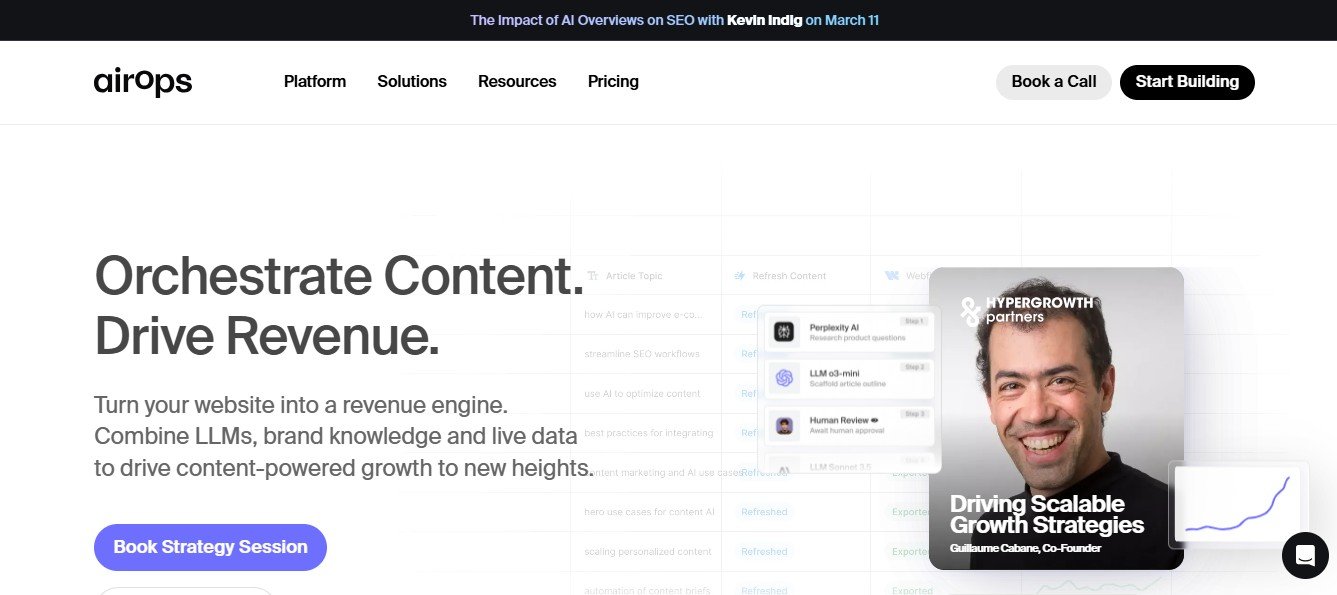
Airops is an AI-powered workflow automation and data integration platform that helps businesses streamline operations, reduce manual tasks, and improve efficiency. By leveraging artificial intelligence, Airops enables teams to automate repetitive workflows, process data seamlessly, and integrate multiple apps without coding.
Whether you’re a startup, enterprise, or marketing team, Airops simplifies business automation by providing a no-code platform for managing workflows, connecting tools, and optimizing operations.
This article explores Airops’ features, pricing, use cases, strengths, drawbacks, and comparisons with other automation tools.
Features of Airops
Airops provides a range of AI-driven tools to enhance workflow automation, data processing, and business efficiency.
No-Code AI Workflow Automation
- Drag-and-drop workflow builder for automating repetitive tasks.
- Simplifies automation for marketing, sales, HR, and IT operations.
AI-Powered Data Processing
- Extracts, cleans, and organizes data from multiple sources.
- Uses AI to identify trends and optimize decision-making.
Seamless App Integrations
- Connects with platforms like Salesforce, Google Workspace, Slack, HubSpot, and AWS.
- Ensures smooth data transfer and synchronization between business applications.
Smart AI Assistants & Chatbots
- Automates customer support with AI-driven chatbots.
- Enhances internal workflows with smart AI-powered task management.
Automated Email & Communication Workflows
- Uses AI to personalize and automate email campaigns.
- Sends smart reminders and follow-ups based on user interactions.
Real-Time Analytics & Reporting
- Provides insights into workflow efficiency and automation performance.
- Helps businesses track key metrics and optimize processes.
How Airops Works
Airops simplifies AI-powered workflow automation and data integration through a user-friendly, no-code interface.
- Define Workflow Goals: Select the business process that needs automation.
- Choose AI Models & Triggers: Set up AI-driven automation for data processing, email workflows, or task management.
- Integrate Business Apps: Connect Airops with tools like CRM, email marketing, and cloud storage.
- Automate & Optimize: Let AI handle routine tasks and improve efficiency.
- Monitor & Improve: Track automation performance and refine workflows as needed.
Use Cases of Airops
Marketing & Sales Teams
- Automates lead generation, CRM updates, and email follow-ups.
- Uses AI to analyze customer interactions and optimize engagement.
IT & DevOps Teams
- Automates data syncing across cloud platforms.
- Uses AI for predictive analytics and IT process optimization.
HR & Recruitment
- Streamlines employee onboarding with AI-driven automation.
- Automates resume screening and interview scheduling.
Customer Support & Service Teams
- Implements AI chatbots for 24/7 customer service.
- Automates ticketing and response workflows.
E-Commerce & Retail
- Uses AI to personalize customer interactions and product recommendations.
- Automates order processing, inventory management, and marketing campaigns.
Pricing Plans
Airops offers various pricing plans based on business needs and automation complexity. (Visit the official website for exact pricing details.)
- Free Plan: Basic workflow automation with limited integrations.
- Pro Plan: Advanced AI automation, data processing, and multi-platform integrations.
- Enterprise Plan: Custom AI solutions for large-scale automation and data management.
Strengths of Airops
- AI-Powered Workflow Automation: Saves time by automating repetitive tasks.
- Seamless Integrations: Works with major business apps and cloud platforms.
- No-Code Interface: Enables automation without coding expertise.
- Data-Driven Insights: Provides analytics to optimize business processes.
Drawbacks of Airops
- Limited Free Features: Advanced automation capabilities require a paid plan.
- Learning Curve: Some complex workflows may need manual fine-tuning.
Comparison with Other Automation Tools
Airops vs. Zapier
- Airops: Focuses on AI-driven automation with predictive analytics.
- Zapier: Provides rule-based app integrations with simple automation.
Airops vs. Make (Integromat)
- Airops: No-code AI-powered workflow automation.
- Make: Advanced automation with API integrations and custom scripts.
Airops vs. Microsoft Power Automate
- Airops: Works across multiple platforms with AI-based process automation.
- Microsoft Power Automate: Best for enterprise users within the Microsoft ecosystem.
Customer Reviews and Testimonials
Pros
- AI-driven automation enhances workflow efficiency.
- Seamless integration with major business apps.
- No-code interface makes it easy for non-technical users.
Cons
- Some advanced workflows require manual adjustments.
- Free plan has limitations on automation features.
Conclusion
Airops is a powerful AI-driven workflow automation and data integration tool that helps businesses streamline operations, reduce manual tasks, and improve efficiency. With features like AI-powered automation, smart integrations, and real-time analytics, Airops makes business process optimization accessible to teams of all sizes.
For those looking to automate their workflows and enhance business productivity, Airops is a must-try solution.














