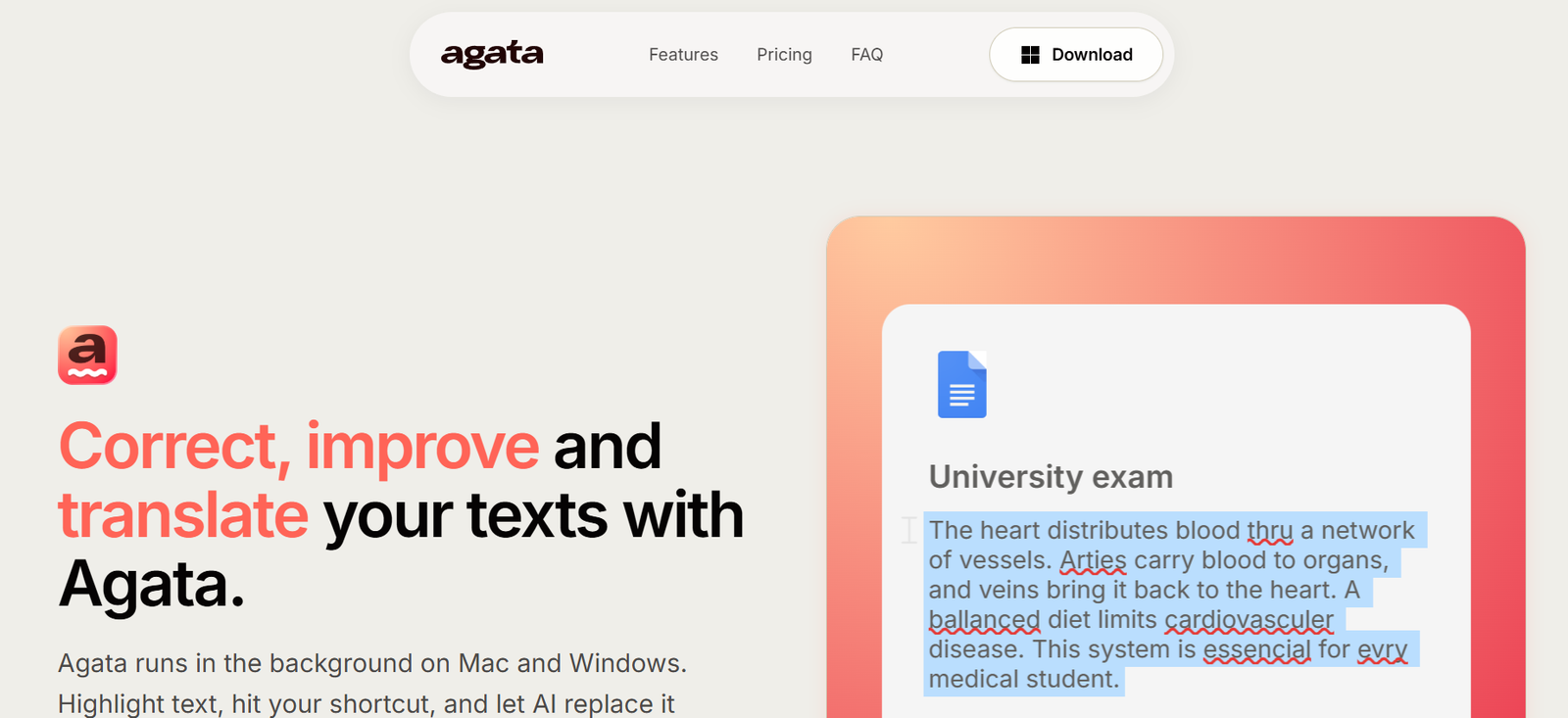
Agata is an AI-powered desktop writing assistant for macOS and Windows that helps users improve, rewrite, proofread, and translate text directly inside any application. Rather than switching between browser-based AI tools and desktop apps, users simply highlight text, press a keyboard shortcut, and Agata instantly replaces it with an improved version.
The platform is designed with privacy in mind. Instead of routing requests through its own servers, Agata sends data directly to the AI provider selected by the user using a Bring Your Own Key (BYOK) approach. This allows professionals, developers, writers, marketers, and business users to integrate AI writing into their workflow while maintaining greater control over their data.
Features
AI Grammar Correction
Automatically corrects grammar, spelling, punctuation, and sentence structure to produce clear and professional writing.
AI Text Rewriting
Rewrite selected text to improve clarity, readability, tone, and overall writing quality without leaving your current application.
Instant Translation
Translate highlighted text into multiple languages using AI while preserving the original meaning and context.
Universal Desktop Support
Works across most desktop applications, including browsers, document editors, email clients, messaging platforms, and productivity software.
Global Keyboard Shortcut
Activate AI assistance instantly with a configurable keyboard shortcut, eliminating the need to copy and paste content.
Privacy-First Architecture
Agata activates only when requested and sends prompts directly to the user’s preferred AI provider through BYOK, giving users more control over their information.
How It Works
Download and install Agata on Mac or Windows.
Connect your preferred AI provider using your own API key.
Open any application where you want AI assistance.
Highlight the text you want to improve.
Press the keyboard shortcut.
Review and accept the rewritten, corrected, or translated text directly inside the application.
Use Cases
- Professionals writing business emails.
- Content creators improving articles and blog posts.
- Students proofreading assignments.
- Developers documenting projects.
- Marketers refining marketing copy.
- Customer support teams drafting responses.
- Multilingual users translating documents quickly.
Pricing
The official website promotes a subscription model and currently offers a 30% introductory discount using the STARTER30 promo code for new users. However, detailed pricing plans are not clearly mentioned on the official website.
Strengths
- Works directly inside desktop applications.
- Fast AI-powered rewriting and translation.
- Privacy-focused BYOK architecture.
- Supports both macOS and Windows.
- No copy-and-paste workflow.
- Simple keyboard shortcut activation.
Drawbacks
- Requires users to configure their own AI API provider.
- Public pricing information is limited.
- Desktop-only solution with no dedicated mobile app.
- AI features depend on the capabilities of the connected language model.
Comparison with Other Platforms
Unlike browser-based AI writing assistants, Agata works directly inside desktop applications using a global keyboard shortcut. Its BYOK approach gives users greater flexibility and privacy by allowing them to connect their preferred AI provider instead of relying on a proprietary cloud service. This makes it particularly appealing to professionals who want AI assistance integrated into their existing workflow.
Customer Reviews and Testimonials
Customer reviews and testimonials are not clearly available on the official website.
Conclusion
Agata is a lightweight, privacy-focused AI writing assistant that helps users improve writing, correct grammar, rewrite content, and translate text without interrupting their workflow. Its universal desktop integration, keyboard shortcut activation, and BYOK architecture make it a practical solution for professionals, writers, developers, and anyone who wants AI writing assistance across desktop applications.