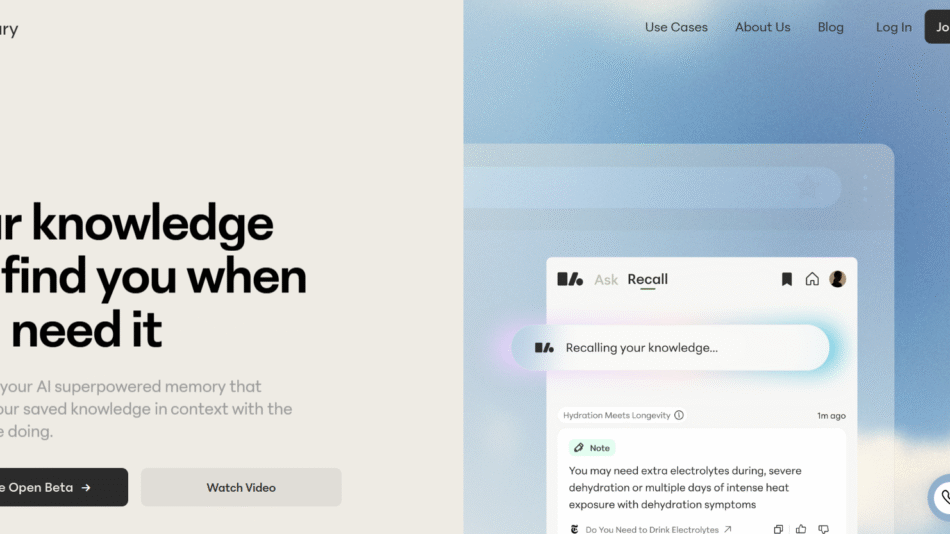
WithKumo.com is a visual, AI-powered thinking tool designed to help users organize ideas, generate insights, and structure content in a more intuitive and non-linear way. At its core, Kumo combines the power of mind mapping with artificial intelligence, enabling users to brainstorm, plan, and write with clarity and creativity.
Whether you’re a student, researcher, writer, or strategist, Kumo provides a flexible space to explore complex ideas visually and collaboratively—something that traditional text editors and note-taking apps rarely offer.
Features
WithKumo.com delivers a range of powerful, thoughtfully designed features:
AI-Powered Mind Maps: Automatically expand and structure your thoughts visually using AI suggestions.
Drag-and-Drop Interface: Intuitive, user-friendly canvas for idea organization and freeform brainstorming.
Context-Aware AI: Generate summaries, subtopics, and related content nodes based on what you’re working on.
Multi-Mode Thinking: Use for brainstorming, outlining, researching, or storyboarding—all in one place.
Real-Time Collaboration: Share and co-edit mind maps with teammates or classmates.
Export Options: Export your visual maps to text documents or presentation formats.
Autosave and Cloud Sync: All work is automatically saved and accessible across devices.
Minimalist Design: Focused, distraction-free interface encourages deep thinking.
These features are aimed at turning your ideas into structured knowledge—visually and intelligently.
How It Works
Using WithKumo.com is designed to be intuitive for both new and experienced users:
Visit the Website: Go to https://www.withkumo.com and create a free account.
Start a New Map: Begin with a central idea, keyword, or project theme.
Use AI to Expand Ideas: Click on any node and let the AI suggest related subtopics, questions, or next steps.
Organize and Refine: Drag, drop, and rearrange nodes to clarify thinking and build structure.
Collaborate or Export: Share the map for collaborative input or export it for use in documents, presentations, or writing tools.
It’s like having an intelligent whiteboard that thinks alongside you.
Use Cases
WithKumo.com supports a wide range of creative and analytical workflows:
Writers & Creators: Organize plots, article outlines, or content calendars with visual clarity.
Students: Map out essays, thesis structures, or study topics for better retention and coherence.
Researchers: Compile findings, connect literature, and form hypotheses using AI-aided brainstorming.
Product Teams: Ideate features, plan user journeys, or visualize roadmaps collaboratively.
Educators: Teach complex subjects with visual aids that simplify abstract thinking.
Entrepreneurs: Plan business models, pitch decks, or growth strategies with structured thought maps.
Kumo bridges visual and analytical thinking for anyone solving problems or generating ideas.
Pricing
As of May 2025, WithKumo.com offers a free plan and upcoming premium features:
Free Plan:
Create unlimited maps
Access to basic AI expansion features
Single-user access
Ideal for personal and educational use
Pro Plan (Coming Soon):
Advanced AI capabilities (contextual research, deeper expansions)
Team collaboration with shared maps
Enhanced export formats
Priority feature access
The free version is generous, making it easy to try before committing to any upgrade.
Strengths
WithKumo.com stands out in the productivity and mind-mapping space for several reasons:
Combines Creativity with AI: Unlike static mind maps, Kumo brings intelligent suggestions that evolve with your thinking.
Designed for Thinkers: Tailored to writers, students, researchers, and strategists—people who work in ideas, not just tasks.
Beautiful UX/UI: A minimalist and modern interface that doesn’t distract from your flow.
Collaborative and Shareable: Makes it easy to work with teams, peers, or mentors.
Free to Start: Offers real value upfront without pushing users toward a paywall immediately.
It’s a perfect fit for users looking to merge AI with cognitive mapping in a visual-first interface.
Drawbacks
While promising, WithKumo.com has a few current limitations:
Limited AI Depth in Free Version: Some AI features may feel basic compared to full-scale LLM tools.
No Offline Access: Requires an internet connection for use and saving.
Export Formatting Options Are Limited (Currently): PDF and DOCX exports are not yet fully customizable.
Still in Development: Some advanced features (like versioning or team analytics) are not yet available.
These are expected for an early-stage platform and are addressed in its roadmap.
Comparison with Other Tools
Here’s how WithKumo.com compares to similar platforms:
Versus Miro: Miro is more visual and collaborative but lacks AI-powered ideation tools.
Versus MindMeister: MindMeister offers robust mind mapping but is less intuitive and lacks AI integration.
Versus Notion: Notion is a database/document hybrid; Kumo excels at freeform, non-linear thought.
Versus Obsidian or Roam: Those tools are great for knowledge graphs but require more manual linking and less visual feedback.
Kumo offers a sweet spot for those who want visual thinking with light AI assistance in a no-friction setup.
Customer Reviews and Testimonials
While formal testimonials are not listed on the homepage, early adopters have expressed strong positive feedback:
“I’ve never had a mind map suggest new ideas before—Kumo makes brainstorming smarter.”
“It’s like ChatGPT meets Miro, but simpler and more focused on thinking.”
“Great for outlining my newsletter content and tracking ideas visually.”
Users value its ability to accelerate idea generation and simplify organization.
Conclusion
WithKumo.com is a modern, AI-powered workspace built for visual thinkers. It blends intuitive design with intelligent ideation tools, making it perfect for anyone who writes, researches, or builds new ideas regularly. With seamless usability and promising development ahead, Kumo is set to become an essential tool for creators, students, and strategists alike.
If you’re looking for a smarter, more visual way to think, create, and collaborate, WithKumo.com is a beautifully executed solution worth exploring.