
Best AI Tools for Image & Video Editing
AI image and video editing tools let you remove backgrounds, upscale photos, retouch faces, cut and caption videos and create visuals from a text prompt. They save hours for creators, marketers, online sellers and designers, and most work in the browser with no editing skills needed.
How do I choose the right AI tool for image and video editing?
Start with the job you need done, then compare two or three tools on output quality, ease of use, price and integrations. Most offer a free plan or trial, so test them with your own work before you pay.
Are there free AI tools for image and video editing?
Yes. Many tools in this category have a free plan, a free trial or credits to start. See our free AI tools list for options you can use at no cost.
Image or video tool: which do I need?
Choose an image tool for photos, thumbnails and product shots. Choose a video tool for reels, explainers and captioned clips. Many tools now do both.
Showing 532–540 of 945 resultsSorted by latest
-
 Image Generator & Editing
Adobe Lightroom
Adobe Lightroom is an AI-powered photo editing and management tool designed for photographers and content creators. With advanced color grading, RAW editing, cloud storage, and AI enhancements, it streamlines professional photo workflows.
-
 Image Generator & Editing
Snapseed
Snapseed is a free AI-powered photo editing app by Google that offers professional-grade tools for enhancing images. Ideal for photographers, content creators, and social media users, it provides powerful filters, retouching, and advanced color correction.
-
 Image Generator & Editing
Picsart
Picsart is an AI-powered photo and video editing platform that offers creative tools for image enhancement, background removal, filters, and graphic design. Ideal for social media users, designers, and content creators, it provides an all-in-one creative suite.
-
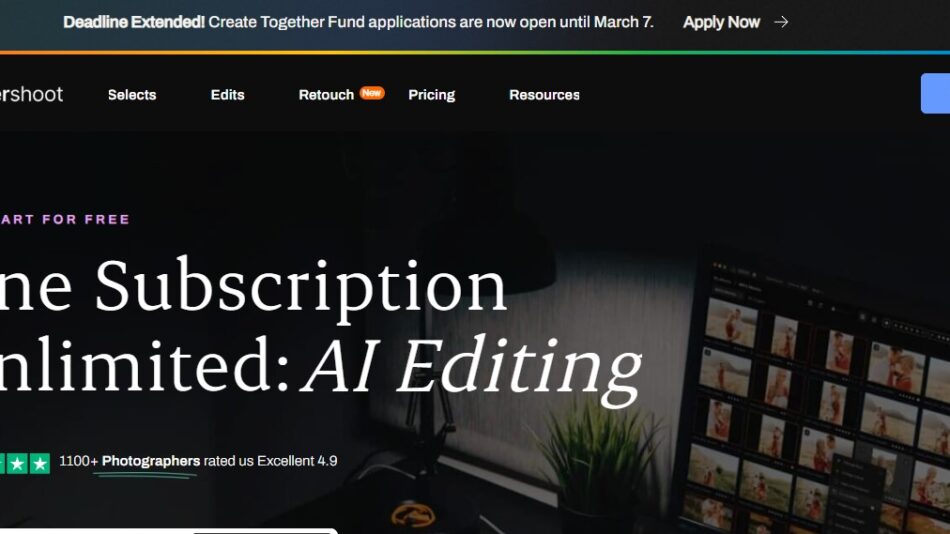 Image Generator & Editing
Aftershoot
Aftershoot is an AI-powered photo culling and editing software designed for photographers. It automates image selection, sorting, and enhancement, helping photographers save time and streamline their workflow.
-
 Image Generator & Editing
FaceApp
FaceApp is an AI-powered face editing app that offers aging effects, gender swaps, facial enhancements, and hairstyle changes. Designed for social media users, influencers, and photographers, it provides realistic face transformations using deep learning technology.
-
 Image Generator & Editing
GIMP
GIMP is a free, open-source image editing software offering advanced tools for photo manipulation, graphic design, and digital painting. Ideal for photographers, designers, and artists, GIMP serves as a powerful alternative to Photoshop.
-
 Image Generator & Editing
PhotoWorks
PhotoWorks is an AI-powered photo editing software that offers automatic enhancements, retouching, background removal, and color correction. Designed for photographers and casual users, it provides powerful editing tools in an easy-to-use interface.
-
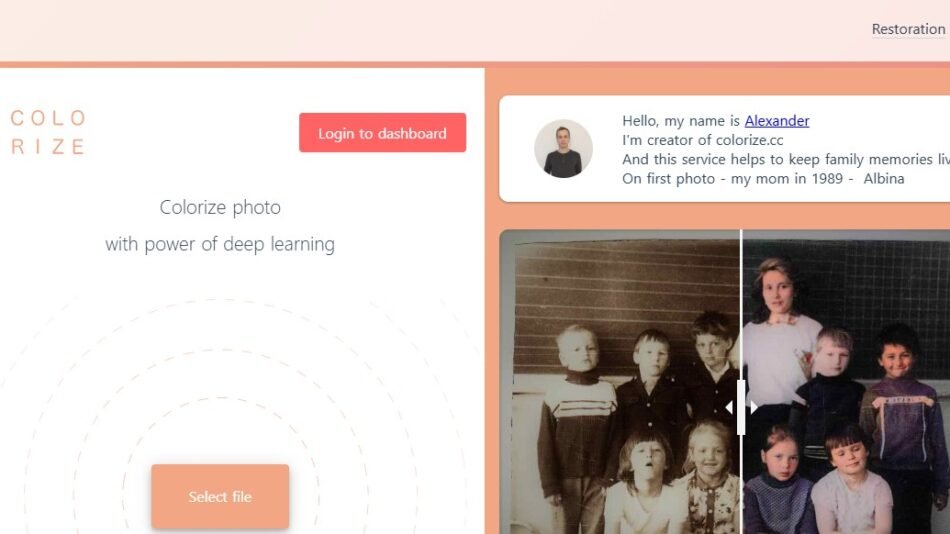 Image Generator & Editing
Colorize.cc
Colorize.cc is an AI-powered tool that automatically adds color to black-and-white photos. Designed for photographers, historians, and content creators, it provides high-quality and realistic photo colorization using deep learning technology.
-
 Image Generator & Editing
PortraitAI
PortraitAI transforms selfies into AI-generated classical-style portraits using deep learning. Ideal for social media users, artists, and history enthusiasts, it creates realistic and artistic portrait renditions in seconds.