
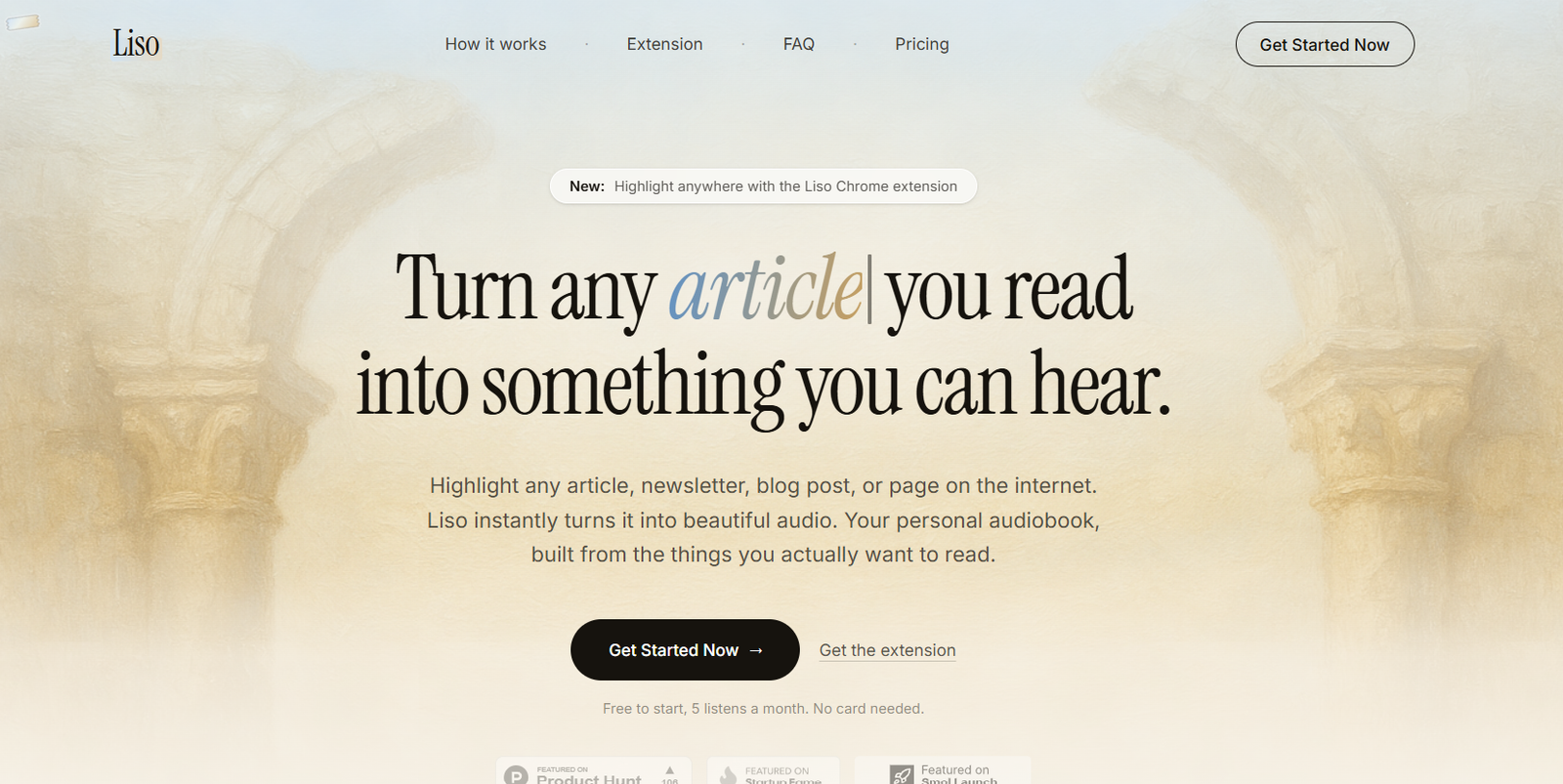
Liso is an AI-powered text-to-speech reading platform that turns written content from the internet into natural-sounding audio.
Instead of saving articles, newsletters, posts, and documents to read later, users can send them to Liso and listen to them like a personal podcast or audiobook.
The platform works with virtually any selectable web text. Users can highlight an article, newsletter, blog post, social-media thread, document, or paragraph and send it to Liso using its Chrome extension.
Users who do not want to install the extension can simply paste text directly into the Liso app.
Once added, the content appears in a personal listening library. Users can choose from multiple AI voices, adjust playback speed, organize saved content, resume listening across devices, and download content for offline playback where their plan supports it.
Liso is particularly useful for people who save large amounts of material to read later but struggle to find enough dedicated reading time. It allows them to consume that material while walking, commuting, exercising, traveling, or doing other activities.
Features
Text to Audio
Liso converts written text into natural-sounding spoken audio using AI voices.
Users can listen to articles and other written material rather than reading everything on a screen.
Chrome Extension
Liso provides a Chrome extension that makes sending web content to the platform easier.
Users can highlight text on a webpage, right-click, and select “Listen with Liso.”
The selected content is then added to their Liso library.
Highlight Anything
The extension is not limited to a small collection of supported websites.
If text can be selected on a webpage, it can generally be sent to Liso.
Paste Text Manually
The Chrome extension is optional.
Users can paste text directly into Liso when they want to convert something manually.
Natural AI Voices
Liso provides multiple AI-generated voices designed to make longer listening sessions more comfortable than basic robotic text-to-speech systems.
Paid access includes the full selection of premium voices.
Playback Speed Control
Users can adjust listening speed from 0.75x to 2x.
Slower playback can help with difficult material, while faster speeds can help users move through familiar or straightforward content more efficiently.
Automatic Resume
Liso remembers the user’s listening position.
Users can stop listening and continue later from approximately the same place.
Cross-Device Resume
Listening progress can be maintained across devices when users access the same account.
Offline Listening
Eligible users can download listens for offline playback.
This is useful for flights, commutes, travel, and locations with unreliable internet access.
Personal Listening Library
Converted content is stored in a library rather than disappearing after playback.
This allows Liso to function as an audio-oriented read-later service.
Folders
Users can organize saved listening material into folders.
This can help separate work, research, news, personal interests, learning material, and other content.
Tags
Tags provide another way to organize and retrieve saved listening material.
Content from Many Websites
Liso can be used with written material from sources such as:
Substack
Medium
X
Threads
Wikipedia
Notion
Hacker News
WordPress
Quora
Feedly
Google News
Gmail
Goodreads
Other text-based websites
Actual results depend on whether the desired text can be selected or copied.
Newsletters to Audio
Users can turn newsletters into spoken content rather than leaving them unread in an inbox.
Articles to Audio
Long-form articles can be converted into personal audio for listening later.
Social Posts to Audio
Long threads and text-heavy social posts can also be added to the listening library.
Documents and Notes
Text from documents and other written sources can be pasted into Liso and converted into audio.
Pairing Code
The Chrome extension connects to a user’s Liso account through a pairing code generated in Liso Settings.
This allows highlighted web content to be sent directly into the correct library.
How It Works
Step 1: Create a Liso Account
Open Liso and get started with the free plan.
No payment card is currently required to start.
Step 2: Add the Chrome Extension
Install the Liso Chrome extension if you want one-click web capture.
This step is optional because text can also be pasted directly into Liso.
Step 3: Pair the Extension
Open Settings in Liso and generate a pairing code.
Enter the code into the extension to connect it with your account.
Step 4: Find Something to Read
Open an article, newsletter, blog post, thread, document, or another page containing text.
Step 5: Highlight the Text
Select the part you want to hear.
Step 6: Send It to Liso
Right-click and select “Listen with Liso.”
Alternatively, copy the text and paste it directly into the Liso app.
Step 7: Let Liso Create the Audio
Liso converts the selected text into spoken audio using an AI voice.
Step 8: Choose a Voice
Select from the available AI voices according to your preference and plan.
Step 9: Adjust Playback Speed
Choose a speed between 0.75x and 2x.
Step 10: Listen
Play the content while commuting, walking, exercising, traveling, or relaxing.
Step 11: Continue Later
Liso saves listening progress so users can return to unfinished material.
Step 12: Organize the Library
Use folders and tags to keep saved content organized.
Step 13: Download for Offline Listening
Eligible paid users can download listens for situations where an internet connection may not be available.
Use Cases
Articles
Turn long online articles into audio for easier consumption.
Newsletters
Listen to newsletters that would otherwise remain unread in an inbox.
Research
Researchers can listen to selected online material while away from their desks.
Professional Reading
Professionals can convert industry articles and reports into audio for commutes or travel.
Learning
Students and lifelong learners can listen to educational material while walking or performing other activities.
Read-Later Lists
Liso can replace or supplement a traditional bookmark or read-later system by turning saved material into something that can actually be consumed.
Substack
Long newsletters and essays can become podcast-like listening material.
Social Media Threads
Lengthy discussions and posts can be converted into spoken audio.
Wikipedia
Users can listen to selected Wikipedia content instead of reading lengthy entries on a screen.
Email Content
Long emails or newsletters can be converted into audio when the user has permission to process the content.
Commuting
Saved reading can become a personal listening queue for daily travel.
Walking and Exercise
Users can continue consuming written material without looking at a screen.
Flights
Offline downloads make saved content useful during air travel.
Reducing Screen Time
People who already spend much of their day looking at screens can shift some reading consumption to audio.
Pricing
Liso currently offers a Free option and three paid-duration choices.
Free: $0
The current homepage advertises:
5 listens per month
No credit card required
Access to the basic Liso workflow
The Free plan is useful for testing the quality of the audio and deciding whether the listening workflow fits the user’s habits.
Diamond: $17 per month
Diamond currently provides unlimited listens.
It is the month-to-month option for users who do not want a longer commitment.
Titanium: $88 for 6 months
Titanium provides six months of access.
Based on the current total price, this works out to approximately $14.67 per month.
Platinum: $107 for 12 months
Platinum provides 12 months of access.
This works out to approximately $8.92 per month and is currently presented as the best-value option.
Paid access unlocks unlimited listens, premium voices, and offline downloads according to the current product information.
Prices and plan conditions can change, so users should verify the amount shown at checkout before subscribing.
Strengths
Simple Concept
Liso solves one clear problem: turning material people want to read into material they can listen to.
Easy Chrome Workflow
Highlighting text and selecting “Listen with Liso” is quicker than manually copying articles into a conventional text-to-speech tool.
Works Across Websites
The service is designed around selectable text rather than a small list of supported publishers.
Natural AI Voices
Multiple AI voices provide more listening choice than basic system text-to-speech.
Adjustable Speed
Playback between 0.75x and 2x accommodates different content and listening preferences.
Offline Listening
Paid users can prepare content for flights, commutes, and other offline situations.
Automatic Resume
Users do not need to manually remember where they stopped.
Library Organization
Folders and tags make Liso useful as more than a one-time text-to-speech converter.
Free Plan
Five free monthly listens provide a practical way to test the service without entering card details.
Useful for Reducing Screen Time
People who already read extensively for work or study can shift some of that consumption to audio.
Drawbacks
The Free plan is limited to five listens per month.
Unlimited listening requires a paid subscription.
Offline downloads and the complete premium voice selection require paid access.
Liso is primarily a reading-to-audio service rather than a full AI research or knowledge-management platform.
It does not replace careful visual reading when users need to examine tables, charts, equations, formatting, footnotes, diagrams, or images.
Pronunciation of unusual names, technical terms, abbreviations, and specialized vocabulary may not always be perfect.
Listening can also make it harder to scan backward and forward through complex material compared with visually reading a page.
Users should respect copyright and content-access rules when converting material they do not own.
Comparison with Other Platforms
Liso competes broadly with text-to-speech readers and listening applications such as Speechify, NaturalReader, and ElevenLabs Reader.
Its main emphasis is the connection between web reading and a personal audio library.
Instead of treating text-to-speech only as a tool where users paste a document and generate audio, Liso encourages users to highlight material wherever they encounter it online and immediately send it to their listening queue.
The Chrome extension is central to this workflow.
This makes Liso particularly relevant to people who regularly save newsletters, articles, social posts, and other material for later consumption.
Its folders, tags, resume functionality, playback controls, and offline downloads further position it as an audio-based read-later service rather than simply a voice-generation tool.
Users who primarily need professional voiceovers, voice cloning, API-based speech generation, or commercial narration may prefer more specialized AI voice platforms.
Liso is better suited to personal reading and information consumption.
Customer Reviews and Testimonials
Liso currently includes founder commentary describing the problem the product is intended to solve, particularly the accumulation of saved articles, social posts, and newsletters that people never find time to read.
A substantial collection of independent, verified customer reviews is not clearly presented on the official website at this time.
Because the Free plan provides five listens per month without requiring a credit card, users can directly test the voice quality and workflow before choosing a paid subscription.
Conclusion
Liso is an AI-powered listening platform that turns online reading material into natural-sounding audio.
Users can highlight an article, newsletter, social post, document, or other text on the web and send it directly to their personal listening library through the Chrome extension. Text can also be pasted manually without installing the extension.
Once converted, users can choose AI voices, adjust playback speed between 0.75x and 2x, organize content with folders and tags, resume listening across devices, and download material for offline listening on eligible paid plans.
The service is particularly useful for people who continually save things to read later but rarely have enough dedicated reading time.
The Free plan currently provides five listens per month with no card required. Paid options include Diamond at $17 per month, Titanium at $88 for six months, and Platinum at $107 for 12 months.
Liso is not intended to replace careful reading of highly visual or technically complex documents. Its value is simpler: it turns the written material already competing for a user’s attention into a personal audio queue that can be consumed during otherwise unused time.
For professionals, students, researchers, newsletter readers, commuters, and anyone with an overflowing read-later list, Liso provides a straightforward way to transform reading into listening.


