
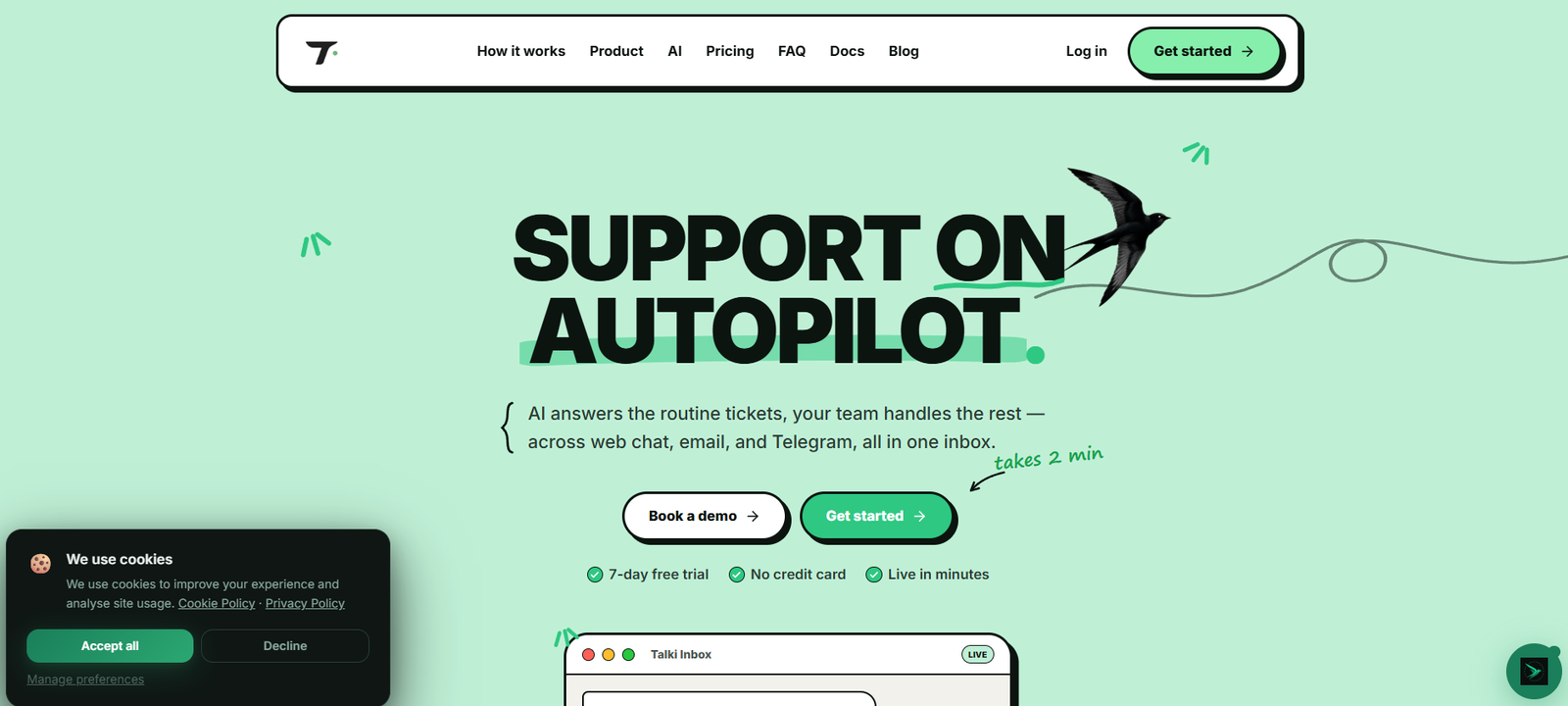
Talki is an AI-powered customer support platform designed primarily for B2B companies, SaaS businesses and growing support teams.
It brings customer conversations from web chat, email and Telegram into one shared inbox, allowing support agents to assign, answer and resolve tickets without constantly switching between applications.
The main AI feature is AutoPilot AI.
Businesses connect Talki to their documentation or website, and the system builds a knowledge base from that information. When customers ask routine questions, the AI can read the conversation, use the available company knowledge, respond automatically and close the ticket when appropriate.
When the AI is uncertain or encounters a more complicated issue, it can escalate the conversation to a human support agent.
This makes Talki more than a basic website chatbot. It is designed to automate part of the complete support workflow while keeping human agents available for cases that require judgment or personal attention.
Talki also includes AI conversation summaries, built-in translation powered by DeepL, customer-data integration, macros, support analytics, Telegram integration, read receipts and team collaboration features.
Setup is designed to be relatively simple. Businesses can install the website widget, forward a support email or connect a Telegram bot and then point Talki toward their existing documentation.
A free plan is available, while paid plans start at €9 per seat per month.
Features
AutoPilot AI Agent
AutoPilot is Talki’s automated customer support agent.
It reads incoming support tickets, examines the available context and searches the company’s knowledge base for relevant information.
It can then respond to the customer automatically.
Automatic Ticket Resolution
Talki is designed to do more than suggest answers.
When the AI is confident that the issue has been handled, it can resolve and close the ticket automatically.
Human Escalation
The AI can escalate complicated or uncertain cases to human support agents.
This allows businesses to automate repetitive questions while keeping people involved when necessary.
AI Knowledge Base
Talki can scan a company’s website and documentation to build the knowledge base used by the AI.
This reduces the need to manually write answers for every common support question.
Shared Support Inbox
Customer conversations from multiple channels appear in one inbox.
Support teams can view, assign, answer and resolve conversations from a common workspace.
Web Chat
Businesses can install Talki’s chat widget on their website.
Visitors can ask questions without leaving the website.
Email Support
Support email can be connected or forwarded into Talki.
Email conversations can then be managed alongside other support channels.
Telegram Support
Telegram is one of Talki’s strongest integrations.
Businesses can connect their own Telegram support bot so that customers can message the company directly through Telegram.
The conversation appears as a ticket inside Talki.
Agents respond from the Talki dashboard, and the response is delivered back to the customer through the company’s Telegram bot.
Telegram Bridge
Talki also provides deeper Telegram integration for support teams.
This helps businesses manage Telegram as a proper support channel instead of relying on employees’ personal accounts.
Telegram Media Support
Recent releases expanded Telegram support to include media such as:
Photos
Videos
Audio
Voice messages
Documents
Stickers
Animated GIFs
Support varies depending on the specific Telegram workflow being used, so businesses should check current documentation for their required configuration.
AI Conversation Summaries
Talki Assistant can read an entire customer conversation and create a structured summary.
The summary identifies important information such as:
The customer’s issue
Current status
Recommended next action
This can save agents from reading long conversation histories before responding.
Built-In Translation
Talki integrates DeepL translation.
Incoming customer messages can be translated directly inside the helpdesk.
Agents can also translate their own replies before sending them.
Multilingual Support
Talki’s translation functionality currently supports more than 12 languages.
This can help smaller teams support international customers without requiring a dedicated agent for every language.
Backend Connect
Businesses can connect their own backend systems to Talki.
Relevant customer information can then appear directly beside the support conversation.
Examples include:
Subscription plan
Account status
Orders
Payment information
MRR
Custom customer fields
Signup information
This gives agents additional context without forcing them to search another system.
Customer Context
The AI can use ticket information together with available customer context when handling support questions.
This can produce more relevant responses than a chatbot relying only on generic documentation.
One-Line Macros
Talki supports slash-command macros.
A single command can perform several support actions.
For example, a macro could initiate a refund-related workflow, apply a billing tag and close the ticket.
Ticket Assignment
Support conversations can be assigned to individual agents.
This helps teams divide responsibilities and avoid duplicate responses.
Ticket Status
Agents and customers can see information about the current state of a ticket.
Search and Filters
Talki provides search and filtering functionality for navigating support conversations.
Message Read Receipts
Recent Talki releases added real-time read receipts.
Agents can see whether their message has been sent or read by the customer.
GIF Integration
Talki includes GIPHY integration.
Agents can search for and send GIFs directly from the helpdesk.
Quick presets are available for common situations such as greetings, thanks, apologies and ticket closure.
Automatic Image Compression
Images uploaded through supported Talki interfaces can be automatically compressed to improve upload performance.
Ticket Closing Workflow
When resolving a ticket, agents can add a farewell message or GIF before closing the conversation.
Team Collaboration
Multiple agents can work from the same Talki environment.
Team members can see customer conversations and coordinate responses.
Real-Time Updates
Ticket and activity information can update in real time, helping agents see new conversations and status changes quickly.
Support Analytics
Talki provides a dashboard for measuring customer-support performance.
Metrics include areas such as:
First response time
Resolution rate
AI resolution share
CSAT
Live support activity
Desktop Application
The Pro Max plan includes access to a desktop application.
How It Works
- Create a Talki account.
- Start with the seven-day free trial or choose the free Bootstrapper plan.
- Connect a customer-support channel.
- Add Talki’s chat widget to your website, forward your support email or connect a Telegram bot.
- Point Talki toward your website or product documentation.
- Talki scans the available information and builds a knowledge base.
- Customers begin submitting support questions.
- All conversations arrive in the shared inbox.
- AutoPilot reads eligible incoming tickets.
- The AI checks the ticket, knowledge base and available customer context.
- Routine questions can be answered automatically.
- Successfully handled tickets can be closed automatically.
- Complicated or uncertain cases are escalated to human agents.
- Human agents see the conversation and available customer information in the same interface.
- Agents can use AI summaries, translation and macros to handle the case faster.
- Managers can monitor response time, resolution rate, AI resolution share and other performance metrics.
Use Cases
SaaS Customer Support
Software companies can automate repetitive questions about accounts, features, subscriptions and product usage.
B2B Support Teams
B2B companies can centralize customer conversations and give agents relevant account information alongside each ticket.
Startup Support
Small startups can use AI to answer routine questions when they do not have a large dedicated support team.
Website Customer Service
Businesses can add the Talki widget to their websites and provide immediate support.
Telegram Customer Support
Companies whose customers frequently use Telegram can manage Telegram conversations as structured support tickets.
Email Support
Customer-support emails can be handled alongside chat and Telegram rather than through a separate inbox.
24/7 Support
AutoPilot can answer routine questions outside normal human support hours.
Multilingual Support
International companies can use built-in translation to communicate with customers speaking different languages.
Subscription Businesses
Backend Connect can surface subscription plans, account status, MRR and other customer information beside conversations.
Ecommerce and Online Services
Businesses can connect customer and order information to help agents understand the context behind support requests.
Fintech and Digital Businesses
Companies with customers who rely heavily on Telegram can consolidate those conversations into a structured support environment.
Small Support Teams
AI automation can reduce the number of repetitive tickets that require manual responses.
Pricing
Talki currently offers three main plans.
Bootstrapper
Free
Designed for solo builders.
Includes:
1 agent
100 chats per month
Chat widget
This provides an accessible way for small projects to start using Talki without a monthly subscription.
Growth
€9 per seat per month
Designed for growing teams.
Includes:
Unlimited agents
500 AI resolutions per month
Telegram Bridge
This plan is suitable for teams that need more support volume and Telegram integration.
Pro Max
€19 per seat per month
Designed for businesses requiring greater automation.
Includes:
2,000 AI resolutions per month
AutoPilot AI
Desktop application
This is the primary option for teams wanting Talki’s more advanced AI automation capabilities.
Free Trial
Talki currently provides a:
7-day free trial
No credit card is required to start the trial.
Pricing and included usage limits can change, so businesses should confirm the current checkout details before subscribing.
Strengths
Combines AI automation with a complete support inbox.
AutoPilot can answer routine customer questions.
AI can close successfully resolved tickets.
Uncertain tickets can be escalated to humans.
Automatically builds knowledge from company documentation.
Supports web chat.
Supports email.
Strong Telegram integration.
Provides a shared multichannel inbox.
AI conversation summaries save agents time.
Built-in DeepL translation.
Supports more than 12 languages through translation functionality.
Backend Connect surfaces customer information directly inside tickets.
Agents can see plans, orders and custom customer fields.
Provides one-line macros.
Includes ticket assignment.
Offers real-time updates.
Includes message read receipts.
Provides GIF integration.
Supports rich Telegram media in applicable workflows.
Includes support analytics.
Tracks first-response time.
Tracks resolution rate.
Tracks AI resolution share.
Provides CSAT information.
Offers a free plan.
Seven-day trial requires no credit card.
Paid pricing starts at €9 per seat per month.
Designed for relatively quick implementation.
Drawbacks
The free plan is limited to 100 chats per month.
Advanced AutoPilot functionality is associated with the higher Pro Max plan.
AI resolution allowances are limited according to the selected plan.
AI answers depend heavily on the quality and accuracy of the company’s documentation.
Outdated knowledge-base information could result in outdated customer answers.
AI cannot safely handle every complicated customer issue without human oversight.
Companies should carefully test automated actions involving refunds, payments or account changes.
The platform currently focuses on a smaller channel set than some long-established enterprise helpdesks.
Businesses heavily dependent on channels outside Talki’s core supported channels should verify current integration availability.
Some integrations and features are still developing.
Talki is a relatively young platform compared with established helpdesk providers.
Recent changelog activity indicates that features are evolving quickly, which is positive for development but can also mean workflows change over time.
Comparison with Other Platforms
Talki competes with customer-support and helpdesk platforms such as Intercom, Zendesk, Crisp, Chatwoot and Mava.
Its main differentiator is its combination of affordable pricing, AI automation and native Telegram-oriented support.
Large platforms such as Zendesk provide extensive enterprise functionality and a broad integration ecosystem. However, they can also involve more complicated setup and higher costs for growing teams.
Intercom combines customer messaging with sophisticated AI support functionality and is particularly established among SaaS companies. Talki takes a more streamlined approach aimed at teams that want to get AI-powered support running quickly.
Compared with Chatwoot, Talki places stronger emphasis on integrated AI ticket resolution and its AutoPilot workflow, while Chatwoot has advantages for teams specifically seeking an established open-source customer-engagement platform.
Compared with basic AI website chatbots, Talki provides a broader helpdesk workflow. Customer conversations can be assigned to agents, escalated, translated, summarized, tracked and resolved from a shared inbox.
Its Telegram functionality can be particularly valuable for B2B companies whose customers already use Telegram heavily.
Overall, Talki is positioned as a simpler AI-native alternative for businesses that want automation without implementing a large traditional enterprise helpdesk.
Customer Reviews and Testimonials
Talki currently displays performance indicators on its official website, including figures for average first response, overall resolution rate, AI-resolved share and CSAT.
These figures are presented by Talki as examples of support performance and should be considered company-reported information rather than independently audited benchmarks that every customer should expect to achieve.
A large collection of independently verified customer testimonials is not prominently presented on the official website.
This is understandable given that Talki is still a relatively young product.
Prospective customers should therefore use the seven-day free trial to test Talki with their own documentation and real support questions.
The most important evaluation criteria should include AI answer accuracy, escalation quality, integration reliability, actual AI resolution rate and how effectively the system handles the company’s specific customer-support scenarios.
Conclusion
Talki is an AI-native customer-support helpdesk built to reduce the amount of repetitive work handled by human support teams.
Businesses can connect web chat, email and Telegram, bring conversations into one shared inbox and train the AI using their existing website and documentation.
AutoPilot can then answer routine questions, resolve eligible tickets automatically and escalate more complicated cases to human agents.
Talki also provides useful tools for human support teams, including AI conversation summaries, DeepL translation, Backend Connect, customer context, macros, ticket assignment, read receipts and support analytics.
Telegram support is one of its more distinctive capabilities, making Talki particularly relevant to SaaS, fintech, gaming and other online businesses whose customers already communicate through Telegram.
Pricing is competitive for smaller teams. A free Bootstrapper plan supports one agent and 100 monthly chats, Growth costs €9 per seat per month, and Pro Max costs €19 per seat per month with AutoPilot AI and 2,000 AI resolutions per month.
Overall, Talki is best suited to startups, SaaS companies and B2B support teams looking for an affordable AI helpdesk that combines automated ticket resolution with human support rather than relying on a standalone chatbot.


