
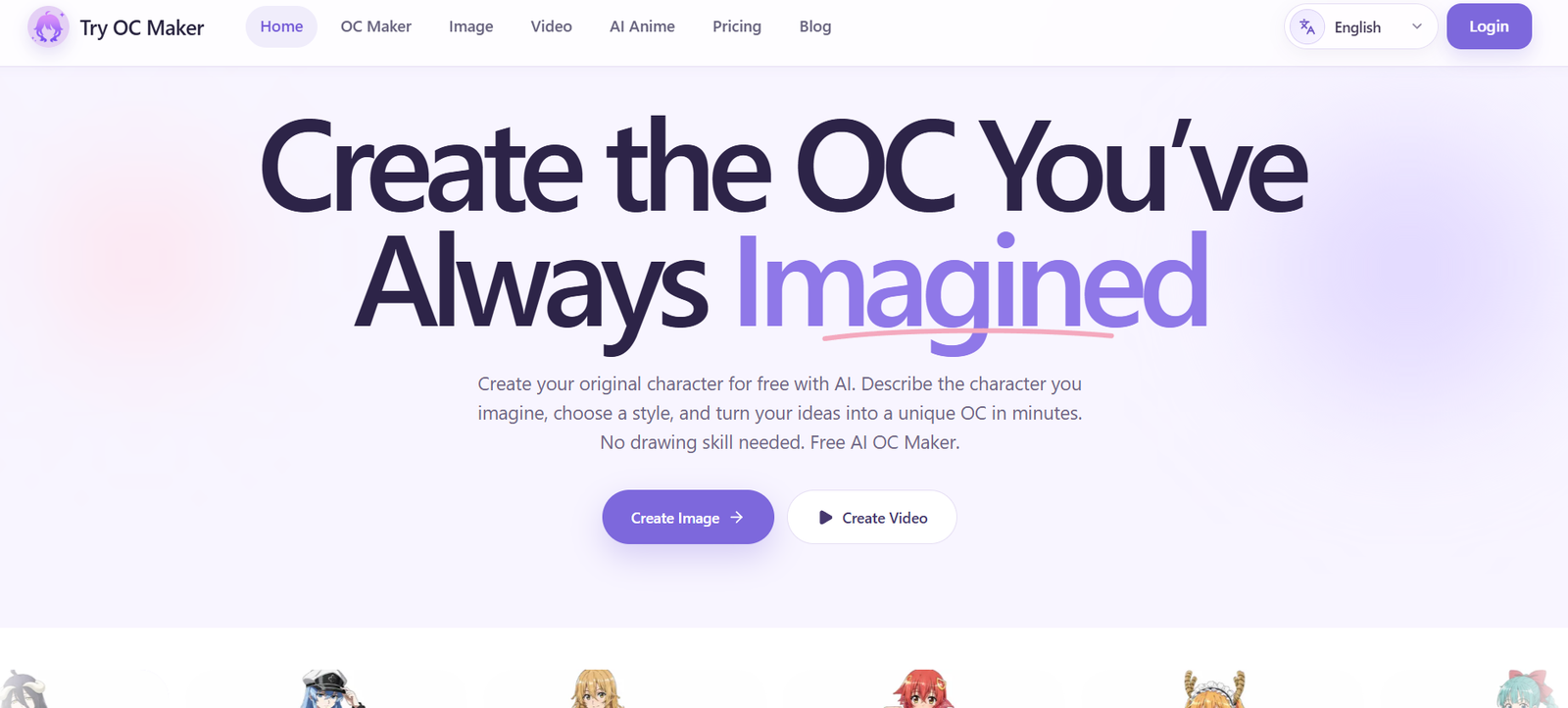
Try OC Maker is an AI-powered original character creation platform for people who want to design, customize, and animate characters without advanced drawing or animation skills.
Users can describe a character in text or upload an existing reference image. The AI can then generate a visual interpretation covering details such as the face, hairstyle, eyes, clothing, accessories, weapons, expression, pose, and background.
Although anime is an important focus, the platform supports several visual directions, including anime, 2D cartoon, 3D, fantasy, game-inspired, and realistic styles.
One of Try OC Maker’s main goals is character consistency. Instead of creating a completely different person every time an image is generated, users can reuse a reference image and core character details while changing the pose, expression, outfit, scene, or artistic style.
The platform can also create full-body designs and character sheets. This makes it useful for writers, roleplayers, game developers, comic creators, and artists who need visual references for an original character.
Beyond still images, Try OC Maker includes AI video generation. Users can upload an OC image and turn it into a short animated scene by describing movements, expressions, actions, and camera motion.
The platform provides access to multiple modern image and video AI models, allowing creators to select different models according to the type of result they want.
Features
AI OC Creator
The core OC Maker turns written character descriptions into visual designs.
Users can specify physical appearance, clothing, personality-related visual cues, accessories, poses, backgrounds, and other characteristics.
Text-to-Character Generation
Users can start without an existing image.
Simply describe the character, choose relevant settings, and let the AI create an initial visual concept.
Reference Image Support
Existing character artwork can be uploaded as a reference.
This is particularly useful when users already have an OC and want to create additional versions without completely redesigning the character.
Character Consistency
Try OC Maker is designed to preserve important identifying characteristics when creating new versions of the same OC.
Users can keep core details such as the face, hairstyle, colors, accessories, and signature outfit while changing other elements.
The platform notes that minor details can still vary between AI generations.
Face Design
Users can define facial characteristics when building an original character.
A clear reference image can also help maintain facial identity across later generations.
Hairstyle Customization
Hair color, length, style, and other characteristics can be included in the character design.
Outfit Creation
Users can generate different outfits for an existing character.
This can be useful for alternate costumes, fantasy clothing, game concepts, casual outfits, and story-specific scenes.
Expression Creation
Characters can be shown with different facial expressions.
This is useful for character references, comics, visual stories, and roleplaying profiles.
Accessories and Weapons
Users can incorporate accessories, props, and weapons into character designs.
Full-Body Characters
Try OC Maker supports full-body character creation.
Users can specifically request head-to-toe or full-length views when they need a complete design rather than a portrait.
Character Sheets
The platform can generate character-sheet style imagery.
Users can request elements such as full-body views, front and side views, expression sheets, and weapon designs.
For cleaner results, the website recommends creating certain body views and expression references separately.
Multiple Art Styles
The same character concept can be explored across several visual styles.
Available directions include anime, 2D cartoon, 3D, fantasy, game-style, and realistic imagery.
Multiple Aspect Ratios
Users can choose different image dimensions depending on their project.
Available tools support formats suitable for avatars, portraits, landscape scenes, vertical social content, and other applications.
AI Image Generator
Try OC Maker includes a broader AI image generator in addition to its dedicated OC workflow.
It can create images from text prompts or reference images.
Multiple Image Models
The platform provides access to several AI image-generation models.
Current examples include model families such as:
Seedream
Nano Banana
FLUX
GPT Image
Wan
Qwen Image
The exact available models can change as the service adds or updates its AI providers.
Image-to-Image
Users can provide an existing image and generate a modified or restyled version.
This can help with outfit changes, character variations, style experiments, and redesigns.
AI Anime Generator
A dedicated anime-generation workflow is available for creating anime-inspired artwork and characters.
AI Girl Generator
Try OC Maker also provides a specialized AI character-generation tool focused on female character designs.
AI Animation Generator
Still character artwork can be converted into short animated video.
Users upload an image and describe the movement they want the AI to create.
Image-to-Video
The image-to-video workflow turns a static OC into an animated scene.
The AI can add body movement, facial motion, environmental movement, and camera motion.
Text-to-Video
Supported video models also allow users to generate animated content from text descriptions.
First and Last Frame Control
Try OC Maker provides workflows where users can control the beginning and ending frames of an animation.
This gives creators more guidance over how a short sequence develops.
Pose Motion
Users can animate a character into different movements and poses.
Examples include walking, turning, dancing, fighting, or other character actions.
Face Motion
Subtle facial movement can be introduced to make still characters appear more expressive.
Camera Movement
Users can describe camera behavior as part of the animation prompt.
This can help create more cinematic character clips.
Action Scenes
Original characters can be placed into short action-oriented animated scenes.
This is useful for game concepts, fantasy characters, combat sequences, and social-media content.
Story Clips
Creators can turn character ideas into short visual story moments.
Several clips can then be combined externally to create longer narratives.
AI Video Models
Try OC Maker provides access to multiple video-generation technologies.
Models currently presented on the platform include families such as:
Seedance
Kling
Grok Imagine
Veo
Wan
Happy Horse
Different models provide different options for motion, audio, duration, quality, and creative control.
Sound Generation
Some supported video models can generate synchronized sound along with the animation.
Availability depends on the selected model and settings.
How It Works
- Open Try OC Maker and choose the image or video creation workflow.
- For a new OC, describe the character you want to create.
- Add details such as gender presentation, face, hair, eyes, outfit, accessories, expression, pose, and background.
- Choose an art style.
- Select the desired aspect ratio and other available generation settings.
- Choose an AI model where model selection is available.
- Generate the character.
- Review the result and refine the prompt if necessary.
- To improve consistency, save the character image and use it as a reference for future generations.
- Keep the important character details unchanged while modifying only the desired feature, such as pose, clothing, expression, or background.
- For a character sheet, request full-body views, expressions, side views, or other reference elements.
- To animate the OC, open the AI Animation Generator.
- Upload the character image.
- Describe how the character and camera should move.
- Choose a video model.
- Adjust available settings such as duration, resolution, aspect ratio, and sound.
- Generate the animation and review the result.
Use Cases
For Original Character Creation
Users can transform written character ideas into visual concepts without drawing them manually.
For Anime OCs
Anime fans can create original anime-inspired characters with customized faces, hairstyles, clothing, expressions, and accessories.
For Writers
Authors can visualize characters from novels, short stories, or other fictional projects.
For Roleplaying
Roleplayers can create portraits and reference images that better represent their characters and backstories.
For Indie Game Developers
Small game teams can generate early character concepts before investing in detailed production artwork.
For Comic Creators
Creators can explore appearances, clothing, expressions, and visual directions for comic characters.
For Character Sheets
Artists and creators can generate visual references showing a character’s full-body appearance, expressions, outfits, and other characteristics.
For Social Media
OCs can be turned into profile images, character reveals, transformations, animated clips, TikTok videos, Reels, and YouTube Shorts.
For Storytelling
Creators can generate individual character scenes and animate them into short story moments.
For Creative Inspiration
Artists experiencing a creative block can generate several versions of an idea and use selected details as inspiration for their own work.
For Game Character Showcases
Game-style OCs can be presented with dynamic poses, weapons, effects, and cinematic movement.
Pricing
Try OC Maker uses a credit-based system for AI generation.
Users can start with free credits and test supported image and animation features before purchasing additional usage.
Generation cost varies according to the AI model and selected settings.
For example, the AI Animation Generator currently shows some video generations priced at around 45 credits for a 5-second 480p animation using particular model settings.
More advanced models, longer durations, higher resolutions, audio generation, and other options may require different amounts of credits.
Try OC Maker supports both subscriptions and one-time credit purchases.
The official policies confirm that subscriptions can be cancelled through the user dashboard and remain active until the end of the current paid billing period.
Exact subscription tiers and credit-package prices were not consistently available in the publicly accessible pricing information during this review.
Users should therefore check the current pricing shown inside Try OC Maker before purchasing, particularly because model-specific generation costs can change.
Strengths
Users can start creating original characters for free.
No drawing skills are required for basic character generation.
Characters can be created from either text or reference images.
The platform focuses specifically on original-character workflows rather than only generic image generation.
Full-body character creation is supported.
Character-sheet style outputs can be generated.
Reference images help maintain a character’s identity across generations.
Users can change outfits, expressions, poses, and backgrounds while retaining core character characteristics.
Several visual styles are available.
Multiple image-generation models are accessible.
AI animation is integrated into the same broader character workflow.
Image-to-video and text-to-video generation are available.
Multiple modern video models are supported.
Some models provide synchronized sound generation.
First and last frame control provides additional animation guidance.
The platform can support writers, roleplayers, artists, game developers, and social creators.
Drawbacks
Character consistency is not perfect. The official FAQ acknowledges that small details can still change between generations.
AI may struggle to produce complex character sheets with several perfectly consistent views in a single image.
The platform recommends generating certain body views and expression sheets separately for cleaner results.
Video generation consumes more credits than many basic image-generation tasks.
Generation quality varies according to the selected AI model.
Complex hands, weapons, clothing details, text, and unusual poses may occasionally contain AI artifacts.
Long-form animation requires users to generate shorter scenes and combine them with an external video editor.
Exact generation costs vary by model and settings.
The public website does not always make the complete subscription pricing structure immediately clear.
Users should avoid creating unauthorized copies of copyrighted characters or directly imitating living artists where rights or community rules prohibit it.
Commercial rights should be checked carefully before selling generated artwork, merchandise, adoptables, or other products.
Copyright and Commercial Use
Try OC Maker encourages original character creation, but users remain responsible for the content they generate.
The website specifically advises users to avoid copying existing characters or artists and to follow community rules regarding disclosure of AI-generated content.
Whether generated artwork can be sold depends on the applicable tool license, underlying model terms, local law, and the content of the image.
Creating an original OC is generally a safer approach than generating material that reproduces protected characters, logos, or other copyrighted elements.
Anyone planning to use outputs commercially should review the latest Terms of Service and applicable model conditions before publication or sale.
Comparison with Other Platforms
Try OC Maker competes with general AI image generators, anime character generators, avatar creators, and AI video platforms.
Compared with a general-purpose AI image generator, Try OC Maker is more specifically organized around original-character creation. Its workflows emphasize faces, hairstyles, outfits, expressions, accessories, poses, character sheets, and character consistency.
Compared with simple anime avatar generators, it provides broader character-development options, including full-body designs and reference-image workflows.
Its integrated animation tools are another distinction. Users can move from a static OC design to image-to-video generation without leaving the platform.
Access to multiple image and video model families also gives users more choice than character creators built around a single AI model.
Try OC Maker is therefore best viewed as an OC-focused creative workspace rather than simply another text-to-image generator.
Customer Reviews and Testimonials
Try OC Maker displays several user testimonials on its official website.
Elena Marlow says she used the platform to recreate an older OC and was pleased with the character’s face, hair, and overall result.
Marcus Lee says he uses Try OC Maker for early indie-game character concepts before his team invests time in detailed artwork.
Sofia Bennett describes using the platform to redesign an OC she originally created years earlier.
Daniel Kim says he recreated a roleplaying character with more appropriate hair, armor, and expression so the visual better matched the character’s story.
Maya Rodriguez describes using the platform to explore hairstyles and outfits for a character in a short comic.
Kevin Lin says his small game team generated several versions of a villain and combined ideas from the different concepts to decide on a final direction.
Other testimonials highlight using the tool to overcome creative blocks and change character details without starting over.
These testimonials appear on Try OC Maker’s own website and should be considered company-published user feedback rather than independently verified reviews.
Conclusion
Try OC Maker is a specialized AI platform for designing original characters and bringing those characters to life through images and short animations.
Its biggest advantage is the complete character-focused workflow. Users can begin with a simple description, develop the character’s appearance, create full-body images and reference sheets, generate new poses and outfits, and then animate the resulting character.
Reference-image support is particularly useful for creators who already have an OC and want to produce new versions while maintaining recognizable visual characteristics.
The availability of multiple image and video AI models also gives creators flexibility to experiment with different styles, quality levels, and motion capabilities.
Character consistency is still subject to the normal limitations of generative AI, and users should expect occasional changes in small details. Complex character sheets and long animated stories may also require several generations and additional editing.
For writers, roleplayers, anime fans, indie game developers, comic creators, and social-media creators who want an accessible way to visualize and animate original characters, Try OC Maker provides a focused set of AI tools in one platform.


