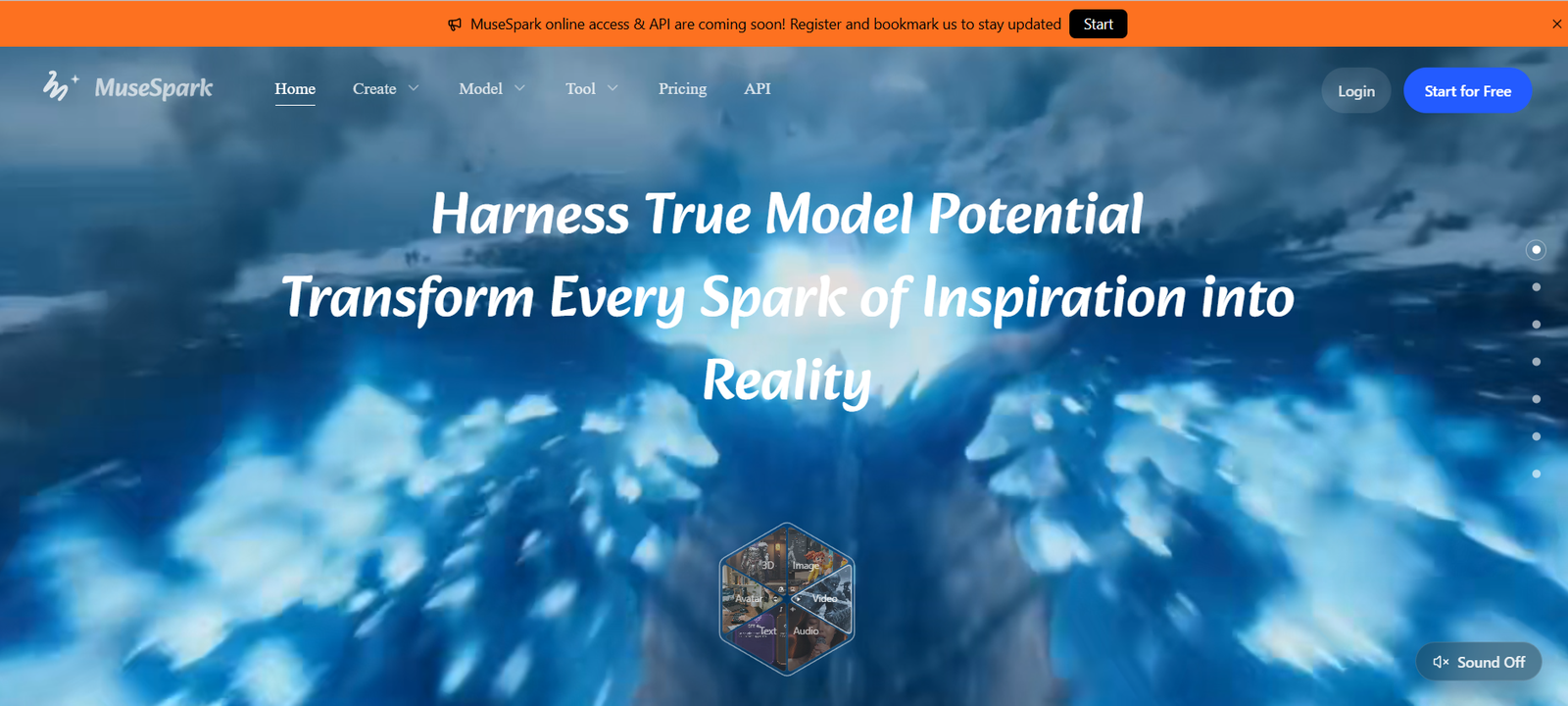
MuseSpark is an all-in-one generative AI platform that gives creators, developers, marketers, and businesses access to hundreds of AI models from a single workspace.
The platform currently advertises access to more than 400 models covering image generation, image editing, video generation, animation, text-to-speech, voice cloning, music, avatars, 3D generation, segmentation, and other multimodal tasks.
Instead of subscribing separately to numerous AI services, users can browse models in MuseSpark, compare available options, run them from a common interface, and pay according to the model and amount of processing they use.
MuseSpark includes models and technologies from multiple AI ecosystems. Its catalog includes options from providers and model families such as ByteDance, Kling, Wan, FLUX, Seedream, ElevenLabs, MiniMax, Qwen, Hunyuan, Tripo, Meshy, and others.
The platform also provides ready-to-use AI tools for common tasks. These include image generation, video creation, image upscaling, background removal, video translation, text-to-speech, voice cloning, virtual presenters, and other creative workflows.
For users who need more control, Model Space provides access to the wider model catalog, while Model Arena is designed to help compare outputs before choosing a model.
Developers can access supported capabilities through APIs, allowing MuseSpark models and workflows to be integrated into websites, applications, automation systems, and internal business tools.
Features
400+ AI Models
MuseSpark advertises access to more than 400 AI models.
The catalog spans image, video, audio, voice, 3D, and other multimodal generation tasks.
AI Image Generation
Users can generate images from text prompts using multiple available image-generation models.
This gives users a choice of visual styles, quality levels, generation speeds, and costs.
AI Image Editing
MuseSpark includes models that can modify existing images using text instructions and reference images.
Depending on the selected model, users can change elements, styles, compositions, backgrounds, and other visual characteristics.
AI Video Generation
The platform provides access to multiple video-generation models.
Users can explore workflows such as text-to-video and image-to-video depending on the selected model.
Image-to-Video
Still images can be transformed into animated video using supported video models.
This can be useful for social content, advertisements, product visuals, storytelling, and creative experimentation.
Video Extension
Supported models can extend existing video content beyond its original duration.
For example, MuseSpark provides access to video-extension workflows such as Wan-based generation.
Motion Control
MuseSpark includes motion-control models that can transfer movement from a reference video to a character or still image.
This can be useful for dance videos, character animation, gestures, and other controlled-motion content.
AI Avatar Video
Users can create AI avatar and presenter-style videos through supported workflows.
This can help produce narrated content without filming a traditional presenter.
Lip-Sync Generation
MuseSpark provides models designed to synchronize mouth movements with supplied speech or audio.
This can be useful for talking-head videos, character content, localization, and digital presenters.
Video Translation
MuseSpark provides an AI video-translation workflow.
The current tool uses technology capable of translating spoken video content into numerous languages and dialects with dubbing support.
Text-to-Speech
Users can turn written text into AI-generated speech.
Multiple voice-generation models are available, giving users choices based on language, quality, style, and cost.
Voice Cloning
MuseSpark includes voice-cloning capabilities for creating reusable AI voice profiles from appropriate reference audio.
Users should only clone voices when they have the necessary permission and rights.
Music and Song Generation
The model catalog includes AI options for music and song generation.
These can support creative experiments, background audio, and other music-production workflows depending on the selected model.
AI Image Upscaler
MuseSpark provides a ready-to-use image-upscaling tool.
It can enhance image resolution to higher resolutions such as 4K or 8K while attempting to improve visible detail and clarity.
Background Removal
The AI Background Remover isolates a subject and produces a transparent PNG.
This is useful for ecommerce product images, marketing graphics, profile images, and design projects.
3D Generation
MuseSpark includes AI models for generating 3D assets.
Available model families include technologies such as Meshy, Tripo, and Hunyuan 3D.
Segmentation
The model catalog includes image and video segmentation technologies.
These models can help identify, separate, or track objects and subjects within visual media.
Model Space
Model Space serves as the platform’s broader AI model library.
Users can explore models according to the type of output they need and compare different options.
Model Arena
MuseSpark offers Model Arena for comparing outputs side by side.
This can help users determine which model provides the best combination of quality, style, speed, and cost before committing to a particular workflow.
Custom Model Training
MuseSpark advertises model-training capabilities that allow users to train customized models using their own style and data.
This may be useful for projects requiring more consistent or specialized visual outputs.
Ready-to-Use AI Tools
Users who do not want to configure individual models can choose prebuilt workflows.
These simplify common tasks such as image generation, video creation, background removal, image enhancement, translation, and voice generation.
Adjustable Generation Controls
Supported models provide parameters for controlling aspects such as references, aspect ratio, duration, style, quality, and other model-specific settings.
Inspiration and Examples
Users can review example generations and visual inspiration before choosing a model or creating their own content.
Unified API
MuseSpark provides API access for supported AI models and workflows.
Developers can integrate generation capabilities into their own products without building separate integrations for every model provider.
REST API Access
Supported models provide ready-to-use REST inference endpoints.
This makes MuseSpark relevant to developers building automated or production AI workflows.
Production-Oriented Model Access
MuseSpark promotes API workflows designed for production usage, including fast inference and availability information for supported tools.
How It Works
- Visit MuseSpark and create an account.
- Choose whether you want to work through a ready-made AI tool or browse individual models.
- Select the type of output you need, such as an image, video, voice, audio, avatar, or 3D asset.
- Browse available models for that category.
- Compare their examples, capabilities, generation speed, and usage cost.
- Select the model that best matches your project.
- Enter a text prompt or upload the required reference image, video, or audio.
- Adjust available controls such as aspect ratio, duration, quality, reference material, or style.
- Submit the generation request.
- Wait for the selected AI model to process the task.
- Review the resulting image, video, audio, or other asset.
- Modify your prompt or settings and generate another version when necessary.
- Compare alternative models if the first model does not provide the required result.
- Save useful outputs to your assets.
- Developers can use the API documentation and API key to integrate supported models into their applications.
Use Cases
For Content Creators
Creators can generate images, videos, voices, music, avatars, and other media without maintaining separate accounts across many AI platforms.
For Social Media
MuseSpark can be used to create short videos, promotional images, animated characters, voiceovers, and other social content.
For Marketing Teams
Marketing teams can generate campaign visuals, product content, videos, translated media, and advertising assets.
For Ecommerce
Online sellers can remove image backgrounds, upscale product photos, create marketing visuals, and experiment with AI-generated product presentations.
For Video Creators
Creators can access image-to-video, motion control, video extension, lip-sync, avatar, and video-translation models.
For International Content
Video translation and multilingual speech tools can help creators adapt content for audiences speaking different languages.
For Designers
Designers can explore different AI image models, compare visual approaches, edit existing assets, and upscale final images.
For Game and 3D Creators
3D generation models can help produce initial assets and concepts for games, visualization, and digital experiences.
For Developers
Developers can access supported models through APIs and integrate AI generation into applications.
For AI Startups
Startups can experiment with different model providers without building and maintaining a separate technical integration for every model.
For Agencies
Creative agencies can select different models according to each client’s required quality, style, speed, and budget.
Pricing
MuseSpark uses a credit and usage-based pricing system.
There is no single generation price because each model and tool has its own processing cost.
The platform’s main Pricing page did not reliably display its current subscription-plan details during review, so exact account-level plan prices should be verified directly before purchase.
However, individual tool and model usage prices are publicly displayed.
Current examples include:
FLUX 2 Max
From approximately $0.008 per image.
Wan 2.2 5B Video
From approximately $0.05 per run.
Image Upscaler
Approximately $0.01 per image.
Background Removal
Approximately $0.004 per image.
Video Translation
Pricing starts around $0.0375 per run, with actual billing depending on the workflow.
MiniMax Speech
Some speech-generation options start at approximately $0.0011 per run.
Qwen3 TTS
Some Qwen3 TTS workflows start at approximately $0.005 per run.
3D Generation
Available 3D model pricing varies considerably.
Examples currently include approximately:
Hunyuan 3D V3.1 – from $0.0225 per image
Tripo3D – from $0.30 per image
Meshy 6 – around $0.80 per image
Motion Control
Motion-generation costs vary according to the model.
For example, some workflows start at around $0.05 per run, while more advanced Kling and other models can cost substantially more.
Prices vary by model, resolution, duration, quality settings, and other generation parameters.
Users should therefore check the price shown for the specific model before starting a generation.
Strengths
More than 400 AI models are accessible from one platform.
Image, video, audio, voice, avatar, and 3D generation are covered.
Users can choose between ready-made AI tools and individual models.
Multiple competing models can be compared before selecting one.
Model Arena supports side-by-side output comparison.
Pay-as-you-go model pricing can be useful for users who do not want separate subscriptions to numerous AI services.
Pricing is displayed for individual tools and models.
Image editing and generation are available within the same broader ecosystem.
Video workflows include image-to-video, motion control, extension, translation, avatars, and lip sync.
Audio options include text-to-speech and voice cloning.
3D generation expands the platform beyond conventional image and video tools.
Custom model training is advertised for specialized requirements.
API access makes the service useful for developers and businesses.
Users can begin with simple prompts without advanced prompt-engineering knowledge.
Drawbacks
With hundreds of models available, beginners may initially find the platform overwhelming.
Output quality varies considerably between models.
Generation costs vary by model and settings, making total project costs less predictable than a fixed unlimited plan.
Video and high-end generation can become more expensive than basic image tasks.
The central Pricing page may not always clearly expose all current plan information without account access.
Some models may offer overlapping capabilities, requiring users to experiment before finding the best option.
Generation speed depends on the selected model, queue, resolution, and content length.
Commercial-use rights can vary depending on the underlying model.
Users therefore need to check the terms associated with the particular model before using generated content commercially.
AI-generated outputs are not guaranteed to be unique.
Users must have appropriate rights to images, videos, voices, music, or other source material they upload.
Privacy and Data Handling
MuseSpark collects account information, usage information, prompts, uploaded files, and generated outputs as necessary to provide its AI services.
Payment information is handled through third-party payment providers.
The service may use third-party providers for infrastructure, analytics, payments, and AI processing.
MuseSpark states that user inputs and generated outputs may be processed to provide and improve AI-powered functionality.
Its privacy policy states that content is not used to train models in a way that personally identifies the user.
Users retain ownership of the content they submit, while granting MuseSpark the rights necessary to process that material for operating and improving the service.
Users working with confidential or commercially sensitive assets should review the latest privacy and model-specific terms before uploading them.
Comparison with Other Platforms
MuseSpark competes with multi-model AI generation platforms and services that aggregate image, video, audio, and other generative models.
Compared with a single-model service, MuseSpark provides significantly more choice. Users can switch between different model families depending on the desired output.
Compared with dedicated image-generation platforms, MuseSpark covers a much broader range of media, including video, speech, voice cloning, 3D, avatars, and translation.
Compared with subscribing separately to multiple AI model providers, MuseSpark provides a more centralized workflow with a common interface and API access.
Model Arena is particularly useful for users who want to compare alternative models before choosing one for repeated production work.
Its strongest proposition is therefore model choice. MuseSpark is less about offering one proprietary AI model and more about providing a central environment where creators and developers can discover, compare, run, and integrate many different AI models.
Customer Reviews and Testimonials
Detailed independent customer reviews and verified testimonials are not prominently presented on MuseSpark’s official website.
The website primarily demonstrates the service through its large model catalog, individual model pages, generation examples, AI tools, pricing information, and API capabilities.
Users should therefore evaluate MuseSpark based on its free-access opportunities, sample generations, individual model performance, and actual cost for their intended workflow rather than relying solely on company-published marketing claims.
Conclusion
MuseSpark is a broad generative AI platform designed to reduce the need to move between many separate AI services.
Its biggest advantage is the size and variety of its model catalog. With more than 400 models advertised, users can work across images, videos, speech, voices, avatars, 3D assets, motion control, translation, segmentation, and other creative AI tasks from one environment.
The platform is useful both for beginners and advanced users. Beginners can start with ready-made tools, while experienced creators can explore individual models and compare their output, quality, speed, and cost.
Developers gain additional flexibility through API access, making it possible to incorporate supported models into websites, applications, automated workflows, and AI products.
The usage-based pricing model is another important aspect. Users pay according to the particular model and workflow they choose rather than necessarily maintaining separate subscriptions for every underlying AI technology.
However, the large catalog also means users need to pay attention to model-specific pricing, commercial rights, quality, and capabilities.
Overall, MuseSpark is best suited to creators, developers, marketers, agencies, and AI businesses that want flexible access to a large collection of generative AI technologies through a single platform rather than committing to one model ecosystem.