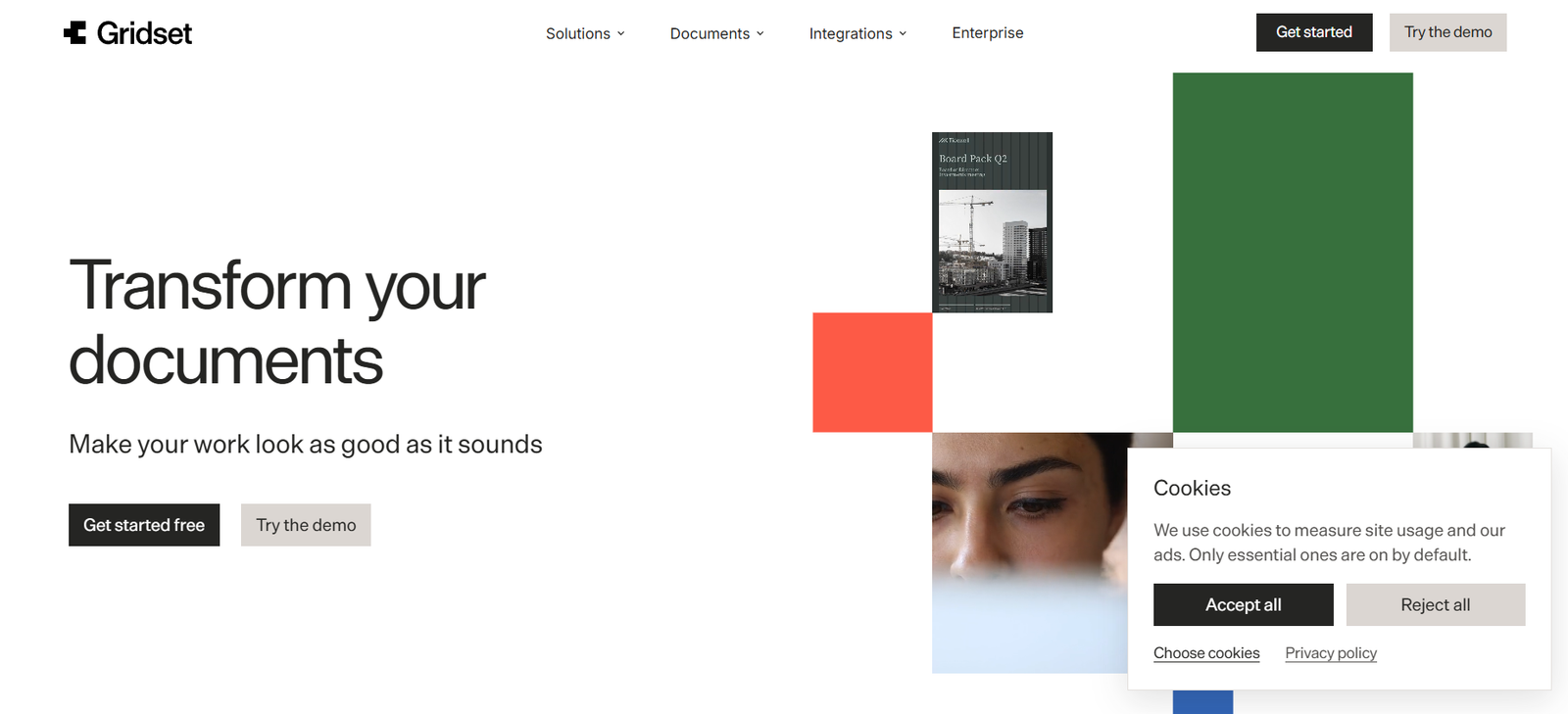
Gridset is an AI-powered document design platform that turns existing content into professionally designed, brand-consistent documents and presentations.
Instead of asking users to start with an empty design canvas, Gridset works with content they already have. Users can upload a Word document, PDF, or Markdown file, or import content from tools such as Notion and Google Docs.
Gridset then structures the information and applies design rules covering areas such as typography, colors, spacing, margins, logos, and overall visual style.
Businesses can provide their own brand guidelines or point Gridset to their website to help establish the required visual identity. Once configured, the same brand system can be applied consistently across future documents.
The platform supports common business formats including reports, proposals, presentations, executive briefings, handbooks, board materials, and other professional documents.
Users remain able to edit the generated output. They can make changes manually or describe the desired modification to Gridset’s AI assistant in plain language.
Finished work can be exported in formats including PDF, PPTX, and PNG.
Gridset is developed by the team behind Lumin and is aimed at marketing teams, sales teams, HR departments, finance and operations professionals, executive assistants, and other business users who regularly need professional documents without depending on a designer for every project.
Features
AI Document Design
Gridset automatically turns existing written material into designed business documents.
Instead of manually arranging every heading, paragraph, image, and section, users provide the content and let the platform handle much of the visual presentation.
Existing Content Import
Users do not need to rewrite their material specifically for Gridset.
The platform can work with existing content from Word documents, PDFs, Markdown files, Notion pages, and Google Docs.
Structural Brand Rules
Organizations can define brand requirements that Gridset applies across documents.
These rules can include colors, fonts, logos, text styles, and other elements of the company’s visual identity.
Brand Guidelines Upload
Companies can upload their existing brand guidelines to help Gridset understand how documents should look.
This can reduce the need to manually configure every design decision.
Website-Based Brand Setup
Users can also point Gridset to their company website.
The platform can use available website information as a starting point for establishing the organization’s visual direction.
Brand Kits
Once brand information is configured, it can be reused across multiple documents.
This makes it easier for different employees to produce work that follows a consistent company identity.
Automatic Layout
Gridset handles much of the document layout automatically.
It is designed to maintain consistent margins, spacing, typography, and page structure even as the length of the document changes.
Long-Document Support
The platform is designed to keep layouts structurally consistent whether a document contains only a few pages or becomes substantially longer.
This can be useful for reports, handbooks, and board documents.
AI Editing Assistant
Users can tell the AI assistant what they want changed using natural language.
This provides an alternative to manually adjusting every design element.
Manual Editing
AI-generated layouts are not permanently locked.
Users can continue editing the document themselves after Gridset has created the initial design.
Reports
Gridset can turn business information into polished reports.
Potential applications include executive reports, project reports, internal updates, research documents, and client-facing reports.
Proposals
Sales and business-development teams can transform proposal content into a more professional visual format.
Presentations
Gridset supports presentation creation in formats suitable for screen-based delivery.
A widescreen 16:9 presentation option is available along with other supported formats.
Briefings
Users can consolidate information into professionally formatted executive briefings and pre-read documents.
This is particularly relevant to executive and personal assistants who often gather material from multiple sources.
Handbooks
HR and operations teams can create structured handbooks and internal information documents while maintaining company branding.
Board Documents
Finance, operations, and executive teams can use Gridset to prepare information for leadership and board meetings.
Multiple Document Sizes
Gridset supports different output formats depending on the type of document.
Reports can be prepared in formats such as A4 and Letter, while presentations can use widescreen and document-oriented layouts.
PDF Export
Finished documents can be exported as PDF files for sharing, printing, and distribution.
PowerPoint Export
Gridset supports PPTX export, making it useful for users who need to continue working with presentations in PowerPoint-compatible environments.
PNG Export
Pages and designs can also be exported as PNG images.
Google Docs Integration
Content can be pulled from Google Docs and transformed into a designed document.
This can help teams continue writing in familiar tools while using Gridset for final presentation.
Notion Integration
Users can import content from Notion pages rather than manually copying the text into Gridset.
Google Drive Integration
Gridset provides Google Drive integration for supported document workflows.
ChatGPT Integration
Gridset is designed to work with content created in ChatGPT.
This creates a workflow where users can develop the written content with AI and then use Gridset to turn it into a professionally designed document.
Claude Integration
Users can also bring content from Claude into Gridset for document design.
Perplexity Integration
Gridset lists Perplexity among its supported AI-related integrations.
MCP Server
Gridset provides Model Context Protocol support, allowing compatible AI environments to work with its document-generation capabilities.
How It Works
- Start a new project in Gridset.
- Add the content you want to transform.
- Upload an existing Word document, PDF, or Markdown file, or import content from a supported platform such as Notion or Google Docs.
- Gridset analyzes the content and breaks it into structured sections.
- Choose the appropriate document format, such as a report, proposal, presentation, briefing, or handbook.
- Select an existing brand kit or provide your organization’s brand information.
- Upload brand guidelines or use your website as a starting point when setting up the visual identity.
- Gridset applies the relevant fonts, colors, styles, spacing, and layout rules.
- Review the automatically designed document.
- Edit individual elements manually where necessary.
- Alternatively, describe the changes you want to the AI assistant in plain language.
- Check the document for accuracy and brand consistency.
- Export the completed work as PDF, PPTX, or PNG.
Use Cases
For Marketing Teams
Marketing teams can turn campaign plans, reports, strategy documents, and internal updates into professional branded materials.
For Sales Teams
Sales professionals can create proposals, presentations, pitch materials, and client-facing documents without manually formatting every page.
For Finance Teams
Finance professionals can format reports, board packs, summaries, and other business documents consistently.
For Operations Teams
Operations departments can turn internal information into structured reports, briefings, procedures, and leadership documents.
For Executive Assistants
Executive and personal assistants can consolidate notes and information from multiple sources into polished executive briefings, meeting documents, schedules, and pre-reads.
For HR Teams
HR and People Operations teams can create onboarding materials, handbooks, all-hands documents, internal communications, and employee information.
For Consultants
Consultants can convert analysis and recommendations into professionally formatted client reports and presentations.
For Small Businesses
Businesses without a dedicated design team can produce more professional documents while maintaining a consistent visual identity.
For AI-Generated Content
Users who create reports, proposals, or research drafts with ChatGPT, Claude, or other AI tools can use Gridset to handle the final visual presentation.
For Brand Consistency
Organizations can establish brand rules once and reuse them across multiple types of business documents.
Pricing
Gridset is currently available free during its beta period.
The company’s current privacy information states that Gridset does not collect payment-card information and that paid plans may be introduced in the future.
The official website does not currently publish standard paid subscription tiers or long-term commercial pricing.
Users can presently get started free and also access a product demo.
Pricing details for future paid plans are not clearly mentioned on the official website.
Organizations interested in larger deployments can also explore Gridset’s Enterprise offering.
Because Gridset is currently in beta, its pricing model, usage limits, and included functionality may change as the product develops.
Strengths
Gridset starts with content users already have rather than requiring them to rebuild a document from scratch.
Word, PDF, Markdown, Notion, and Google Docs workflows are supported.
Brand rules can be reused across multiple documents.
Users can upload brand guidelines or use a company website as a starting point.
Automatic layout can reduce time spent manually adjusting spacing, margins, and typography.
The platform supports both documents and presentations.
Reports, proposals, briefings, presentations, and handbooks can be created within the same broader environment.
Users can manually edit AI-generated designs.
The AI assistant can also make changes from plain-language instructions.
PDF, PPTX, and PNG exports provide flexibility for sharing finished work.
ChatGPT and Claude integration can connect AI writing with professional document design.
MCP support makes Gridset relevant to emerging AI-agent workflows.
Gridset is currently free during beta.
The product is developed by the team behind Lumin, an established document-software company.
Drawbacks
Gridset is currently in beta, so functionality, limits, and pricing may continue to change.
Long-term paid pricing is not yet publicly defined.
The platform focuses on document design rather than replacing a full professional graphic-design application.
Users who need highly customized visual layouts may still prefer specialized tools such as Adobe InDesign, Illustrator, or other professional design software.
Automatically generated layouts still need human review, particularly for important client, financial, legal, or board documents.
Imported documents may require adjustments when they contain unusual formatting or complex structures.
AI design cannot guarantee that every output will perfectly follow an organization’s subjective interpretation of its brand.
Users working with confidential business documents should review Gridset’s privacy and security policies before uploading sensitive material.
Gridset uses third-party AI and infrastructure providers to deliver parts of the service.
Privacy and Data Handling
Gridset states that uploaded and generated content is encrypted while stored on its servers and while being transferred.
The company says it does not use customer content to train its own AI models.
Third-party AI providers may process content when required to generate requested results under their applicable commercial and privacy terms.
Gridset’s current service providers include infrastructure, AI, analytics, brand-information, image-search, and integration providers.
Users can also disable certain usage analytics through privacy settings when signed in.
Organizations handling sensitive documents should still evaluate Gridset’s security, data-location, retention, and compliance arrangements according to their own requirements.
Comparison with Other Platforms
Gridset competes broadly with presentation generators, AI document-design platforms, and conventional design software.
Compared with general presentation generators, Gridset has a broader emphasis on business documents. It can work with reports, proposals, presentations, briefings, and handbooks rather than focusing exclusively on slide decks.
Compared with Canva, Gridset is more focused on automatically transforming existing written content into structurally consistent business documents. Canva provides a much broader creative-design environment and greater manual design flexibility.
Compared with PowerPoint, Gridset automates more of the initial layout and brand application. PowerPoint still provides greater manual control for users who want to construct individual slides themselves.
Compared with traditional document editors such as Microsoft Word or Google Docs, Gridset focuses more heavily on visual presentation and automatic brand consistency.
Its strongest use case is therefore not replacing the tools where teams write their content. Instead, Gridset can act as the design stage between the finished draft and the polished document that is ultimately shared.
Customer Reviews and Testimonials
Detailed customer reviews and independently verified testimonials are not clearly available on the official Gridset website.
The current website primarily demonstrates the product through example documents, use cases, integrations, and workflows for different business teams.
Gridset is also still in beta, which may explain the limited amount of publicly presented customer-review material.
The platform is developed by Lumin, an established document-software company, but Lumin’s broader customer base should not automatically be treated as customer adoption of Gridset itself.
Users can currently test Gridset free during beta to evaluate its design quality, brand consistency, import capabilities, and export workflow.
Conclusion
Gridset is an AI-powered document design platform created for businesses that already have the content but need help making that content look professional and consistent.
Its approach is straightforward: bring in a Word document, PDF, Markdown file, Notion page, or Google Doc, apply a brand system, and let Gridset handle much of the layout and visual presentation.
The platform is particularly useful for reports, proposals, presentations, executive briefings, handbooks, board materials, and other documents that need to look polished without consuming hours of design work.
Its ability to apply reusable brand rules is especially valuable for organizations where many employees create external or leadership-facing documents but a design team is not always available.
Integration with ChatGPT, Claude, Notion, Google Docs, Google Drive, and MCP-based workflows also positions Gridset well for teams that increasingly use AI to produce the underlying content.
Gridset is still in beta, so prospective users should expect its features, limits, and eventual pricing structure to evolve.
For marketing, sales, HR, finance, operations, consulting, and executive-support teams that regularly need to turn finished content into polished, on-brand business documents, Gridset offers a focused AI-assisted alternative to manually designing every document from scratch.