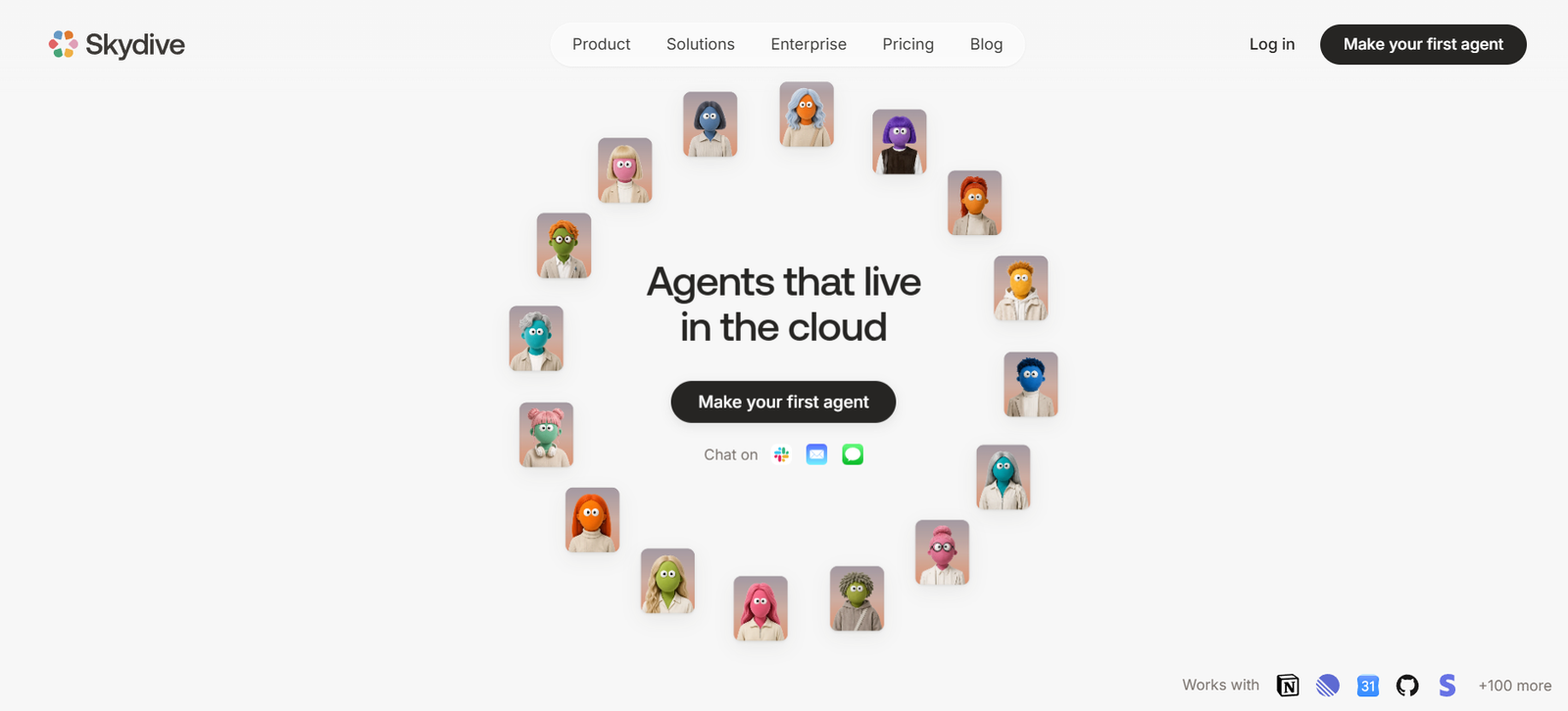
Skydive is an AI agent platform designed to help teams create digital AI workers that can carry out real tasks inside the tools a business already uses. Instead of functioning only as a chatbot that answers questions, Skydive agents can browse websites, work with files, interact with software, perform multi-step tasks, and continue working in the cloud.
Each agent can have its own name, role, memory, permissions, and cloud computer. Users describe the outcome they want in plain language, and Skydive creates an agent around that responsibility. This reduces the need to manually design complicated automation workflows.
Agents can communicate with users through channels such as the web, Slack, email, and iMessage. The same agent maintains its identity and context across supported channels, allowing work to continue without repeatedly starting a new conversation.
Skydive also supports multi-agent collaboration. Different agents can be assigned specialized roles and hand work to one another. This makes the platform particularly relevant for startups and teams looking to automate work across marketing, sales, engineering, customer support, operations, and administration.
Features
AI Agent Builder
Users can describe the job or outcome they need in normal language. Skydive then creates an agent around that role without requiring users to manually construct a workflow canvas or write extensive automation logic.
Dedicated Cloud Computer
Each agent receives its own cloud environment with a browser. This allows agents to navigate websites, work with files, log into supported services, and perform tasks without relying on the user’s personal computer.
Browser Automation
Skydive agents can interact with web applications at the interface level. They can navigate pages, click buttons, enter information, retrieve data, and work with web tools in a way similar to a human operator.
Persistent AI Agents
Agents are designed to continue working beyond an individual chat session. Their role, context, and working environment can persist, making them suitable for ongoing responsibilities.
Continuous Agent Memory
Skydive agents can remember context, decisions, and user corrections across interactions. This means teams can teach an agent preferred ways of working instead of providing the same instructions repeatedly.
Multi-Agent Collaboration
Organizations can create multiple specialized agents that work together. One agent can complete part of a task and pass its output and context to another agent for the next stage.
Recurring Routines
Recurring responsibilities can be turned into routines. Agents can perform scheduled work such as monitoring information, preparing reports, checking systems, or carrying out regular operational tasks.
Multiple Communication Channels
Users can interact with agents through supported channels including web, Slack, email, and iMessage. This helps agents become part of existing communication workflows rather than requiring users to work only from a separate dashboard.
Business Tool Integrations
Skydive supports integrations with a growing range of business and development tools. Examples shown on the official website include Gmail, Notion, Linear, GitHub, Google Sheets, Google Docs, Airtable, Trello, GitLab, ClickUp, PagerDuty, Intercom, HubSpot, Stripe, Meta Ads, and others.
GitHub Integration
Engineering agents can receive their own GitHub identity. They can work with repositories, read and modify code, review changes, manage issues, and open pull requests.
Engineering Agents
Skydive provides engineering-oriented capabilities for tasks such as bug triage, pull request review, testing, documentation, dependency updates, release management, and status reporting.
Pre-Built Agent Templates
Users do not always have to create an agent from scratch. Skydive offers templates for areas such as engineering, marketing, sales, support, operations, project management, and executive assistance.
AI Model Choice
Skydive supports models from multiple AI providers rather than restricting every agent to a single model provider. Model options can include providers such as Anthropic, OpenAI, and Google.
Agent Observability
Teams can review agent activity through run timelines. These records can show what an agent did, which tools it used, and how work progressed, helping users understand and audit agent activity.
Agent Permissions
Access can be controlled at the individual agent level. This can help organizations determine who can view, use, or edit particular agents.
Training and Human Review
Users can review and correct agent work. Corrections can become part of the agent’s accumulated context, helping it adapt to the team’s preferences over time.
How It Works
Step 1: Create a Skydive Account
Users begin by creating an account and setting up their workspace.
Step 2: Create an Agent
The user describes the responsibility or outcome they want the AI agent to handle. This can be written in plain language.
Step 3: Define the Agent’s Role
The agent can be given a specific responsibility, such as project management, customer support, engineering, sales research, marketing, or operational work.
Step 4: Connect Business Tools
Users provide the agent with appropriate access to the applications required for its work. The exact tools depend on the agent’s responsibilities.
Step 5: Choose an AI Model
Users can select an available AI model according to the needs of the particular agent and plan.
Step 6: Assign Work
Users communicate what needs to be completed. The agent determines the required steps and works across its available tools.
Step 7: Review Agent Activity
Teams can inspect completed work and agent activity. When necessary, users can correct the agent or refine its instructions.
Step 8: Create Recurring Routines
Tasks that need to happen regularly can be converted into routines so agents can continue handling them automatically.
Step 9: Build an Agent Team
For more complicated workflows, several specialized agents can work together and pass tasks and context between one another.
Use Cases
Marketing Teams
Marketing teams can create agents for campaign reporting, competitor monitoring, content tasks, advertising analysis, research, and other repetitive marketing operations.
Sales Teams
Sales agents can help research prospects, enrich lead information, maintain CRM data, prepare personalized outreach, and assist with recurring sales activities.
Engineering Teams
Engineering agents can help triage bugs, review pull requests, investigate technical issues, update documentation, manage dependencies, prepare status reports, and assist with software development workflows.
Customer Support
Support teams can create agents that monitor support queues, research customer issues, prepare responses, update information, and help keep outstanding requests moving.
Operations Teams
Operational agents can work across business applications, retrieve information, update records, process files, monitor systems, and handle repetitive administrative activities.
Project Management
Project management agents can monitor projects, review progress, identify outstanding work, and prepare regular updates for teams.
Founders and Executives
Founders can create Chief of Staff style agents to help manage recurring administrative responsibilities, information gathering, email, calendars, and organizational work.
Startups
Growing startups can create specialized AI agents for different functions without necessarily hiring people for every repetitive operational task.
Research and Data Collection
Agents can navigate online sources and supported tools to gather information, organize findings, and prepare outputs for further analysis.
Cross-Team Automation
A task involving several departments can be distributed among multiple agents. For example, one agent might gather information, another process it, and another prepare the final output.
Pricing
Skydive currently uses subscription plans combined with usage-based charges.
Starter: $20 per month
The Starter plan is listed at $20 per month and supports up to five users. It includes unlimited agents, while AI and related usage is charged according to consumption.
Team: $200 per month
The Team plan is listed at $200 per month and provides substantially more included usage capacity than the Starter plan. Skydive states that agents remain unlimited rather than being priced individually.
AI model usage is handled on a pay-as-you-go basis, and Skydive states that it does not add a markup to underlying AI model costs.
Enterprise
Enterprise pricing is customized according to organizational requirements.
Self-service Enterprise includes features such as enterprise security, usage and spend controls, model controls, integration and network controls, audit logs, and priority support.
Sales-assisted Enterprise is available for organizations requiring tailored commercial terms, custom deployment, single-tenant environments, VPC options, dedicated assistance, or other advanced requirements.
The official website indicates that self-service Enterprise can begin with a $10,000 annual commitment.
Pricing, usage allowances, and plan conditions can change, so organizations should check the latest official pricing information before subscribing.
Strengths
Agents Perform Actions
Skydive goes beyond answering questions by allowing agents to work inside business applications and complete multi-step tasks.
No-Code Agent Creation
Users can describe desired outcomes in plain language rather than manually building every automation step.
Persistent Memory
Agents can retain relevant context and corrections across sessions, reducing the need to repeatedly explain working preferences.
Multi-Agent Approach
Multiple specialized agents can cooperate, making Skydive useful for complex work that crosses different business functions.
Works Across Existing Tools
Agents can operate within many of the applications teams already use rather than requiring all work to move into a completely new environment.
Dedicated Cloud Environment
Each agent has its own computing environment, allowing work to continue independently of the user’s computer.
Suitable for Technical and Non-Technical Teams
The platform includes engineering capabilities while also supporting marketing, sales, operations, support, and administrative work.
Recurring Automation
Routine tasks can continue after users have closed their laptops, making the platform useful for ongoing monitoring and operational processes.
Model Flexibility
Support for different AI providers can help teams select models according to the requirements of individual agents.
Drawbacks
Skydive is more complex than a basic AI chatbot. Organizations may need time to decide which responsibilities should be delegated to agents and how permissions should be configured.
Allowing AI agents to interact directly with business tools also requires careful access management. Teams should review permissions and monitor important actions, particularly when agents work with sensitive systems or consequential business processes.
Costs can vary because AI model and compute consumption depend on actual usage. Teams running many active or resource-intensive agents should monitor usage carefully.
Although agents can learn from corrections and accumulated context, human review remains important. AI agents can still misunderstand instructions, make incorrect decisions, or perform actions that require correction.
The platform may also be more than necessary for individuals who simply need AI writing, research, summarization, or occasional chatbot assistance.
Comparison with Other Platforms
Skydive sits between AI assistants, workflow automation platforms, autonomous agent systems, and cloud-based digital worker platforms.
Traditional chatbots mainly respond to user requests inside a conversation. Conventional automation platforms typically require users to define triggers, actions, conditions, and individual workflow steps.
Skydive takes a more agent-oriented approach. Users describe the desired outcome, while the agent determines how to complete the task using its available tools and cloud environment.
Another important difference is its multi-agent structure. Instead of relying only on one general assistant, teams can create specialized agents for different responsibilities and allow them to collaborate.
Compared with traditional workflow automation, this approach can offer greater flexibility for tasks that cannot easily be represented as fixed rules. However, deterministic automation platforms may remain more appropriate when organizations need highly predictable workflows with precisely defined steps.
Skydive is therefore likely to be most useful when teams want AI workers that can reason, use software, remember context, collaborate, and handle changing multi-step tasks rather than simply execute fixed automations.
Customer Reviews and Testimonials
Skydive displays customer testimonials on its official website.
The featured feedback comes from founders, marketing professionals, AI leaders, and other users. Testimonials particularly mention the usefulness of creating multiple agents, managing development workflows, agent collaboration, and automating time-consuming work.
The official website includes feedback from people associated with companies such as Karmic, Real Simple Labs, and Footwork.
These testimonials are selected and presented by Skydive itself, so they should be treated as company-published customer feedback rather than a complete independent assessment of user satisfaction.
Conclusion
Skydive is a powerful option for businesses that want to move beyond simply chatting with AI and begin delegating actual work to persistent AI agents.
Its combination of dedicated cloud computers, browser automation, continuous memory, recurring routines, business integrations, multi-agent collaboration, and human oversight makes it particularly relevant to startups and teams looking to automate substantial parts of everyday operations.
Marketing, sales, engineering, support, operations, and management teams may find the platform especially useful because individual agents can be given clearly defined responsibilities and work together when a task crosses different functions.
For organizations that want AI to become an active part of their workforce rather than simply another chatbot, Skydive offers an interesting agent-based approach. Teams should still introduce autonomous agents carefully, maintain appropriate permissions, and review important work before allowing agents to handle high-impact processes independently.