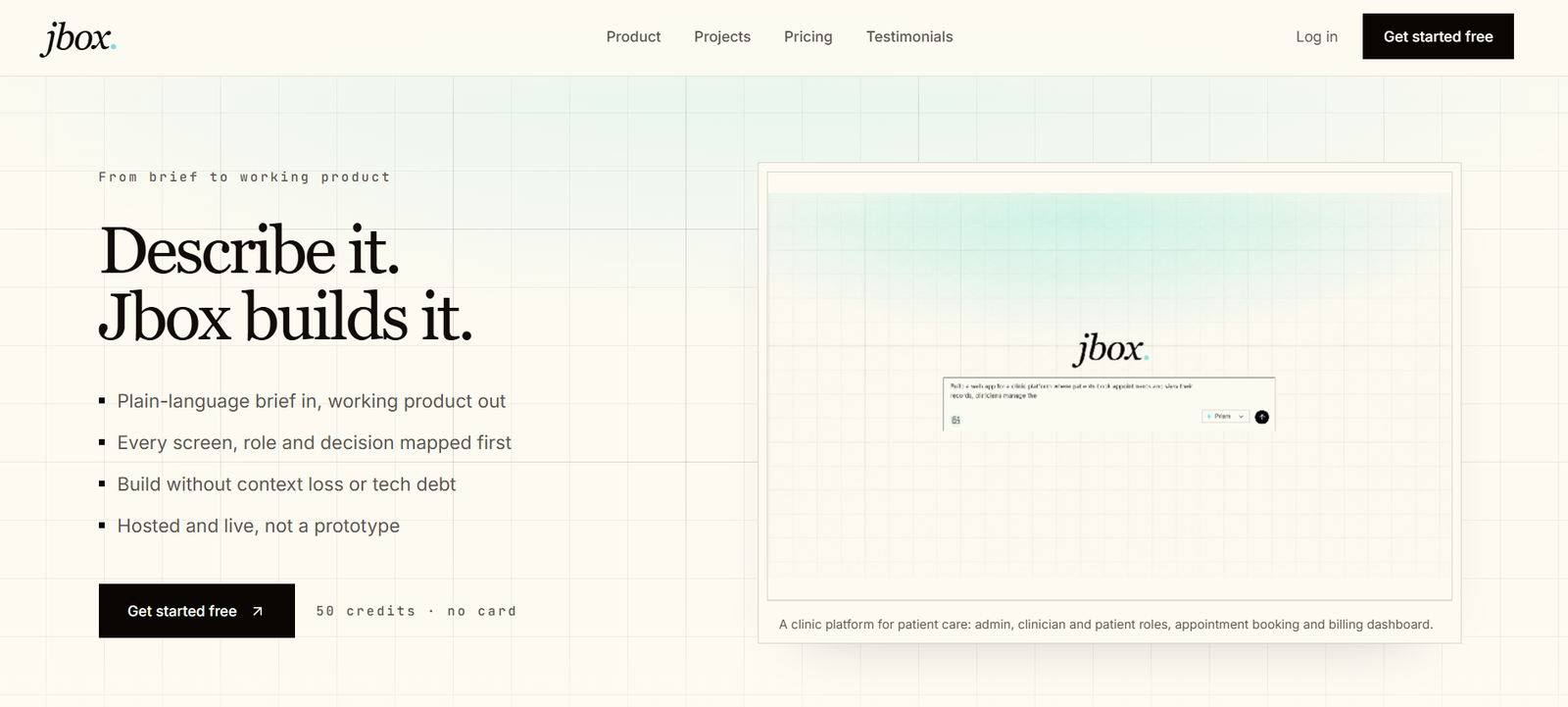
Jbox is an AI-powered product builder designed to turn a product idea or written brief into a working web application. Instead of generating only individual screens or pieces of code, Jbox focuses on mapping and building the complete product flow.
Users describe what they want to build in plain language or provide an existing product brief. Jbox then maps important elements such as user roles, screens, decisions, logic, and different paths through the application before moving toward the working build.
The platform is designed to help users identify missing screens, edge cases, and product decisions early in the development process. Once the structure has been reviewed, Jbox can create a connected application with data, authentication, and hosting.
Jbox currently builds using technologies including Next.js, Supabase, and GitHub, along with Jbox Hosting. Users can also export production code, which makes the platform relevant to founders, developers, product managers, startups, agencies, and teams that want to move from an idea to a functional web product more quickly.
Features
Plain-Language Product Building
Users can explain what they want to create in everyday language or paste an existing brief. Jbox interprets the requirements and uses them as the starting point for building the product.
Complete Product Flow Mapping
Jbox maps the product before development by considering screens, user roles, decisions, paths, and handoffs. This can help teams understand how different parts of an application should work together.
Multi-Role Applications
The platform can create products involving multiple types of users. For example, a business application could have separate experiences for administrators, employees, customers, or other roles.
Screen and Logic Generation
Jbox goes beyond generating visual screens. It can create connected product flows that include application logic and different user paths.
Edge Case Planning
By mapping the product before the final build, Jbox can help users notice missing paths and edge cases that might otherwise appear later during development.
Full-Stack Web Application Building
Jbox is designed to produce working web applications rather than only visual prototypes. The resulting product can include front-end screens, backend data, application logic, and authentication.
Next.js-Based Development
The working applications generated through Jbox use Next.js as part of the technology stack, providing a modern framework for web application development.
Supabase Integration
Supabase is used within the Jbox development stack for backend requirements such as databases and authentication.
GitHub Integration
Jbox uses GitHub within its product-building workflow, making it easier to work with generated code and established software development processes.
Production Code Export
Users can export the code generated for their applications. This provides more flexibility for teams that want to continue developing or hosting the application outside Jbox.
Built-In Hosting
Applications can be published using Jbox Hosting. This allows users to move from an idea to a live product without arranging every part of the initial deployment separately.
Product Review Before Development
Users can review the complete product structure before the build begins. This provides an opportunity to identify missing screens, unclear decisions, or incomplete workflows earlier.
How It Works
- Create a Jbox account and start with the included free credits.
- Describe the web product you want to create using plain language or paste an existing product brief.
- Jbox interprets the requirements and maps the application’s overall structure.
- Review the proposed screens, user roles, decisions, paths, and handoffs.
- Identify missing requirements or flows before committing to the complete build.
- Let Jbox create the connected application using its supported development stack.
- Open the working product and test its screens, logic, data, authentication, and user flows.
- Make changes or refinements where necessary.
- Publish the application through Jbox Hosting or export the production code for further development.
Use Cases
For Startup Founders
Founders can turn an early product concept into a working web application without manually building every part of the initial technology stack.
For Product Managers
Product managers can map user roles, screens, decisions, and workflows before development begins. This can help clarify requirements for the wider team.
For Developers
Developers can use Jbox to accelerate the early stages of full-stack development and then work with the exported production code for further customization.
For Entrepreneurs
Entrepreneurs with a software idea can use plain-language instructions to explore whether their concept can be turned into a functional digital product.
For Agencies
Agencies can use Jbox to develop initial versions of client applications, demonstrate product flows, and accelerate development of web-based projects.
For Small Teams
Small teams can use the platform to discuss and review a complete product structure before investing significant time in manual development.
For MVP Development
Jbox can be useful for creating early working versions of SaaS products, portals, marketplaces, dashboards, and other web applications.
For Complex Multi-Role Products
Applications involving different user types can benefit from Jbox’s focus on mapping roles, screens, decisions, and connected product paths.
Pricing
Jbox currently uses a credit-based pricing model.
Jbox Pro
Jbox Pro costs $0 to start and includes 50 credits.
No credit card is required to begin.
When the included credits are used, customers can purchase 100 additional credits for $20.
The official website states that there is no subscription for this self-service option. It also includes unlimited flow generation and the ability to export production code.
Enterprise
Enterprise pricing is custom and is intended for growing teams and organizations.
Enterprise options include custom credit allocations, team controls, SSO, white-glove onboarding, and dedicated account support.
Organizations need to contact Jbox for specific Enterprise pricing.
Strengths
Jbox focuses on building an entire connected product rather than generating isolated screens.
Users can start from a plain-language description without preparing detailed technical specifications.
Mapping screens, roles, decisions, and flows before development can help identify missing requirements earlier.
The platform creates working web applications rather than limiting users to static prototypes.
It supports applications involving multiple user roles and connected workflows.
The generated applications use established technologies including Next.js, Supabase, and GitHub.
Production code can be exported, giving developers more control over future development.
Built-in hosting provides a direct route from product idea to a live application.
The free starting allowance does not require a credit card.
Users retain ownership of their projects and generated code according to Jbox’s current terms.
Drawbacks
Jbox is currently described as being in beta, which means features may change and occasional problems should be expected.
The platform is specifically focused on web product development and may not be suitable for users who simply need websites, graphic designs, mobile-native applications, or individual code snippets.
The free starting allowance is limited to 50 credits, so larger or repeated projects may require additional credit purchases.
AI-generated applications still require human testing and review, particularly for security, business logic, data handling, and production reliability.
The platform uses a particular technology stack, which may not suit development teams committed to other frameworks or backend technologies.
Enterprise pricing is not publicly specified.
Users with highly specialized technical requirements may still require experienced developers to customize the generated application.
Comparison with Other Platforms
Jbox operates in the growing category of AI application builders and prompt-to-code platforms. However, its main focus is on understanding and mapping a complete product before building it.
Many AI coding tools concentrate on generating code from individual prompts, while some AI app builders focus heavily on quickly generating interfaces. Jbox takes a product-oriented approach by considering user roles, screens, decisions, logic, and edge cases together.
This approach may be particularly useful for complex applications where several types of users interact with different parts of the system.
Another useful difference is the ability to export production code. This allows a project to continue beyond the Jbox environment rather than remaining completely dependent on the platform.
The best choice between Jbox and other AI development platforms will ultimately depend on the complexity of the product, preferred technology stack, level of coding experience, hosting requirements, and how much control the team wants over the final code.
Customer Reviews and Testimonials
The official Jbox website includes testimonials from product and technology professionals.
Angel Bacareza, Product Manager at Fronted, highlights Jbox’s ability to build a connected system rather than only individual screens and says that viewing the complete product as a map helped identify edge cases.
Tiaan Alberts of Turner & Townsend alinea describes the benefit of discussing the complete product with a team before development begins, making missing product paths easier to identify.
Asbjørn Rørvik, a Full Stack Developer and CTO/Co-Founder at Supportify, describes Jbox as useful for turning app ideas into fast MVP prototypes.
The official website also displays a 4.6 out of 5 G2 rating.
These testimonials and the displayed rating should be understood in their proper context, as the testimonials are selected and published on Jbox’s own website.
Conclusion
Jbox is an interesting AI product-building platform for people who want to move from an idea or product brief to a functional full-stack web application.
Its main strength is its focus on the complete product rather than individual screens. By mapping roles, screens, decisions, logic, and edge cases before development, Jbox aims to reduce the gaps that can appear when an idea moves from planning to implementation.
The combination of Next.js, Supabase, GitHub, hosting, and production code export also makes it more relevant to serious application development than tools focused only on visual prototypes.
Jbox may be particularly useful for founders, product managers, developers, agencies, and small teams building MVPs or multi-role web products. Since the platform is currently in beta, users working on important production systems should carefully test generated code and functionality before relying on it for live applications.