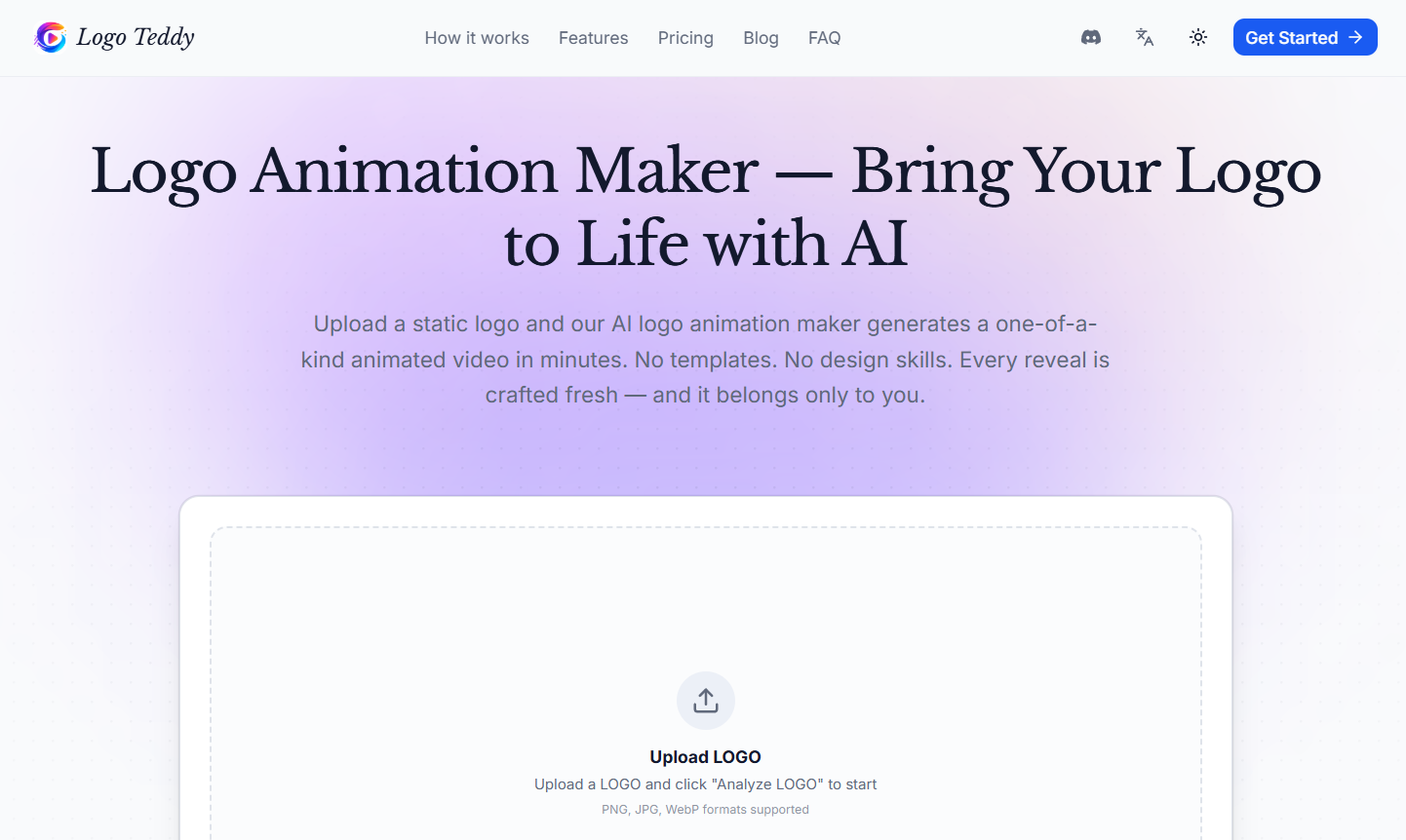
LogoTeddy is an AI-powered logo animation maker that transforms static logos into animated video reveals. Instead of relying on fixed animation templates, the platform analyzes the visual characteristics of an uploaded logo and generates custom animation concepts around it.
Users can upload an existing logo in PNG, JPG or WebP format. LogoTeddy analyzes elements such as its shape, colors and overall visual character and then proposes different creative directions for bringing the logo to life.
After choosing a direction, users can adjust elements such as duration, aspect ratio, reveal pacing and overall mood before generating the final animation.
LogoTeddy is particularly useful for YouTube creators, businesses, agencies, freelancers, marketers and designers who already have a logo but want to turn it into a professional-looking animated intro or brand reveal.
Generated animations can be downloaded as MP4 videos in resolutions ranging from 480p to 4K, depending on the selected AI model and settings.
Features
AI Logo Animation
LogoTeddy uses AI to transform an existing static logo into an animated video.
Instead of simply placing the logo into a predefined animation template, the system analyzes the logo and generates motion specifically around its visual characteristics.
Logo Analysis
After a logo is uploaded, the AI examines its shape, colors and visual personality.
This analysis is then used to develop animation concepts that complement the original design.
Three Creative Directions
LogoTeddy generates three creative directions for the logo reveal.
Users can review these concepts before deciding which direction they want to develop into the final animation.
No Template-Based Animation
One of LogoTeddy’s main differentiators is its approach to animation.
Traditional logo animation services often reuse the same animation templates for different brands. LogoTeddy instead generates a new AI-based animation around each uploaded logo.
This can help brands produce a more distinctive visual result.
Custom Animation Controls
Users can adjust important aspects of the animation before generation.
Controls include duration, aspect ratio and reveal pacing. Users can also guide the overall mood toward styles such as more luxurious or more dynamic.
Logo Preservation
LogoTeddy is designed to make the original logo appear clearly and completely at the end of the animation.
This is important because generative video models can sometimes distort lettering, shapes and brand marks.
Multiple Aspect Ratios
Users can create animations in different aspect ratios depending on where the final video will be displayed.
This makes the platform suitable for traditional horizontal video as well as square and vertical social media content.
Multiple Video Resolutions
LogoTeddy supports MP4 video exports in:
480p
720p
1080p
4K
The maximum available resolution depends on the AI model used for generation.
Seedance AI Models
The current pricing structure includes several Seedance 2.0 model options.
These include Seedance 2.0 Mini, Seedance 2.0 Fast and Seedance 2.0.
Mini and Fast support resolutions up to 720p, while the full Seedance 2.0 model supports higher-resolution generation, including 1080p and 4K.
Fast Generation
According to the official website, a typical animated logo takes approximately three to five minutes to render.
Actual processing time may vary according to demand, resolution and generation settings.
Free Preview
New users receive 50 free credits when they sign up.
These credits are sufficient for one 5-second, 480p preview animation using the eligible model.
The free output is watermarked and intended for personal, non-commercial use.
Commercial Usage
Animations generated through paid credits include commercial usage rights.
This allows eligible outputs to be used for purposes such as YouTube videos, advertisements, presentations and client projects.
Watermark-Free Paid Downloads
Paid animations can be downloaded without the LogoTeddy watermark.
Browser-Based Tool
LogoTeddy operates online, so users do not need to install professional motion graphics or video editing software.
How It Works
Step 1: Upload Your Logo
Upload an existing logo in PNG, JPG or WebP format.
Step 2: Analyze the Logo
Select the analysis option and allow LogoTeddy’s AI to examine the logo’s shape, colors and overall visual characteristics.
Step 3: Review Creative Directions
The AI creates three possible creative directions for animating the logo.
Users can review these ideas before signing up for generation.
Step 4: Select a Direction
Choose the animation concept that best matches the brand or project.
Step 5: Adjust the Animation
Users can modify settings such as animation duration, aspect ratio, reveal pacing and creative mood.
Step 6: Generate the Video
LogoTeddy uses AI to create the animated logo based on the selected concept and settings.
Step 7: Wait for Rendering
The official website states that generation generally takes around three to five minutes.
Step 8: Preview the Result
Review the completed animated logo and determine whether it suits the intended project.
Step 9: Download the Animation
The final video can be downloaded in MP4 format at an eligible resolution according to the model and credits used.
Use Cases
YouTube Creators
YouTubers can transform their channel logo into an animated intro or reveal for videos.
Businesses
Companies can create animated versions of their corporate logos for presentations, promotional videos and online communications.
Marketing Agencies
Agencies can create logo animations for campaigns and client projects without building every motion graphic manually.
Freelancers
Designers and video creators can use LogoTeddy when clients request animated versions of existing brand logos.
Social Media Creators
Vertical and square logo animations can be incorporated into social media videos, Reels and other short-form content.
Video Producers
Video creators can add animated brand reveals to corporate films, advertisements and promotional videos.
Presentations
Businesses can use animated logos at the beginning or end of presentations to create a more polished branded experience.
Advertising
Paid animations with commercial rights can be incorporated into eligible advertising campaigns.
Brand Films
Companies can create cinematic logo reveals for corporate and brand videos.
Client Projects
Designers, agencies and freelancers can generate animations for commercial client work using paid outputs.
Pricing
LogoTeddy uses a pay-as-you-go credit system rather than a conventional monthly subscription.
1 credit = $0.01.
Purchased credits do not expire.
Free Trial
The Free Trial costs $0 and provides 50 credits.
It includes one 5-second, 480p preview animation using the eligible Seedance 2.0 Mini model.
The free animation is watermarked, limited to personal non-commercial use and requires permission for public showcase.
Starter
The Starter credit package costs $19.99.
It provides:
2,000 credits
50 bonus credits
Access to available resolutions
Commercial usage rights
The website estimates that this is enough for approximately five 10-second 720p reveals or two 10-second 1080p reveals, depending on the model and settings used.
Creator
The Creator package costs $99.99.
It provides:
10,000 credits
500 bonus credits
Access to available resolutions
Commercial usage rights
The website estimates approximately 25 10-second 720p reveals or 10 10-second 1080p reveals, depending on generation settings.
Studio
The Studio package costs $499.99.
It provides:
50,000 credits
5,000 bonus credits
Access to available resolutions
Commercial usage rights
The website estimates approximately 134 10-second 720p reveals or 53 10-second 1080p reveals, depending on the model and settings.
Credit Consumption
Generation cost varies according to the AI model, resolution and video duration.
Current 10-second generation examples include approximately:
Seedance 2.0 Mini at 480p – 95 credits
Seedance 2.0 Mini at 720p – 205 credits
Seedance 2.0 Fast at 480p – 155 credits
Seedance 2.0 Fast at 720p – 330 credits
Seedance 2.0 at 480p – 190 credits
Seedance 2.0 at 720p – 410 credits
Seedance 2.0 at 1080p – 1,020 credits
Seedance 2.0 at 4K – 2,080 credits
Because generation costs can change according to model and resolution, users should check the current pricing page before purchasing credits.
Strengths
Purpose-built for logo animation: LogoTeddy focuses specifically on turning existing logos into animated brand reveals.
AI-generated rather than fixed templates: Animations are created around the uploaded logo instead of simply applying the same predefined motion template.
Three creative directions: Users can explore different animation ideas before selecting one.
Free starting credits: New users can test the platform with a 5-second 480p preview.
Pay-as-you-go pricing: Users do not need to maintain a monthly subscription.
Credits do not expire: Purchased credits can be saved for future projects.
High-resolution output: Eligible models support video generation up to 4K.
Commercial rights: Paid animations include commercial usage rights.
Multiple aspect ratios: Animations can be adapted for different video and social media formats.
No design skills required: The AI handles much of the animation process automatically.
Fast workflow: LogoTeddy states that animations typically render in around three to five minutes.
Drawbacks
LogoTeddy does not create a new brand logo from scratch. Users need an existing logo to use the core animation service.
The free animation is watermarked and restricted to personal, non-commercial use.
Higher resolutions consume significantly more credits. A 10-second 4K generation can use considerably more credits than a basic 480p animation.
AI generation is not as predictable as manually designed motion graphics. Users may need multiple attempts to achieve the exact animation they want, and each additional generation can consume credits.
Professional motion designers may still prefer tools such as Adobe After Effects when they need precise frame-by-frame control over animation.
The platform is specialized in logo reveals rather than functioning as a complete video editing suite.
Comparison with Other Platforms
LogoTeddy competes with logo animation makers, online motion graphics tools and professional animation software.
Its main difference is the use of generative AI instead of relying primarily on predefined animation templates. Traditional online logo animation makers often allow users to insert a logo into an existing animation style. LogoTeddy analyzes the individual logo and generates a new visual reveal around it.
Compared with professional tools such as Adobe After Effects, LogoTeddy is significantly easier for beginners because users do not need to manually create keyframes, effects and transitions. Professional software, however, offers much greater control over every element of an animation.
LogoTeddy is therefore particularly suitable for users who already have a finished logo and want a distinctive animated reveal without learning complex motion design software.
Customer Reviews and Testimonials
Customer reviews and testimonials are not clearly available on the official website.
The website provides a public showcase of logo animations generated by creators using LogoTeddy, which can help prospective users evaluate the type of results the platform can produce. However, these examples should not be considered independent customer reviews or testimonials.
Conclusion
LogoTeddy is a specialized AI logo animation tool for turning static brand logos into cinematic video reveals.
Its AI analyzes the uploaded logo and develops different creative animation directions rather than relying entirely on fixed templates. Users can then control factors such as duration, aspect ratio, pacing and mood before generating their animation.
Support for MP4 exports from 480p through 4K, commercial usage on paid generations and multiple aspect ratios makes LogoTeddy useful for YouTube intros, social media, advertisements, presentations, corporate videos and client projects.
Its pay-as-you-go model is also attractive for users who only need logo animations occasionally because purchased credits do not expire.
LogoTeddy is particularly worth considering for creators, businesses, agencies and freelancers who already have a logo and want to animate it quickly without learning professional motion graphics software.