
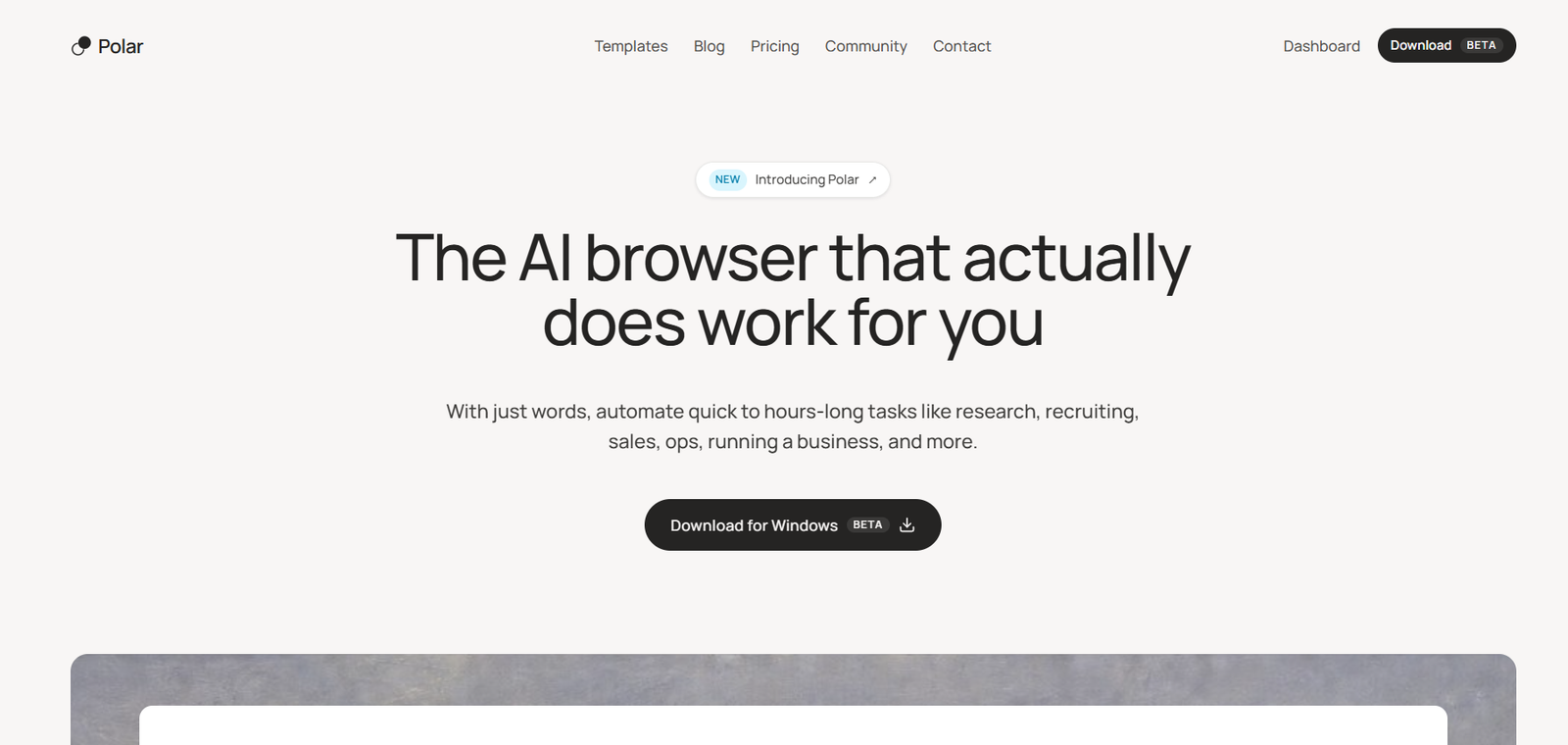
Polar is an AI powered browser designed to perform real work on the web rather than simply answer questions about webpages. Users can describe a task in natural language, and Polar can navigate websites, interact with online tools, collect information and complete multi-step workflows on their behalf.
The browser is built on Chromium, which allows it to work with existing websites, accounts and browser sessions. This means users can ask Polar to perform tasks inside many of the online services they already use.
Polar is designed particularly for knowledge workers such as founders, researchers, sales professionals, recruiters, marketers and operations teams. Tasks can range from quick webpage interactions to complex projects that require research and work across multiple websites.
One of its most useful capabilities is long-running autonomous work. Instead of requiring the user to supervise every individual step, Polar can continue working through multi-stage tasks for extended periods.
Users can also save prompts as reusable workflows and schedule them to run automatically. This makes Polar useful not only as an AI browser assistant but also as a browser-based automation platform for recurring work.
Polar is developed by Recursive Intelligence and evolved from an earlier browser agent called Composer.
Features
Autonomous Browser Agent
Polar can navigate websites, click buttons, enter information and complete web-based tasks based on natural language instructions. It is designed to carry out the work rather than only explain how the user can do it.
Long-Running Tasks
The browser agent can handle complex tasks that require multiple websites, repeated actions and extended processing. The company reports that Polar has completed tasks lasting many hours.
Natural Language Instructions
Users can describe what they want in ordinary language. Polar interprets the request and determines the browser actions required to complete it.
Works With Existing Accounts
Because Polar is built on Chromium, it can operate within websites and accounts where the user is already signed in. This is useful for workflows involving business applications and other authenticated services.
Scheduled Workflows
Users can automate internet tasks on a recurring schedule. Workflows can run hourly, daily, weekly or according to a custom schedule.
Reusable Workflows
Prompts can be saved as workflows and run again when needed. This is useful for repetitive business and research processes.
Persistent Workflow Context
Polar can carry relevant context into recurring workflow runs, helping automate tasks that need continuity over time.
Use AI From Any Tab
Users can access Polar while browsing and provide the current webpage as context. They can ask questions about the page or hand off a larger task without leaving their current workflow.
Research and Analysis
Polar can research markets, competitors, vendors and other topics across multiple public sources. It can collect information and organize the findings for decision making.
Sales Automation
Sales teams can use Polar for prospect research, account qualification, lead generation and parts of outreach workflows.
Recruiting Automation
Recruiters can delegate repetitive browser work related to candidate research, sourcing and other hiring activities.
Business Operations
The browser can assist with repetitive operational tasks such as checking information, updating systems, tracking orders and working across online business applications.
Data Collection
Polar can gather information from multiple websites and organize it for further analysis, reducing repetitive manual browsing.
Parallel Agent Work
Polar’s architecture can delegate work across multiple agents. This can help with larger tasks where different pieces of research or browser work can be performed simultaneously.
User Control
Users can observe what Polar is doing in the browser and take control when necessary. This provides human oversight for tasks that require judgment.
Memory and Personalization
Polar includes memory capabilities designed to learn useful context about the user’s work over time and improve future task execution.
How It Works
Step 1: Download Polar
Users begin by downloading and installing the Polar browser. The current public version is available for macOS.
Step 2: Sign In
Users create or access their Polar account and can sign in to the websites and services they normally use.
Step 3: Describe a Task
Enter a natural language instruction explaining what needs to be completed. This could involve research, sales, recruiting, data collection or another browser-based workflow.
Step 4: Let Polar Navigate
Polar determines the actions required and begins navigating the necessary websites.
Step 5: Monitor the Work
Users can follow what the AI agent is doing and intervene or take control when required.
Step 6: Receive the Result
Polar continues through the workflow and produces the requested result or completes the specified online actions.
Step 7: Save Repetitive Tasks
Frequently used prompts can be saved as workflows so they can be run again without recreating the instructions.
Step 8: Schedule Workflows
Recurring tasks can be scheduled to run automatically at hourly, daily, weekly or custom intervals.
Use Cases
Founders
Founders can delegate competitor research, market mapping, vendor research and other repetitive online work while concentrating on higher-level business decisions.
Researchers
Researchers can use Polar to explore multiple websites, collect relevant information and organize findings from scattered online sources.
Sales Teams
Sales professionals can automate prospect research, account qualification and repetitive parts of outreach preparation.
Recruiters
Recruiting teams can use the browser agent for candidate sourcing, research and repetitive hiring workflows.
Marketing Teams
Marketers can research competitors, monitor changes to websites, study customer feedback and automate recurring online research.
Operations Teams
Operations professionals can delegate repetitive browser tasks such as inventory checks, order tracking, information collection and system updates.
Investors and Analysts
Users conducting market or company research can ask Polar to gather information from multiple sources and organize it into a more useful format.
Business Owners
Small businesses can automate repetitive administrative and web-based tasks that might otherwise require additional manual work.
Personal Productivity
Individual users can also use Polar for web research, planning and other repetitive online tasks.
Pricing
Polar uses a credit based pricing system. Credits are consumed when its AI agent performs work, and longer tasks generally require more credits.
Free: $0
The Free plan currently includes 3,000 starting credits.
Users can also receive 100 credits daily, with the accumulated daily allowance capped at 1,000 credits.
The plan includes browser agent capabilities and advanced AI features.
Individual Pro: $20 per month
The Individual Pro plan currently includes 10,000 credits per month.
It includes the Free plan capabilities and allows users to purchase additional credits when required.
Polar also displays additional Individual levels called Pro+ and Max, although complete pricing and allowances for these options are not clearly shown on the publicly accessible pricing information reviewed.
Teams: $50 per seat per month
The Teams plan provides 25,000 pooled credits per seat each month.
It also includes centralized team billing, usage analytics and a dedicated support channel.
The pricing page currently shows monthly and annual billing options, with annual billing advertising a 17% saving.
Users should check the latest pricing before subscribing because credit allowances, plan options and prices may change.
Strengths
Polar’s biggest strength is its focus on completing browser work rather than functioning only as an AI chatbot.
Its ability to operate within existing browser sessions makes it useful for workflows involving websites and accounts people already use for work.
Long-running autonomous tasks can save considerable manual effort when a project involves repeated navigation, information gathering and data entry.
Scheduled workflows add another important automation layer. Users can turn repetitive browser tasks into recurring processes instead of manually requesting the same work each time.
The Chromium foundation also makes Polar more similar to a full working browser than a standalone AI automation interface.
Its broad range of potential applications across research, sales, recruiting, marketing and operations makes it relevant to many types of knowledge workers.
Drawbacks
Polar is currently primarily available for macOS. A Windows version is not yet publicly available, although the company is working on Windows support.
Autonomous browser agents can occasionally encounter problems with complicated websites, changing interfaces, authentication requirements and unexpected webpage behavior.
Complex and long-running workflows consume more credits, so users performing substantial automation need to monitor usage.
Allowing an AI agent to operate within authenticated accounts also requires users to think carefully about privacy, permissions and which actions they are comfortable delegating.
Polar states that users can watch the agent and take control, and that guardrails are designed to prevent independent high-risk actions. However, its SOC 2 compliance is still listed as in progress.
Comparison with Other Platforms
Polar belongs to a growing category of AI browsers and browser agents that combine web browsing with autonomous AI capabilities.
Traditional browsers mainly give users access to websites, while the user performs the actual research, navigation and data entry. Polar attempts to move some of this work to an AI agent.
Compared with basic browser AI assistants that summarize webpages or answer questions about an open tab, Polar places greater emphasis on completing multi-step tasks autonomously.
Its scheduled workflow system also gives it characteristics of a web automation platform. Users can save tasks and have them run repeatedly instead of manually initiating every process.
Compared with traditional robotic process automation tools, Polar uses AI to understand natural language instructions and adapt to websites rather than depending entirely on rigid predefined browser actions.
The platform is therefore most relevant for users who want to delegate substantial browser-based knowledge work rather than simply add an AI chatbot to their browsing experience.
Customer Reviews and Testimonials
Polar displays several customer testimonials on its official website.
A cofounder at Andera describes using Polar across operations, sales and hiring and highlights the amount of browser work the platform can handle.
A growth executive at Sandstone highlights Polar’s ability to complete useful work without creating significant additional cleanup.
A growth professional at Neural Earth describes using Polar for account research, prospect qualification and LinkedIn-related execution.
The website also presents examples from professionals working in acquisitions, e-commerce and real estate development who describe using Polar for repetitive research and operational work.
These testimonials are published directly by Polar and should be treated as company-provided customer testimonials rather than independent reviews.
Conclusion
Polar is an AI browser designed for users who want artificial intelligence to perform browser-based work rather than simply provide answers.
Its combination of autonomous browsing, long-running tasks, reusable workflows, scheduling and access to existing web sessions makes it particularly relevant for founders, researchers, recruiters, sales professionals, marketers and operations teams.
The platform can be especially valuable when work involves visiting many websites, collecting information, performing repetitive actions or repeating the same online process regularly.
Its current macOS focus and credit based usage are important limitations to consider. Users should also maintain human oversight when allowing any autonomous AI system to work inside important online accounts.
For knowledge workers looking to automate substantial portions of repetitive web-based work, Polar offers a more action-oriented approach than a conventional browser or basic AI browsing assistant.


