
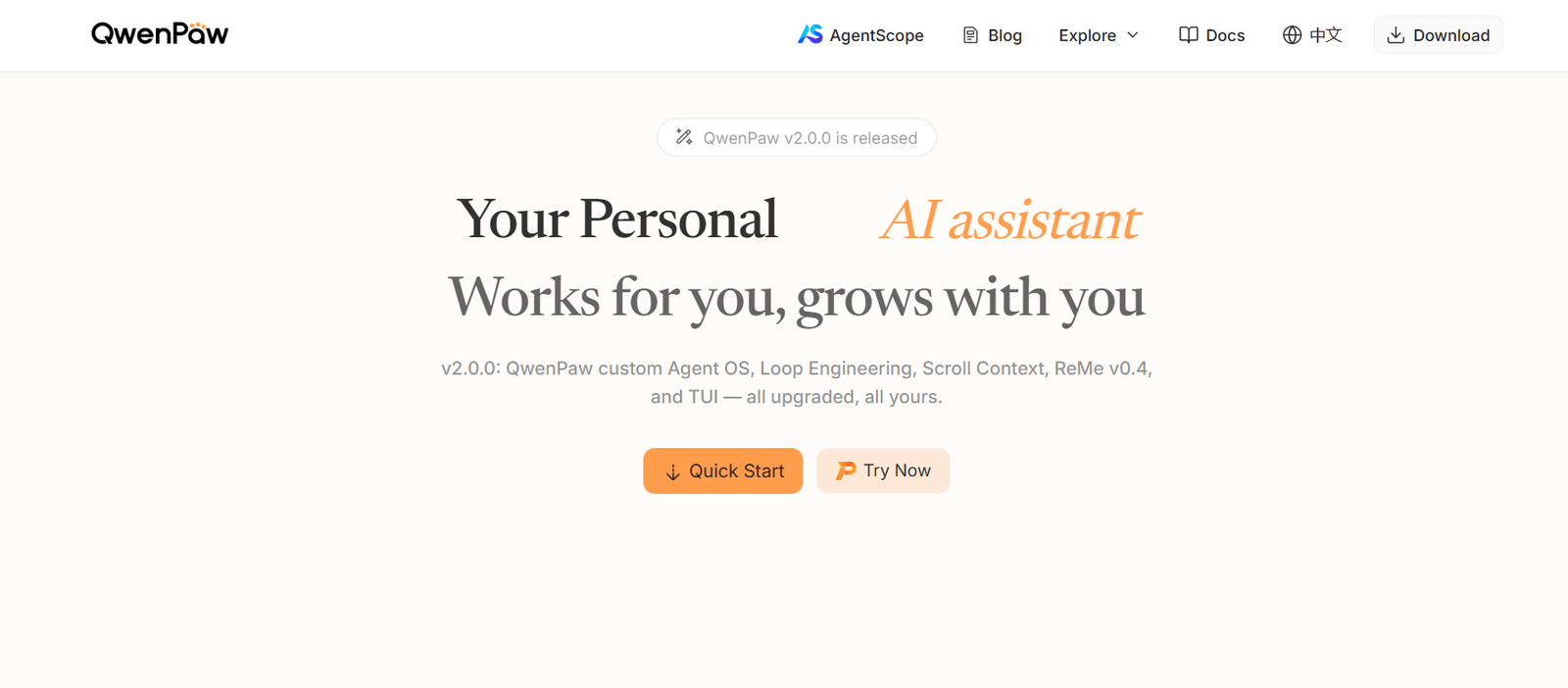
QwenPaw is an open-source personal AI assistant developed by the AgentScope team. Unlike a conventional chatbot that mainly responds to individual questions, QwenPaw is designed to operate as a persistent AI agent within the user’s own environment.
The platform combines conversational AI with memory, scheduled tasks, multiple specialized agents, messaging integrations, Skills, external tools and support for both cloud and locally running AI models.
Users can communicate with QwenPaw through its built-in web Console or connect it with messaging platforms such as Discord, Telegram, DingTalk, Feishu and other supported channels. A single QwenPaw installation can communicate through multiple channels.
QwenPaw can also perform tasks automatically. Users can schedule jobs, create recurring AI queries and configure Heartbeat routines that allow the assistant to check information at intervals and send useful results through a selected communication channel.
Another important aspect is local control. QwenPaw can run in the user’s own environment, and it supports local AI models that can operate without external model API keys. This approach can be useful for users who want greater control over their AI infrastructure and data.
The project is built using AgentScope, AgentScope Runtime and ReMe and is available as open-source software.
Features
Personal AI Assistant
QwenPaw provides a persistent AI assistant that users can configure according to their own tasks, workflows and communication preferences.
It can answer questions, work with files, execute supported tools and perform tasks according to the Skills and models configured by the user.
Multi-Agent Collaboration
QwenPaw supports multiple independent AI agents.
Each agent can have its own name, role, workspace, configuration, memory, Skills and conversation history.
Agents can also communicate with one another through collaboration Skills, allowing users to create teams of specialized AI agents.
Persistent Memory
QwenPaw includes memory capabilities that allow agents to retain useful information across conversations.
Its documentation also includes memory-evolving and proactive functionality intended to make the assistant more useful over time.
Scheduled Tasks
Users can configure QwenPaw to perform tasks automatically according to a schedule.
For example, an agent could prepare information every morning, check something periodically or send scheduled messages to a connected communication channel.
Heartbeat
Heartbeat allows users to configure recurring AI check-ins.
QwenPaw can periodically run predefined questions or instructions and optionally deliver the results to the user’s most recently active communication channel.
Multiple Communication Channels
QwenPaw can connect with external messaging services so users do not always need to open its own interface.
Supported integrations documented by the platform include Discord, Telegram, DingTalk, Feishu, QQ and other communication channels.
Built-In Web Console
QwenPaw provides a graphical web Console for managing the assistant.
Users can chat with agents, manage channels, configure Skills, select AI models, manage scheduled tasks, configure tools and MCP clients, review conversations and modify security settings from the interface.
Desktop Application
A desktop version is available for users who prefer a graphical application instead of command-line installation.
The desktop application supports Windows 10 and later as well as macOS 14 and later, with Apple Silicon recommended for macOS.
Skills System
Skills extend what QwenPaw can do.
Built-in Skills cover areas such as scheduled tasks, file reading, PDF and form processing, Word, Excel and PowerPoint documents, news summaries and other activities.
Users can also import or create additional Skills.
Skill Market and Imports
Skills can come from built-in packages, the local Skill Pool, a Skill Market, URLs or files created by users.
This gives QwenPaw an extensible architecture rather than restricting users to a fixed collection of capabilities.
MCP Support
QwenPaw supports the Model Context Protocol, or MCP.
Users can connect MCP servers to give agents access to additional external tools and services.
Built-In Tools
The assistant includes core tools for tasks such as reading and writing files, executing commands and browser-related operations.
Tools can be enabled or disabled according to the user’s requirements.
Local AI Models
QwenPaw supports local large language models.
This allows users to run compatible models locally without sending every AI request to a third-party cloud model provider.
Multiple Model Providers
Users are not restricted to one AI model provider.
QwenPaw supports local options such as Ollama and LM Studio along with cloud providers including ModelScope, DashScope, OpenRouter and other compatible providers.
Custom model providers can also be configured.
Coding Mode
QwenPaw includes a dedicated Coding Mode for workflows involving software development and programming tasks.
File and Document Processing
Through its Skills and tools, QwenPaw can work with files and common document formats.
Built-in capabilities include PDF processing and support for Word, Excel and PowerPoint workflows.
Agent Personas
Users can configure the persona and behavior of individual agents.
This can help create specialized assistants for different responsibilities.
RESTful API
QwenPaw provides API functionality for developers who want to integrate agents with external applications and services.
Terminal Interface
In addition to the graphical Console, users can manage and interact with QwenPaw through command-line and terminal interfaces.
Security Controls
QwenPaw includes multiple security mechanisms for locally running AI agents.
These include tool protection, restrictions on access to sensitive file paths and security scanning for Skills.
Backup and Restore
The platform provides backup and restore functionality for preserving and recovering QwenPaw configurations and related data.
How It Works
Users first choose how they want to run QwenPaw.
Developers can install it through Python, while other options include installation scripts, Docker, the desktop application, AgentScope Platform, ModelScope Studio and Alibaba Cloud ECS.
After installation, users start QwenPaw and open its web Console.
An AI model must then be configured. Users can connect a supported cloud model provider or configure a compatible local model.
They can begin chatting with the default agent through the Console.
Users who need specialized assistants can create additional agents. Each agent can have its own role, memory, Skills and workspace.
Skills can then be enabled according to the tasks each agent needs to perform.
External MCP servers can also be connected when additional tools are required.
Users can optionally connect communication channels such as Discord, Telegram, DingTalk or Feishu.
Scheduled jobs and Heartbeat routines can be configured for tasks that should run automatically.
Once configured, QwenPaw can operate as an ongoing AI assistant instead of requiring users to manually initiate every task.
Use Cases
Personal Productivity
Individuals can create a personal AI assistant for answering questions, working with files, organizing information and performing recurring tasks.
Developers
Developers can use QwenPaw for coding, command execution, file operations, AI experimentation and building customized agent workflows.
Multi-Agent Workflows
Users can create specialized agents such as a researcher, programmer and analyst and allow them to collaborate on complex tasks.
Document Processing
Professionals can use Skills for working with PDFs, Word documents, spreadsheets, presentations and other files.
Scheduled Information Briefings
QwenPaw can automatically generate recurring news summaries or other briefings according to a configured schedule.
Research
Researchers can configure agents with web, file and other relevant Skills to gather and organize information.
Messaging Assistant
Users can communicate with their AI assistant through familiar messaging platforms rather than continually opening a separate application.
Local and Private AI
Organizations and technically experienced individuals can connect locally running AI models when they want greater control over model execution and data.
Coding Assistant
Developers can configure specialized coding agents to help with programming and technical workflows.
Automated Monitoring
Scheduled jobs and Heartbeat functionality can be used to periodically check information and deliver relevant results.
AI Agent Experimentation
Developers and researchers interested in agentic AI can use QwenPaw as an open-source environment for experimenting with tools, memory, Skills and multi-agent collaboration.
Pricing
QwenPaw itself is open-source software.
Users can install and run the project locally without purchasing a conventional QwenPaw subscription.
The official quick-start documentation also provides access through AgentScope Platform, which is described as free after registration for users who want to try QwenPaw without installing it locally.
However, running QwenPaw may still create external costs depending on the user’s configuration. For example, cloud AI model APIs, cloud servers and third-party services connected through Skills or MCP may have their own charges.
Users can reduce dependence on external model API costs by running compatible local models, although this requires suitable computing resources.
There is no conventional QwenPaw Free, Pro or Business subscription structure clearly presented on the official website.
Strengths
QwenPaw is open source, giving developers greater visibility and control over how their personal AI agent is deployed.
Local deployment can provide more control over data and infrastructure than completely hosted AI assistants.
Support for local AI models allows users to create workflows that can operate without relying entirely on cloud model APIs.
Multi-agent functionality allows several specialized AI assistants to work independently or collaborate.
Scheduled tasks and Heartbeat capabilities move QwenPaw beyond a simple question-and-answer chatbot.
The Skills architecture makes the platform extensible and allows users to add new capabilities.
MCP support provides another way to connect external tools and services.
Support for several communication channels allows users to interact with QwenPaw through applications they already use.
The graphical Console and desktop application make the platform more accessible than a purely command-line-based open-source agent framework.
Drawbacks
QwenPaw is more technically involved than conventional consumer AI chatbots.
Although desktop and cloud deployment options simplify setup, users who want full local control may need to understand Python, Docker, API keys, model configuration and other technical concepts.
Some communication integrations require users to create applications or bots and configure credentials through the corresponding messaging platform.
Running capable AI models locally may require substantial computer memory and processing resources.
Cloud AI models and external integrations may create additional costs even though QwenPaw itself is open source.
Adding third-party Skills, MCP servers and tools can increase security risks if users do not carefully review what they install and what permissions they grant.
Multi-agent systems can also consume more model tokens and computing resources than a single-agent workflow.
Comparison with Other Platforms
QwenPaw differs from conventional AI chatbots because it is designed as a persistent and extensible personal agent rather than simply a hosted conversational interface.
Its local deployment, open-source code, Skills, MCP support, scheduled execution and multi-agent collaboration provide significantly more customization than a basic AI chatbot.
Compared with developer-focused agent frameworks, QwenPaw attempts to make agent management more accessible through its web Console and desktop application.
Its support for multiple model providers is also useful because users can choose between cloud models and local models instead of being permanently tied to a single AI provider.
Hosted AI assistants may be easier for nontechnical users because they require almost no installation or infrastructure management. QwenPaw becomes more attractive when users want greater customization, local control, persistent automation and the ability to build their own AI agent environment.
Customer Reviews and Testimonials
Customer reviews and testimonials are not clearly available on the official website.
QwenPaw is an open-source project with community resources for reporting bugs, asking questions, sharing experiences and contributing to development, but these should not be treated as formal customer testimonials.
Conclusion
QwenPaw is a powerful open-source personal AI agent for users who want more control and flexibility than a conventional AI chatbot provides.
Its combination of persistent memory, scheduled execution, Heartbeat routines, Skills, MCP integrations, multiple messaging channels and local model support makes it suitable for building AI assistants that can perform ongoing work rather than simply respond to individual prompts.
The multi-agent architecture is particularly interesting for advanced users because separate agents can be configured with different roles, memories, workspaces and Skills and then collaborate on larger tasks.
QwenPaw is especially worth exploring for developers, researchers, AI enthusiasts and organizations interested in self-hosted AI agents, local models and customizable automation.
For beginners, the desktop application and AgentScope Platform provide easier starting points. More technical users can use Python or Docker deployment to gain greater control over the complete AI agent environment.


