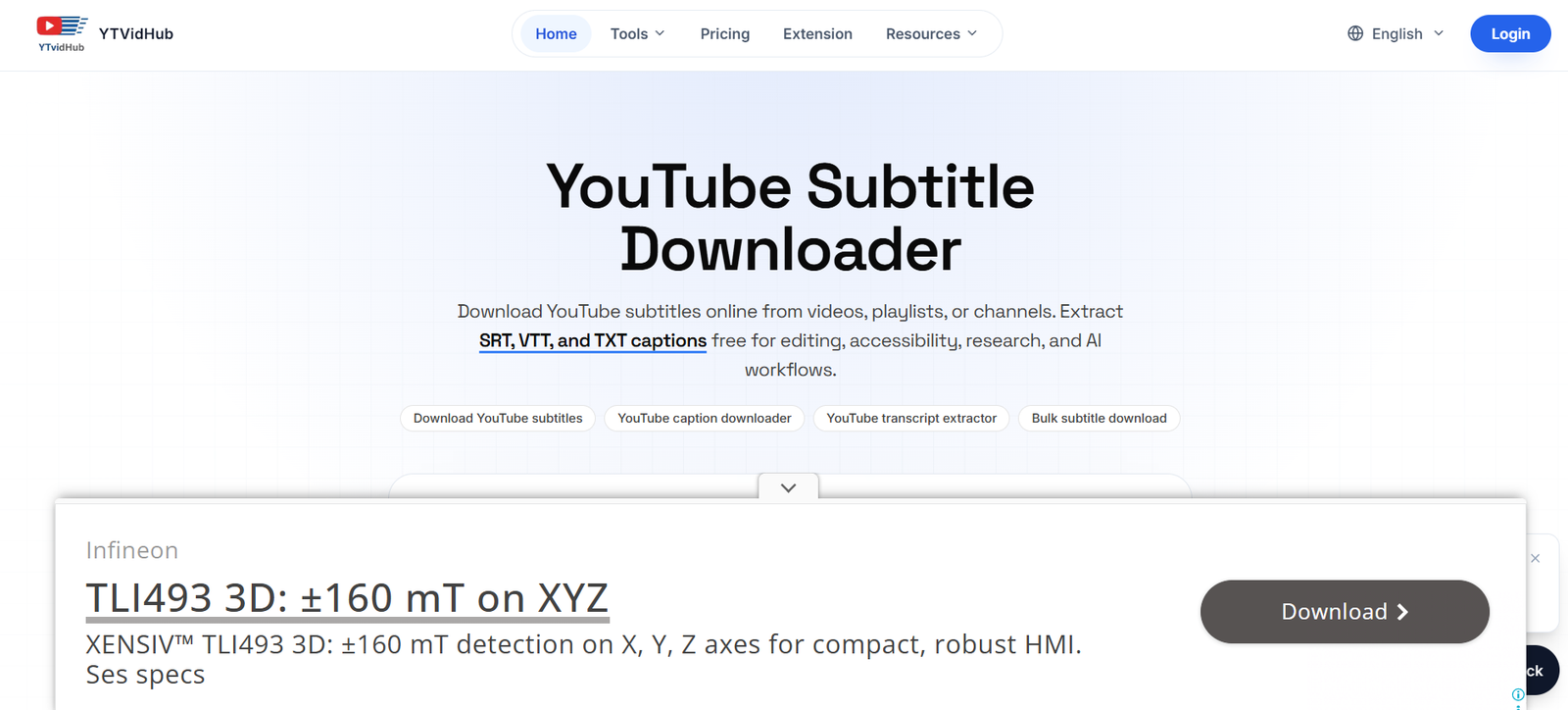
YTVidHub is a YouTube subtitle, transcript and AI video analysis platform designed for creators, researchers, video editors, students and teams that regularly work with YouTube content. It allows users to extract subtitles and transcripts from individual videos as well as process complete playlists and channels.
The platform supports several output formats, including SRT, VTT and clean TXT. This makes it useful for video editing, accessibility work, research, content analysis and AI workflows. Clean TXT output removes timestamps and unnecessary formatting, making transcripts easier to read or use with AI systems.
Beyond subtitle extraction, YTVidHub includes AI powered video summarization and transcription capabilities. Users can turn long YouTube videos into structured summaries and insights instead of manually reviewing the entire content.
Its bulk processing capabilities are particularly useful for researchers, agencies and teams that need to collect transcript data from many YouTube videos.
Features
YouTube Subtitle Downloader
Users can extract subtitles from YouTube videos and download available captions without manually copying them from the platform.
Transcript Generator
YTVidHub can convert YouTube video captions into readable transcript text. TXT output can be useful for research, note taking, content analysis and AI prompts.
Multiple Export Formats
The platform supports SRT, VTT and TXT files. SRT is useful for video editing and subtitle workflows, VTT is suited to web based video players, while TXT provides clean transcript content.
AI Video Summaries
YTVidHub can analyze transcripts and generate AI powered summaries. This helps users understand key information from longer videos without manually reviewing every section.
Structured AI Analysis
The AI system can organize important concepts and insights into structured sections, helping users quickly identify useful information within a video.
Bulk Playlist Processing
Users can submit a YouTube playlist and process multiple videos together. This can significantly reduce repetitive work when collecting transcripts or subtitles from a large video collection.
Channel Processing
YTVidHub also supports bulk workflows for YouTube channels, making it suitable for users who need transcript data from multiple videos belonging to the same creator or organization.
Multi Language Support
The tool can extract subtitles in languages available for the selected YouTube video, including both creator uploaded and automatically generated captions. Its AI summarization features also support multiple languages.
Clean TXT Output
Users can create transcript files without timestamps and subtitle formatting. This cleaner text can be useful for AI models, research projects, content repurposing and document analysis.
AI Study Cards
Paid plans include the ability to generate AI study cards from video content, providing another way to turn video material into learning resources.
AI and LLM Workflows
The platform is designed to prepare transcript data for use with AI applications. Researchers and professionals can use clean transcript files for analysis, summarization, retrieval and other language model workflows.
Chrome Extension
YTVidHub provides a Chrome extension for downloading subtitles directly while browsing YouTube. This can reduce the need to repeatedly copy and paste video URLs into the main website.
API Access
The Researcher plan includes API access, making the platform more suitable for teams and developers building automated subtitle and transcript workflows.
How It Works
Step 1: Copy a YouTube Link
Users copy the URL of a YouTube video, playlist or channel they want to process.
Step 2: Paste the URL
Paste the link into YTVidHub. For larger workflows, users can also process multiple links or playlists.
Step 3: Select the Required Function
Choose whether to extract subtitles, generate a transcript or use AI analysis and summarization.
Step 4: Select Language and Format
Choose an available subtitle language and select SRT, VTT or TXT depending on how the content will be used.
Step 5: Process the Content
YTVidHub retrieves the available subtitle information and processes it according to the selected option. AI features can also analyze the transcript and generate summaries or other learning material.
Step 6: Export the Results
Download the resulting subtitle or transcript files. AI generated summaries can also be copied for use in notes and other workflows.
Use Cases
Content Creators
Creators can extract transcripts from YouTube videos and use the text as a starting point for articles, descriptions, social media content, notes and other forms of content repurposing.
Video Editors
Editors can download SRT subtitle files for use in compatible video editing software and other caption workflows.
Researchers
Researchers can process playlists and channels to collect large quantities of transcript data. Clean TXT files can then be used for qualitative research, text analysis and AI related projects.
Students
Students can convert educational YouTube videos, lectures and tutorials into readable transcripts and AI summaries for easier study and revision.
Teachers and Educators
Educators can extract text from educational videos and use transcripts when preparing notes, learning resources or accessibility material, subject to appropriate content rights.
AI Developers
Developers and AI researchers can prepare clean text from publicly available YouTube subtitles for permitted LLM, NLP and data analysis workflows.
Marketing Teams
Marketing professionals can analyze video transcripts to study topics, messaging and content ideas or transform their own video material into other content formats.
Accessibility Professionals
VTT and other caption formats can help professionals working on accessibility reviews and web video caption workflows.
Agencies and Teams
Bulk playlist and channel processing can save time for organizations that regularly need to work with large numbers of YouTube videos.
Pricing
YTVidHub uses a credit based pricing system. According to the official website, downloading subtitles from one YouTube URL generally uses 1 credit, while an AI summary and transcription uses 2 credits. Generating a full set of AI study cards uses 1 credit.
Free Access
The website provides free credits for users who want to test subtitle downloading. The exact free allowance may vary depending on whether a user is browsing as a guest or has created an account.
Pro: $19.99 per month
The Pro plan provides 500 monthly credits. It includes AI video summaries and transcription, AI study cards, processing of up to 50 URLs at once and priority AI processing.
Premium: $29.99 per month
The Premium plan includes 1,000 monthly credits. It adds advanced multilingual AI analysis, full AI transcription exports, processing of up to 100 URLs at once and higher priority AI execution.
Researcher: $199 per year
The Researcher plan provides 3,000 credits per month and is designed for higher volume workflows. It includes API access, bulk AI playlist processing and the platform’s premium AI features.
Pay As You Go
Users who do not want a subscription can purchase credits separately. The official pricing page currently lists 20 credits for $1, meaning 100 credits cost $5.
Pricing and credit allowances may change, so users should verify the latest information on the official website before purchasing.
Strengths
One of YTVidHub’s main strengths is that it combines several YouTube text extraction functions within one platform. Users can download subtitles, create clean transcripts, generate AI summaries and process multiple videos.
Support for SRT, VTT and TXT makes the platform useful for different types of workflows rather than limiting users to a single output format.
Bulk processing is particularly valuable for researchers and professionals working with playlists, channels or large collections of videos.
The availability of AI summaries, study cards and clean text also expands the platform beyond a conventional subtitle downloader.
Flexible pricing is another advantage. Users can choose between free access, monthly subscriptions, an annual research plan and pay as you go credits.
Drawbacks
The usefulness of YTVidHub depends partly on whether suitable subtitles or captions are available for a YouTube video. Automatically generated captions can also contain transcription errors.
AI generated summaries may occasionally miss context or important details, particularly in technical, complex or poorly transcribed videos. Important information should therefore be checked against the original content.
Bulk processing and advanced AI features require credits, so frequent users may need a paid subscription or additional credit purchases.
Users also need to consider copyright and usage rights. Extracting subtitles does not automatically provide permission to republish, commercially exploit or redistribute another creator’s content.
The service is an independent platform and is not affiliated with YouTube or Google.
Comparison with Other Platforms
Many YouTube transcript tools focus primarily on extracting text from a single video. YTVidHub offers a broader workflow by combining subtitle downloads, clean transcripts, AI summarization and bulk playlist or channel processing.
Compared with basic subtitle downloaders, its AI analysis features can be more useful for students, researchers and content professionals who want to understand or reuse information rather than simply obtain an SRT file.
Its SRT, VTT and TXT export options also make it flexible for video editing, accessibility, research and AI workflows.
However, users who only need an occasional transcript from one YouTube video may find a simpler free transcript generator sufficient. YTVidHub becomes more relevant when bulk processing, AI summaries or structured research workflows are required.
Customer Reviews and Testimonials
The official YTVidHub website displays testimonials from users presented as an AI researcher, video editor, accessibility consultant and content creator.
The testimonials highlight areas such as creating research datasets, downloading subtitles for video editing, using VTT files for accessibility and reducing manual transcription work with AI summaries.
These testimonials are presented on YTVidHub’s own website, so users should consider them as company published customer feedback rather than independent third party reviews.
Conclusion
YTVidHub is a useful platform for people who regularly need to turn YouTube video content into structured text. Its combination of subtitle extraction, transcript generation, AI summaries, study tools and bulk processing makes it more versatile than a basic YouTube subtitle downloader.
It is particularly suitable for researchers, students, creators, video editors, AI professionals, accessibility teams and agencies working with multiple videos. The availability of SRT, VTT and clean TXT formats also allows the same platform to support several different workflows.
For occasional users, the free credits can provide a way to test the service. For professionals handling playlists, channels or larger research projects, its paid plans, bulk processing and API access offer more advanced capabilities.