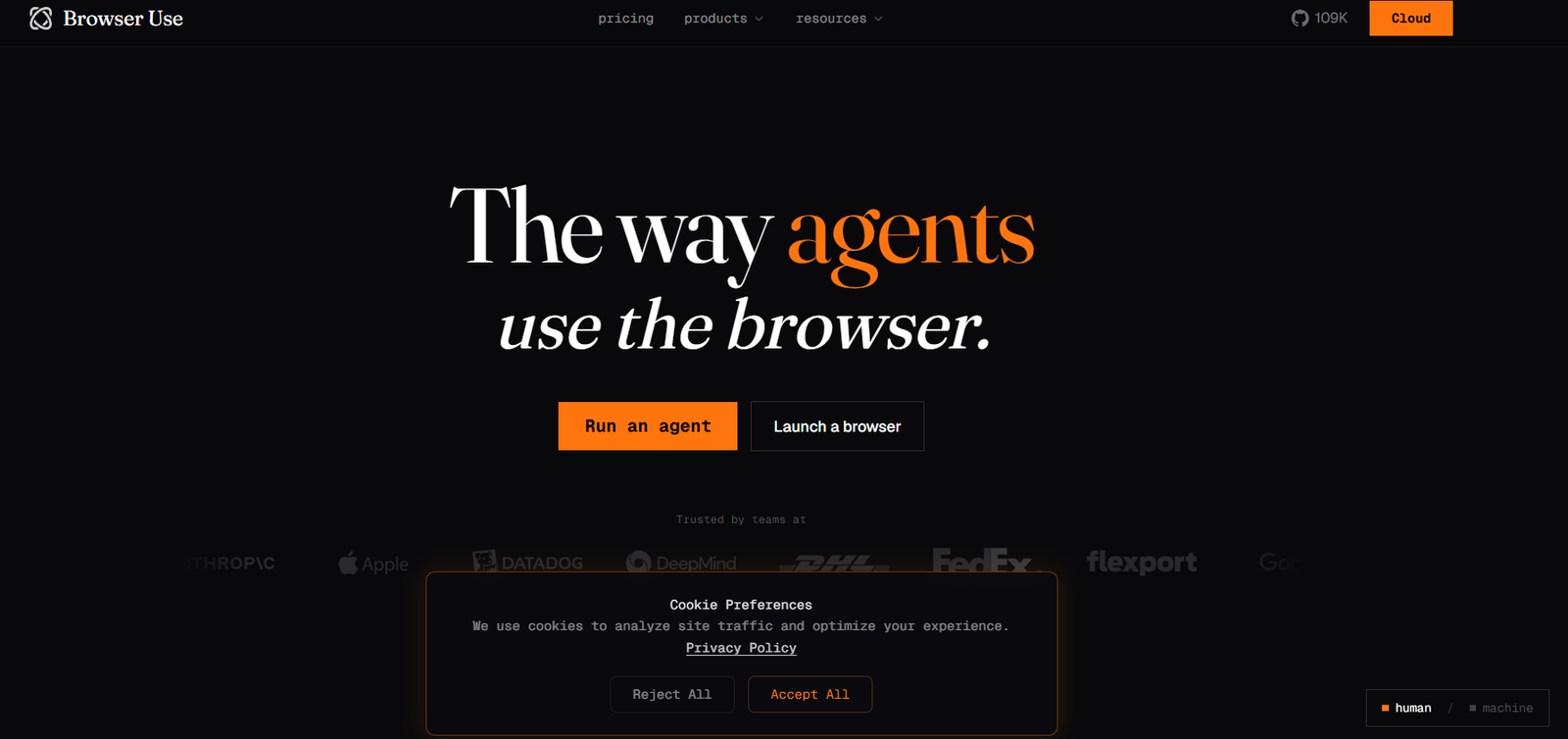
Browser Use is an AI-powered browser automation platform that enables developers and businesses to build agents capable of interacting with websites much like a human user. Instead of programming every click, navigation step and form interaction manually, developers can describe a task in natural language and allow an AI agent to perform it.
The platform can automate activities such as navigating websites, extracting information, filling forms, clicking through multi-step processes, conducting online research, monitoring webpages and testing web applications.
Browser Use provides both an open-source framework and a managed cloud platform. Developers can use its SDK and APIs to incorporate browser agents into their own software, while Browser Use Cloud provides managed browsers, proxies, CAPTCHA solving, stealth capabilities and infrastructure for running agents at scale.
The platform also provides Browser Use Skills, which can convert frequently repeated website workflows into reusable API-style actions. This makes Browser Use relevant not only for experimental AI agents but also for businesses building repeatable browser automation into production applications.
Features
AI Web Agents
Browser Use allows users to give an agent a task using natural language. The agent can understand the request, navigate relevant websites and perform browser actions needed to complete it.
Natural Language Browser Automation
Instead of manually scripting every website interaction, developers can describe outcomes such as finding information, completing a form or comparing products.
The AI agent determines the browser actions required to perform the task.
Data Extraction
Agents can navigate webpages and extract structured or unstructured information. This can be useful for research, competitive intelligence, lead generation and data collection.
Form Filling
Browser Use agents can interact with online forms and enter information as part of automated workflows.
This can support repetitive administrative processes where users would otherwise enter the same types of information manually.
Multi-Step Web Workflows
Agents can navigate through several pages, click interface elements, enter information and complete longer workflows rather than being restricted to a single webpage.
AI-Powered Web Research
Browser Use can search across multiple websites, collect relevant information and return summarized results.
Developers can incorporate this capability into research assistants and other AI applications.
Website Monitoring
Agents can repeatedly check websites and identify relevant changes. This can be useful for monitoring information that is not easily accessible through a conventional API.
Automated Website Testing
Browser Use can perform end-to-end website testing using natural-language instructions.
Teams can ask agents to navigate user flows and test how web applications behave without scripting every interaction manually.
Stealth Browsers
Browser Use Cloud provides managed browsers designed for automated web interactions.
Higher plans provide more advanced stealth capabilities for websites with stronger automation detection.
CAPTCHA Solving
The managed browser infrastructure includes CAPTCHA-solving capabilities, reducing the amount of browser infrastructure developers need to manage themselves.
Residential Proxies
Browser Use provides proxy infrastructure with geographic coverage across more than 195 countries.
This can be useful when websites display different information depending on a visitor’s location.
Browser Profiles
Developers can use browser profiles to maintain relevant browser state across automation sessions.
This can be useful for workflows that require authenticated sessions.
Remote Browser
Browser Use provides remotely controlled browsers through CDP. Developers can create browser sessions and interact with them from their own applications.
Live Browser View
Cloud sessions can provide a live browser URL, allowing developers to inspect an agent’s browser activity while a task is running.
Browser Recordings
Supported sessions can be recorded, giving teams another way to inspect how automated workflows operate.
AI Models for Browser Automation
Browser Use supports several AI models for running browser agents. Its current cloud documentation includes models such as Claude Sonnet 4.6, Claude Opus 4.6 and GPT-5.4 mini.
Developers can select models according to task complexity, speed and cost.
Bring Your Own Model Key
Organizations can connect supported external AI provider keys and use them with Browser Use’s orchestration infrastructure.
Browser Use Skills
Skills turn repeated browser workflows into reusable API endpoints.
A developer can describe a task, create the workflow once and then call the resulting Skill programmatically whenever the same process is required.
Deterministic Reruns
Browser Use can cache successful workflows and rerun them without requiring the full AI agent to reason through the task every time.
This can reduce LLM usage and cost for repeatable workflows.
Python SDK
Browser Use provides Python tools for developers building AI browser agents and automation applications.
TypeScript SDK
A TypeScript SDK is also available for developers building JavaScript and TypeScript applications.
REST API
Developers can access Browser Use functionality through its API, making it possible to integrate browser automation into existing applications and backend systems.
MCP Server
Browser Use provides a Model Context Protocol server that allows compatible AI assistants and coding environments to execute browser automation tasks.
This can be used with MCP-compatible tools such as Claude, Cursor and Windsurf.
Workspaces and Files
Cloud workspaces provide persistent file storage for agents.
Developers can upload files for agents to process and retrieve files created by agents after completing browser tasks.
Structured Output
Developers can define output schemas so browser agents return information in predictable formats that can be used by other software systems.
Scheduling
Browser Use supports scheduled tasks, allowing browser automations to run repeatedly without requiring users to start each task manually.
Integrations
The platform supports connections with numerous external tools and services, helping browser automation become part of broader business workflows.
How It Works
Step 1: Create an Account
Users can create a Browser Use Cloud account and obtain an API key.
Step 2: Install the SDK
Developers can install the Browser Use SDK for Python or TypeScript, or work directly with the REST API.
Step 3: Describe the Task
Provide a natural-language instruction explaining what the browser agent should accomplish.
For example, an agent could be instructed to visit a website, collect selected information and return structured results.
Step 4: Select an AI Model
Choose an available AI model according to the complexity and cost requirements of the task.
Step 5: Start a Browser Session
Browser Use creates a browser environment and dispatches the task to the agent.
Step 6: Agent Navigates the Website
The AI agent interprets webpages, clicks elements, enters information and performs other necessary browser actions.
Step 7: Handle Web Challenges
Browser Use Cloud can manage infrastructure requirements such as proxies, browser sessions and CAPTCHA solving.
Step 8: Receive the Result
Once the task is complete, the agent returns its output to the application.
Step 9: Integrate the Workflow
Developers can incorporate the results into databases, AI agents, internal applications or other automated processes.
Step 10: Optimize Repeated Tasks
Frequently repeated workflows can be converted into Skills or deterministic reruns to reduce AI usage and improve efficiency.
Use Cases
Developers
Developers can add browser automation to AI applications without building the entire browser-control infrastructure themselves.
AI Agent Builders
Teams developing autonomous agents can give their applications the ability to browse and interact with websites.
Web Data Extraction
Businesses can automate the collection of information from websites where conventional APIs are unavailable.
Market Research
AI agents can search multiple websites, compare information and prepare structured research.
Ecommerce Research
Businesses can automate tasks involving product discovery, public pricing information and competitor research.
Form Automation
Organizations can automate repetitive browser-based data entry and form-filling processes where appropriate.
Website Testing
Development and quality-assurance teams can use natural-language agents to test website workflows.
Website Monitoring
Companies can monitor webpages and trigger workflows when relevant information changes.
AI Coding Assistants
Developers can connect Browser Use through MCP to compatible coding assistants and allow them to perform browser-based tasks.
SaaS Products
Software companies can embed browser agents into their own applications to provide users with web automation functionality.
Operations Teams
Businesses can automate repetitive processes involving websites that do not provide suitable APIs.
Pricing
Browser Use currently offers Pay As You Go, Starter, Business, Scaleup and Custom plans.
Pay As You Go: $0 per Month
The Pay As You Go option has no monthly subscription fee. Users purchase credits as needed.
It provides full API access, up to 25 concurrent sessions, browser sessions at $0.06 per hour and proxy data at $10 per GB.
Starter: $100 per Month
The Starter plan costs $100 per month with monthly billing.
With yearly billing, the effective price is approximately $83 per month, billed at $1,000 annually.
It includes $100 in monthly credits, up to 50 concurrent sessions, browser sessions at $0.06 per hour, discounted proxy data, one team member and basic stealth mode.
Business: $500 per Month
The Business plan costs $500 per month.
Annual billing reduces the effective price to approximately $400 per month, billed at $4,800 annually.
It includes higher credit allowances, up to 250 concurrent sessions, reduced browser-session costs, discounted agent step costs, premium proxy pricing, up to five team members, advanced stealth mode, bring-your-own-proxy support and priority support.
Scaleup: $2,500 per Month
Scaleup costs $2,500 per month.
Annual billing reduces the effective cost to approximately $2,000 per month, billed at $24,000 annually.
It provides up to 500 concurrent sessions, higher annual credits, unlimited team members, enhanced stealth capabilities, a private Slack channel, zero data retention, HIPAA/DPA support and a dedicated onboarding engineer.
Custom
Organizations with specialized requirements can contact Browser Use for custom pricing.
Custom options can include dedicated SLAs, tailored data-retention terms, custom Skills, dedicated browser pools, cloud deployment options and on-premises infrastructure.
Browser sessions, AI model usage, proxies and Skills can have separate usage-based costs. Users should therefore evaluate the complete expected workload when estimating overall expenses.
Strengths
One of Browser Use’s biggest strengths is its ability to turn natural-language instructions into actual browser actions.
It combines AI reasoning with managed browser infrastructure, reducing the need for developers to separately maintain browsers, proxies and CAPTCHA-handling systems.
The platform is flexible enough to support data extraction, research, testing, monitoring, form filling and complex multi-page workflows.
Its open-source ecosystem provides developers with greater flexibility than platforms available only as closed cloud services.
Skills and deterministic reruns can make successful browser workflows more repeatable and cost-efficient.
API, SDK and MCP access also make Browser Use particularly suitable for developers building AI agents rather than users seeking only a traditional no-code automation product.
Drawbacks
Browser automation is inherently less predictable than working with stable official APIs because websites can change layouts, authentication processes and anti-automation systems.
Usage costs can involve several components, including AI model tokens or steps, browser session time, proxies and Skill execution.
Advanced stealth, larger concurrency limits and enterprise security capabilities require higher-priced plans.
Building sophisticated production agents still requires technical knowledge even though natural-language instructions simplify individual browser tasks.
Automated interactions can also be restricted by website terms, privacy rules or other policies. Developers remain responsible for ensuring their automations are appropriate and compliant.
Comparison with Other Platforms
Browser Use operates within the AI browser agent and browser automation market alongside traditional browser automation frameworks, cloud browser providers and newer AI web-agent platforms.
Compared with traditional tools such as Selenium or Playwright, Browser Use places greater emphasis on natural-language AI agents. Developers can describe the desired outcome instead of manually programming every interaction.
Compared with conventional cloud browser providers, Browser Use combines browser infrastructure with an AI agent layer capable of understanding and executing web tasks.
The open-source framework is also an important distinction for developers who want more control over how their browser agents are built.
Browser Use may therefore be particularly attractive for AI startups and development teams building autonomous web agents, while traditional deterministic browser automation may remain preferable for highly stable workflows where every action needs to be explicitly controlled.
Customer Reviews and Testimonials
Detailed conventional customer reviews and testimonials are not clearly available on the official website.
The official website displays logos of numerous technology and enterprise organizations under its trusted-by section, but these should not automatically be interpreted as detailed customer testimonials or independent endorsements.
Conclusion
Browser Use is a powerful AI browser automation platform for developers and organizations that want AI agents to interact directly with the web.
Its agents can navigate websites, extract information, fill forms, perform research, monitor webpages and test applications using natural-language instructions. Managed browsers, proxies, CAPTCHA solving, Skills, SDKs, APIs and MCP support provide the infrastructure needed to turn these capabilities into larger applications.
The platform is especially relevant for AI developers, SaaS companies, automation teams and businesses building agents that need to work with websites lacking suitable APIs.
For teams that want to move beyond conventional scripted browser automation and build AI systems capable of reasoning about and interacting with webpages, Browser Use offers a comprehensive combination of agent intelligence and browser infrastructure.