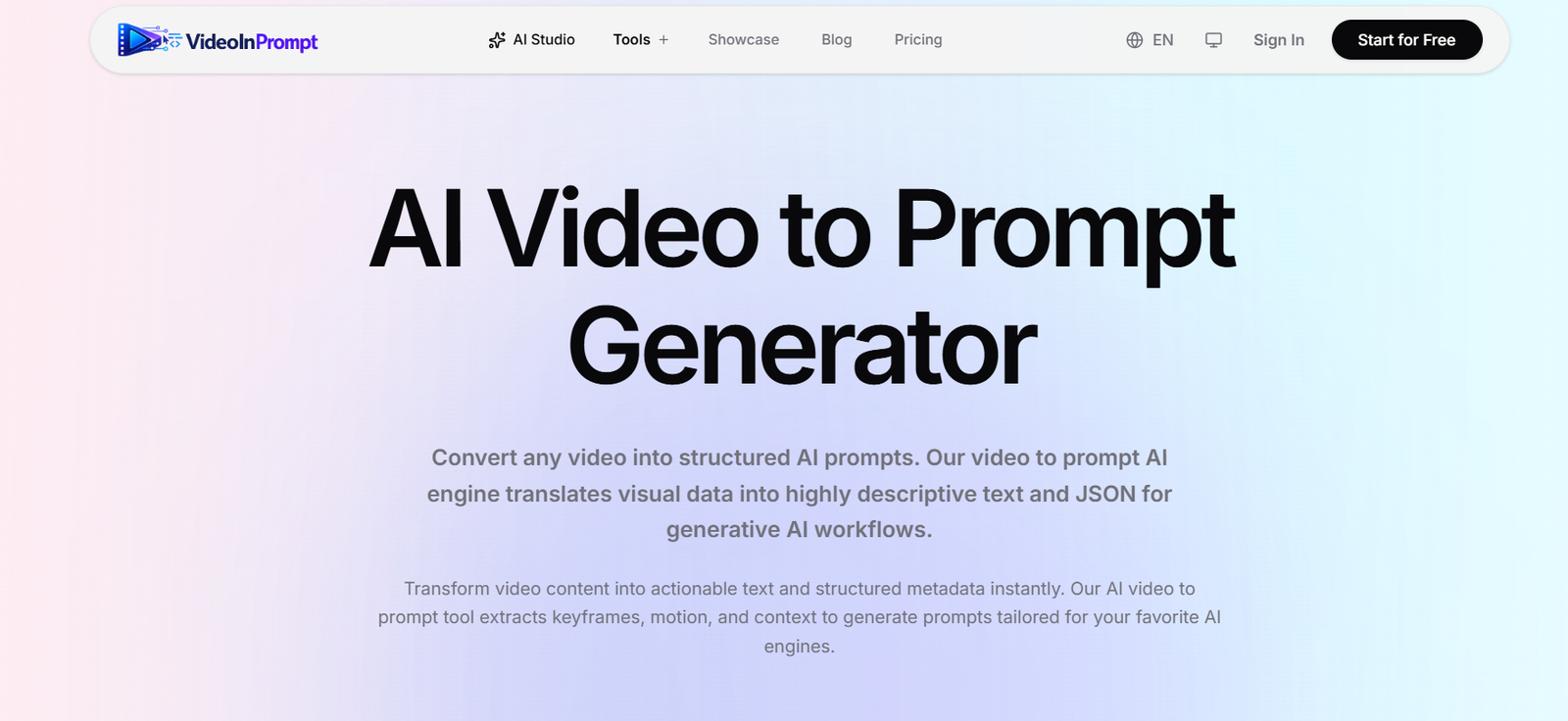
VideoInPrompt is an AI powered video analysis and prompt generation platform that converts existing videos into detailed text prompts and structured data. Instead of manually watching a video and describing its visual elements, users can upload a video or provide a supported public video URL and let the AI analyze its scenes, subjects, movement, lighting and camera techniques.
The platform extracts important keyframes from a video and uses AI vision technology to understand what is happening in each scene. It then transforms this information into descriptive prompts that can be used with popular AI video generation models.
VideoInPrompt supports prompt optimization for platforms and models such as Seedance, Google Veo, Kling, Runway, Hailuo, Luma and PixVerse. This makes it particularly useful for creators who want to study an existing video’s visual style and turn those observations into reusable prompts for new AI generated content.
The platform is designed for content creators, AI filmmakers, marketers, developers, creative agencies and AI builders who need structured information from video content.
Features
AI Video to Prompt
VideoInPrompt can transform a video into a detailed AI prompt. It analyzes visual information rather than relying only on spoken dialogue or transcription, helping capture the overall appearance and movement of a scene.
Video Frame Analysis
The system intelligently samples keyframes from uploaded videos. This helps identify important visual moments without treating every frame as equally significant.
Scene Understanding
AI vision technology examines subjects, objects, actions, environments, lighting and other visual details within the video to build a clearer description of each scene.
Camera Movement Detection
VideoInPrompt can identify cinematic characteristics such as tracking shots, camera angles and shot types. This information can make generated prompts more useful for AI video production.
Structured Prompt Generation
In addition to natural language descriptions, the platform can generate structured outputs with timelines and timestamps. This is useful for developers and automated content workflows.
Model Specific Prompt Optimization
Users can optimize extracted prompts for different AI video models. Supported options displayed on the platform include Seedance, Veo, Kling, Runway, Hailuo, Luma and PixVerse, alongside a universal prompt option.
Video URL Processing
Users can provide supported public video URLs instead of manually uploading every video. The platform indicates support for sources such as YouTube, Vimeo and TikTok, along with direct media links.
Local Video Uploads
VideoInPrompt supports common video formats including MP4, MOV and WEBM. Users can drag and drop their files directly into the browser based tool.
AI Video Generator
In addition to extracting prompts from videos, the platform provides access to AI video generation capabilities, allowing users to move from video analysis toward new content creation.
AI Image Generator
VideoInPrompt also includes AI image generation capabilities and provides access to different image models for creative workflows.
Multiple AI Models
The platform presents access to video models such as Kling, Google Veo, OpenAI Sora, Runway and Luma, along with image models such as Flux, GPT Image, Ideogram and Seedream.
Developer API
Developers can integrate video to prompt functionality into their own applications and automated workflows using API based access.
Privacy Focused Processing
VideoInPrompt states that uploaded videos are automatically removed after processing under its zero data retention approach. This can be important for professional users working with unpublished creative material.
How It Works
Users begin by visiting VideoInPrompt and selecting the video to prompt tool.
They can upload an MP4, MOV or WEBM video or provide a supported public video URL.
The system extracts important keyframes from the video.
AI vision models analyze the scenes to identify subjects, movement, environmental context, lighting and cinematography.
VideoInPrompt organizes this information into individual scenes with relevant timestamps.
The platform then creates detailed natural language prompts and structured information from the analysis.
Users can select a universal output or optimize the prompt for supported AI video models such as Seedance, Veo, Kling or Runway.
The generated prompt can then be copied and used in compatible AI generation tools or incorporated into an automated workflow.
Use Cases
Content creators can analyze reference videos and convert their visual characteristics into prompts for new AI generated content.
AI filmmakers can study camera movements, lighting, scene composition and cinematic styles before creating new AI videos.
Social media creators can analyze YouTube, TikTok and other short form videos to understand their visual structure and pacing.
Marketers can examine advertising creatives and use the extracted visual information when developing new campaign concepts.
Creative agencies can turn video references into more structured briefs for AI powered production workflows.
E-commerce businesses can analyze product demonstration videos and transform visual information into structured content and metadata.
Developers can integrate video analysis and prompt extraction into applications through API based workflows.
AI builders can use structured JSON output as part of automated multimedia processing and generative AI systems.
Pricing
VideoInPrompt uses a credit based pricing system where one credit represents 10 seconds of video processing.
Free: $0. The free plan includes 10 credits, a maximum video duration of 15 seconds, a maximum file size of 50 MB and access to basic AI models.
Starter: $12 per month. It includes 100 credits per month, standard AI models, full video processing and support for files up to 2 GB.
Pro: $39 per month. It includes 400 credits per month, premium AI models, advanced styles and storyboards, files up to 10 GB and higher processing priority.
The website also indicates that yearly billing can provide savings compared with monthly billing.
Additional credit packs are available separately.
100 credits: $10.
300 credits: $25.
700 credits: $50.
According to the website, purchased credit packs do not expire. Users should check the official pricing page for current prices and conditions before purchasing.
Strengths
Converts existing videos directly into detailed AI prompts.
Analyzes visual information rather than focusing only on audio transcription.
Identifies subjects, motion, lighting and camera characteristics.
Supports structured JSON output for technical workflows.
Provides model specific prompt optimization.
Works with uploaded videos and supported public video URLs.
Supports popular video formats such as MP4, MOV and WEBM.
Offers both free and paid usage options.
Provides additional credit packs for occasional higher usage.
Includes developer oriented API capabilities.
Can support content repurposing and creative research.
Provides access to additional AI video and image generation tools.
States that uploaded videos are automatically deleted after processing.
Drawbacks
The free plan is limited to short videos of up to 15 seconds.
Regular processing of long videos can consume credits quickly because usage is calculated according to video duration.
Advanced AI models and capabilities require paid plans.
Automatically extracted prompts may still require human refinement to match a specific creative vision.
The platform is primarily useful for AI creative workflows and may provide limited value to users who only need standard video editing.
Processing quality can depend on the complexity and visual clarity of the original video.
Users should make sure they have appropriate rights or permission when analyzing and repurposing third party video content.
Comparison with Other Platforms
VideoInPrompt differs from conventional video transcription tools because it focuses on understanding visual characteristics rather than simply converting speech into text. It examines elements such as subjects, movement, lighting, shot composition and camera behavior and then converts those observations into AI ready prompts.
Compared with general AI chatbots, VideoInPrompt provides a more specialized workflow for analyzing video references and producing structured scene information. Its ability to optimize prompts for several popular AI video models can also reduce the manual work involved in recreating a particular visual direction.
Compared with standalone AI video generators, VideoInPrompt also approaches the creative process from the opposite direction. Instead of starting only with a written prompt to create a video, users can begin with an existing video and extract a prompt from it. They can then use that prompt as inspiration or a technical starting point for generating new content.
Customer Reviews and Testimonials
The official website displays testimonials from professionals including a creative director, senior AI engineer and AI filmmaker.
The testimonials highlight uses such as converting large numbers of videos into structured prompts, reducing manual video tagging work, producing JSON metadata for developer workflows and identifying camera angles and lighting characteristics for AI filmmaking.
These testimonials are presented by VideoInPrompt on its own website and should therefore be understood as company published customer feedback rather than independent third party reviews.
Conclusion
VideoInPrompt is a specialized AI tool for turning existing video content into detailed prompts and structured visual information. Its ability to identify scenes, movement, lighting, camera behavior and other cinematic elements makes it particularly useful for creators who use video references as part of their AI production process.
Content creators, marketers, AI filmmakers, agencies and developers can use the platform to study videos, create structured prompts and prepare information for generative AI workflows. Support for multiple AI video models, structured JSON, URL based analysis and developer integrations further expands its usefulness beyond simple prompt generation.
For users who regularly work with AI generated video and want to understand or reproduce the creative characteristics of reference footage, VideoInPrompt provides a focused bridge between existing videos and modern generative AI tools.