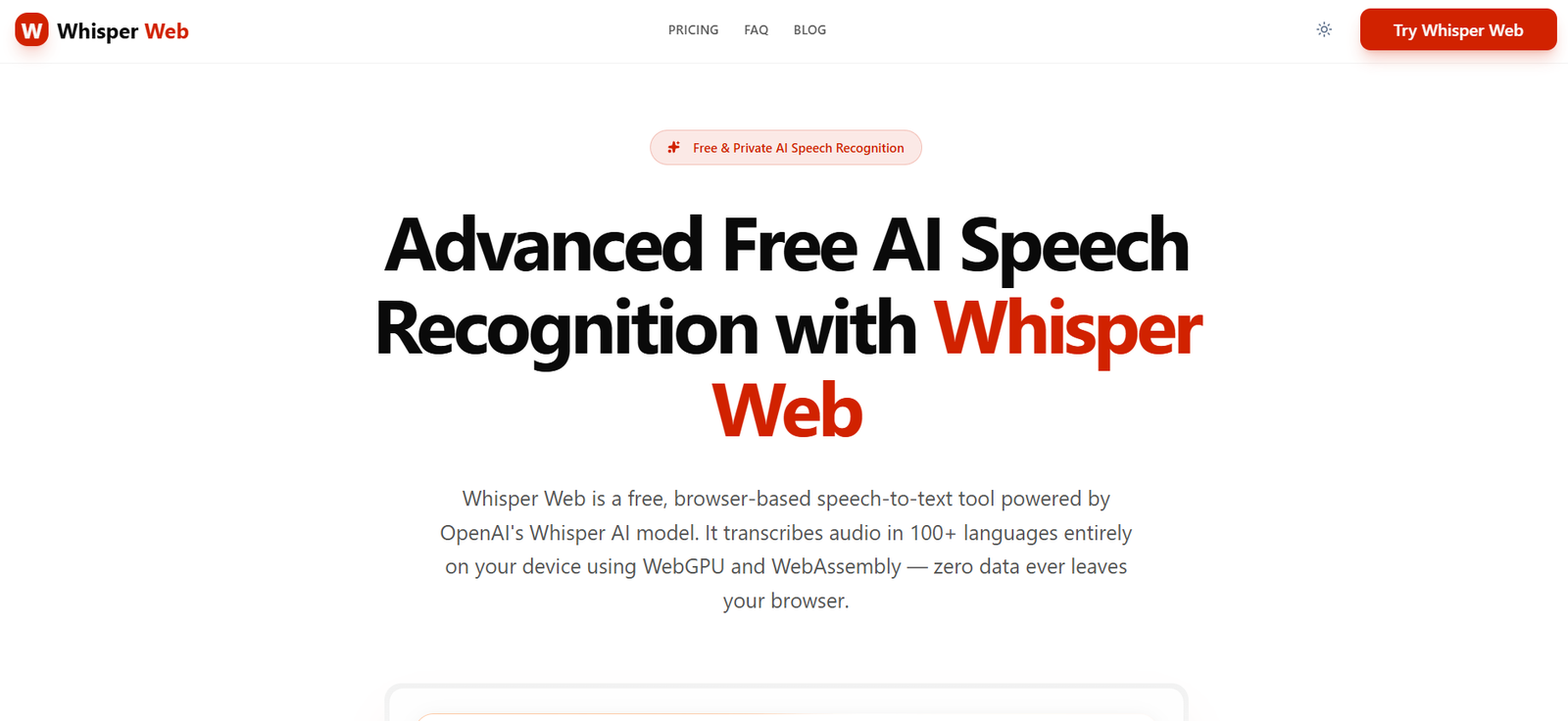
Whisper Web is an AI-powered speech recognition and transcription platform that converts audio and video into accurate text using OpenAI’s Whisper model. It is available directly in the browser, allowing users to transcribe files without installing software. Depending on the selected mode, transcription can run locally on the user’s device for maximum privacy or in the cloud for larger files and faster processing.
The platform is designed for content creators, journalists, students, researchers, podcasters, businesses, and professionals who regularly work with spoken content. Whisper Web supports over 100 languages, multiple export formats, subtitle generation, and AI-powered summaries, making it suitable for meetings, interviews, lectures, podcasts, and video production.
Features
AI Speech-to-Text Transcription
Whisper Web converts spoken audio into highly accurate text using OpenAI’s Whisper speech recognition technology. It supports both audio and video transcription.
Browser-Based Processing
The platform works entirely through a web browser, eliminating the need for software installation. The free version processes files locally on supported devices for enhanced privacy.
Privacy-Focused Processing
Local transcription ensures that audio files never leave the user’s device. For cloud transcription, uploaded files are securely processed and deleted after completion.
Support for 100+ Languages
Whisper Web automatically detects and transcribes more than 100 languages, making it suitable for multilingual users and international teams.
Multiple Input Methods
Users can upload audio or video files, record directly through a microphone, or transcribe supported media sources depending on the available features.
AI Summaries
The platform can automatically generate summaries of transcripts, helping users quickly review meetings, interviews, lectures, and discussions.
Subtitle Generation
Whisper Web exports subtitles in standard formats such as SRT and VTT, making it useful for YouTube videos, online courses, and media production.
Multiple Export Formats
Completed transcripts can be exported in TXT, DOCX, PDF, JSON, CSV, SRT, VTT, Markdown, and other formats for further editing or publishing.
How It Works
Step 1: Visit the Whisper Web website.
Step 2: Upload an audio or video file or record audio directly.
Step 3: Allow the AI to detect the language and begin transcription.
Step 4: Review the generated transcript.
Step 5: Generate an AI summary if required.
Step 6: Export the transcript or subtitles in your preferred format.
Step 7: Use the transcript for documentation, editing, publishing, or sharing.
Use Cases
Content creators can generate captions and subtitles for YouTube videos.
Journalists can transcribe interviews quickly.
Students can convert lectures into searchable notes.
Businesses can document meetings and conference calls.
Researchers can transcribe recorded discussions and interviews.
Podcasters can create transcripts for episodes.
Legal professionals can prepare written records of audio recordings.
Marketing teams can repurpose webinars and video content into articles.
Pricing
Free Plan
- Free to use
- Local browser-based transcription
- Files up to 200 MB or 20 minutes
- 100+ supported languages
- No account required
- Export to TXT, SRT, VTT, and JSON
Unlimited Plan
- US$10/month (billed annually)
- Unlimited cloud transcription
- Upload files up to 10 hours or 5 GB
- Batch uploads (up to 50 files)
- Cross-device sync
- Priority cloud processing
- Cloud storage
- All export formats
Strengths
- Browser-based with no installation required.
- Supports transcription in over 100 languages.
- Strong privacy through local processing.
- AI-generated summaries and subtitle creation.
- Multiple export formats.
- Works with both audio and video files.
- Suitable for personal and professional use.
- Free plan available without registration.
Drawbacks
- Local processing performance depends on the user’s device and browser.
- Some advanced cloud features require a paid subscription.
- WebGPU support is needed for the best local performance.
- Large files require the Unlimited plan.
Comparison with Other Platforms
Whisper Web differs from many traditional transcription services by offering local browser-based transcription, allowing users to keep their audio files on their own devices. While many transcription platforms rely entirely on cloud processing, Whisper Web gives users a choice between privacy-focused local transcription and cloud processing for larger workloads. Its support for over 100 languages, AI summaries, subtitle exports, and browser-based workflow makes it suitable for users seeking both convenience and privacy.
Customer Reviews and Testimonials
Customer reviews and testimonials are not clearly available on the official website.
Conclusion
Whisper Web is a powerful AI transcription platform that combines accurate speech recognition with privacy-focused processing. Its browser-based interface, multilingual support, subtitle generation, AI summaries, and flexible export options make it an excellent choice for creators, students, professionals, researchers, and businesses looking for fast and reliable speech-to-text transcription.