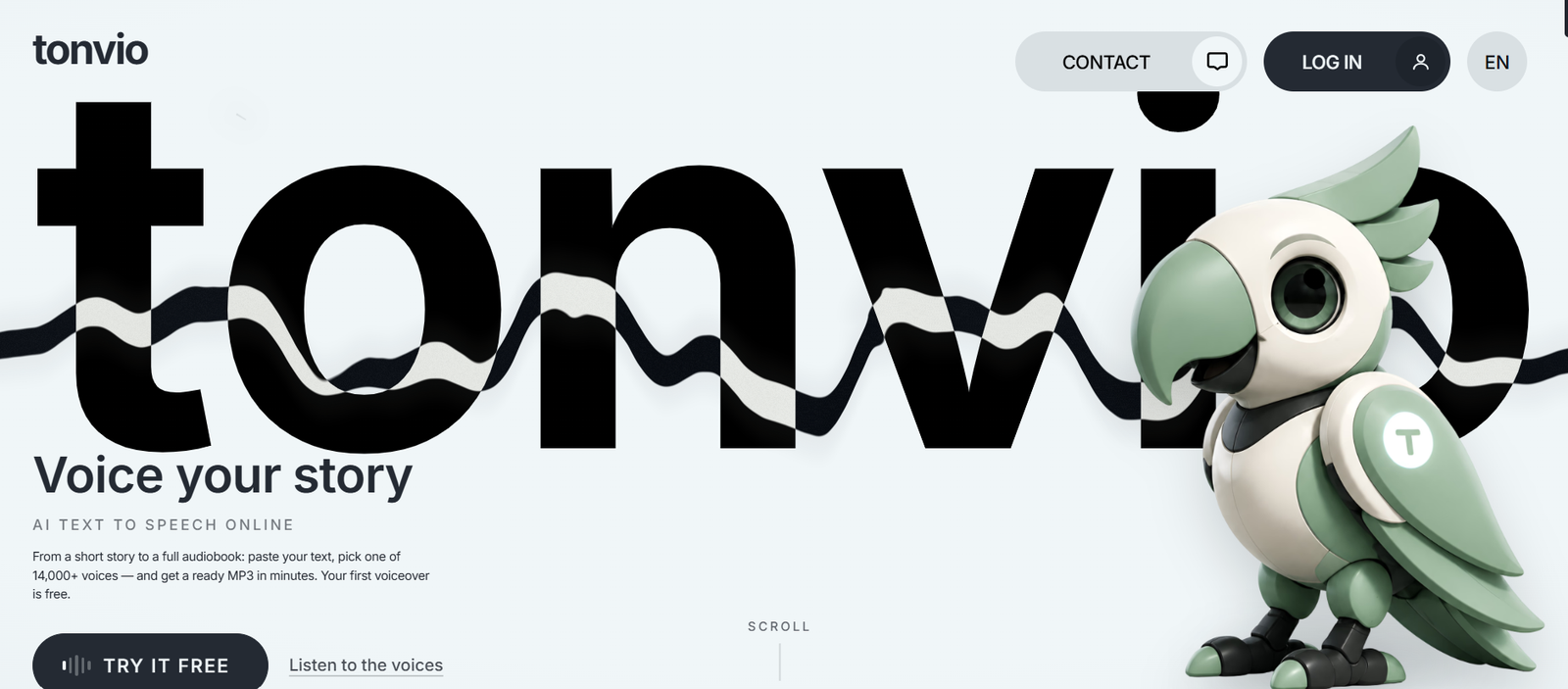
Tonvio is an AI-powered voice generation platform that enables users to create natural-sounding voiceovers from text. It combines advanced text-to-speech technology with voice cloning, multilingual audio translation, audiobook narration, and multi-character voice generation in a single browser-based workspace. The platform is designed for creators who need professional-quality audio without recording equipment or voice actors.
With access to more than 14,000 AI voices, Tonvio allows users to produce voiceovers for videos, podcasts, audiobooks, presentations, educational content, and marketing materials. It supports long-form content generation, character-based dialogue, and batch processing, making it suitable for both individual creators and professional production teams.
Features
AI Text to Speech
Tonvio converts written text into realistic speech using a large collection of AI-generated voices. Users can generate voiceovers for both short and long-form content.
Extensive Voice Library
The platform offers over 14,000 AI voices with live previews. Users can filter voices by gender, age, style, and genre to find the most suitable voice for their projects.
Voice Cloning
Users can create personalized voiceovers by cloning their own voice or another voice they are authorized to use, making branding and content creation more consistent.
Character Voice Generator
Tonvio automatically detects dialogue in stories and scripts, assigns different characters, and lets users choose a unique AI voice for each role while maintaining a separate narrator voice.
Audiobook Generation
Authors and publishers can convert entire chapters or books into narrated audiobooks with consistent voice quality and downloadable MP3 output.
Multilingual Audio Translation
The platform supports translating and generating audio in multiple languages, helping creators localize their content for international audiences.
Batch Voice Generation
Users can process multiple text files simultaneously, assign different voices to each project, and download all generated audio from a single workspace.
Browser-Based Workflow
Everything runs online, allowing users to create, preview, manage, and download AI-generated voice files without installing software.
How It Works
Step 1: Create a Tonvio account or start with the free generation option.
Step 2: Paste your text or upload content for narration.
Step 3: Choose an AI voice from the available voice library or use voice cloning if appropriate.
Step 4: Adjust voice settings and select additional options such as character mode or translation.
Step 5: Generate the AI voiceover.
Step 6: Preview the audio and make changes if needed.
Step 7: Download the finished MP3 file for use in your projects.
Use Cases
Content creators can produce voiceovers for YouTube videos, social media content, and online courses.
Authors can convert books and stories into AI-narrated audiobooks.
Podcasters can generate narration, introductions, and scripted episodes.
Game developers can create distinct character voices for interactive experiences.
Marketing teams can produce multilingual advertisements and promotional content.
Educators can develop engaging learning materials with natural AI narration.
Businesses can create training videos, presentations, and product demonstrations.
Media studios can accelerate voice production for animations and storytelling projects.
Pricing
Tonvio offers a free first voice generation for new users.
The Unlimited subscription costs $45 per month and supports unlimited generation under fair-use policies, with up to 75,000 characters per generation and multiple parallel processing slots.
The Unlimited ×2 subscription costs $80 per month and increases generation capacity to up to 200,000 characters per generation with additional parallel processing.
Users can also purchase one-time credit packs starting from $1.50, and unused credits do not expire.
Strengths
Tonvio provides an extensive library of over 14,000 AI voices.
Supports text-to-speech, voice cloning, audiobook creation, character voices, and multilingual translation in one platform.
Automatically detects dialogue and assigns character roles for storytelling projects.
Handles long-form content with high character limits.
Includes batch processing for efficient content creation.
Browser-based interface requires no software installation.
Offers flexible subscription plans and pay-as-you-go credit packs.
Drawbacks
The platform focuses exclusively on AI voice generation and does not provide video editing or content creation features.
Advanced capabilities require a paid subscription.
Fair-use policies apply to unlimited plans.
Commercial voice cloning requires proper authorization and responsible use.
Comparison with Other Platforms
Tonvio stands out by combining several voice generation capabilities within a single platform, including text-to-speech, voice cloning, audiobook narration, multilingual translation, and automatic multi-character voice assignment. While many AI voice tools focus primarily on basic narration, Tonvio is particularly well suited for storytelling, audiobook production, podcasts, and dialogue-rich content thanks to its character voice workflow and support for long-form projects.
Customer Reviews and Testimonials
Customer reviews and testimonials are not clearly available on the official website.
Conclusion
Tonvio is a comprehensive AI voice generation platform designed for creators, educators, publishers, businesses, and developers who need high-quality voice content without traditional recording processes. Its extensive voice library, long-form narration support, character voice generation, multilingual capabilities, and flexible pricing make it a strong choice for producing professional AI voiceovers for a wide variety of creative and commercial projects.