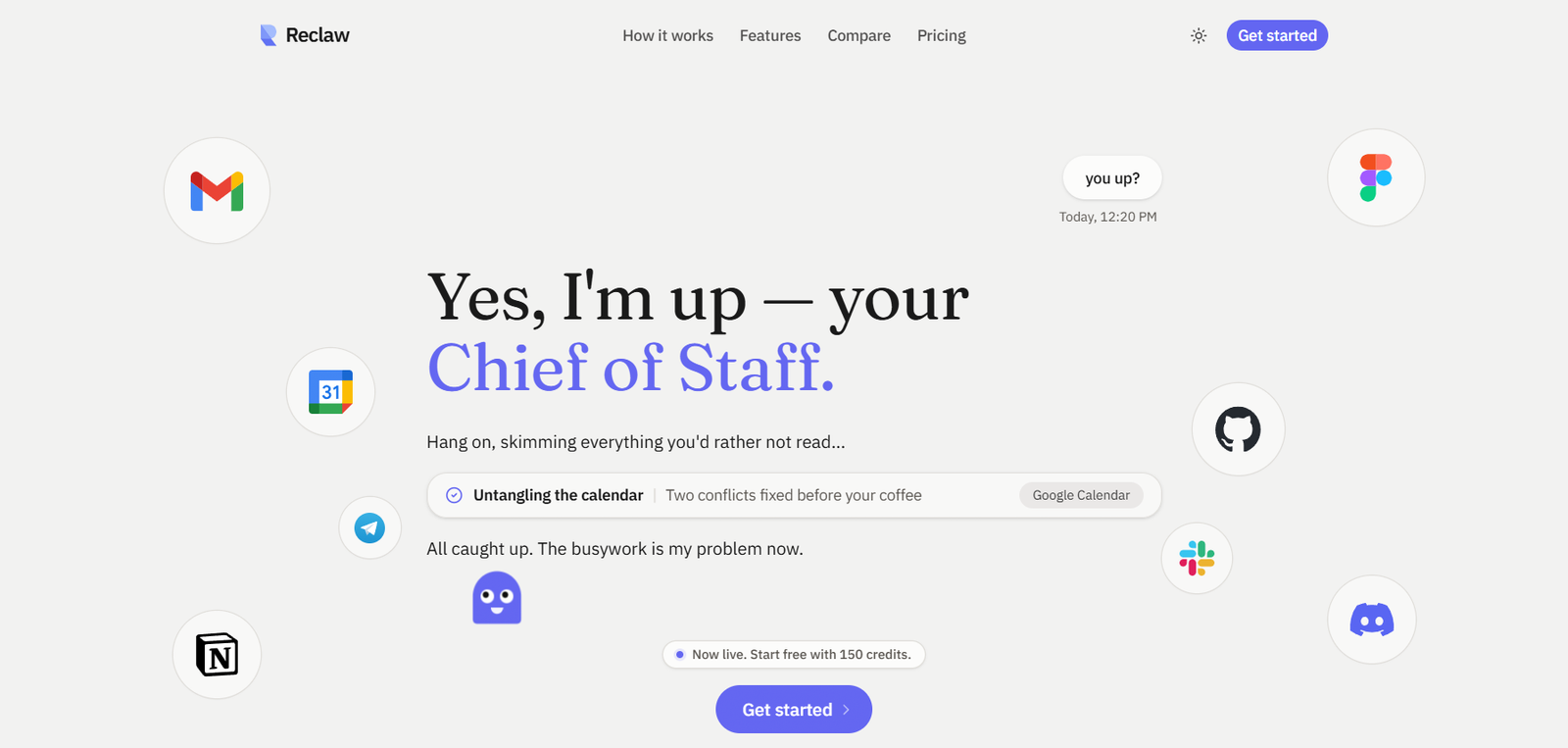
Reclaw is an AI-powered productivity assistant designed to help founders, entrepreneurs, and professionals automate everyday work. Instead of acting as a simple chatbot, Reclaw connects with workplace tools to manage emails, summarize meetings, track action items, and remember important information over time. This enables users to spend less time on repetitive administrative work and more time on high-value tasks.
One of Reclaw’s standout capabilities is its long-term memory. The assistant can retain user preferences, ongoing projects, decisions, and tasks across sessions, allowing it to deliver more personalized and context-aware assistance as users continue to work with it.
Features
AI Email Management
Reclaw helps organize inboxes by identifying important emails, highlighting messages that require attention, and reducing the time spent sorting through daily communications.
Meeting Notes and Action Items
The platform can participate in online meetings, generate summaries, capture important discussion points, and automatically identify follow-up actions and commitments.
Long-Term Memory
Unlike traditional AI assistants that rely only on recent conversations, Reclaw remembers user preferences, previous discussions, projects, and tasks to provide consistent assistance over time.
Task Tracking
Important decisions, open tasks, and reminders are stored and organized, making it easier to continue projects without losing context.
Smart Memory Extraction
The platform automatically extracts meaningful information from conversations while filtering out general knowledge that does not need to be stored, creating a structured and searchable memory system.
Searchable Knowledge
Users can search previous conversations, stored memories, decisions, and tasks, allowing information to remain accessible even after long periods.
Privacy-Focused Architecture
According to the developer, each user receives a private AI instance with isolated data storage. Standard OAuth authentication is used for connected services, and users can revoke permissions whenever needed.
How It Works
Step 1: Create a Reclaw account.
Step 2: Connect supported services such as your email and meeting platform.
Step 3: Use Reclaw during your daily work as it monitors emails, meetings, and conversations.
Step 4: Allow the assistant to summarize discussions, identify action items, and organize tasks.
Step 5: Reclaw stores important information as structured memory for future use.
Step 6: Continue working while the assistant retrieves relevant context whenever you need it.
Use Cases
Founders can automate administrative work while focusing on business growth.
Entrepreneurs can organize emails, meetings, and follow-up tasks more efficiently.
Business professionals can maintain long-term project context across conversations.
Executives can reduce manual note-taking during meetings.
Remote teams can keep track of discussions, decisions, and responsibilities.
Knowledge workers can build a searchable personal knowledge base that grows over time.
Pricing
According to publicly available information, Reclaw offers a free plan that includes 150 AI credits for new users. Detailed subscription plans and pricing are not clearly available on the official website.
Strengths
Supports persistent memory across multiple work sessions.
Automates repetitive administrative tasks.
Reduces manual meeting notes and follow-up work.
Improves productivity by remembering ongoing projects and preferences.
Provides searchable records of previous conversations and decisions.
Designed specifically for founders and busy professionals.
Drawbacks
The platform appears to be relatively new, with limited publicly available documentation.
Detailed pricing information is not clearly published.
Supported integrations may still be expanding.
Some advanced capabilities may depend on connecting external services.
Comparison with Other Platforms
Unlike general-purpose AI chatbots that primarily respond to prompts, Reclaw focuses on becoming an ongoing productivity assistant with persistent memory and workflow automation. Its emphasis on remembering previous interactions, organizing tasks, summarizing meetings, and managing emails makes it more suitable for users who want continuous assistance across their daily work rather than isolated conversations.
Customer Reviews and Testimonials
Customer reviews and testimonials are not clearly available on the official website.
Conclusion
Reclaw is an AI productivity assistant built for founders, entrepreneurs, and professionals who want to automate routine work while maintaining long-term context. With features such as persistent memory, meeting summaries, email management, and task tracking, it aims to reduce administrative overhead and improve day-to-day productivity. For users seeking an AI assistant that remembers past work and evolves alongside ongoing projects, Reclaw offers a practical and promising solution.