
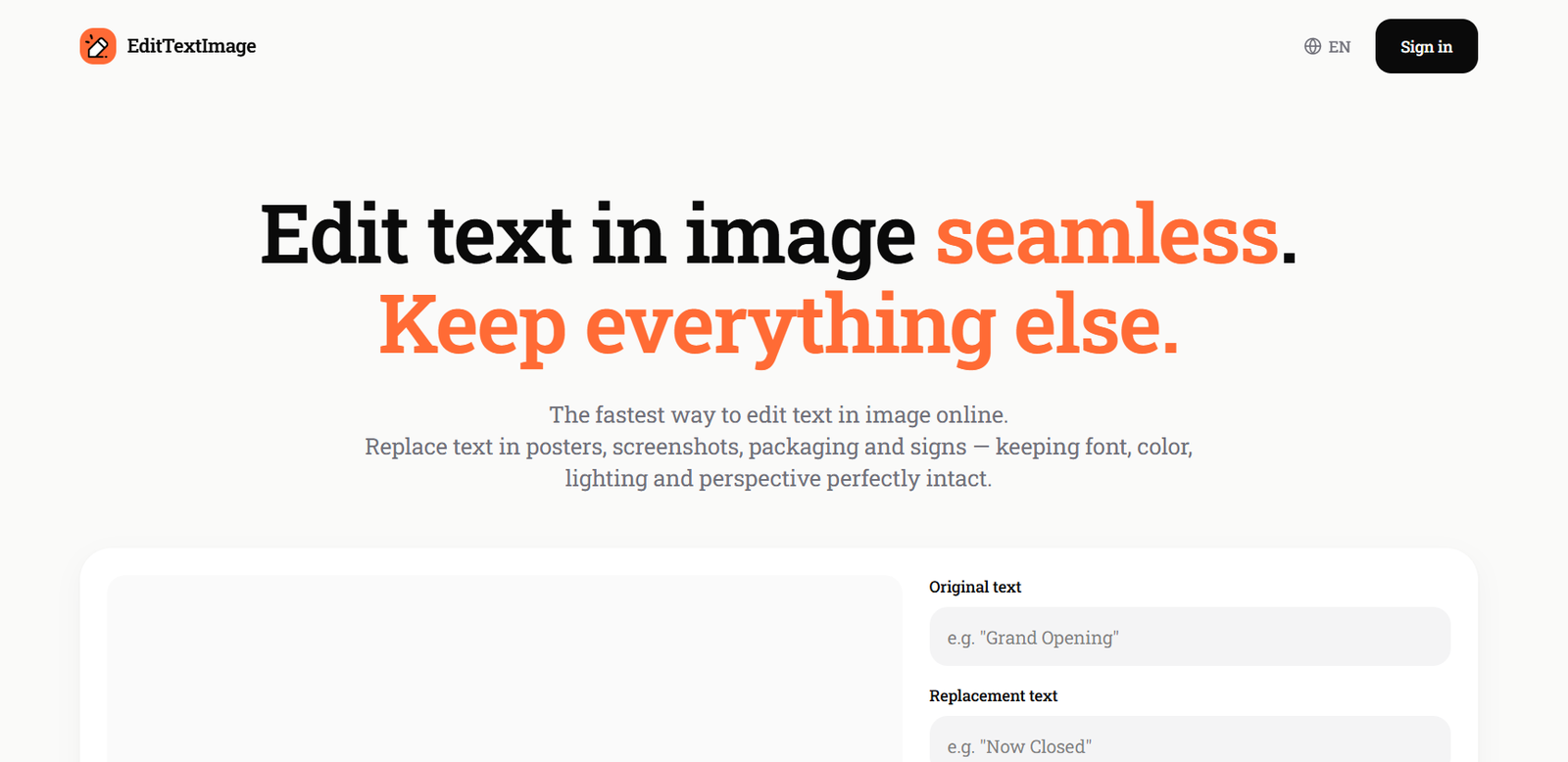
EditTextImage is an AI-powered online image editing tool that allows users to replace, correct, or translate text within existing images without using graphic design software. Instead of recreating an image from scratch, users simply upload a finished image, specify the original text and its replacement, and the AI updates the image while preserving the original font, color, perspective, lighting, and background.
The platform is designed for marketers, designers, content creators, e-commerce sellers, and businesses that frequently need to update posters, banners, screenshots, product images, menus, or social media graphics. Since everything works directly in the browser, users can edit images quickly without Photoshop or advanced editing skills.
Features
AI Text Replacement
Replace existing text inside images while maintaining the original typography, color, shadows, and layout for natural-looking results.
Background Reconstruction
The AI removes the old text and intelligently rebuilds the surrounding background before inserting the new text, producing seamless edits.
Typography Matching
EditTextImage automatically detects and matches the original font style, weight, spacing, and perspective without requiring users to identify fonts manually.
Text Translation
Users can translate text within images while preserving the original visual design, making localization faster and easier.
High-Resolution Output
Edited images are exported in up to 2K resolution and are suitable for commercial use.
Browser-Based Editing
The platform works entirely online and supports common image formats such as PNG, JPEG, and WebP without requiring software installation.
Chrome Extension
A Chrome extension allows users to right-click images on webpages and edit text directly from the browser.
Privacy and Responsible Use
The platform includes policies that prohibit editing official documents, IDs, financial records, and other deceptive content while protecting uploaded images and user ownership of outputs.
How It Works
- Visit the EditTextImage website.
- Sign in with a Google account.
- Upload an image in PNG, JPEG, or WebP format.
- Enter the existing text and the replacement text.
- Allow the AI to process the image and match the original design.
- Preview and download the edited image in high resolution.
Use Cases
Content creators can update YouTube thumbnails and social media graphics.
Designers can correct typos in exported designs without recreating projects.
Businesses can update promotional banners, advertisements, and product labels.
E-commerce sellers can edit product images and pricing graphics.
Marketing teams can localize campaigns by translating image text into different languages.
App developers can update screenshots for different regions and app store listings.
AI artists can fix incorrect text generated by AI image generators.
Pricing
According to the official website, every new account receives one free credit with no credit card required. After that, users purchase pay-as-you-go credit packs instead of subscribing. One advertised package offers 30 edits for $9.90, and purchased credits do not expire.
Strengths
Supports realistic text replacement without recreating the entire image.
Automatically preserves fonts, colors, lighting, and perspective.
No Photoshop or graphic design skills are required.
Produces high-resolution, watermark-free outputs.
Uses a simple pay-as-you-go pricing model without subscriptions.
Offers browser-based editing and a Chrome extension.
Drawbacks
The tool focuses specifically on editing text rather than full image manipulation.
It performs best on clear, readable text and may struggle with very small or highly decorative fonts.
Currently processes one image at a time rather than supporting bulk editing.
Users must convert unsupported formats such as PDF or HEIC before editing.
Comparison with Other Platforms
Unlike traditional design software such as Photoshop or Canva, which often require editable source files and manual font matching, EditTextImage specializes in modifying text directly within flattened images. It automatically recreates the background and preserves the original appearance, making it particularly useful for updating finished graphics, screenshots, posters, and AI-generated images without rebuilding the design.
Customer Reviews and Testimonials
Customer reviews and testimonials are not clearly available on the official website.
Conclusion
EditTextImage is a practical AI tool for anyone who needs to update text in existing images quickly and accurately. Its ability to preserve fonts, backgrounds, and layouts while requiring no design expertise makes it valuable for marketers, designers, businesses, and content creators. Users looking for a fast and reliable way to edit text in completed images without Photoshop will find EditTextImage to be an efficient solution.


