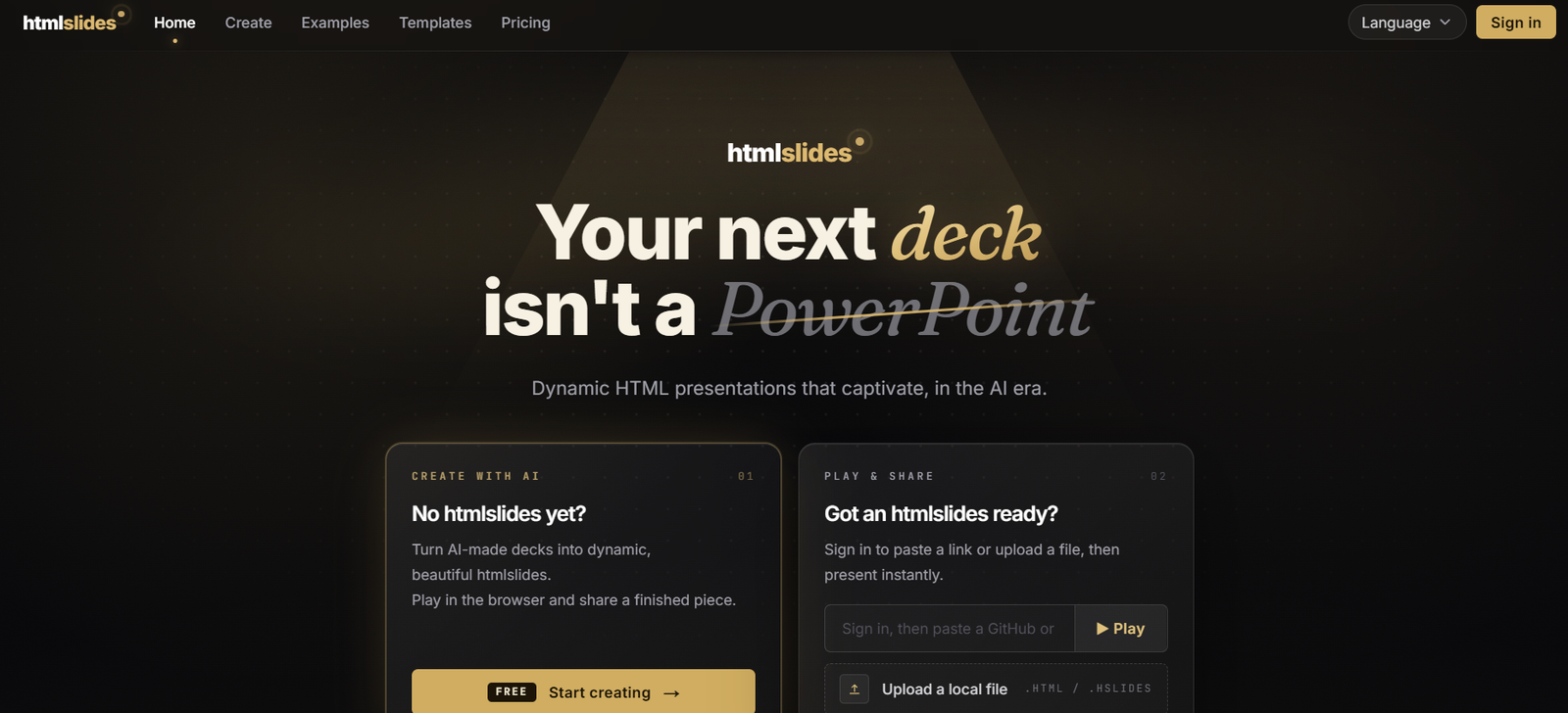
HTMLSlides is an AI-powered presentation platform that enables users to generate professional HTML presentations using natural language prompts. Instead of manually designing slides, users describe the presentation they need, and the AI produces a polished, interactive HTML slide deck complete with layouts, animations, charts, timelines, code blocks, and speaker notes.
Unlike traditional presentation software, HTMLSlides generates a single self-contained HTML file with all styles and scripts embedded, making presentations easy to share, version-control, and open in any modern browser. The platform also includes a desktop presenter application that offers dual-display presentation mode, speaker notes, audience synchronization, timers, and annotation tools for a professional presenting experience. It works with popular AI coding assistants such as Claude Code, GitHub Copilot, Gemini CLI, Cursor, Windsurf, and OpenAI Codex.
Features
AI-Powered Presentation Generation
Generate complete presentations from simple text prompts using your preferred AI coding assistant.
Single HTML Output
Every presentation is exported as a standalone HTML file with all CSS and JavaScript included, requiring no additional dependencies.
Interactive Components
Create engaging presentations using flip cards, expandable cards, charts, timelines, architecture diagrams, comparison layouts, code blocks, image galleries, statistics, and more.
AI-Generated Speaker Notes
Automatically generate speaker notes alongside presentation slides, helping presenters prepare and deliver talks more effectively.
Desktop Presenter App
Present with dual-display mode featuring speaker notes, timers, laser pointer, audience synchronization, keyboard navigation, and presenter controls.
Local-First Architecture
Presentations remain stored locally on your computer without relying on cloud storage, improving privacy and offline accessibility.
Works with Popular AI Agents
Compatible with Claude Code, GitHub Copilot, Gemini CLI, Cursor, Windsurf, and OpenAI Codex, allowing developers to generate presentations within their preferred workflow.
PowerPoint and HTML Conversion
Convert existing PowerPoint presentations or HTML files into HTMLSlides format for editing and presentation.
Multiple Visual Themes
Choose from numerous professionally designed presentation themes and layouts to match different audiences and presentation styles.
How It Works
- Install the HTMLSlides AI skill or desktop application.
- Open your preferred AI coding assistant.
- Describe the presentation you want in natural language.
- Let the AI generate an interactive HTML presentation.
- Review and customize the generated slides if needed.
- Open the presentation using the HTMLSlides desktop app or any supported browser.
- Present using dual-display mode with speaker notes and audience synchronization.
Use Cases
Developers can create technical presentations with code samples and architecture diagrams.
Business professionals can build pitch decks and quarterly reports.
Educators can prepare interactive classroom presentations.
Startups can create investor presentations quickly.
Product managers can present roadmaps and feature launches.
Consultants can build client presentations with minimal manual design.
Conference speakers can prepare talks with AI-generated speaker notes.
Teams can version-control presentations using Git because presentations are plain HTML files.
Pricing
According to the official website:
HTMLSlides Skill
- Free forever
- Open source
- Unlimited presentations
- All presentation components
- PowerPoint and HTML conversion
HTMLSlides App
- Free plan available with presenter mode, speaker notes, audience sync, timer, and navigation features.
HTMLSlides Pro
- One-time payment of $9 (launch offer, regular price $14.99).
- Includes annotation tools such as pen, highlighter, spotlight, zoom, audio recording, and future Pro features.
- No recurring subscription is required.
Strengths
- AI-generated interactive presentations.
- Single-file HTML output with no dependencies.
- Works completely offline.
- Local-first approach improves privacy.
- Supports multiple AI coding assistants.
- Professional presenter mode with speaker notes.
- Open-source AI skill.
- Affordable one-time Pro purchase.
- Easy version control using Git.
Drawbacks
- Best suited for users comfortable working with AI assistants.
- Primarily focused on HTML-based presentations rather than traditional PowerPoint editing.
- Some advanced presenter features require the Pro version.
- Users unfamiliar with AI coding tools may experience a learning curve.
Comparison with Other Platforms
Unlike traditional presentation software such as Microsoft PowerPoint or Google Slides, HTMLSlides generates browser-based presentations as standalone HTML files that are lightweight, portable, and version-control friendly. Compared with AI presentation tools that generate static slides inside proprietary platforms, HTMLSlides emphasizes local ownership, offline use, interactive web components, and seamless integration with AI coding assistants, making it particularly attractive for developers, technical teams, and modern knowledge workers.
Customer Reviews and Testimonials
The official website includes testimonials from engineers, founders, and designers who praise HTMLSlides for reducing presentation design time, simplifying version control, and improving audience engagement through interactive components. However, detailed independent customer case studies are limited.
Conclusion
HTMLSlides is an innovative AI presentation platform that combines AI-powered slide generation with a modern HTML-based presentation workflow. Its interactive components, local-first architecture, offline functionality, and professional presenter application make it an excellent solution for developers, educators, founders, consultants, and business professionals who want visually engaging presentations without spending hours designing slides manually.