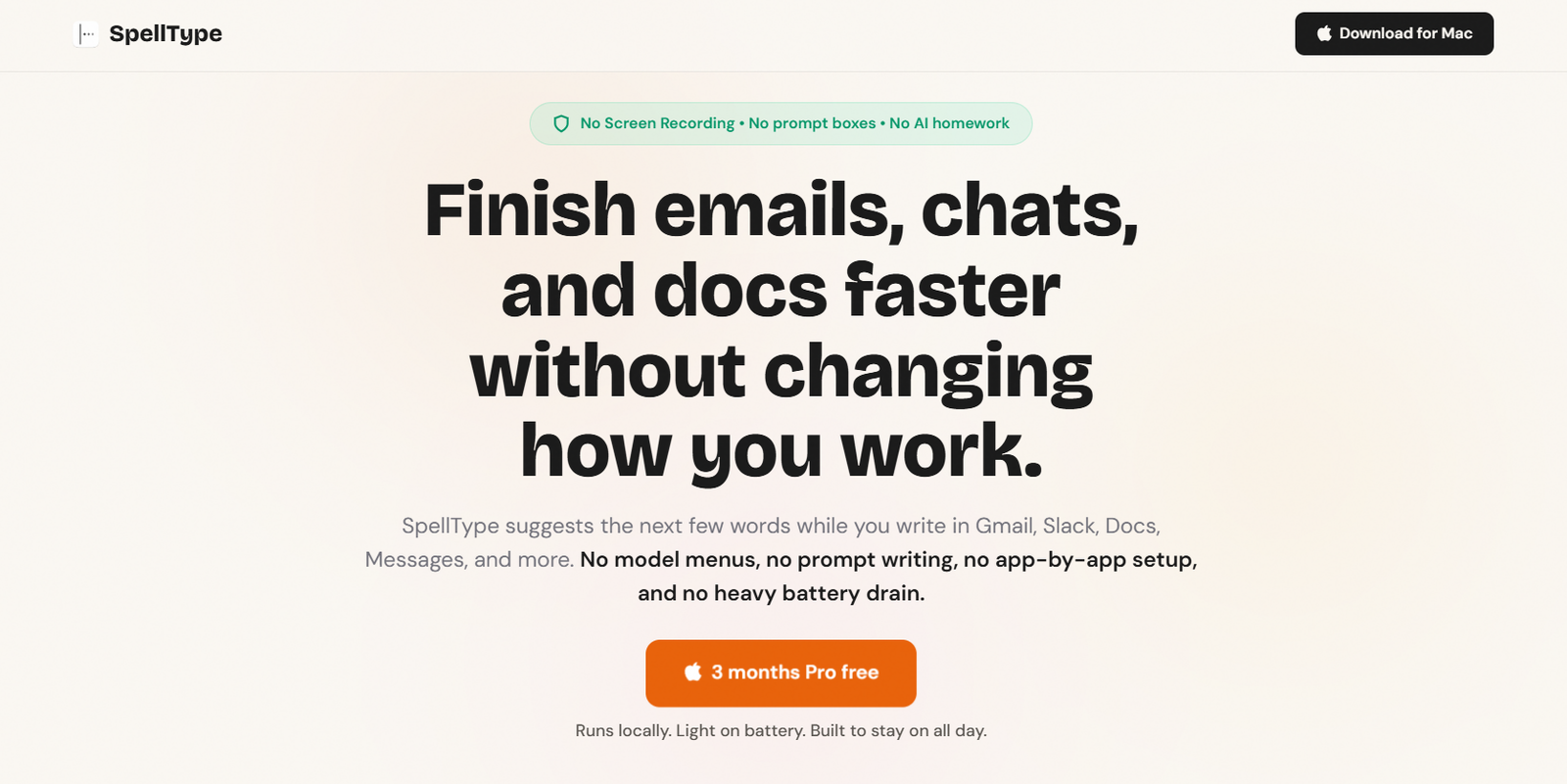
SpellType is an AI-powered writing assistant designed specifically for macOS users who want to write faster without changing their existing workflow. Instead of functioning as a chatbot, SpellType works as an inline AI autocomplete tool that predicts the next words as you type. It supports everyday writing across emails, documents, messaging apps, browser-based editors, and AI tools.
One of SpellType’s standout features is its strong focus on privacy. The AI runs locally on the user’s Mac, meaning autocomplete suggestions are generated on the device rather than in the cloud. The application does not require screen recording permissions, does not capture screenshots, and does not collect writing telemetry. This makes it particularly suitable for professionals handling sensitive information.
Features
Private Local AI Processing
SpellType generates autocomplete suggestions directly on your Mac instead of sending your writing to cloud servers, helping keep sensitive information private.
Inline AI Autocomplete
The AI predicts the next words while you type, allowing you to accept suggestions with a simple Tab key without interrupting your workflow.
Works Across Popular Apps
SpellType supports writing in Gmail, Google Docs, Outlook, Slack, Microsoft Teams, Notes, WhatsApp, ChatGPT, Claude, iMessage, and other supported applications.
No Screen Recording Required
Unlike some AI assistants, SpellType does not request screen recording permissions or capture screenshots, providing an additional layer of privacy.
Offline Functionality
Because suggestions are generated locally, SpellType continues working even without an internet connection.
Lightweight Performance
The application is designed to consume minimal system resources, allowing users to leave it running throughout the workday without significantly affecting battery life.
Simple Setup
Users only need to grant macOS Accessibility permission once. SpellType automatically works across supported applications without additional configuration.
How It Works
- Download and install SpellType on your Mac.
- Grant the required macOS Accessibility permission.
- Open any supported application such as Gmail, Slack, Outlook, or Google Docs.
- Begin typing normally.
- SpellType displays inline AI suggestions as you write.
- Press the Tab key to accept a suggestion or continue typing to ignore it.
- Continue writing naturally without switching to separate AI tools.
Use Cases
Professionals can draft emails and business communications more efficiently.
Customer support teams can respond to messages more quickly while maintaining their writing style.
Sales representatives can prepare follow-up emails and outreach messages with less typing.
Students can write assignments, notes, and research summaries faster.
Content creators can draft articles, blog posts, and documentation more efficiently.
Remote teams can improve productivity when communicating through Slack, Teams, and messaging platforms.
Mac users who value privacy can benefit from AI-assisted writing without sending data to external servers.
Pricing
SpellType offers a Free plan that includes the complete private autocomplete experience with up to 1,000 accepted completions per week.
The Monthly Pro plan costs $4.99 per month and provides unlimited suggestions.
The Annual Pro plan is available for $39.99 per year (regularly $59.99), offering unlimited suggestions.
A Lifetime Pro license is also available for a one-time payment starting at $99 during the launch offer (regular price $149.99). New users are also eligible for a three-month free Pro trial during the launch period.
Strengths
- Strong privacy with local AI processing.
- No screen recording or screenshot permissions required.
- Works across many popular Mac applications.
- Offline functionality.
- Minimal impact on battery life.
- Extremely simple setup and workflow.
- Affordable subscription options.
- Helps users write faster while preserving their own writing style.
Drawbacks
- Currently available only for macOS users.
- Supports selected applications rather than every application.
- Focuses on autocomplete rather than generating complete documents.
- Windows and Linux versions are not currently available.
Comparison with Other Platforms
Unlike traditional AI chatbots that require users to copy and paste text into separate interfaces, SpellType integrates directly into everyday writing applications. Compared with cloud-based AI writing assistants, it emphasizes privacy by generating suggestions locally and avoiding screen recording or writing analytics. Users who prioritize speed, simplicity, and privacy may find SpellType particularly useful for daily communication tasks.
Customer Reviews and Testimonials
Customer reviews and testimonials are not clearly available on the official website.
Conclusion
SpellType is a practical AI writing assistant for Mac users who spend much of their day writing emails, messages, documents, and notes. Its local AI processing, privacy-first approach, offline support, and seamless autocomplete experience make it an attractive alternative to cloud-based AI writing tools. It is especially well suited for professionals, students, remote workers, and anyone who wants faster writing without compromising privacy.