
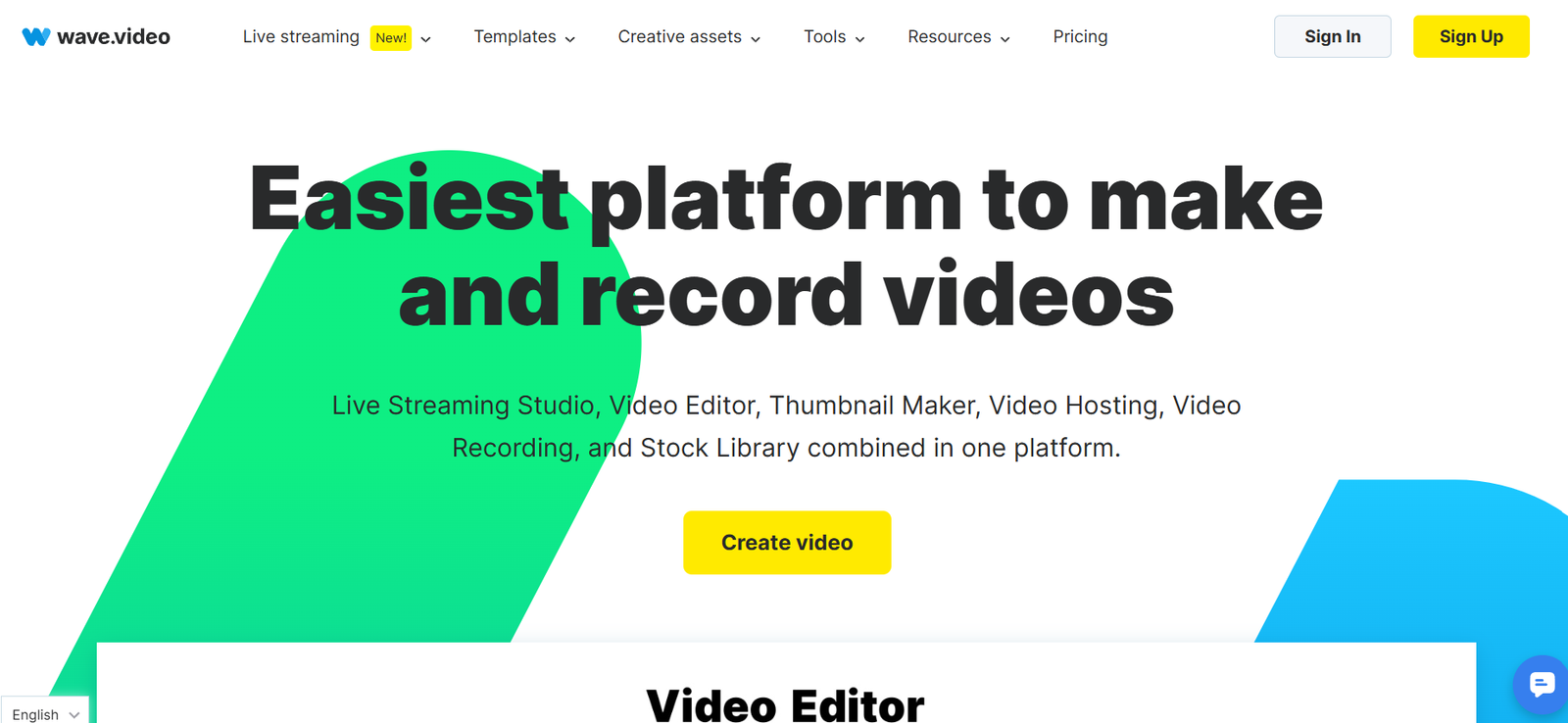
Wave.video is an AI-powered online video creation and marketing platform designed to help businesses, marketers, content creators, agencies, and entrepreneurs produce professional-quality videos without requiring advanced editing skills. The platform combines video editing, AI-powered content creation, screen recording, livestreaming, video hosting, and social media publishing into one centralized solution.
Creating engaging video content can often require multiple software applications and technical expertise. Wave.video simplifies the process by providing an easy-to-use editor, customizable templates, stock media libraries, AI-powered tools, and marketing features that help users create videos for websites, social media, advertising campaigns, presentations, and business communications.
Whether you need promotional videos, product demonstrations, tutorials, webinars, social media clips, or branded content, Wave.video offers a comprehensive set of tools for every stage of the video marketing workflow.
Official Website: https://wave.video/
Features
AI Video Creation
Wave.video includes AI-powered tools that help users generate video content, create scripts, and speed up the video production process.
Online Video Editor
The drag-and-drop video editor enables users to trim clips, add transitions, insert text, animations, music, and branding elements without requiring professional editing experience.
Video Templates
The platform offers a large collection of customizable templates for marketing campaigns, social media posts, advertisements, product promotions, and business presentations.
Stock Media Library
Users have access to an extensive library of stock videos, images, music, and graphics that can be incorporated into projects.
Screen Recording
Wave.video allows users to record their screens, making it suitable for tutorials, software demonstrations, training videos, and presentations.
Webcam Recording
Users can record videos directly from their webcam for meetings, introductions, product updates, and educational content.
Livestreaming
The platform supports professional livestreaming, enabling businesses and creators to broadcast live events across multiple platforms.
Video Hosting
Wave.video includes video hosting capabilities that allow users to upload, organize, and share videos through customizable video players.
Social Media Publishing
Users can publish videos directly to supported social media platforms, simplifying content distribution.
Brand Management
Businesses can upload logos, fonts, colors, and other branding assets to maintain consistent visual identity across videos.
Collaboration Tools
Teams can work together on video projects, review edits, and manage content within a shared workspace.
Analytics
Wave.video provides performance analytics to help users monitor viewer engagement and evaluate video marketing results.
How It Works
Wave.video streamlines the video production process through a simple workflow.
Project Creation
Users begin by selecting a template or creating a project from scratch.
Media Selection
Videos, images, music, and graphics can be uploaded or selected from the built-in stock library.
Editing
The drag-and-drop editor allows users to customize scenes, add captions, transitions, animations, logos, and branding elements.
AI Assistance
AI-powered tools help generate scripts, captions, and other content to accelerate video production.
Preview
Users preview the finished video and make final adjustments before publishing.
Publishing
Completed videos can be downloaded, hosted, shared, embedded on websites, or published directly to social media channels.
Performance Monitoring
Analytics provide insights into viewer engagement and video performance.
Use Cases
Content Creators
Create engaging YouTube videos, short-form content, tutorials, and promotional videos.
Small Businesses
Produce affordable marketing videos without hiring professional editors.
Marketing Agencies
Manage video campaigns for multiple clients while maintaining brand consistency.
Sales Teams
Create personalized sales videos, product demonstrations, and customer presentations.
Educators
Develop online lessons, instructional videos, webinars, and training materials.
Corporate Teams
Produce internal communications, onboarding materials, and company announcements.
Social Media Managers
Create platform-specific video content optimized for Facebook, Instagram, LinkedIn, YouTube, TikTok, and other social networks.
Pricing
Wave.video offers several subscription plans for individuals, businesses, and enterprise users. Features and pricing may change over time.
Free Plan
The free plan allows users to explore basic video creation features with certain usage limitations.
Creator Plan
Designed for individuals and creators who require additional editing capabilities, branding tools, and export options.
Business Plan
Suitable for businesses and marketing teams requiring advanced editing, collaboration, video hosting, and larger content libraries.
Enterprise Plan
Enterprise solutions provide custom pricing, advanced security, dedicated support, team management, and scalable video production capabilities.
For the latest pricing information, visit:
Strengths
AI-powered tools help accelerate video creation and content production.
The drag-and-drop editor is user-friendly for beginners and experienced marketers alike.
A large library of templates enables quick creation of professional-looking videos.
Integrated stock media reduces the need for external assets.
Livestreaming and video hosting provide an all-in-one video marketing solution.
Social media publishing simplifies content distribution across multiple channels.
Brand management tools help maintain consistent visual identity.
Collaboration features support teams working on shared video projects.
Drawbacks
Some advanced editing and collaboration features are available only in higher-tier plans.
The free plan includes feature limitations that may not meet the needs of professional users.
Users creating highly complex cinematic productions may still require dedicated professional video editing software.
Internet connectivity is required for cloud-based editing and collaboration features.
Comparison with Other Tools
Wave.video vs Canva
Canva offers simple video editing alongside graphic design tools, while Wave.video provides a more comprehensive video marketing platform with hosting, livestreaming, and AI-powered video creation.
Wave.video vs InVideo
Both platforms focus on online video creation, but Wave.video includes integrated livestreaming, hosting, and broader marketing features.
Wave.video vs VEED
VEED specializes in browser-based video editing with subtitle generation and collaboration, while Wave.video combines editing with hosting, publishing, and livestreaming.
Wave.video vs Animoto
Animoto emphasizes quick slideshow-style video creation, whereas Wave.video offers more extensive editing capabilities, AI assistance, and marketing-focused tools.
Customer Reviews and Testimonials
Wave.video receives positive feedback from marketers, businesses, educators, and content creators for its ease of use and comprehensive feature set.
Positive Reviews
Users appreciate the intuitive drag-and-drop editor and customizable templates.
Businesses value the integrated stock media library for reducing production time.
Marketing teams find the social media publishing tools convenient for managing campaigns.
Content creators praise the video hosting and livestreaming capabilities.
Many users highlight the platform’s ability to simplify professional video production without advanced editing experience.
Critical Reviews
Some users mention that premium features require higher subscription plans.
Advanced video editors may find certain professional editing features less comprehensive than dedicated desktop software.
Large video projects may require more processing time depending on internet speed and project complexity.
Overall, Wave.video is well regarded for providing an all-in-one platform that combines video creation, hosting, livestreaming, and marketing tools.
Conclusion
Wave.video is a versatile AI-powered video creation and marketing platform that enables individuals and organizations to produce, edit, host, livestream, and distribute professional-quality videos from a single cloud-based workspace. Its combination of AI-assisted content creation, customizable templates, stock media, collaboration features, and publishing tools makes it suitable for businesses, marketers, educators, agencies, and content creators.
Whether you are producing social media content, promotional videos, webinars, tutorials, or branded marketing campaigns, Wave.video offers a streamlined solution that simplifies every stage of the video production process. Prospective users should review the official website for the latest features, pricing, and plan details.
Official Website: https://wave.video/


