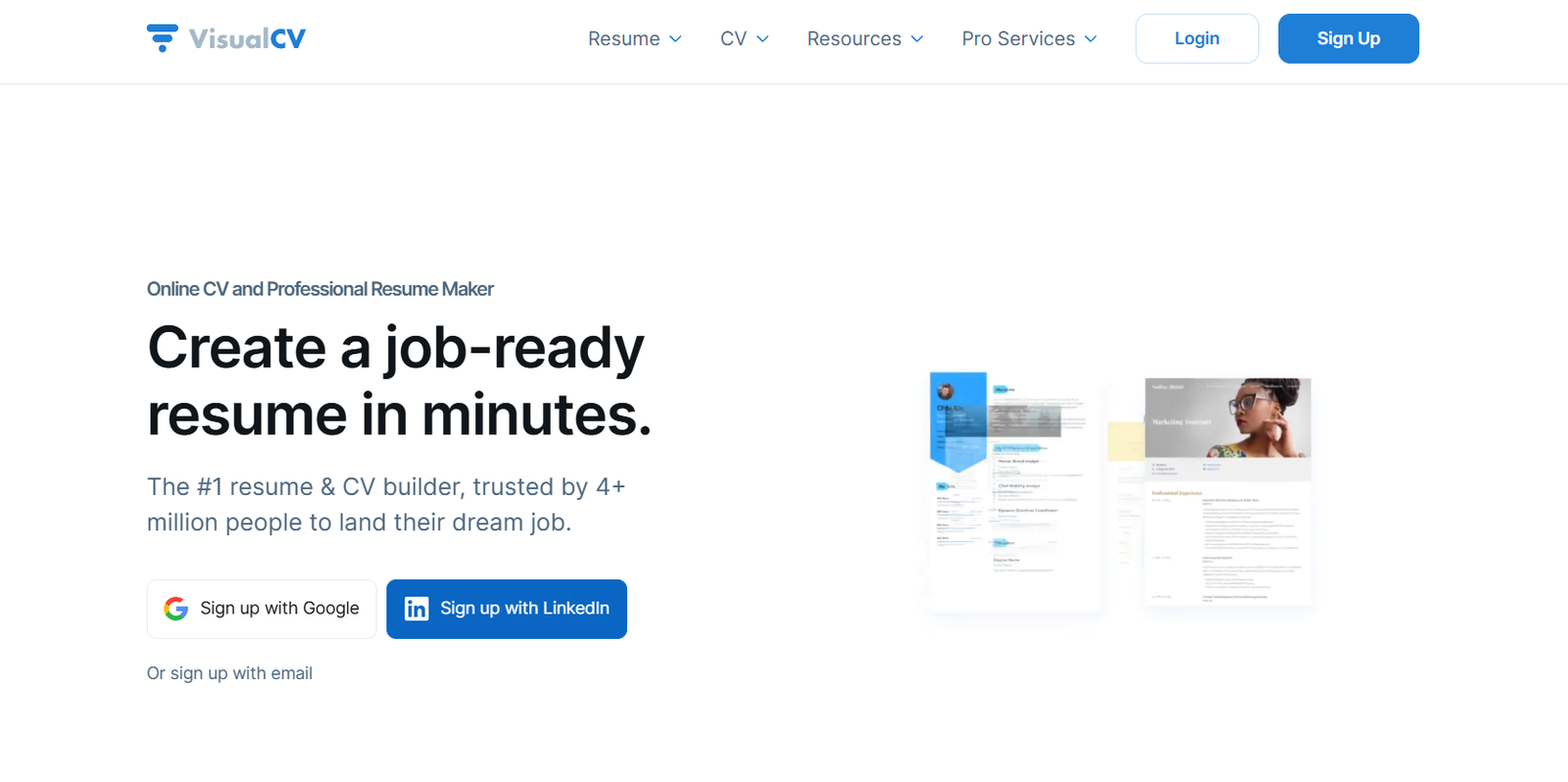
VisualCV is a modern online resume and portfolio builder designed for job seekers who want to create visually impactful, professional resumes that stand out in today’s competitive job market. With a focus on design, customization, and ease of use, VisualCV caters to individuals across industries and career stages—from recent graduates to senior executives.
The platform combines resume-building tools, portfolio creation, and resume analytics into one intuitive dashboard. VisualCV allows users to present their career story with polished layouts that highlight experience, skills, and accomplishments. It supports both traditional resumes and web-based portfolios, giving users flexibility in how they share their professional profile.
Whether you’re applying to corporate roles or creative positions, VisualCV gives you the tools to create resumes that are both attractive and effective.
Features
VisualCV provides a comprehensive set of features to help users build standout resumes and portfolios.
The core feature is the resume builder, which includes dozens of professionally designed templates. Each template is fully customizable, allowing users to modify layouts, fonts, colors, and sections. This level of control ensures resumes reflect the user’s personality and career goals.
VisualCV includes dual-format resume creation, enabling users to generate a PDF version for job applications and a live web resume hosted on a unique URL. This is ideal for sharing with recruiters or including in a LinkedIn profile or email signature.
The platform supports multiple resume versions, allowing users to tailor documents for different roles or industries without starting from scratch. This is especially useful for job seekers applying to multiple positions simultaneously.
A built-in analytics dashboard tracks how many times a resume has been viewed or downloaded when shared via a unique link. This gives users insights into recruiter engagement and can inform follow-up strategies.
VisualCV also offers cover letter templates, which match resume styles for a cohesive professional appearance.
The editor includes a drag-and-drop interface, live preview, and easy import of existing LinkedIn profiles to prefill content.
Team features and resume management tools are available for recruiters and organizations, allowing centralized access to multiple candidates’ resumes and streamlined review.
How It Works
To get started with VisualCV, users sign up for a free account and choose a resume template. Once a template is selected, users can begin editing their resume in the built-in editor.
The interface is user-friendly, with text fields for each resume section, including work experience, education, skills, certifications, and summary. Users can add or remove sections depending on the job they’re applying for.
VisualCV provides prompts and example content to help users write stronger resumes. Users can also import information directly from their LinkedIn profile to speed up the initial setup.
After editing, users can preview how the resume looks in both web and PDF formats. They can download the resume, share it via a personal URL, or save multiple versions for different applications.
The web resume is responsive and works well on desktop and mobile devices. Users can even password-protect the resume or set it to private.
Analytics are updated in real time when someone views or downloads the web resume, allowing users to monitor interest and tailor follow-up communication.
For professionals who need more than one resume, the platform supports versioning and organizing resumes by job type, role, or region.
Use Cases
VisualCV serves a broad range of users and use cases across industries.
Creative professionals such as designers, marketers, and photographers use the platform to create portfolio-style resumes that showcase their work through embedded links, images, and web resumes.
Executives and senior professionals benefit from the polished templates and analytics, which help them stand out in high-level job searches and track recruiter interest.
Students and recent graduates use VisualCV to create their first resumes using pre-filled templates and easy guidance, giving them a competitive edge in internships or entry-level job applications.
Freelancers and remote workers use the web resume option to create a personal landing page that acts as both a resume and portfolio for prospective clients.
Recruiters and hiring managers use the team features to manage candidate resumes, maintain version control, and collaborate during hiring processes.
The ability to create multiple customized versions of resumes makes VisualCV a strong choice for job seekers applying across different industries or roles.
Pricing
VisualCV offers both free and premium plans.
The Free plan allows users to create and edit one resume using a limited selection of templates. Users can export resumes in PDF format, but with VisualCV branding.
The Pro plan starts at $18 per month, billed monthly, or $149 annually, billed once per year. This plan unlocks all premium templates, removes VisualCV branding from downloaded resumes, allows unlimited resume versions, and provides access to analytics and advanced customization.
The Pro plan also includes cover letter builder access, private resume sharing, and priority customer support.
For teams or companies, VisualCV offers custom pricing and enterprise packages tailored to organizational needs.
Up-to-date pricing and plan comparisons can be found at: https://www.visualcv.com/pricing/
Strengths
One of VisualCV’s primary strengths is its modern, professional design templates that help resumes visually stand out. These templates are particularly valuable in industries where visual presentation matters.
The web resume and portfolio feature adds a layer of versatility, allowing job seekers to build a personal brand online without creating a separate website.
The ease of use and flexibility of the resume editor allows both beginners and experienced professionals to create resumes quickly, without worrying about formatting issues.
VisualCV supports resume versioning, helping users manage multiple applications more effectively.
Its analytics tracking offers unique value for proactive job seekers who want insights into recruiter engagement.
The platform’s multi-device accessibility ensures that resumes and profiles can be updated or shared from anywhere, at any time.
Drawbacks
While the free plan is useful for trying the platform, it has limited functionality and includes VisualCV branding on downloads, which may not be suitable for professional applications.
Some users may find the template customization options somewhat restrictive compared to full design tools like Canva or Adobe InDesign.
Unlike resume services that offer personalized resume writing help, VisualCV does not include in-depth editing or content coaching beyond sample text and prompts.
Because of its focus on visual resumes, the platform may not be ideal for applicant tracking systems (ATS), which can sometimes have difficulty parsing heavily formatted documents.
The monthly subscription price may be considered high for users who only need to build one resume and don’t require ongoing access.
Comparison with Other Tools
Compared to Zety or Resume.io, VisualCV offers a stronger emphasis on design and web-based resume portfolios. Zety focuses more on writing guidance, while VisualCV offers live preview and portfolio capabilities.
Against Canva, VisualCV offers more structure and resume-specific tools, though Canva provides greater freedom for users who want full creative control over layout and design.
In contrast with LinkedIn Resume Builder, VisualCV provides more options for customization, formatting, and resume management, making it more suitable for users who need polished, differentiated documents.
When stacked against traditional word processors, VisualCV provides a more guided, efficient, and design-forward experience that’s easier for non-designers to navigate.
Customer Reviews and Testimonials
VisualCV is highly rated across online review platforms and job search communities. Users frequently praise the clean design templates, ease of use, and professional output quality.
Professionals in creative industries often mention that VisualCV helped them secure interviews by showcasing their skills in a visually appealing format that standard resumes couldn’t deliver.
Others highlight the flexibility of multiple resume versions and the convenience of having a web resume to share with recruiters or on LinkedIn.
While a few users mention that the pricing is high for casual users, most agree that the value delivered—especially in job searches where design and branding matter—is well worth the investment.
The support team also receives positive mentions for quick and helpful responses.
Conclusion
VisualCV is a modern and powerful resume-building platform that blends professional design with functionality. Its sleek templates, customizable layouts, and portfolio capabilities make it a top choice for job seekers looking to stand out.
With tools for resume creation, cover letter writing, resume tracking, and web-based portfolios, VisualCV delivers an all-in-one solution for building and managing your professional brand.
While the free version is limited, the Pro plan offers strong value for individuals who need multiple resumes, care about design, or want to track recruiter engagement.
Whether you’re a creative professional, executive, freelancer, or recent graduate, VisualCV provides the tools you need to craft resumes that get noticed—and get results.