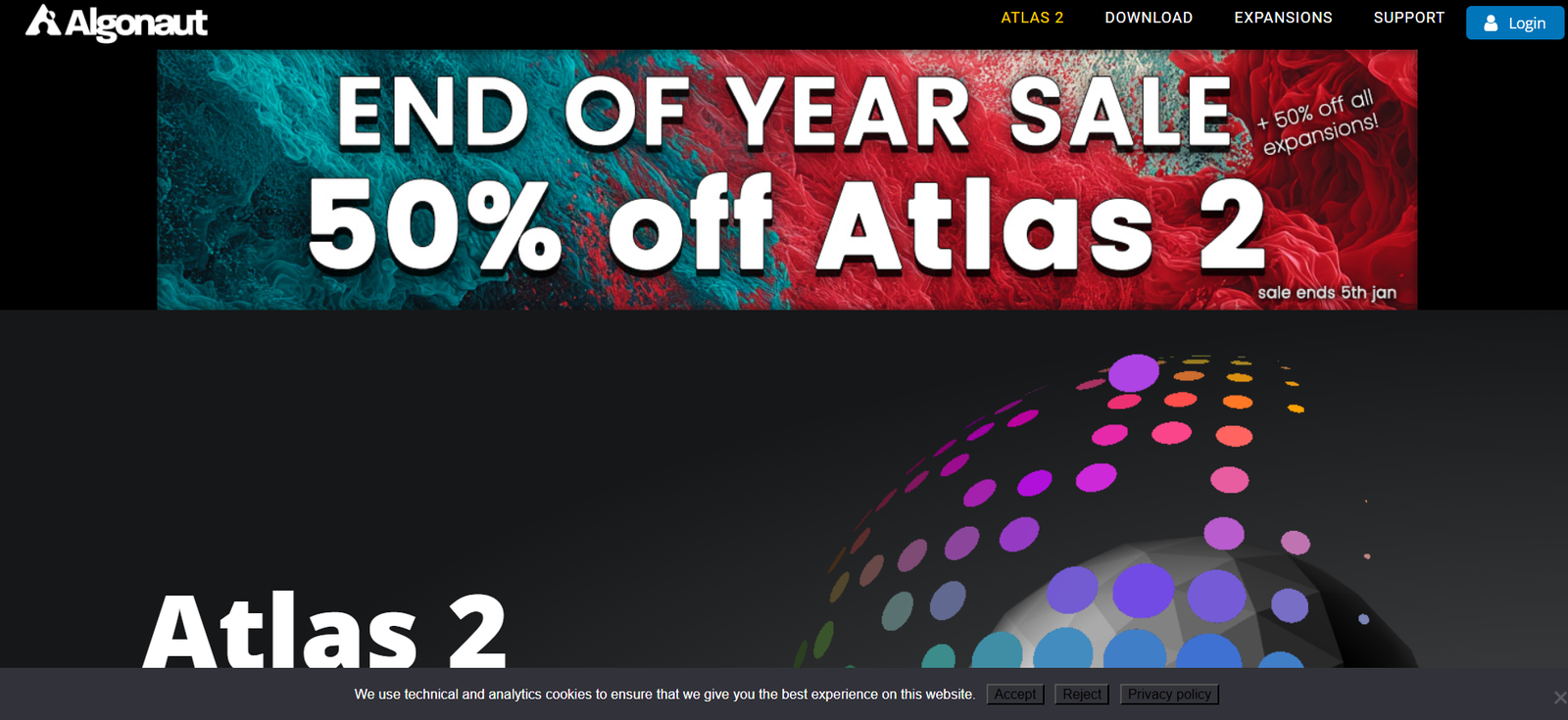
Algonaut Atlas is an AI-powered drum sample manager and beat-making assistant designed for music producers. It intelligently analyzes and organizes your sample library, allowing you to visually browse and discover sounds in an intuitive map-based interface. Atlas removes the chaos of digging through thousands of files by using machine learning to categorize your drum samples based on their sonic characteristics.
Instead of scrolling through endless folders and filenames, Atlas presents your sample collection as a dynamic, clickable map, where similar sounds are grouped together. It also includes a built-in sequencer and drag-and-drop functionality, so you can create beats, kits, and loops directly within the app or export them to your DAW with ease.
Atlas is built for producers of all skill levels who want to streamline their workflow, stay creative, and discover new sounds quickly.
Features
Atlas is packed with smart features that enhance music production workflows, especially for electronic, hip-hop, and experimental producers.
AI Sample Mapping: Uses machine learning to scan and analyze all your drum samples, organizing them into a visual 2D map where similar sounds are grouped together.
Sample Browser Map: Click and preview samples from a map-based interface instead of browsing file names. The map gives instant access to kick drums, snares, hi-hats, percussion, and more.
Kit Generator: Automatically generates custom drum kits from your sample library, giving you new sonic combinations in seconds.
Built-in Sequencer: Create drum patterns and loops using an intuitive step sequencer. Export MIDI or audio directly to your DAW.
Drag-and-Drop Workflow: Drag samples or entire kits straight into your digital audio workstation (DAW) for seamless integration.
Instant Auditioning: Preview samples in context with your beat without needing to load them into your DAW first.
Custom Sample Tags: Add your own tags to organize sounds further or categorize them for specific projects.
Sample Pack Support: Supports both individual samples and large sample packs—scans and maps them all instantly.
Plugin and Standalone Versions: Available as a VST/AU plugin for DAW integration, or as a standalone application.
Fast Rescanning: Quickly updates the sample map when new samples are added to your library.
How It Works
Atlas is designed to streamline and simplify the process of organizing and using drum samples.
Step 1 – Install Atlas: Download and install Atlas as a plugin or standalone application on macOS or Windows.
Step 2 – Load Sample Folders: Import your sample library by selecting folders on your drive. Atlas uses AI to scan and analyze each file.
Step 3 – Explore the Map: The app generates a 2D map that displays all samples visually, organized by sonic similarity. Click on a dot to hear the sound.
Step 4 – Generate Kits: Use the “New Kit” button to instantly generate a playable drum kit from your mapped samples.
Step 5 – Make Beats: Use the built-in sequencer to create drum loops. Test different kits and swap sounds quickly for creative exploration.
Step 6 – Export to DAW: Once you’re happy with your loop or kit, drag the samples or MIDI into your DAW for further arrangement and production.
Use Cases
Algonaut Atlas is an essential tool for many types of music creators:
Electronic Music Producers: Quickly discover and audition kicks, snares, hats, and percussion for genres like house, techno, and dubstep.
Hip-Hop and Trap Beatmakers: Build unique kits, swap samples, and cook up beats without the drag of file browsing.
Sound Designers: Use Atlas to explore large collections of one-shots and build new textures by combining samples creatively.
Music Educators: Teach beat-making and sampling with a visual tool that’s easier to understand than a traditional file system.
Producers with Big Sample Libraries: Organize thousands of sounds automatically and find what you need fast.
Beginners: Start making beats right away without needing deep technical knowledge or DAW experience.
Pricing
As of the latest available information on the official website, Algonaut Atlas is available for a one-time purchase:
Atlas 2 – $99 USD (one-time license)
This includes:
Lifetime access to Atlas 2
VST, AU, and standalone versions
AI-powered sample analysis and map
Kit builder and sequencer
Free updates within the version 2 product cycle
There is a free trial available, allowing users to explore the core features of Atlas before purchasing.
No subscriptions are required, and there are no ongoing fees. All purchases are made directly through the Algonaut website.
Strengths
Algonaut Atlas brings several key strengths to the producer workflow:
Time-Saving Organization: AI automatically organizes your sample library, saving hours of manual sorting and renaming.
Intuitive Interface: The visual map and built-in sequencer make browsing and creating beats more fluid and enjoyable.
Creative Exploration: Random kit generation and fast auditioning encourage experimentation and discovery.
No DAW Required: Create beats and try out sounds even before launching your main music production software.
One-Time Payment: No subscriptions—pay once and own it forever, with free updates for the version.
Cross-Platform Support: Works on macOS and Windows, and integrates with all major DAWs through VST/AU.
Drawbacks
While Atlas is a powerful tool, it may not suit every workflow or user:
Focused on Drum Samples: Atlas is optimized for one-shot percussion and drum samples—it’s not designed for melodic or loop-based samples.
Limited Sequencing: While useful, the built-in sequencer is basic compared to a full DAW or beat-making software.
No Cloud Sync: Sample libraries are stored locally; there’s no cloud backup or multi-device syncing.
No Mobile Version: Atlas is desktop-only, which may limit use for producers who work on iPads or other mobile devices.
Learning Curve for Power Users: While beginner-friendly, experienced producers may want more control over mapping algorithms or manual curation options.
Comparison with Other Tools
Algonaut Atlas sits between sample managers and creative beat-making tools.
Compared to XO by XLN Audio, Atlas offers similar AI-based mapping, but at a lower one-time price with fewer effects and less sequencing depth.
Against Loopcloud, Atlas is fully offline and doesn’t require a subscription or rely on cloud samples. It’s ideal for users with their own collections.
Compared to DAW browsers, Atlas gives a more intuitive, visual way to explore sounds and doesn’t require sample preview setup inside the DAW.
It’s best suited for users who want a fast, efficient way to manage samples and build kits, without the complexity or commitment of larger platforms.
Customer Reviews and Testimonials
Atlas has been praised by music producers, sound designers, and reviewers across the industry. Users consistently highlight:
– How quickly they can find the right sound
– The joy of random kit generation
– A massive reduction in time spent browsing folders
– Better use of existing samples they forgot they had
– Integration into every DAW without issues
Independent beatmakers and professional producers alike have called Atlas a “game-changer” for workflow efficiency and creativity.
To explore user feedback and community content, visit Algonaut’s official site or social media channels.
Conclusion
Algonaut Atlas is a smart, fast, and inspiring way to manage drum samples and create beats. By applying machine learning to your existing library, it transforms chaotic folders into an organized, playable instrument. Whether you’re a bedroom beatmaker or a professional producer, Atlas helps you stay in the creative zone by removing the friction of sample hunting.
With a one-time price, built-in sequencer, and intuitive interface, Algonaut Atlas is one of the best tools available for producers looking to streamline their workflow and rediscover their sound collection.
For anyone working with drum samples on a regular basis, Atlas is an investment that pays off in time saved, inspiration gained, and beats created.