
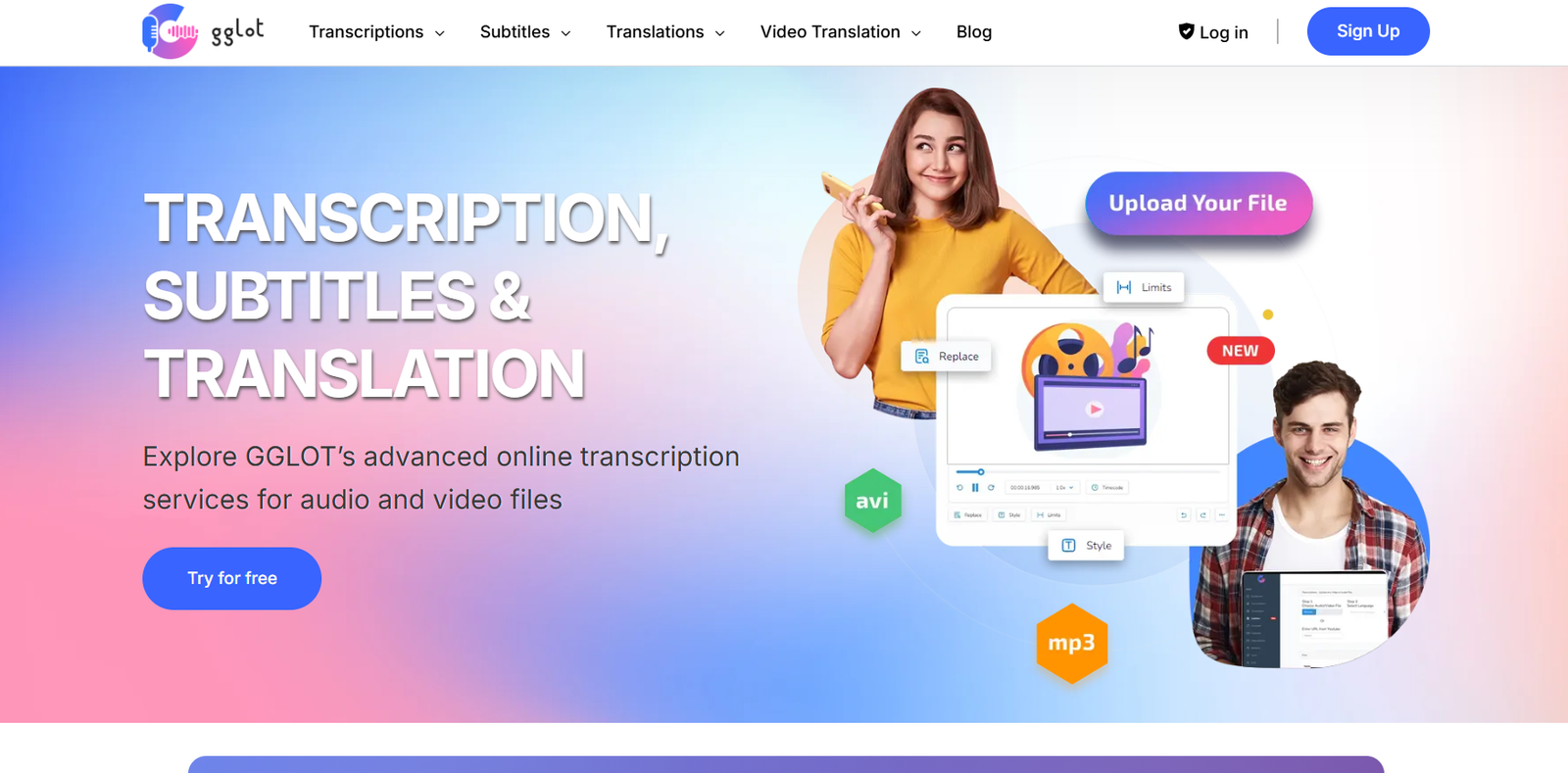
Gglot is a web-based audio and video transcription and translation tool that helps users convert spoken content into text across more than 100 languages. It is designed to simplify the process of creating subtitles, transcripts, and translations for podcasts, interviews, webinars, meetings, and videos.
Unlike traditional transcription services that rely on manual work or expensive software, Gglot uses artificial intelligence to quickly and affordably transcribe content with high accuracy. The platform is used by content creators, marketers, educators, journalists, and businesses that need to repurpose spoken content for documentation, SEO, accessibility, or global reach.
Gglot runs entirely in the browser, requiring no installation or technical expertise. Its user-friendly interface and flexible pricing make it a go-to solution for anyone needing fast, accurate, and multilingual transcription and translation services.
Features
Gglot offers a range of powerful features to streamline the process of audio and video transcription:
AI-Powered Transcription
Convert audio and video files into written transcripts using fast and accurate speech recognition algorithms.
Multilingual Support
Transcribe and translate content in over 100 languages, including Spanish, French, German, Japanese, Arabic, and many more.
Built-in Editor
Edit transcriptions directly in your browser with a clean, intuitive text editor synced with the audio.
Speaker Identification
Automatically identify and label different speakers in interviews or multi-person conversations.
Subtitle Export
Generate subtitle files such as SRT or VTT for videos to publish on platforms like YouTube, Vimeo, or websites.
Audio and Video Upload
Upload files in multiple formats including MP3, MP4, WAV, MOV, AVI, and more.
Translation Services
Translate existing transcripts into other languages to create multilingual content from one source file.
Export Options
Download transcripts in text formats like TXT, DOCX, SRT, and VTT for documentation or distribution.
Timestamps and Synchronization
Automatically generate time-coded transcripts to help match spoken content with video or audio playback.
Affordable Pricing
Flexible pay-as-you-go pricing with no monthly subscription required, making it ideal for occasional users.
Browser-Based
No need to install software. Everything is done in the cloud via a secure online platform.
Bulk Uploads
Transcribe multiple files at once, which is useful for agencies or companies with high transcription volume.
API Access
Available for developers and enterprises that want to integrate transcription services into their workflows.
How It Works
Gglot works through a simple three-step process:
First, the user uploads an audio or video file directly into the platform. Gglot supports various file formats and uploads from a computer or a device. Once the file is uploaded, the system begins automatic transcription using AI-based speech recognition.
The transcription is completed within minutes, depending on the file size and language complexity. Users are then presented with a browser-based text editor where they can view and edit the transcript. Features like timestamps, speaker tags, and real-time audio syncing allow for precise corrections or formatting.
If needed, the user can choose to translate the transcript into another language. After final edits, the transcript or subtitles can be downloaded in multiple file formats for use in videos, blogs, reports, or official documentation.
Everything takes place in the cloud with no software installation, and the tool works on both Windows and macOS.
Use Cases
Gglot is used across a wide range of industries and professions where converting audio to text adds value:
Podcast Transcription
Convert podcast episodes into readable transcripts for SEO, accessibility, or content repurposing.
Video Subtitles
Add subtitles to YouTube, training, or marketing videos to increase engagement and comprehension.
Meeting Notes
Transcribe recorded meetings to capture discussion points, decisions, and tasks for accurate follow-ups.
Interview Transcription
Journalists and researchers use Gglot to transcribe interviews quickly for quoting or archiving.
Online Courses
Educators use Gglot to provide written transcripts or subtitles for lectures and tutorials.
Content Localization
Translate podcasts, interviews, and presentations into other languages to reach global audiences.
Legal and Compliance
Maintain accurate records of hearings, depositions, or client calls in regulated industries.
SEO and Blogging
Repurpose audio content into blog posts, articles, and searchable text to drive organic traffic.
Accessibility Support
Provide transcripts for hearing-impaired audiences to meet accessibility standards.
Marketing Agencies
Transcribe client calls, research interviews, or focus group sessions to inform campaigns.
Pricing
According to the official Gglot pricing page, the platform uses a pay-as-you-go model and subscription plans to suit different users:
Starter Plan – Free
1-minute sample transcription
Explore the platform before paying
Limited feature access
Basic Plan – $0.10 per minute
Pay-per-use transcription
Access to full features
Multilingual support
Export and editing tools
Pro Plan – $9.90/month
30 minutes of transcription included monthly
Discounted per-minute rates after that
Full editor and export features
Access to translation services
Business Plan – $24.90/month
120 minutes included
Priority processing
Bulk uploads
API access for integrations
Team collaboration features
Custom Enterprise Plans
For organizations with high volume or integration needs
Dedicated support and invoicing
Contact sales for quotes
There are no hidden fees, and unused minutes may not roll over, so users only pay for what they use.
Strengths
Gglot provides many benefits that make it a compelling choice for both individuals and businesses:
Fast and accurate AI transcription
Easy to use with no learning curve
Browser-based with no installation
Supports over 100 languages and dialects
Affordable for occasional and frequent users
Multiple export formats including subtitles
Translation built into the platform
Excellent for multilingual content creation
Flexible pricing without contracts
Reliable customer support for paid users
Drawbacks
While Gglot is a strong transcription solution, some limitations should be considered:
Free plan is extremely limited to 1 minute
Accuracy can vary with low-quality audio or heavy accents
Speaker identification may not always be precise
Limited editing features compared to full word processors
No mobile app as of now
Human transcription is not available for users needing 100% accuracy
Bulk translations can become costly without a plan
No live transcription or real-time capture tools
Despite these minor issues, Gglot remains an effective tool for most transcription needs.
Comparison with Other Tools
Gglot vs Otter.ai
Otter.ai offers real-time meeting transcription with collaboration tools. Gglot focuses more on post-production file transcription and translation.
Gglot vs Rev
Rev offers 100% human transcription, but at a higher price. Gglot provides faster and cheaper AI-based results suitable for many use cases.
Gglot vs Descript
Descript includes audio editing and podcast tools. Gglot is simpler and better suited for quick transcription and subtitle generation.
Gglot vs Sonix
Sonix has more features for enterprise users, while Gglot is more affordable and accessible to individuals and small teams.
Gglot vs Happy Scribe
Both offer multilingual transcription and translation. Gglot stands out for its flexible pricing and browser-based simplicity.
Customer Reviews and Testimonials
Gglot is widely appreciated by content creators, businesses, and educators for its speed and affordability:
“I transcribed my entire podcast archive in hours, not days.”
“The multilingual support helped me localize training content for our global team.”
“Clean interface and fast turnaround—exactly what I needed.”
“Subtitles for our YouTube channel have never been easier to create.”
“Affordable transcription without sacrificing quality.”
On Product Hunt, Gglot receives praise for its straightforward workflow, accessible pricing, and wide language coverage.
Conclusion
Gglot is a fast, accurate, and affordable tool for converting audio and video into text. With multilingual support, subtitle export, AI-based transcription, and translation features, it’s an ideal choice for creators, educators, marketers, and businesses who want to save time and expand the reach of their content.
Whether you need to transcribe an interview, subtitle a webinar, or translate a podcast into multiple languages, Gglot delivers a complete solution in your browser without the need for complex software or expensive services.
For users looking for a practical, cost-effective transcription and translation tool, Gglot offers an excellent balance of performance, usability, and value.


