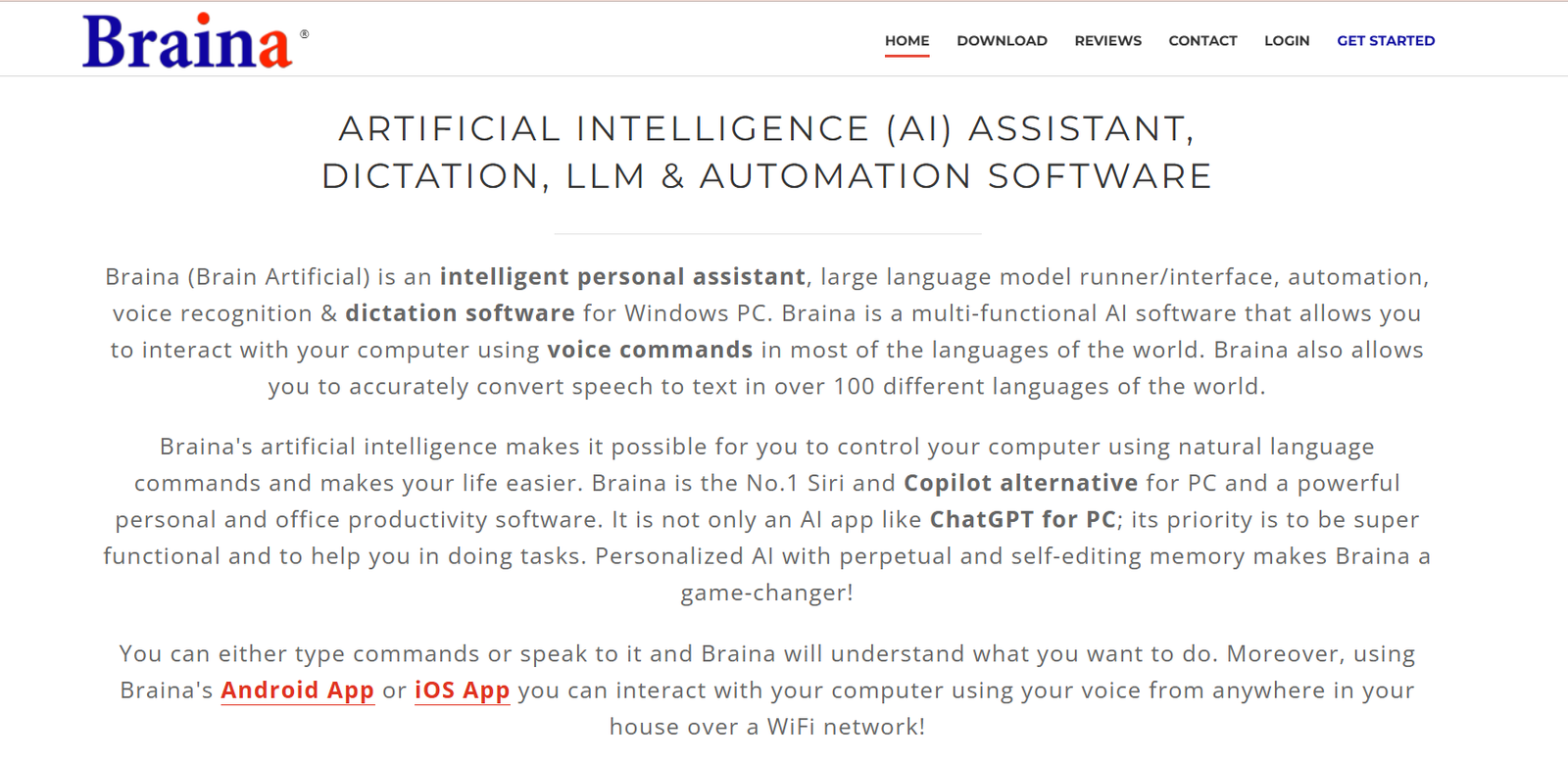
Brainasoft is a software company that develops AI-powered voice assistants and desktop automation tools for Windows users. Known for products like VoiceBot and Artificial Intelligence Bot (AIB), Brainasoft focuses on enhancing computer accessibility, automating daily tasks, and offering voice command capabilities. The tools are designed for individual users, professionals, and those with physical limitations, enabling a hands-free computing experience. Brainasoft combines speech recognition with automation features to help users interact with their computers more naturally and efficiently.
Features
Brainasoft provides several products, each offering unique AI and voice interaction features for desktop users.
VoiceBot
A desktop assistant that performs tasks through voice commands. Users can open programs, search the web, send emails, and control Windows settings using speech.
AIB (Artificial Intelligence Bot)
An AI-powered chatbot that can learn from conversations, answer questions, and assist users in real time. It supports scripting and basic logic functions.
Text to Speech (TTS) Engine
Converts text into natural-sounding speech, supporting multiple voices and customizable output. Useful for accessibility and content playback.
Desktop Automation
Enables users to automate routine tasks like launching software, typing text, or running scripts using simple commands or voice prompts.
Multilingual Support
Voice assistants can recognize and speak multiple languages, making them useful for global users.
Custom Commands
Users can create and train the bot to recognize custom phrases and trigger specific actions based on personal needs.
Minimal System Requirements
Designed to run efficiently on standard Windows systems without heavy resource consumption.
Offline Functionality
Most tools are available for offline use, making them suitable for low-connectivity environments.
How It Works
Brainasoft’s applications are desktop-based and run on Windows operating systems. Users install the software and set up their voice preferences, including language, command words, and output voice. Once configured, the system listens for voice commands and executes actions accordingly.
With VoiceBot, users can say commands like “Open Notepad,” “Search Google for weather,” or “Shutdown the computer.” The assistant listens, processes the command using speech recognition, and performs the action. Advanced users can set up custom scripts to expand its functionality.
AIB functions as a conversational AI. It can respond to general questions, provide answers based on its knowledge base, and be trained to handle domain-specific queries. The AI learns over time and supports manual editing of its logic and responses.
These tools work primarily offline and do not require a cloud connection, ensuring privacy and security for local automation.
Use Cases
Brainasoft tools are useful for a wide range of users looking to improve accessibility, automate tasks, or use voice interaction.
Accessibility
Helps users with mobility challenges operate their computers hands-free using speech recognition.
Productivity
Automates repetitive tasks such as launching applications, typing emails, or managing files using voice commands.
Customer Support
AIB can be used as a local chatbot to assist users with common queries or system navigation.
Education
Students can use voice tools for learning assistance, content review, or controlling devices during study sessions.
Tech Hobbyists
Experiment with voice commands, create custom automations, or develop personal AI-based assistants.
Home and Office
Control various system functions or initiate automated sequences for daily computer use.
Pricing
Brainasoft offers both free and paid versions of its software.
VoiceBot
Free version with limited features
Premium license available with advanced voice control and automation
One-time purchase model with lifetime access
AIB (Artificial Intelligence Bot)
Free trial available
Paid version unlocks full scripting, customization, and learning features
Text to Speech Tools
Some tools are free, while advanced TTS software may require a license for premium voices or export capabilities
You can view the most current pricing and licensing options at https://www.brainasoft.com
Strengths
Brainasoft’s main strength is its focus on offline, AI-powered voice control and automation for Windows users. It provides lightweight and privacy-respecting tools that do not rely on cloud services. The software is accessible, easy to use, and highly customizable. The ability to create custom commands and automate system tasks adds flexibility for a range of use cases. These tools are particularly valuable for accessibility and basic desktop automation without requiring coding knowledge.
Drawbacks
Brainasoft tools are currently limited to Windows and do not support macOS or Linux. The interface may appear outdated compared to newer AI platforms, and documentation is minimal. Voice recognition quality may vary based on microphone and background noise. Integration with third-party apps is limited, and there is no mobile version or cloud sync. Users seeking modern AI assistants with broader ecosystem integration may find the features basic.
Comparison with Other Tools
Compared to tools like Dragon NaturallySpeaking, Brainasoft is more lightweight and affordable but less advanced in voice recognition accuracy. Unlike Google Assistant or Amazon Alexa, Brainasoft runs entirely offline, which is better for privacy but lacks cloud-based intelligence and smart device integration. Tools like Jarvis.ai focus on content generation, while Brainasoft’s AIB is more of a command-and-response system. For users seeking offline desktop automation with voice input, Brainasoft offers a practical, low-cost alternative.
Customer Reviews and Testimonials
User feedback highlights Brainasoft as a useful solution for accessibility and basic automation. Many users with physical disabilities appreciate the voice-first interface that allows them to use computers independently. Tech hobbyists enjoy the customization options, while students and office workers find value in automating routine desktop actions. Some users note limitations in natural language understanding, but overall satisfaction is high for those with realistic expectations of a desktop-based assistant.
Conclusion
Brainasoft provides a unique suite of offline AI tools focused on voice commands, desktop automation, and user accessibility. With products like VoiceBot and AIB, it brings AI capabilities to Windows users in a simple and cost-effective way. While it may not compete with cloud-based voice assistants in features or design, its privacy-focused and customizable approach makes it valuable for users who want basic voice automation without internet dependency. For individual users and accessibility needs, Brainasoft is a reliable and practical choice.