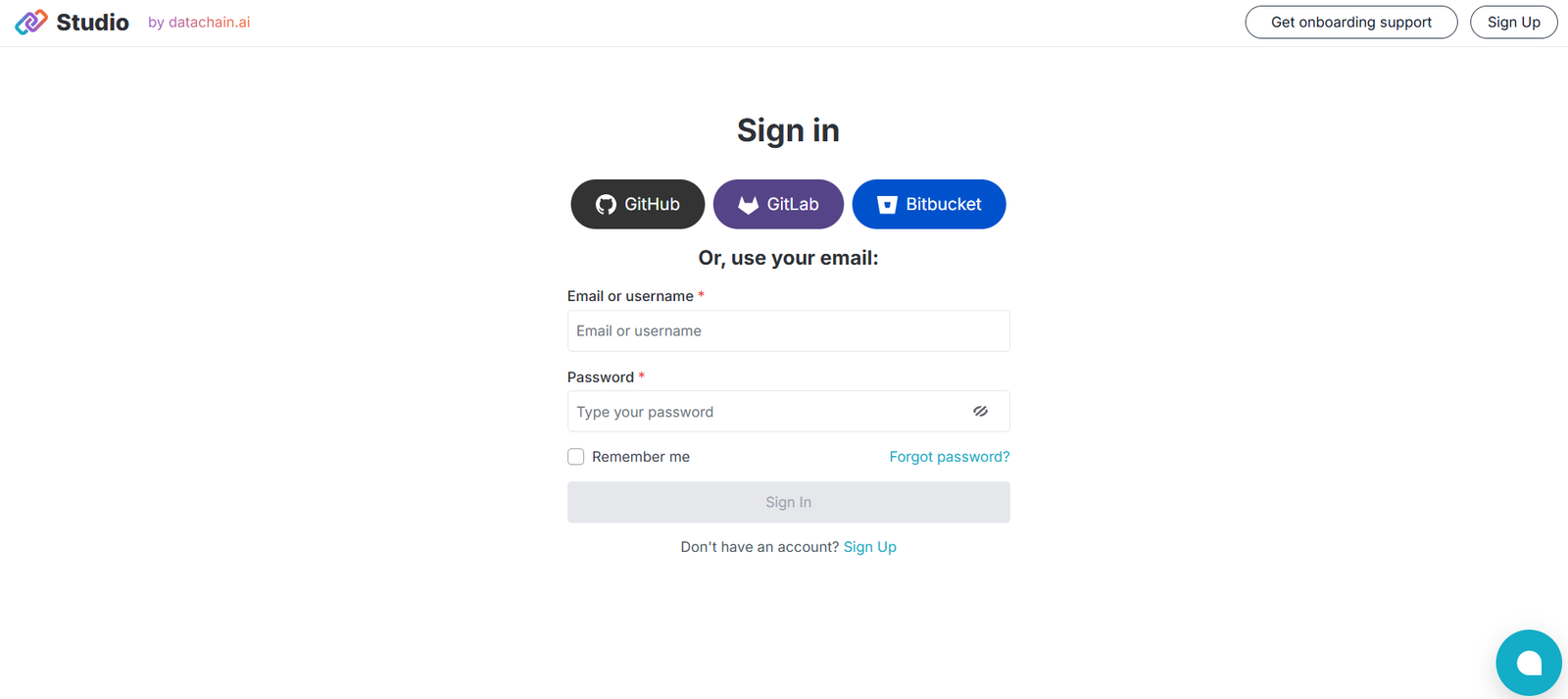
Datachain Studio is a no-code platform designed to simplify the creation, testing, and deployment of AI-powered workflows. Built for both technical and non-technical users, Datachain Studio enables businesses to orchestrate AI agents, tools, and models without writing code. The platform connects large language models (LLMs), APIs, and third-party services into cohesive workflows that can be deployed as internal tools, chatbots, or automation processes. It is ideal for teams looking to integrate AI into their operations without building complex infrastructure from scratch.
Features
Datachain Studio offers a comprehensive set of features focused on streamlining AI workflow development:
No-Code Workflow Builder: Drag-and-drop interface to connect LLMs, APIs, functions, and agents into workflows.
Built-in AI Agent Support: Use and customize AI agents powered by models like GPT-4, Claude, and others.
Third-Party Integrations: Connect to external APIs, tools, and data services without manual coding.
Prompt Engineering Interface: Test, compare, and refine prompts directly within the platform.
Data Mapping: Input and output mapping tools to handle structured and unstructured data.
Deployment Tools: Deploy AI workflows as endpoints or applications with one click.
Collaboration Features: Invite team members to build, review, and maintain workflows together.
Monitoring & Debugging: Track performance, logs, and output behaviors for testing and improvement.
These features make it easy to prototype and operationalize AI applications in a controlled, user-friendly environment.
How It Works
Users start by logging into the Datachain Studio interface and creating a new workflow using a visual canvas. Each component—such as an LLM, API, or decision logic—is added as a node. Users configure each node by setting inputs, parameters, and expected outputs. Workflows can be tested in real-time with actual inputs, and outputs are logged for review. Once finalized, the AI workflows can be deployed as APIs or integrated into existing apps via endpoints. Collaboration tools allow multiple stakeholders to participate in workflow design, review, and iteration.
Use Cases
Datachain Studio supports a wide range of AI-driven automation and application development scenarios:
Customer Support Chatbots: Build intelligent bots that respond to customer queries using LLMs and connected data sources.
Internal Tools: Automate document analysis, report generation, and knowledge retrieval.
Sales Enablement: Create workflows to qualify leads, generate email responses, or summarize CRM data.
Legal and Compliance Automation: Extract information from contracts, validate policy adherence, or analyze documents.
Data Enrichment: Use LLMs and APIs to enhance raw datasets with contextual or summarized information.
Research Assistants: Deploy intelligent agents that gather, synthesize, and respond with relevant research outputs.
These use cases span industries from SaaS and finance to healthcare, legal, and e-commerce.
Pricing
As of the latest available information, Datachain Studio offers the following plans:
Free Tier: Suitable for individuals and small teams experimenting with AI workflows. Limited in features and usage quotas.
Pro Plan: Paid monthly subscription for professionals needing more nodes, usage, and API access.
Enterprise Plan: Custom pricing with advanced features like on-prem deployment, dedicated support, and SLAs.
Full pricing details can be accessed by signing up or contacting the sales team through the official website.
Strengths
Datachain Studio stands out for making AI integration approachable to non-developers. The no-code interface, combined with support for powerful LLMs and external APIs, empowers a wide range of users to build useful AI-powered tools quickly. It removes the barrier of backend development while still offering flexibility and control. The built-in prompt testing and debugging capabilities also make it ideal for iterative experimentation and production deployment.
Drawbacks
While intuitive for basic workflows, more complex logic or advanced customization may still require technical knowledge. Users with highly specific integration needs may find limitations in available connectors or logic functions. As a relatively new tool, third-party integration support may evolve over time. Also, performance and scaling at enterprise levels would require deeper evaluation for mission-critical applications.
Comparison with Other Tools
Datachain Studio competes with other no-code and low-code AI platforms such as Langflow, Flowise, and Zapier for AI integrations:
Langflow offers similar LLM workflow building but with a more developer-centric approach.
Flowise is also open-source and flexible but may require more manual setup and lacks SaaS-level polish.
Zapier focuses on app automation but lacks native LLM and AI workflow management capabilities.
Datachain Studio combines visual design with AI-native capabilities, targeting business teams and product managers who want to operationalize AI without engineering dependencies.
Customer Reviews and Testimonials
While public reviews are still limited due to its early stage, initial feedback from users emphasizes the ease of use, rapid prototyping, and clean UI. Teams working in startups and innovation labs have found it useful for quickly testing ideas and deploying internal tools. The collaboration features are well-received by cross-functional teams. Early adopters also note that the platform is evolving quickly, with frequent feature updates and strong responsiveness from the support team.
Conclusion
Datachain Studio is a powerful no-code AI workflow builder that allows users to integrate LLMs, APIs, and automation tools into practical business applications. With its visual interface, robust prompt testing, and deployment features, it enables teams to accelerate AI adoption without deep technical investment. Whether you’re building an internal assistant, automating research, or enhancing customer experiences, Datachain Studio offers a scalable and user-friendly solution to get from idea to implementation faster.