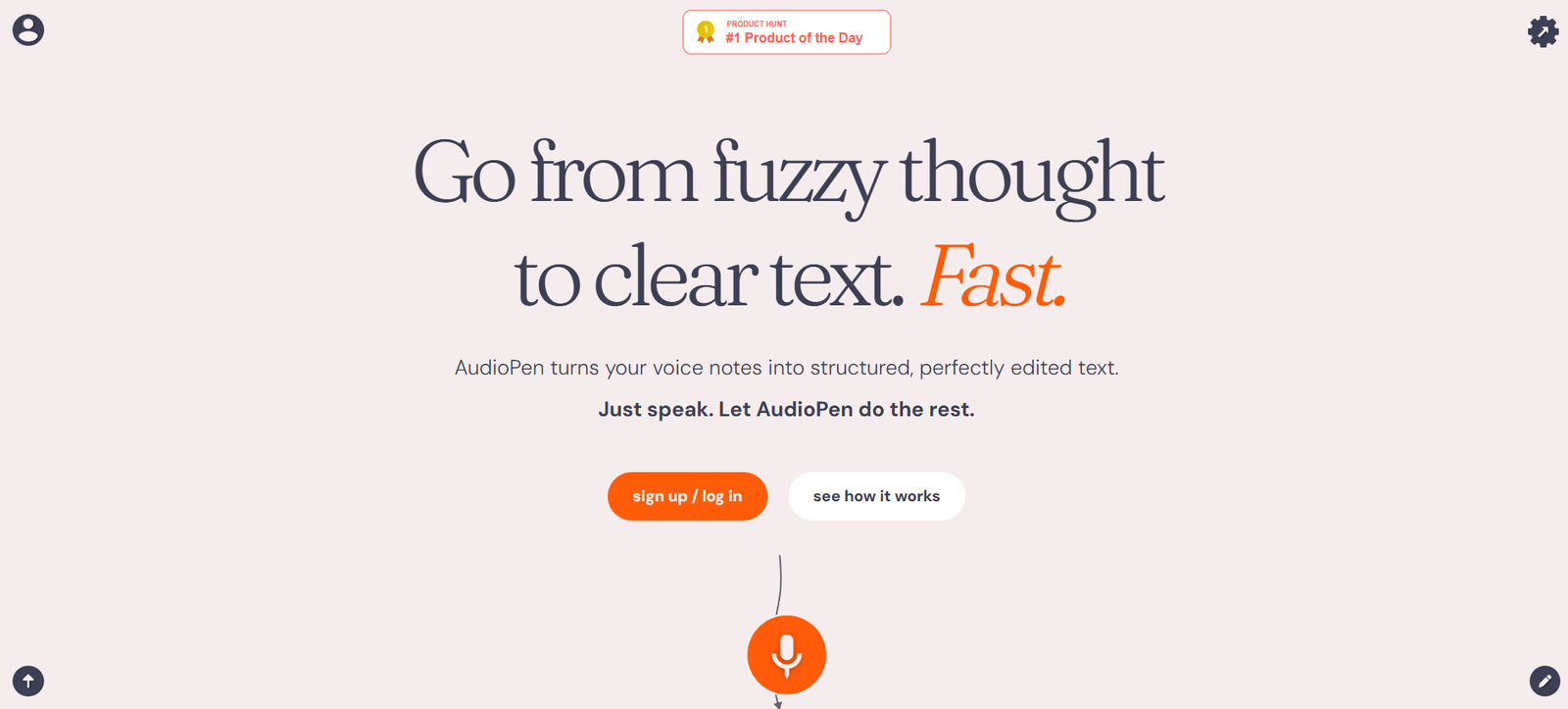
AudioPen is a lightweight AI-powered tool that helps you convert voice notes into clear, concise, and organized written content. Whether you’re brainstorming, journaling, outlining articles, or drafting emails, AudioPen makes it easy to speak your thoughts and have them returned as polished, readable text.
It’s designed for those who think better out loud but don’t have the time or energy to write everything down. With a single tap, you can speak into your phone or computer, and within seconds, AudioPen transforms your messy, unstructured voice note into something clean and useful.
Created by a solo founder, AudioPen has grown rapidly due to its simplicity, usefulness, and focus on improving thinking and writing workflows for busy people.
Features
AudioPen offers a distraction-free interface where users can quickly record thoughts on the go. After recording, the platform processes the audio and returns a summarized and structured text version, often more coherent than a traditional transcription.
The AI doesn’t just transcribe—it rewrites your spoken words into a more organized format, removing filler words, hesitations, and rambling. The result reads like a refined note, article draft, or journal entry, depending on how you choose to use it.
Users can customize the tone and style of the output. Whether you want it to sound casual, professional, or poetic, AudioPen adapts. You can also choose between summarizing your voice or transcribing it more faithfully.
Everything you record and convert is saved in your personal library. You can tag notes, search them by keyword, and export them for use in newsletters, blog posts, or personal documentation.
It works across devices with no installation required. Just visit the website, log in, and start speaking. Premium users also get access to longer recording durations, custom tone presets, and better export options.
How It Works
AudioPen is incredibly simple to use. You open the website on your phone or browser, press record, and speak. Once you finish talking, the AI processes your voice note in a few seconds and returns a cleaned-up, structured version of what you said.
Unlike traditional voice memo apps, AudioPen isn’t just playing back your audio or giving you a raw transcript. It actively improves the clarity and flow of your thoughts, cutting out the fluff and turning your ramblings into something publishable or personally valuable.
You can adjust how much interpretation the AI does. Choose a more literal transcription if you want an accurate record, or opt for a rewritten summary to get a clean version of your thoughts.
Once your note is ready, you can copy, download, or save it. Notes are stored in your personal account for future access. You can tag or categorize them, and everything remains private unless you choose to share.
Use Cases
AudioPen is perfect for writers and bloggers who want to quickly capture and structure their ideas without sitting down to type. Instead of staring at a blank page, they can just speak their thoughts and let AudioPen handle the formatting.
Coaches, consultants, and therapists use it to record client session reflections, capture follow-up ideas, or prepare personalized messages. It’s a time-saving way to jot down thoughts that would otherwise be lost.
Students and educators use AudioPen to summarize lectures, record research ideas, or create first drafts of assignments. The ability to speak freely and receive structured output supports better retention and expression.
Busy professionals use it to draft emails, memos, or meeting notes while walking or commuting. AudioPen helps them stay productive without having to switch into writing mode.
It also works beautifully for journaling. Instead of typing emotional reflections or daily recaps, users speak freely, and AudioPen turns it into clean, readable journal entries.
Pricing
AudioPen offers both a free and a premium version. The free version includes basic functionality with limits on recording time and fewer customization options. It’s ideal for testing the platform and casual use.
The premium version, called AudioPen Pro, unlocks longer recordings, priority processing, customizable writing styles, and advanced features like exporting your notes to email or other platforms.
As of the latest information, AudioPen Pro is available for a one-time payment rather than a recurring subscription, making it more accessible and cost-effective over time.
Exact pricing is available on the AudioPen pricing page, and users can upgrade directly through the site. There’s no installation or app download required—everything runs in the browser.
Strengths
AudioPen’s biggest strength is its simplicity. There’s no learning curve, no software to install, and no cluttered interface. You just open the site, speak, and get structured output in seconds.
Its ability to rewrite rather than simply transcribe makes it stand out. While many tools offer voice-to-text features, AudioPen enhances clarity, flow, and readability—turning raw thoughts into refined drafts.
The platform respects user privacy and doesn’t overcomplicate its feature set. It does one thing—turning voice notes into useful text—and it does it well.
Cross-device compatibility makes it convenient. Whether you’re on your phone or laptop, you can pick up where you left off.
The one-time pricing model also sets it apart from the wave of subscription-based tools. You pay once and get access to premium features without worrying about monthly charges.
Drawbacks
AudioPen currently works only in your browser, and while it functions well on mobile, some users might prefer a dedicated mobile app for offline access or added convenience.
It’s also not built for collaborative work. There are no sharing or commenting features within the app itself, so users need to export notes to collaborate externally.
The tool is best suited for short- to medium-length recordings. While it handles longer notes with the Pro version, it’s not designed for full podcast editing or multi-speaker conversations.
Audio is processed through AI, so while results are usually high quality, the output may occasionally need light editing, especially if the input is complex or unclear.
Comparison with Other Tools
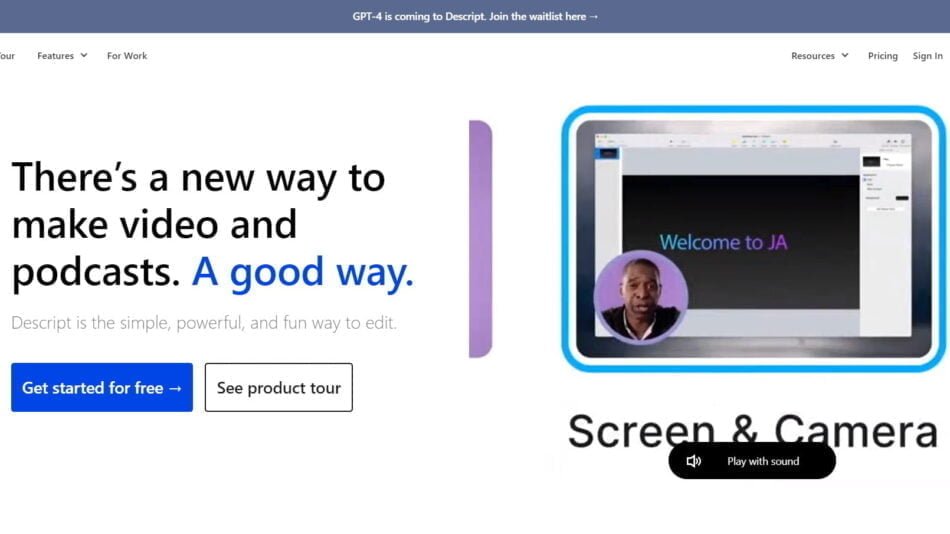
AudioPen can be compared with tools like Otter.ai, Descript, and Voice Notes apps. Otter focuses on transcriptions and collaboration, Descript is ideal for audio editing and podcast production, while standard voice memo apps simply record and store audio.
AudioPen stands out by turning spoken thoughts into structured, coherent writing. It doesn’t just document—it interprets and refines. This makes it better suited for journaling, idea development, and solo brainstorming.
Compared to Descript, which requires learning editing tools, AudioPen is more casual and faster for everyday thinkers. It’s not trying to be a production tool, but a thought processor.
It also offers better clarity and summarization than most raw transcription apps, making it ideal for those who want to speak once and receive something ready to read or publish.
Customer Reviews and Testimonials
AudioPen has received glowing feedback from users across industries. Creators praise its ability to help them get unstuck and start writing without overthinking. Professionals mention how it makes them more productive during walks or commutes.
One user shared that AudioPen helped them capture ideas for their book while on the move, allowing them to “write” chapters without sitting at a keyboard.
Another mentioned how it turned their scattered voice notes into focused, usable content that they could easily share with clients or use in newsletters.
Many also appreciate the single-payment model and the clean, minimalist experience that doesn’t distract from the core task of capturing and organizing thoughts.
Conclusion
AudioPen is a focused, intuitive, and surprisingly powerful tool that helps you speak your thoughts and receive clean, organized writing in return. Whether you’re journaling, drafting content, preparing emails, or just brainstorming, it makes the transition from voice to text smooth and thoughtful.
It’s ideal for anyone who thinks better aloud but struggles with writing things down—or simply doesn’t have the time. With features like customizable tone, a searchable note library, and no need to download anything, AudioPen offers a refreshingly simple way to make your voice work for you.
For creators, coaches, professionals, and everyday thinkers, AudioPen is a valuable companion that turns fleeting thoughts into lasting words.